

SEO Tools & Strategy
A practical, step-by-step guide to analyzing competitors, closing backlink gaps, and winning more organic traffic using Ahrefs. For a deeper walkthrough, see our Ahrefs: The Complete SEO Tool Guide for 2025.
Ahrefs domain comparison is the practice of placing two or more websites side by side inside Ahrefs’ toolset — using features like Site Explorer, Link Intersect, and Competing Domains — to measure differences in backlink authority, organic traffic, and keyword rankings. Done correctly, it transforms vague competitive instincts into a precise, prioritized action list. Whether you are a solo blogger or an agency managing dozens of clients, understanding how to run this analysis is one of the highest-leverage skills in modern SEO.
Quick Answer
Ahrefs domain comparison lets you evaluate any set of websites against each other using metrics like Domain Rating, referring domains, and organic traffic. The fastest path is: open Site Explorer → Competing Domains to see keyword overlap, then run Link Intersect to reveal backlink gaps you can target immediately.
What Is Ahrefs Domain Comparison?
At its core, ahrefs domain comparison is a structured competitive intelligence workflow. Rather than guessing why a competitor outranks you, you use Ahrefs’ data — sourced from one of the largest backlink indexes on the internet — to quantify the gap. The tool measures several dimensions simultaneously: the strength of a site’s backlink profile (Domain Rating), the raw number of unique linking websites (referring domains), estimated monthly organic search visits, and the total pool of ranking keywords.
According to Wikipedia’s overview of search engine optimization, backlink profiles remain one of the most significant signals search engines use to rank pages. Comparing your domain’s profile against competitors is therefore not optional — it is foundational.
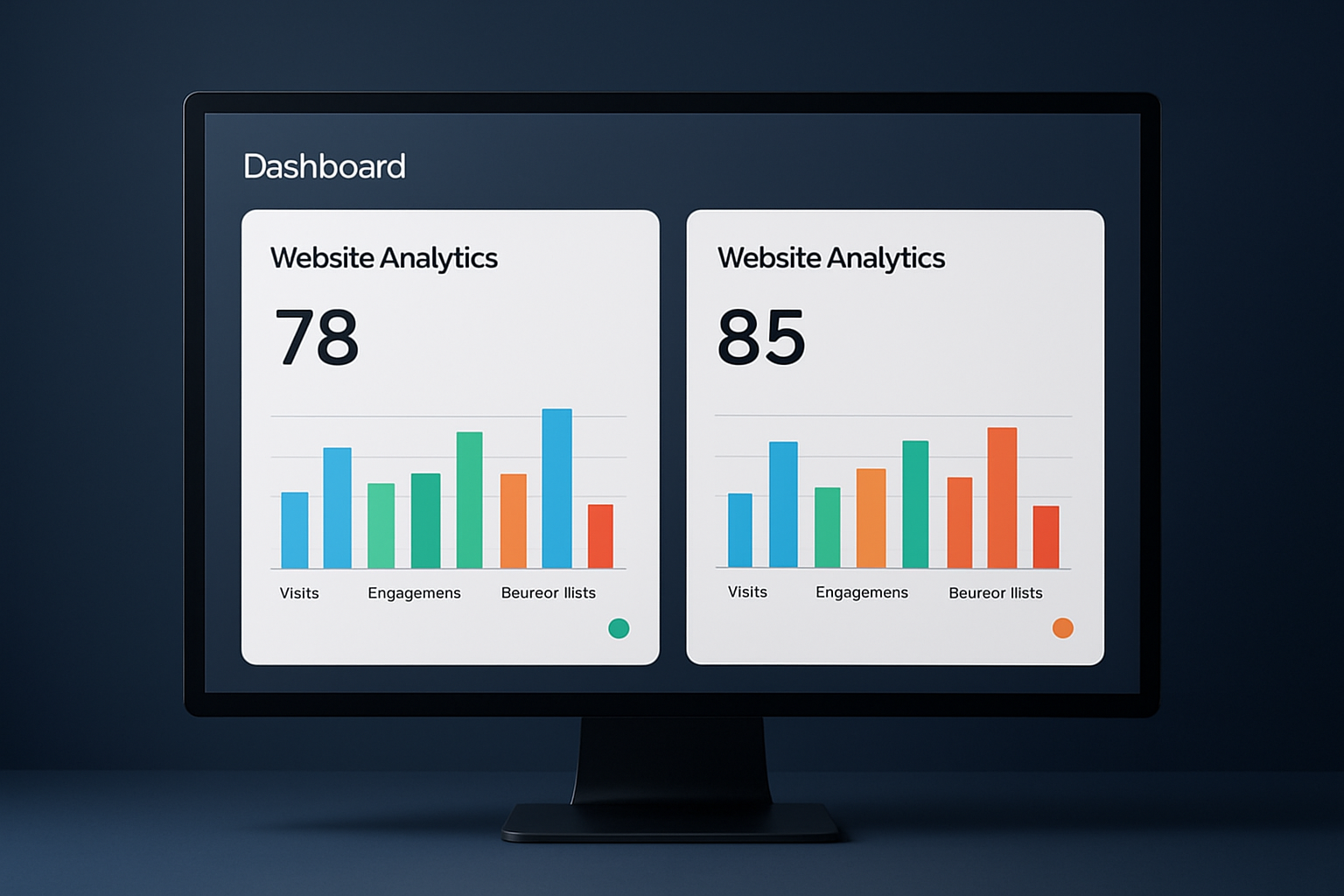
An ahrefs domain comparison view reveals critical metric differences between competing websites at a glance.
Key Metrics You Will Compare
Before running any report, it helps to know exactly what each number means and why it matters. For a deeper walkthrough, see our Ahrefs Authority: What It Is and Why It Matters.
Domain Rating (DR)
A logarithmic 0–100 score measuring the strength of a domain’s backlink profile. A jump from DR 50 to DR 60 requires far more effort than DR 10 to DR 20.
Referring Domains
The count of unique websites linking to a domain. More important than raw backlink count because one domain linking 100 times counts as one referring domain.
Organic Traffic
Ahrefs’ estimate of monthly clicks from organic search. Comparing this figure reveals whether a competitor’s authority translates into actual visitor volume.
Ranking Keywords
Total keywords a domain ranks for in the top 100 results. A large keyword footprint signals broad topical authority and content depth. For a deeper walkthrough, see our How to Leverage AI for Content Marketing Success.
How to Run an Ahrefs Domain Comparison: Step by Step
Follow these five steps to complete a full competitive domain analysis in under 30 minutes.
Open Ahrefs Site Explorer with Your Domain
Log in to Ahrefs and navigate to Site Explorer. Type your root domain into the search bar (e.g., yourdomain.com) and ensure the scope is set to Root domain — not Exact URL or Subdomain — so you capture all data for the entire site.
Identify Competitors via the Competing Domains Report
In the left sidebar, click Competing Domains under the Organic Search section. Ahrefs automatically surfaces the domains that rank for the most overlapping keywords. Review the list and note the top five to ten rivals — these are your primary comparison targets.
Run the Link Intersect Report
Navigate to Link Intersect (found under the Backlinks section). Enter your domain in the “But doesn’t link to” field, then add up to ten competitor domains in the top fields. Click “Show link opportunities” to generate a list of every referring domain that links to your competitors but not to you.
Filter for Dofollow Links and Sort by DR
Apply the Dofollow link type filter to remove nofollow links that pass no PageRank. Then sort results by Domain Rating (highest first) to prioritize the most authoritative prospects. Sites appearing in three or more of your competitors’ link profiles are especially high-value targets.
Export and Build Your Outreach List
Click Export to download the filtered results as a CSV. Remove domains outside your niche, strip obvious link farms, and import the clean list into your outreach CRM or a Google Sheet. Assign each prospect a link-building tactic — guest post, resource page, broken link replacement, or digital PR.

Translating ahrefs domain comparison data into a structured outreach plan is where most SEO gains are made.
Interpreting the Results: What the Numbers Actually Mean
Raw numbers without context mislead. A competitor with DR 75 and 50,000 monthly organic visits is not necessarily your most dangerous rival — if their keyword overlap with your site is only 12%, they compete in a different part of the market. Focus your comparison on domains with the highest keyword intersection percentage, not simply the highest DR.
Similarly, a site with 3,000 referring domains but only 8,000 monthly visits likely has a manipulated or low-quality link profile. Authentic authority shows up as a proportional relationship between referring domains, DR, and organic traffic. When those three metrics are misaligned, treat that domain’s backlinks with caution.
Pro Tip
Use the Content Gap tool alongside Link Intersect. While Link Intersect finds backlink opportunities, Content Gap reveals keywords competitors rank for that you do not. Running both simultaneously gives you a complete picture: what content to create and what links to build — the two pillars of closing any competitive gap. For a deeper walkthrough, see our AI Content Marketing Stats: 96 Key Insights Not to Be Missed.
Common Mistakes to Avoid
- Mismatched scope: Comparing a root domain against a competitor’s subfolder (e.g., blog.competitor.com) produces skewed DR and traffic figures. Always match scope — root to root, or subfolder to subfolder.
- Ignoring nofollow filters: Including nofollow links inflates the apparent opportunity pool. Most nofollow links from news sites and Wikipedia are non-transferable for SEO purposes. For a deeper walkthrough, see our Affiliate Links: Key Insights for SEO Success.
- Chasing DR alone: A DR 90 link from an irrelevant domain adds less value than a DR 55 link from a highly relevant, topically aligned site. Relevance and DR together determine real link value.
- Running the analysis once: Competitor backlink profiles change weekly. Schedule monthly ahrefs domain comparison reviews to catch new link opportunities before your competitors solidify their lead.
For a deeper dive into structuring your overall link-building strategy around competitive data, Rank Authority offers extensive guides on translating Ahrefs exports into scalable outreach campaigns. For a deeper walkthrough, see our What Are the Advantages of Using RankAuthority.com?.

Visualizing the backlink network reveals structural gaps that a standard ahrefs domain comparison report quantifies precisely.
Turning Comparison Data Into a Link-Building Roadmap
The output of an ahrefs domain comparison is only as valuable as the action it triggers. Once you have your filtered, exported prospect list, segment it into three tiers based on DR and relevance:
Tier 1 (DR 70+, high relevance): These are your anchor targets. Invest in digital PR campaigns, original research, or data studies that give these high-authority sites a compelling reason to link.
Tier 2 (DR 40–69, high relevance): Guest posting, resource page outreach, and expert contribution requests work well here. These links are achievable with moderate effort and move the needle meaningfully.
Tier 3 (DR 20–39, moderate relevance): Broken link building and unlinked brand mention reclamation are efficient tactics at this tier. Volume matters more than individual link quality here.
Resources like Rank Authority can help you build the outreach templates and CRM workflows that turn this tiered list into consistent link acquisition at scale. For a deeper walkthrough, see our Ahrefs vs Rank Authority: Which SEO Tool is Right for You?.
Frequently Asked Questions
What is ahrefs domain comparison?
Ahrefs domain comparison is the process of placing two or more websites side by side within Ahrefs tools — primarily Site Explorer and the Link Intersect or Content Gap features — to evaluate differences in backlink profiles, Domain Rating, organic traffic, and keyword rankings. It helps SEOs identify where competitors have an advantage and where link-building opportunities exist.
How do I compare two domains in Ahrefs?
Open Site Explorer, enter your domain, then navigate to the Link Intersect tool under the Backlinks section. Enter up to ten competitor domains and run the report to see which sites link to them but not to you. You can also use the Competing Domains report for an automatic side-by-side keyword overlap view.
What metrics does ahrefs domain comparison show?
Ahrefs domain comparison surfaces Domain Rating (DR), URL Rating (UR), total referring domains, total backlinks, organic search traffic estimates, and the number of ranking keywords. These metrics give a holistic picture of a domain’s authority and visibility relative to competitors. For a deeper walkthrough, see our Rank Authority vs. Ahrefs:The Definitive Comparison.
How is Domain Rating different from Domain Authority?
Domain Rating (DR) is Ahrefs’ proprietary metric scored on a logarithmic 0–100 scale based on the quantity and quality of a site’s backlink profile. Domain Authority (DA) is Moz’s equivalent metric using a similar scale but a different algorithm. Neither is a direct Google ranking factor, but both serve as useful proxies for link authority.
How many domains can I compare at once in Ahrefs?
The Ahrefs Link Intersect tool allows you to compare your domain against up to ten competitor domains simultaneously in a single report. The Competing Domains report automatically surfaces the top overlapping competitors without a manual entry limit.
Is ahrefs domain comparison available on all pricing plans?
Core domain comparison features like Site Explorer and Link Intersect are available on Ahrefs Lite, Standard, Advanced, and Enterprise plans. Some advanced filters and higher data row limits are restricted to Standard and above. A limited free version is available through Ahrefs Webmaster Tools for sites you own.
What is the best use case for ahrefs domain comparison?
The most impactful use case is backlink gap analysis — finding referring domains that link to multiple competitors but not to your site, then prioritizing those as outreach targets. This approach focuses your link-building budget on proven, relevant sources rather than cold prospecting.
How often should I run a domain comparison in Ahrefs?
Running an ahrefs domain comparison monthly is a solid baseline for most SEO campaigns. If you are in a highly competitive niche or actively building links, bi-weekly checks help you react faster to competitor gains and catch new link opportunities before they become crowded. For a deeper walkthrough, see our AI Analytics for SEO: Smarter Rankings in 2025.
What common mistakes should I avoid when comparing domains in Ahrefs?
The most common mistake is comparing your root domain against a competitor’s subdomain or subfolder, which skews the data. Always match the comparison scope — root domain to root domain. A second mistake is ignoring the dofollow-only filter, which can inflate link counts with nofollow links that carry no PageRank.
Can I export ahrefs domain comparison data?
Yes. Ahrefs allows CSV and Excel exports from Site Explorer, Link Intersect, and most other reports. Export limits vary by plan — Lite users receive fewer rows per export than Standard or Advanced subscribers. Exported data can be imported into Google Sheets or a CRM for outreach workflows.
Conclusion
Mastering ahrefs domain comparison transforms competitive research from a guessing game into a systematic, repeatable process. By combining the Competing Domains report with Link Intersect, filtering for dofollow authority links, and tiering your outreach targets, you create a clear roadmap from where your site is today to where it needs to be. Run this analysis monthly, act on the data consistently, and the ranking gap between you and your competitors will narrow faster than any other single SEO tactic can achieve.

