

A search engine optimisation tool is software designed to help website owners, marketers, and developers improve their organic visibility in search results by analysing keywords, backlinks, technical health, and on-page content quality. Choosing the right tool in 2025 can mean the difference between stagnant traffic and consistent, compounding growth. This guide walks you through everything you need to know to make an informed decision. Last updated: 2026-07-02. Author: Rank Authority. Article by Rank Authority. Last updated: 2026-06-10.
Whether you are a solo blogger or managing a large brand’s digital presence, the market now offers platform options ranging from completely free to enterprise-grade subscriptions. Therefore, understanding what each category offers — and what you genuinely need — is the essential first step.
What Does a Search Engine Optimisation Tool Actually Do?
A search engine optimisation tool is a platform that collects, analyses, and presents data about how a website performs in organic search. At its core, it answers three fundamental questions: which keywords should you target, how healthy is your site technically, and how does your link profile compare to competitors?
According to Wikipedia’s overview of search engine optimisation, SEO encompasses both on-page and off-page factors that influence where a page ranks in unpaid search results. A good tool surfaces both dimensions clearly so you can act on them without guesswork.
In practice, most professional platforms combine several modules into one dashboard. As a result, you can move from keyword discovery to content audit to backlink monitoring without switching between separate applications.
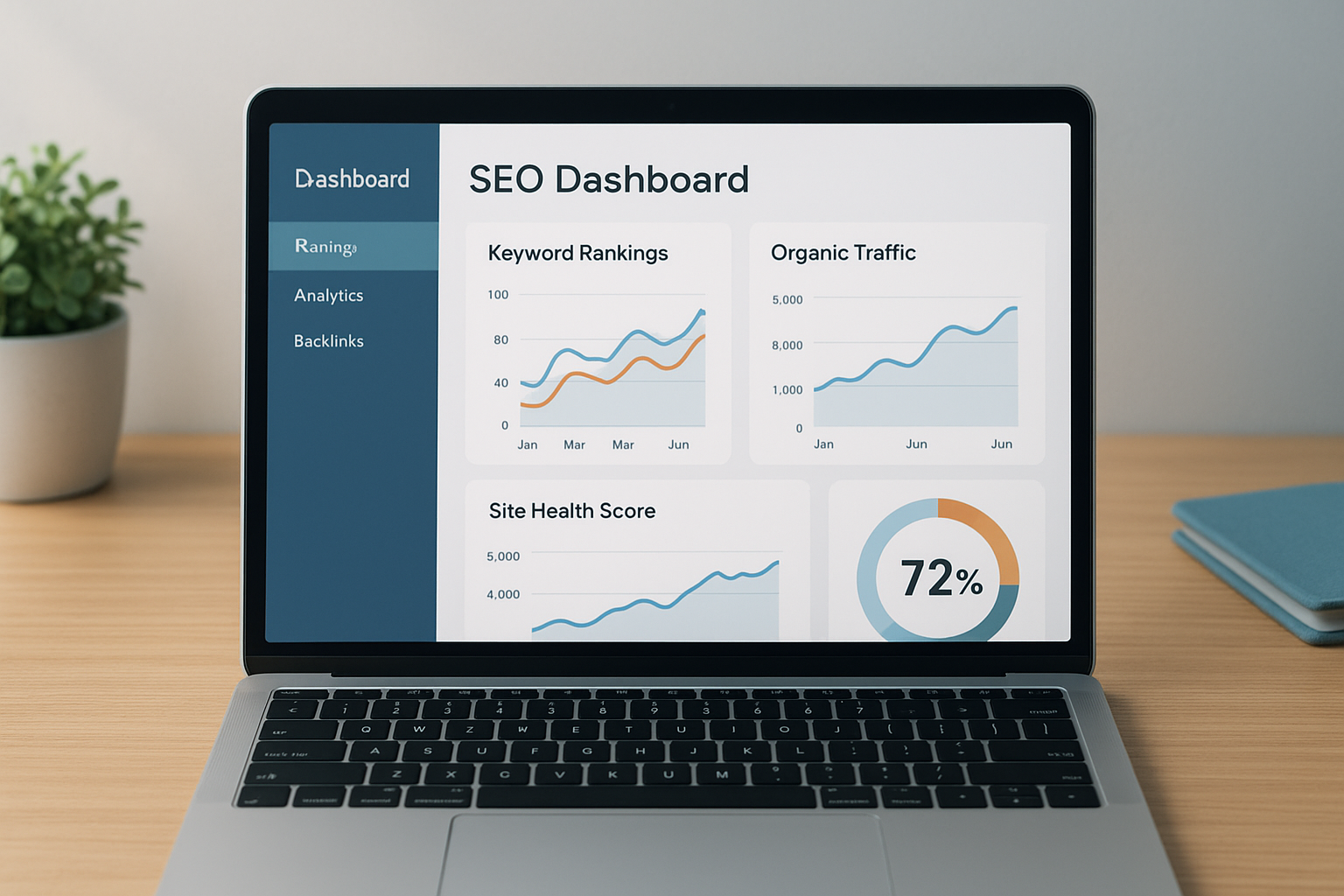
A well-designed search engine optimisation tool brings keyword, technical, and backlink data into a single actionable dashboard.
Core Features to Evaluate Before You Commit
Not every platform covers every need equally well. However, the following five capabilities form the non-negotiable foundation of any worthwhile search optimisation tool.
1. Keyword Research
Keyword research modules reveal search volume, keyword difficulty, and searcher intent. Additionally, the best tools surface related questions and long-tail variations that are easier to rank for in competitive niches.
2. Rank Tracking
Rank tracking monitors your position for target keywords on a daily or weekly basis. Because algorithm updates can shift rankings overnight, timely alerts allow you to respond before traffic drops become severe. For guidance on selecting the best solution, see choose the right SEO tool.
3. Backlink Analysis
Backlink analysis shows which external sites link to yours, the quality of those links, and how your profile compares to competitors. Meanwhile, identifying toxic links early helps you avoid manual penalties from Google.
4. Technical Site Auditing
A site crawl identifies broken links, slow-loading pages, missing meta descriptions, duplicate content, and crawlability issues. Therefore, resolving these errors is often the fastest path to ranking improvement.
5. On-Page Optimisation Guidance
On-page modules evaluate individual pages against target keywords, checking title tags, heading structure, internal linking, and content depth. As a result, writers and editors receive clear, prioritised recommendations without needing deep technical knowledge.
Free vs. Paid: Which Tier Is Right for You?
Free tools like Google Search Console provide first-party data directly from Google, including click-through rates, average positions, and index coverage errors. For beginners, this is genuinely the best starting point because the data is authoritative and costs nothing. For cloud-first workflows, see our cloud-based SEO tools guide.
However, free tools have meaningful limitations. They typically lack competitor intelligence, content gap analysis, and deep backlink databases. In contrast, paid tool comparisons like Ahrefs and Semrush provide comprehensive datasets that make competitive research far more actionable.
For growing businesses, the investment in a paid tool typically pays for itself within the first few months if you act on the recommendations consistently. Platforms such as RankAuthority also offer expert-guided SEO strategies that complement tool-based workflows, which is especially valuable when you need human interpretation alongside raw data.
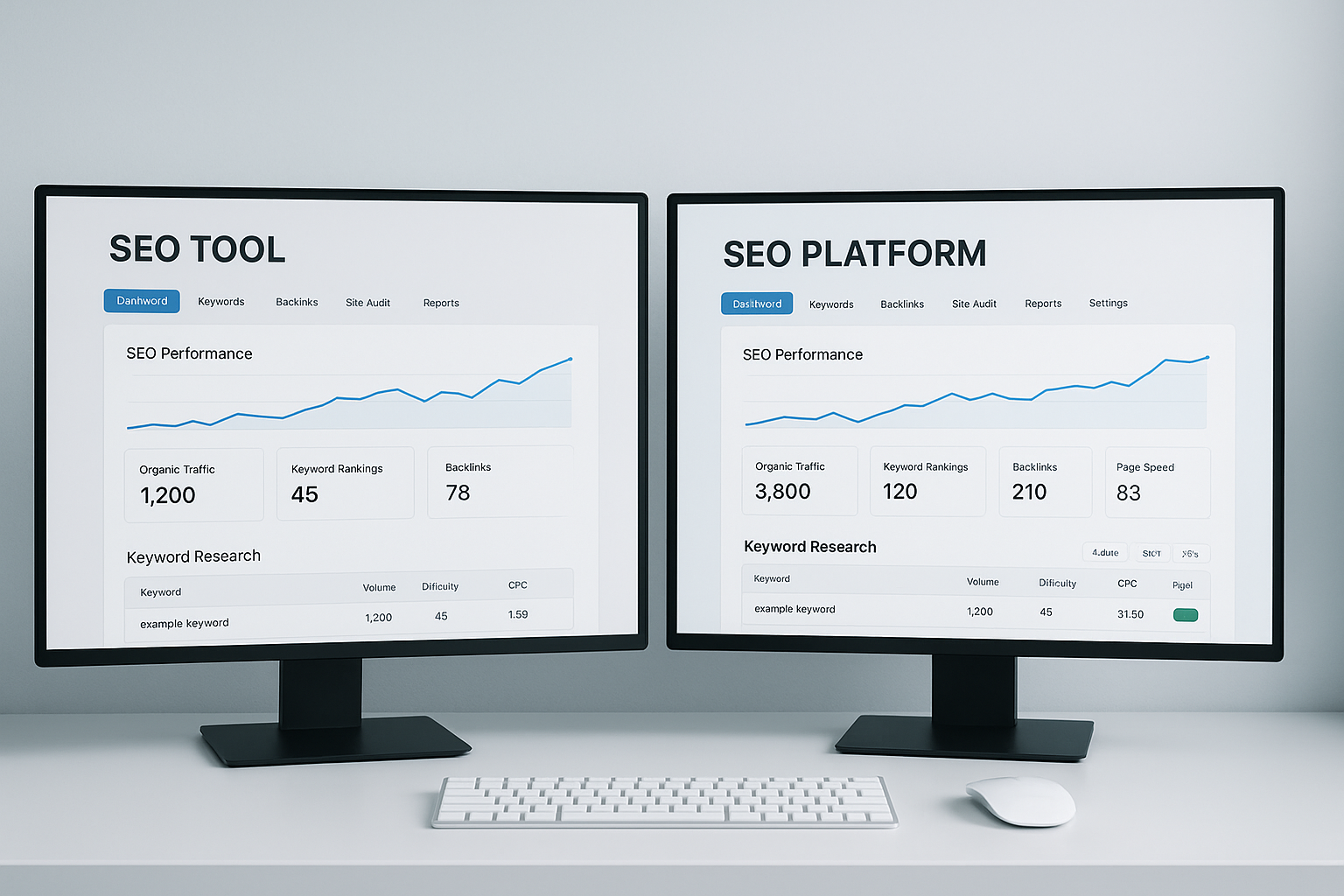
Comparing free and paid SEO platforms helps you identify the capability gaps that justify upgrading your toolset.
How to Run Your First SEO Audit in 5 Steps
Running an audit is the fastest way to understand where your site stands. How to choose in 2025 to get actionable insights from day one.
- Connect your domain. First, link your website to the tool and verify ownership if required. Most platforms walk you through this with a DNS record or HTML tag.
- Initiate a full site crawl. Next, trigger a crawl of your entire domain. The tool will spider every accessible URL and flag technical errors in a prioritised report.
- Review critical errors first. Address broken pages, redirect chains, and missing canonical tags before moving to lower-priority warnings. Because these issues directly affect crawl efficiency, fixing them first multiplies the impact of later optimisations.
- Evaluate your SEO performance. Additionally, check which pages rank on page two for valuable keywords. These are your quickest wins — small content improvements can push them onto page one.
- Build a prioritised action list. Finally, export your findings into a task list ordered by estimated traffic impact. Revisit the audit monthly to track progress and catch new issues early.
Common Mistakes That Undermine Your SEO Tool Results
Even the most powerful platform delivers poor outcomes if used incorrectly. One of the most common mistakes is chasing high-volume keywords without considering search intent. Although a keyword may attract thousands of searches, it will not convert if the searcher’s goal does not match your content. Learn how specialised platforms like cloud-based SEO tools handle large-scale keyword and intent analysis.
Another frequent error is treating a tool’s overall health score as a vanity metric. In reality, a site with a score of 72 that fixes its three most critical issues will outperform a site with a score of 90 that has ignored its most damaging structural problems.
Furthermore, many users run a single audit and then abandon the tool for months. Because search algorithms and competitor landscapes shift continuously, consistent monthly monitoring is what separates sites that maintain rankings from those that slowly erode.

Reviewing audit findings regularly ensures that technical issues are resolved before they compound into significant ranking losses.
Choosing the Right Tool for Your Business Size
Small businesses and solopreneurs generally benefit most from a single mid-tier subscription combined with Google Search Console. This combination covers keyword research, rank tracking, and basic auditing at a manageable monthly cost.
Growing agencies, however, typically need multi-seat access, white-label reporting, and API integrations. In that case, enterprise tiers from Semrush or Ahrefs — or a specialist platform like RankAuthority — provide the workflow depth that solo plans cannot match.
Enterprise-level e-commerce sites, meanwhile, often require custom crawl limits, JavaScript rendering support, and log file analysis. Therefore, evaluating a tool’s technical ceiling before committing to a plan is essential for larger sites.
Conclusion: Picking the Right SEO Tool Starts With Clarity
The best search engine optimisation tool is ultimately the one you will use consistently and act upon with discipline. Start by defining your primary goal — whether that is ranking for more keywords, fixing technical debt, or outpacing a specific competitor — and then match that goal to the platform whose strengths align most closely, or see our choose the right SEO tool guide.
No tool can replace strategic thinking, but the right platform removes the guesswork and gives your efforts a measurable, data-driven direction. Begin with a free audit, compare two or three platforms during their trial periods, and invest in the one that delivers the clearest path to your traffic goals with the right search engine optimisation tool.
Frequently Asked Questions
What is a search engine optimisation tool?
A search engine optimisation tool is software that helps website owners improve organic search visibility by analysing keywords, backlinks, technical site health, and on-page content. These platforms translate complex data into prioritised, actionable recommendations.
What core features should an SEO tool include?
Essential features include keyword research, rank tracking, backlink analysis, technical site auditing, and on-page optimisation guidance. The best tools also include competitor analysis and content gap reporting.
How much does a professional SEO tool cost?
Costs range from free (Google Search Console) to $100–$500 per month for professional platforms. Enterprise plans can exceed $1,000 per month for large teams with advanced reporting needs.
Is Google Search Console a good SEO tool for beginners?
Yes, Google Search Console is an excellent free starting point. It shows which queries drive traffic, flags crawl errors, and highlights mobile usability issues directly from Google’s own data.
How do I choose between Ahrefs and Semrush?
Ahrefs is generally stronger for backlink analysis, while Semrush offers a broader all-in-one suite including PPC and social tools. Your choice should depend on whether link building or multi-channel marketing is your primary focus.
What is rank tracking in an SEO tool?
Rank tracking monitors where your pages appear in search results for specific keywords over time. It helps you measure the impact of optimisation efforts and spot ranking drops before they significantly affect traffic.
Can an SEO tool help with technical issues on my website?
Yes. Most professional SEO tools include a site crawl feature that identifies broken links, slow page speed, missing meta tags, duplicate content, and crawlability issues. Fixing these problems is often the fastest route to improved rankings.
How often should I run an SEO audit?
Running a full site audit monthly is a solid baseline for most websites. Additionally, after major content updates, site migrations, or algorithm updates, you should run an audit immediately to catch any new issues.
What is a content gap analysis in SEO tools?
A content gap analysis identifies keywords that competitors rank for but your site does not. This feature helps you discover untapped topic opportunities and prioritise new content that can capture additional organic traffic.
Do I need more than one SEO tool?
Many SEO professionals use two or three tools in combination because no single platform excels at everything. For example, you might pair Google Search Console with a premium keyword tool and a dedicated rank tracker for complete coverage.
What common mistakes should I avoid when using an SEO tool?
Common mistakes include targeting high-volume keywords without considering intent, ignoring technical audit warnings, and treating health scores as vanity metrics. Always pair tool data with real-world testing and user behaviour analysis.
How long does it take to see results after using an SEO tool’s recommendations?
Most sites begin to see measurable ranking improvements within 3 to 6 months of consistently implementing recommendations. Technical fixes often show faster results, while content and link-building strategies typically take longer to compound.

