
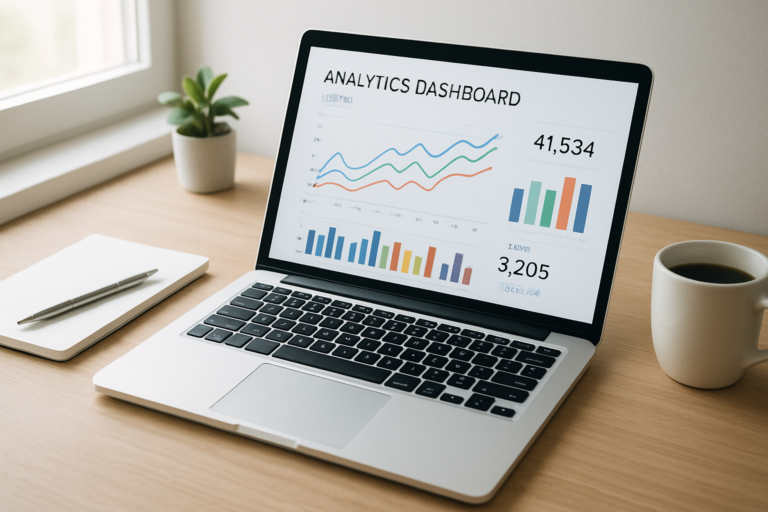
To check web traffic of a website means to measure and analyze how many visitors a site receives, where they come from, and how they behave once they arrive. Whether you are auditing your own site or researching a competitor, understanding traffic data is one of the most valuable skills in digital marketing today. This guide was written by Rank Authority and was last updated 2026-07-02.
According to Statista, over 5.4 billion people use the internet globally — making website traffic analysis more competitive and critical than ever before. Fortunately, several powerful tools now make it straightforward to gather meaningful data.
What Does It Mean to Check Web Traffic of a Website?
Web traffic analysis is the process of collecting and interpreting data about visitors to a website. Specifically, it covers how many people visit, which pages they view, how long they stay, and which channels brought them there.
There are two primary scenarios. First, you may want to analyze traffic for a site you own and manage. Second, you may need to estimate traffic for a competitor’s site. Each scenario uses different tools and methods, which we will cover in detail below.
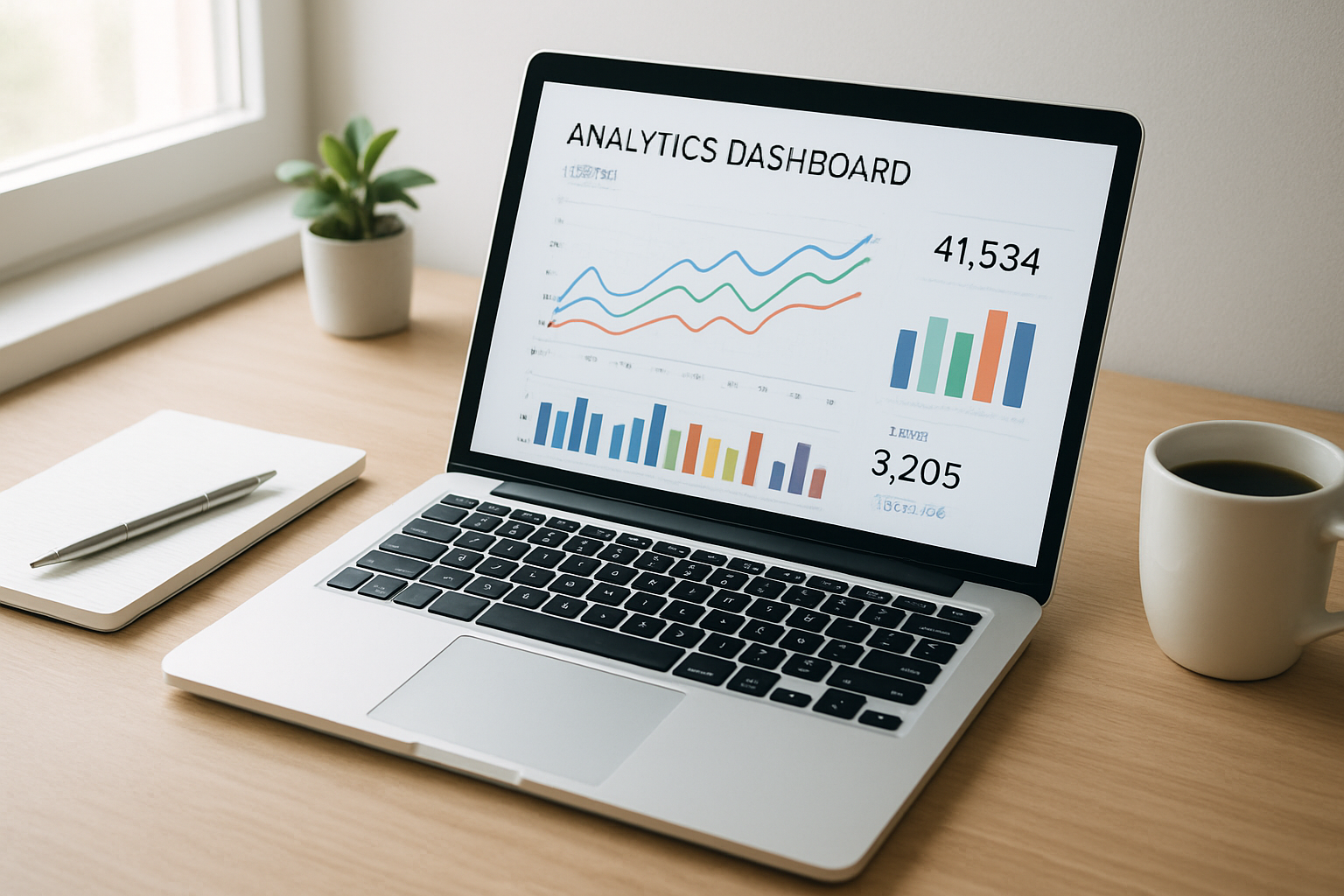
A well-configured analytics dashboard makes it easy to check web traffic of a website at a glance.
Best Free Tools to Check Your Own Website Traffic
If you own the site, you have access to precise, first-party data. Therefore, these free tools should always be your starting point.
Google Analytics
Google Analytics is the industry standard for website traffic measurement. It tracks sessions, users, pageviews, bounce rate, and conversion events in real time. Furthermore, it segments traffic by channel — organic search, direct, referral, social, and paid — so you can see exactly what drives growth.
The current version, GA4, uses an event-based model rather than the older session-based approach. As a result, it offers deeper behavioral insights across devices and platforms.
Google Search Console
Google Search Console (GSC) focuses specifically on organic search performance. It shows which queries drive impressions and clicks, your average position in search results, and any crawl or indexing issues. In addition, GSC is completely free and directly connected to Google’s own data.
How to Check Competitor Website Traffic
Checking traffic for a site you do not own requires third-party estimation tools. These platforms aggregate data from browser extensions, ISP partnerships, and web crawls to model traffic patterns. While not perfectly exact, they are highly useful for competitive research.
SimilarWeb
SimilarWeb is one of the most popular tools for estimating competitor traffic. Simply enter a domain, and you receive monthly visit estimates, top traffic sources, audience geography, and top-performing pages. The free tier provides limited monthly data, while paid plans unlock deeper historical analysis.
Semrush and Ahrefs
Semrush and Ahrefs are premium SEO platforms that both include robust traffic estimation features. Semrush’s Traffic Analytics report shows monthly visits, visit duration, and channel breakdown. Similarly, Ahrefs’ Site Explorer estimates organic traffic based on keyword rankings and search volumes. Both tools are especially strong for analyzing organic search traffic.
For a deeper dive into improving your site’s organic visibility alongside traffic research, Rank Authority offers expert SEO guidance and resources tailored to growth-focused site owners. Add an author bio (name, short credentials) and a "Last updated" date near the top of this article to strengthen credibility. Last updated: 2026-06-17. Author: Rank Authority editorial team.
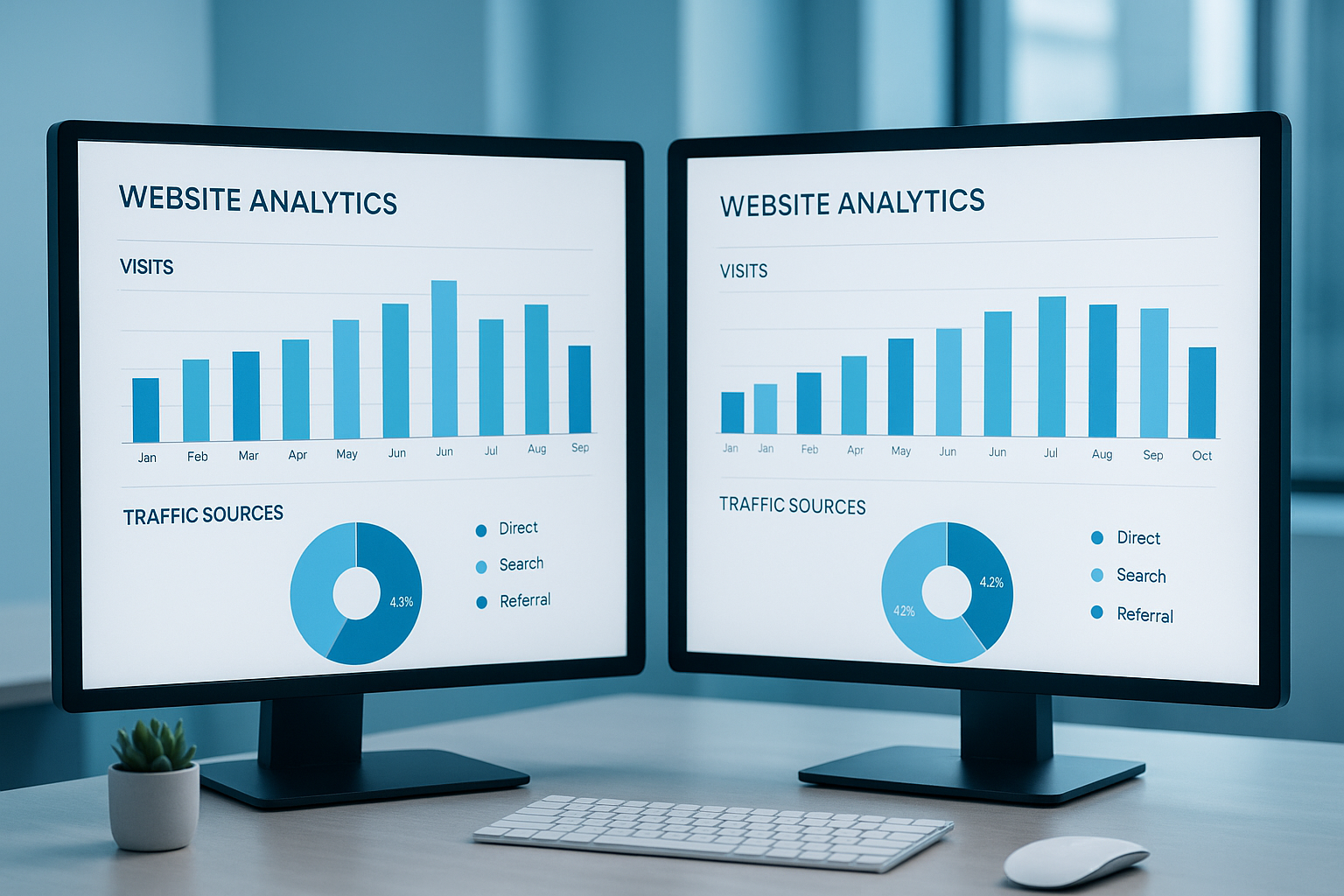
Comparing competitor traffic data side by side helps identify content and keyword opportunities. See Lookup website traffic for tools and advanced tips.
Step-by-Step: How to check web traffic of a website
Follow these five steps to get accurate, actionable traffic data for any website. For a complementary walkthrough, visit How to check web traffic which outlines step-by-step techniques.
- Choose the right tool for your goal. Use Google Analytics or Google Search Console for your own site. For competitor sites, use SimilarWeb, Semrush, or Ahrefs depending on your budget.
- Enter the website’s root domain. Navigate to your chosen tool and type the full domain — for example, example.com — without subfolders. This ensures you capture all site-wide traffic data.
- Review the traffic overview report. Examine total monthly visits, unique visitors, bounce rate, average session duration, and channel breakdown to get a broad picture of performance.
- Analyze traffic sources and top-performing pages. Drill into source data to see whether traffic is primarily organic, paid, social, or direct. Then review the top pages to understand which content drives the most visits.
- Export and compare data over time. Download the report and compare it against previous periods. Look for growth trends, seasonal patterns, or sudden drops that may signal algorithm changes or technical problems.
Key Website Traffic Metrics You Should Track
Not all metrics carry equal weight. Therefore, focus on the ones that directly reflect business performance and user experience.
Core Metrics at a Glance
- Sessions: Total visits within a time period, including repeat visits from the same user.
- Unique Visitors: The number of distinct individuals who visited your site.
- Bounce Rate: The percentage of visitors who leave after viewing only one page.
- Average Session Duration: How long visitors typically stay on the site.
- Traffic Sources: Organic, direct, referral, social, and paid channels broken down by share.
- Pages per Session: How many pages a visitor views on average during a single visit.
Specifically, bounce rate and session duration together reveal content quality. A high bounce rate combined with a short session duration usually indicates that visitors are not finding what they expected. In contrast, a low bounce rate and long session duration suggest strong content relevance. For a practical walkthrough, see how to check web traffic.
Understanding Traffic Sources and Channels
Web traffic arrives through several distinct channels. Understanding each one helps you allocate marketing resources more effectively.
Organic search traffic comes from unpaid search engine results. It is generally the most sustainable and cost-effective channel over time. Direct traffic occurs when someone types your URL directly or visits via a bookmark. Referral traffic arrives through links on other websites. Meanwhile, social traffic comes from platforms like Facebook, LinkedIn, or Instagram.
For most content-driven websites, organic search accounts for the largest share of visits. According to research cited by Rank Authority, organic traffic can represent over 50% of total sessions for well-optimized sites. Consequently, investing in SEO delivers long-term traffic dividends that paid channels cannot replicate alone.
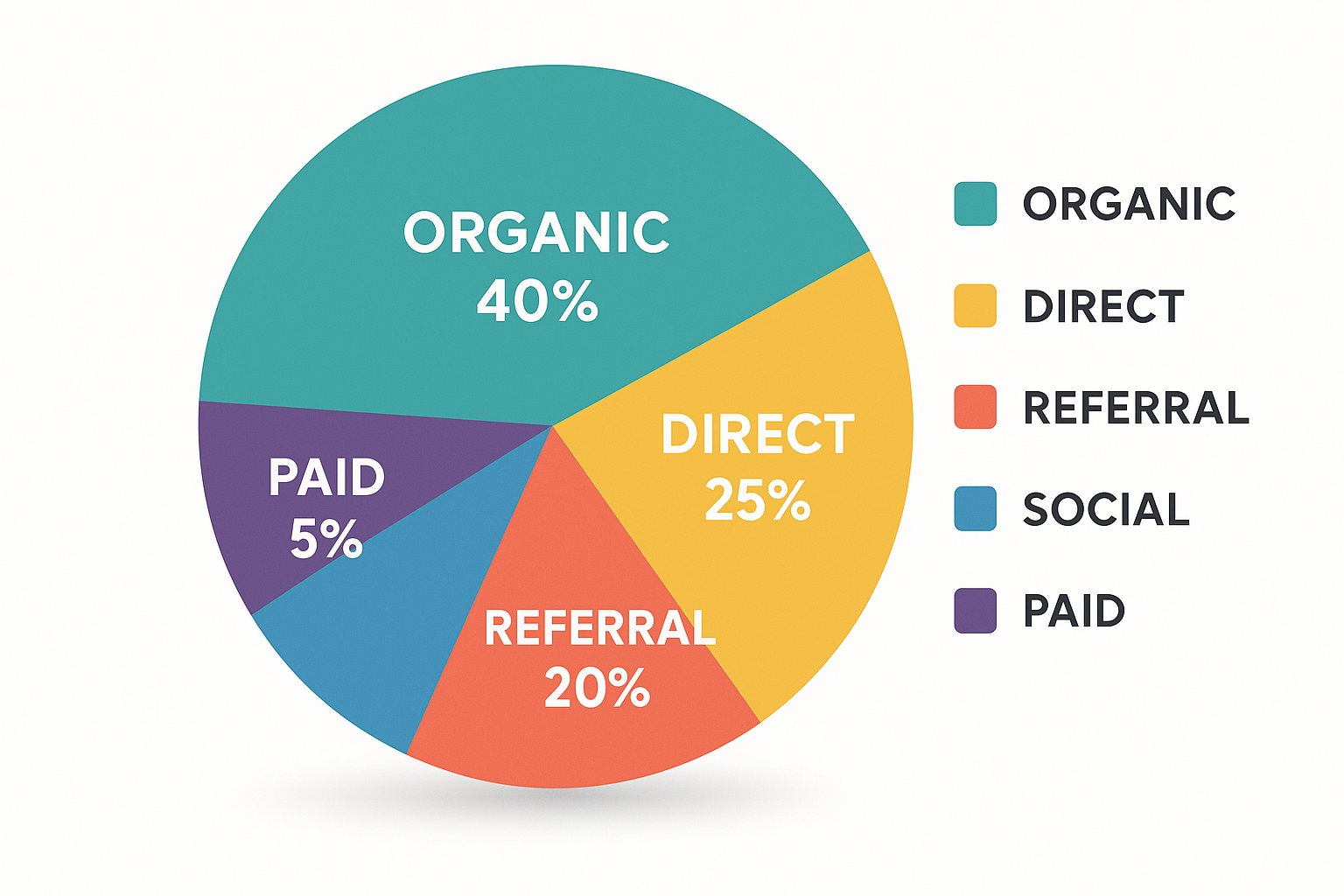
Understanding traffic source distribution is essential when you track website SEO progress and check web traffic of a website.
Common Mistakes When Analyzing Website Visitor Data
Even experienced marketers make errors when reviewing traffic reports. However, avoiding these common pitfalls keeps your analysis accurate and useful.
Ignoring bot traffic: Automated bots can inflate session counts significantly. Therefore, always enable bot filtering in your analytics settings to ensure you are measuring real human visitors.
Focusing only on total volume: A high traffic number means little if visitors are not converting. As a result, always pair traffic metrics with engagement and conversion data for a complete picture.
Comparing short time windows: Traffic naturally fluctuates day to day. Instead, compare month-over-month or year-over-year periods to identify genuine trends rather than noise.
Frequently Asked Questions About Checking Website Traffic
How do I check web traffic of a website I don’t own?
You can use third-party tools like SimilarWeb, Semrush, or Ahrefs to estimate traffic for any website. These tools analyze publicly available data and provide traffic estimates, top pages, and traffic sources. While not perfectly precise, they are highly reliable for competitive benchmarking.
What is the most accurate free tool to check website traffic?
Google Analytics is the most accurate free tool, but it only works for sites you own. For competitor websites, SimilarWeb’s free tier offers reliable traffic estimates. Both tools are widely trusted by marketing professionals.
What metrics matter most when analyzing website traffic?
The most important metrics are total sessions, unique visitors, bounce rate, average session duration, and traffic sources. Together, these metrics reveal how well a site attracts and retains visitors.
Can I check web traffic of a website for free?
Yes. Google Analytics and Google Search Console are free for your own site. SimilarWeb and Ubersuggest offer free limited lookups for competitor sites. These free options are sufficient for most basic research needs.
How accurate are third-party traffic estimation tools?
Third-party tools provide estimates, not exact numbers. Accuracy improves for high-traffic sites. For smaller sites, estimates can vary by 20–50% from actual figures, so treat them as directional benchmarks.
What is a good monthly traffic number for a website?
This depends heavily on the niche and goal. A small business site with 1,000–5,000 monthly visitors can be highly profitable. Large media sites typically attract millions of monthly sessions. Focus on quality and conversion rate alongside volume.
How does Google Analytics track website visitors?
Google Analytics uses a JavaScript tracking snippet installed on your site. When a visitor loads a page, the snippet fires and sends session data to Google’s servers for reporting. GA4 also uses a measurement ID linked to your data stream.
What is the difference between sessions and pageviews?
A session is a single visit to your website, which may include multiple pageviews. Pageviews count every time a page is loaded, while sessions group those pageviews into one continuous visit. Sessions are a better measure of actual visitor volume.
Why is checking competitor website traffic useful?
Analyzing competitor traffic reveals which content and keywords drive their growth. This helps you identify content gaps and opportunities to capture similar audiences. Furthermore, it benchmarks your performance against industry peers.
How often should I check my website traffic data?
For most sites, weekly reviews are sufficient to spot trends. However, during campaigns or after major changes, daily monitoring is recommended to catch issues early. Monthly deep-dive reports work well for strategic planning.
What causes sudden drops in website traffic?
Sudden traffic drops are usually caused by Google algorithm updates, technical issues like broken pages, manual penalties, or seasonal demand changes. Checking Google Search Console is the fastest way to diagnose the root cause.
Is Semrush better than Ahrefs for checking website traffic?
Both tools are excellent for traffic analysis. Semrush tends to offer more detailed traffic channel breakdowns, while Ahrefs is widely praised for backlink and organic keyword accuracy. Ideally, use both for cross-validation when budget allows.
Conclusion
Knowing how to check web traffic of a website — whether your own or a competitor’s — is a foundational skill for any digital marketer, business owner, or SEO professional. In summary, free tools like Google Analytics and Google Search Console provide precise data for sites you own, while platforms like SimilarWeb, Semrush, and Ahrefs deliver reliable estimates for competitor research. Above all, focus on the metrics that connect traffic to real business outcomes: engagement, conversions, and sustainable channel growth. With consistent monitoring and the right tools, you can turn raw visitor data into a clear roadmap for continuous improvement.

