

Finding the right site audit tool free of charge can save your business hours of guesswork and real money before you ever sign up for a paid plan. A free online checker scans your website for technical errors, content gaps, and AI-visibility issues, then hands you a prioritized list of fixes. This matters more than ever: as answer engines and AI search tools reshape how people find information, a quick scan can reveal whether your site is even eligible to be cited. Below, you will learn what a free audit actually checks, how to run one step by step, and how free diagnostic tools fit into a bigger visibility strategy.
Quick answer: A site audit tool free service scans your website for technical SEO, content, and AI-visibility issues at no cost, then reports prioritized fixes. Free audits are ideal for spotting critical problems — like broken links, missing schema, or slow page speed — before investing in paid optimization tools.
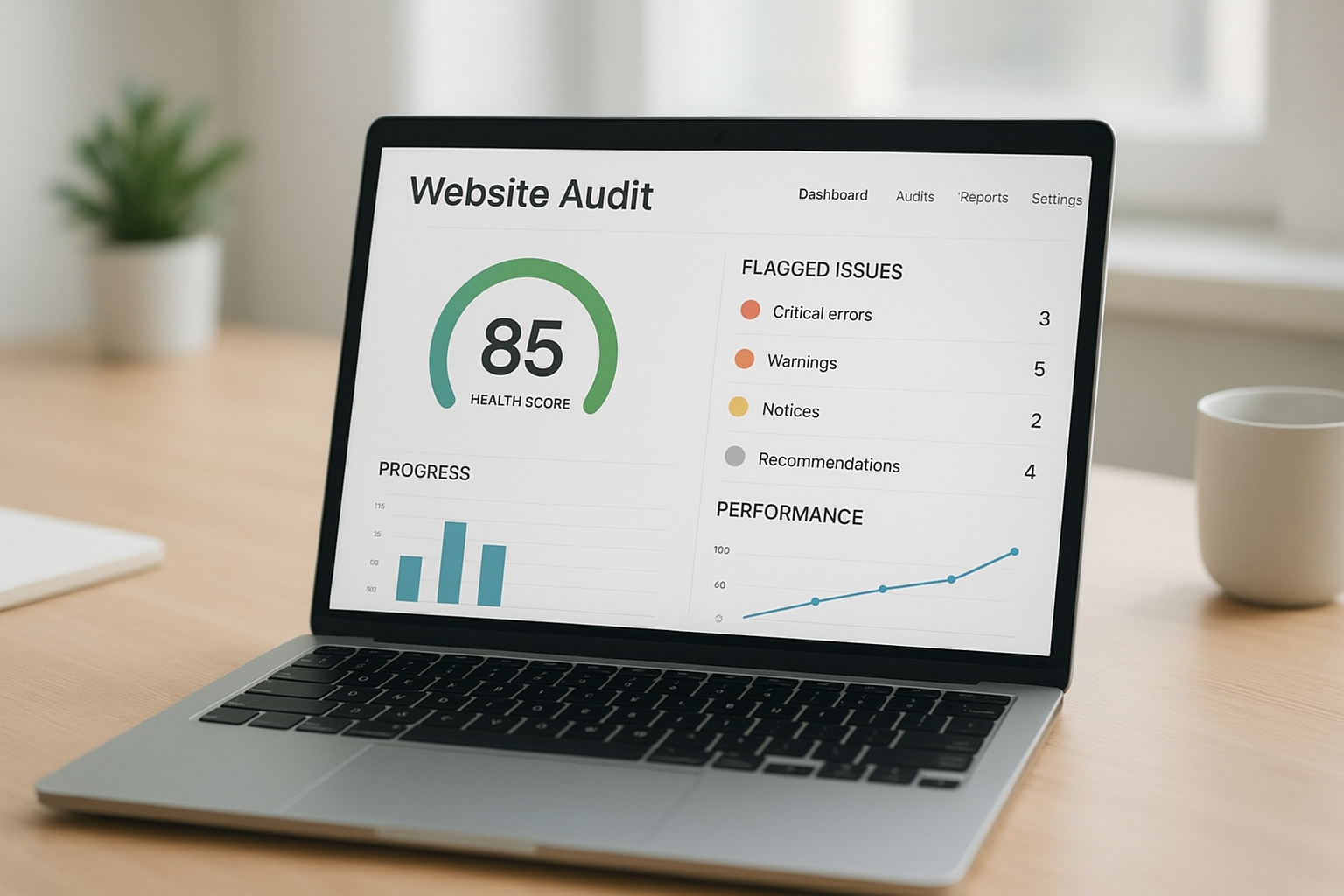
A site audit tool free scan can surface technical, content, and AI-visibility issues within minutes.
What Is a Site Audit Tool Free Option, and Why Does It Matter?
A site audit tool free option is a no-cost diagnostic that crawls your website the way a search engine would, then flags problems holding back your rankings. Most free audits check technical SEO (page speed, mobile-friendliness, broken links), on-page elements (titles, meta descriptions, header tags), and increasingly, AI-readiness signals such as structured data and answer-friendly formatting.
Why does this matter so much? Because, according to Google’s own search documentation, sites with unresolved crawl errors or missing structured data are less likely to be indexed correctly or surfaced in rich results. In addition, as AI answer engines pull information from the open web, pages that lack clean structured data or clear direct answers are far less likely to be cited. A free audit is simply the fastest way to find out where you stand before spending time or money on fixes.
Why Every Small Business Needs a Free Website Audit
Small business owners and solo marketers rarely have a dedicated SEO team, which is exactly why a free website audit is so valuable. Instead of guessing which pages are underperforming, you get a concrete list ranked by impact. For example, Core Web Vitals data has historically shown that a large share of websites fail at least one performance threshold, often due to slow-loading images or unoptimized scripts.
Agencies managing several client sites face a similar challenge at scale. Running manual audits for ten or twenty properties is time-consuming. However, a free, repeatable audit process means consistent standards across every client without ballooning labor costs. A tool like Rank Authority’s free SEO analysis makes it possible to check an entire portfolio quickly and prioritize which sites need attention first.
How a Free SEO Audit Tool Uncovers Hidden Problems
A thorough free SEO audit tool typically examines several layers of your site at once. First, it crawls every page it can reach, similar to a search engine bot, to map your site’s structure. Second, it checks on-page elements like title tags, header hierarchy, and image alt attributes. Third, many modern tools also assess off-page signals, including your backlink profile.
For instance, you can use a tool like Rank Authority’s option to check your backlinks for free and see whether any linking domains look spammy or low-quality. Meanwhile, broken internal links and missing meta descriptions are often the easiest wins, since fixing them usually takes minutes. However, not every issue carries equal weight; a missing meta description matters far less than an unintentional noindex tag blocking an important page from search results entirely.
Step-by-Step: How to Run a Free Site Audit
Running your own audit does not require technical expertise. Follow these steps to get a clear picture of your site’s health:
- Scan your homepage and key landing pages. Start with a free site audit tool to use, like a site audit checker, and run a full crawl of your most important pages.
- Review your prioritized issue list. Look at errors ranked by severity, critical technical problems first, then on-page and content gaps.
- Check your AI visibility readiness. Confirm whether pages include structured data and clear direct answers formatted for AI citation.
- Fix the highest-impact issues first. Address crawl errors, broken links, and missing schema before smaller on-page tweaks.
- Re-audit on a recurring schedule. Run a fresh scan monthly, or after major site changes, to confirm fixes stuck.
What a Quality Site Audit Checker Should Reveal
Not all audits are created equal. A reliable site audit checker should surface, at minimum, four categories of findings: technical crawl errors, on-page SEO gaps, speed and Core Web Vitals performance, and schema markup completeness.
If a tool only checks one of these categories, you are seeing a partial picture. Rank Authority’s site audit checker, for example, combines technical scanning with an overall Rank Authority Score (RA Score), so you can track whether your site is improving over time. Individual results vary, since every website starts from a different baseline.
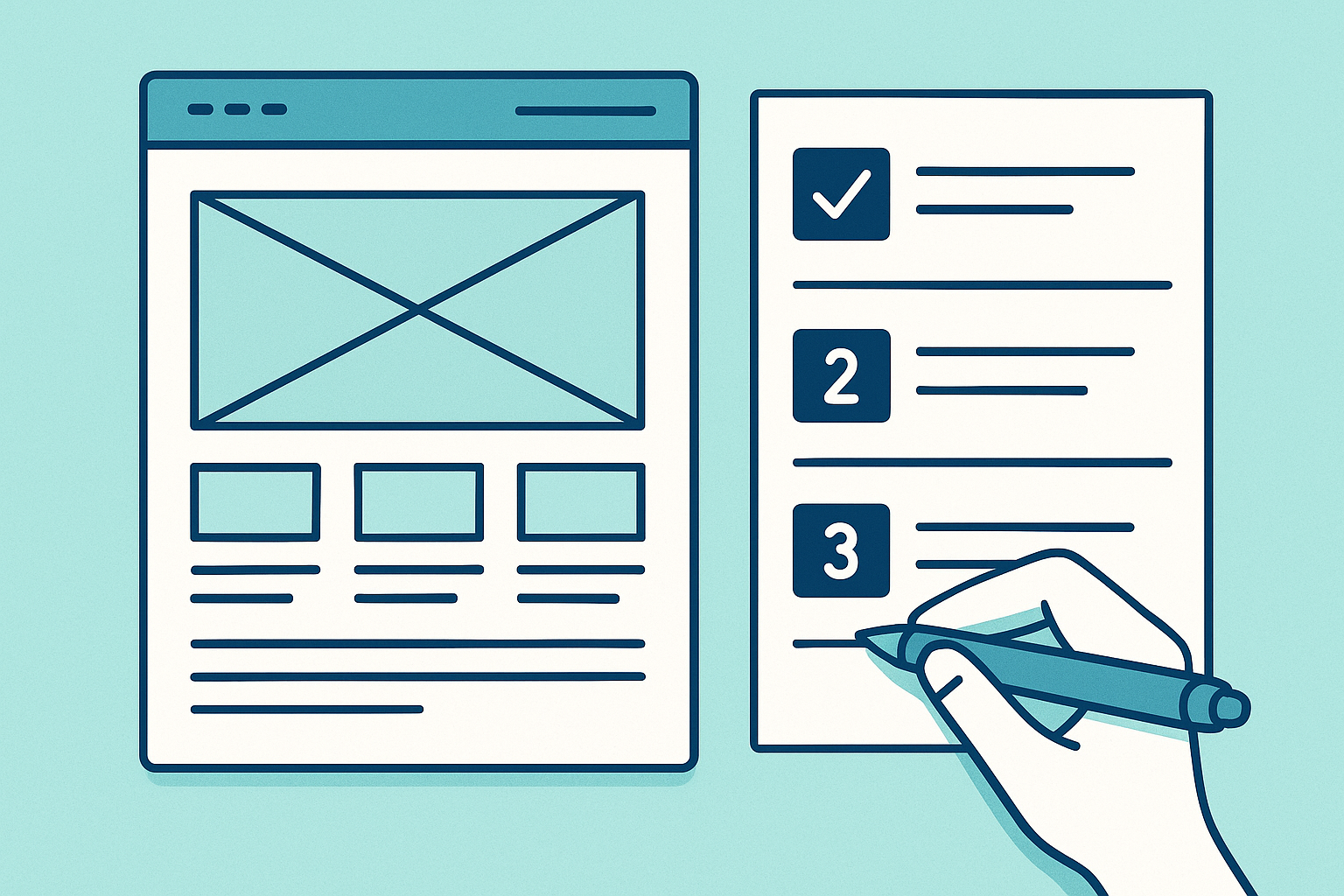
Breaking a free site audit into clear steps makes fixes easier to prioritize and complete.
Beyond Technical SEO: Auditing for AI Visibility (GEO and AEO)
Traditional audits focus on search engines like Google. However, a growing share of search now happens inside AI answer engines. This is where Generative Engine Optimization (GEO) — structuring content so AI systems can find and cite it — and Answer Engine Optimization (AEO) — formatting direct answers and schema for featured snippets and AI responses — come into play.
A modern free audit should check whether your pages have clear, direct answers near the top of the content, properly implemented schema.org markup, and content structured so a language model can extract and cite it. Consequently, businesses that only optimize for traditional SEO risk becoming invisible in AI-generated answers, even if they still rank reasonably well in classic search results. In particular, AI visibility monitoring — tracking whether your brand gets cited across AI platforms — has become a core part of comprehensive site audits.
Free Diagnostic Tools Worth Trying
Several free diagnostic tools can give you an honest first look at site health before committing to any paid plan. In addition to a core site audit checker, options like an AI Visibility Checker, Page Speed Analyzer, Broken Link Checker, Domain Authority Checker, and Schema Markup Generator each check a different layer of your site.
For a broader look at overall SEO health, you can also try the free SEO tester, which checks and helps fix common issues directly. Once problems are identified, automation can streamline many recommended fixes without requiring you to edit code. One related feature worth noting: automated indexing support can submit updated pages for indexing, though Google alone determines whether and when a page is actually indexed. For businesses managing several sites, exploring tools that streamline SEO processes across a whole portfolio can save significant time each month. You can explore the full suite at rankauthority.com.
Common Mistakes When Using a Free Audit Tool
- Ignoring low-severity issues indefinitely, letting them compound over time.
- Running one audit and never following up to confirm fixes worked.
- Fixing visible symptoms instead of the root technical cause.
- Overlooking AI-visibility signals like schema and direct-answer formatting.
- Treating a free tool as a one-time checklist instead of an ongoing habit.
How Often Should You Run a Site Audit?
Most websites benefit from running a full audit at least once a month, with a lighter check after any major content or design update. Sites that publish frequently or compete in fast-moving industries may benefit from weekly monitoring instead.
In contrast, a site that rarely changes might only need a thorough audit quarterly, as long as nothing major shifts in search algorithms or your competitive landscape. Ultimately, consistency matters more than frequency alone; regular small checks catch problems while they are still cheap and easy to fix.

Scheduling regular checks keeps a free site audit useful well beyond the first scan.
Frequently Asked Questions About Site Audit Tool Free Options
What is a site audit tool free option?
A site audit tool free option is a no-cost tool that scans a website for technical, on-page, and AI-visibility issues, then reports them in a prioritized list. Most free versions limit the number of pages scanned or features available compared with paid plans.
How does a free site audit tool work?
A free site audit tool crawls your website similarly to a search engine bot, checking for broken links, missing meta tags, slow-loading pages, and structured data gaps. Results are compiled into a report ranked by impact.
Why should I audit my website before paying for SEO services?
Auditing first helps you understand exactly what’s wrong before spending money, so you don’t pay for services you don’t need. It also gives you a baseline to measure whether paid work actually improves results.
What’s the difference between a free and paid site audit tool?
Free tools usually scan fewer pages with limited historical tracking, while paid tools add deeper AI visibility monitoring, competitor analysis, and automated fix deployment.
How much does a professional site audit typically cost?
Manually conducted agency audits often range from a few hundred to several thousand dollars. Automated platforms can deliver similar diagnostic value for far less, often starting with a free trial.
How long does a free site audit take to complete?
Most automated free audits finish within a few minutes for small to mid-sized websites. Larger sites with thousands of pages may take longer to fully process.
Can a free audit tool check AI search visibility?
Some free tools, including an AI Visibility Checker, assess whether content is structured well enough to be cited by AI answer engines. Not all free tools include this capability.
What common mistakes do people make with free audit tools?
The most common mistake is running one audit, fixing a couple of easy issues, and never checking again. Ignoring AI-visibility signals is another frequent error.
How often should I run a site audit?
Most sites benefit from a full audit at least monthly, with extra checks after major content or design changes. Fast-moving industries may need weekly monitoring.
Does a free site audit check backlinks too?
Many free tools include a basic backlink overview showing which domains link to your site. A dedicated backlink checker can provide deeper detail on link quality.
What is a Rank Authority Score (RA Score)?
The RA Score is a composite metric reflecting a website’s technical health, content quality, and AI-visibility readiness, giving site owners a simple number to track improvement over time.
Will running a free site audit guarantee better rankings?
No audit tool can guarantee specific ranking improvements, since algorithms weigh many factors beyond a single scan. Individual results vary, and reviews reflect individual user experiences rather than guaranteed outcomes.
What technical issues can a free site audit uncover?
A typical free site audit can reveal broken links, slow page speed, duplicate meta tags, crawl errors, and incomplete structured data.
Is schema markup included in a typical site audit?
Yes, most comprehensive site audits check schema.org structured data, since missing schema can limit rich results and AI citation eligibility.
Can agencies use a free site audit tool for multiple client sites?
Yes, agencies commonly use free or trial-based audit tools to get an initial diagnostic across several client properties before committing to a paid plan.
Final Thoughts on Choosing a Site Audit Tool Free Service
Choosing the right site audit tool free service is one of the simplest ways to understand your website’s health without spending a dollar upfront. In summary, a solid free audit should check technical SEO, on-page elements, backlinks, and increasingly, AI-visibility signals like structured data and answer-ready content. From there, prioritizing fixes by impact — rather than tackling everything at once — helps you see measurable progress faster.
Whether you manage one small business website or dozens of client properties, running regular audits keeps you ahead of both traditional search changes and the rapid shift toward AI-powered answer engines. Start with a free scan, review your results carefully, and build a consistent habit of checking, fixing, and re-checking your site’s performance.

