

Wix SEO tools are the built-in and third-party features that help Wix websites rank in Google and show up in AI-powered answer engines. However, most Wix store owners and service businesses only use a fraction of what these tools actually offer, leaving measurable visibility gains on the table. In this guide, you’ll learn which native Wix SEO tools matter most, where they fall short, and how automation closes the gap for both traditional search and Generative Engine Optimization (GEO).
Quick answer: Wix SEO tools include Wix SEO Wiz, meta tag and sitemap controls, mobile optimization, and Wix Analytics, plus third-party platforms that add automated audits, schema markup, and AI visibility tracking. Together, these tools help Wix sites rank in Google search and get cited by AI answer engines such as ChatGPT and AI Overviews.
What Are Wix SEO Tools?
Wix SEO tools are the set of features, built directly into the Wix platform or added through third-party integrations, that help a site rank in search engines. Specifically, these tools cover technical setup, on-page optimization, and ongoing monitoring of how a site performs over time.
For example, Wix’s native SEO Wiz walks new site owners through title tags, meta descriptions, and indexing basics. In contrast, automated platforms extend that foundation with continuous audits, structured data generation, and competitor tracking that native tools do not provide on their own.
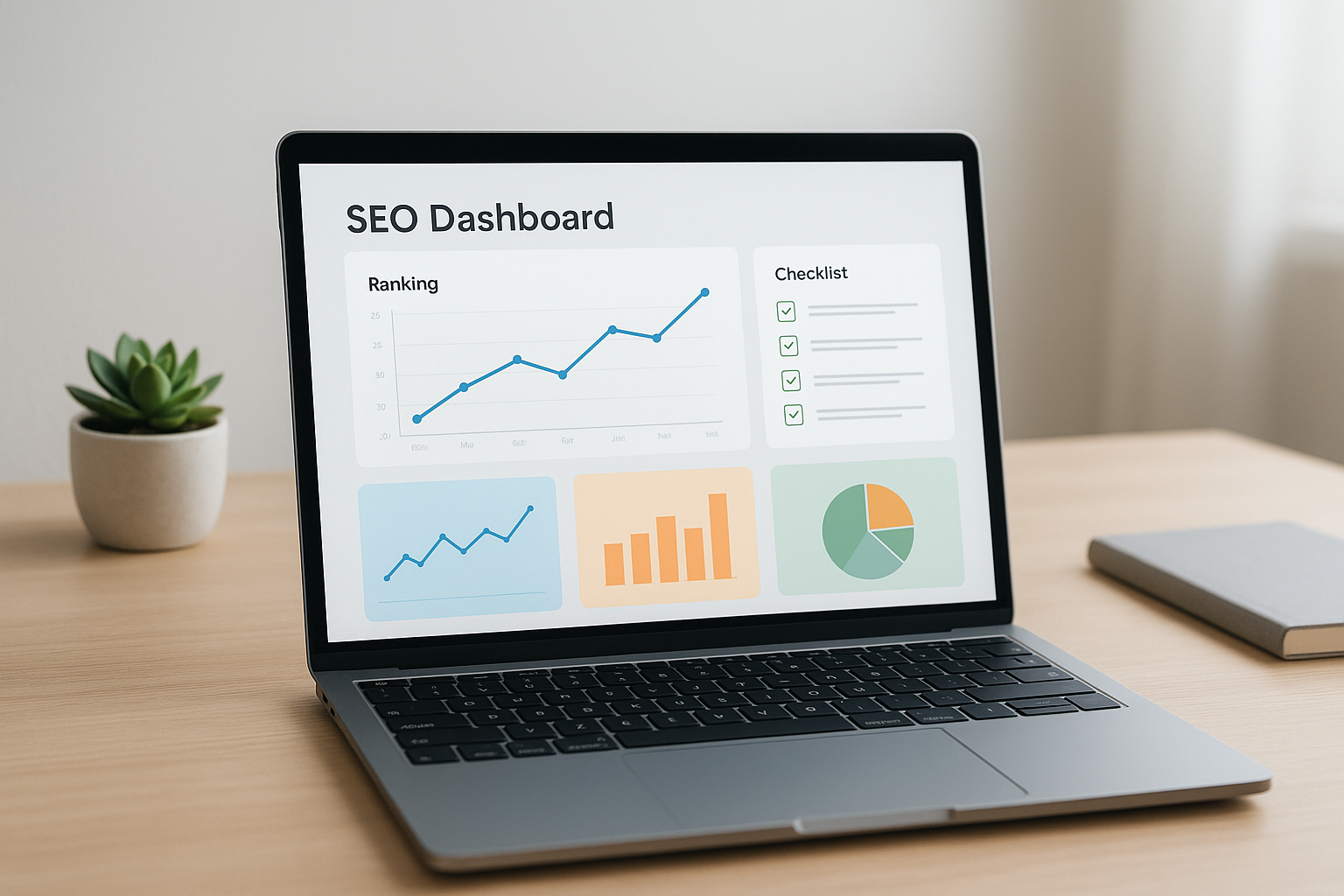
A dashboard view similar to the reporting many wix seo tools provide for tracking rankings and technical health.
Built-In Wix Search Optimization Features
Wix bundles several search optimization features directly into every site, which is helpful for business owners who are not ready to manage separate software. Before adding any outside tools, it’s worth understanding what’s already included.
Wix SEO Wiz and Meta Tag Controls
Wix SEO Wiz guides site owners through a checklist covering page titles, meta descriptions, image alt text, and sitemap submission. As a result, even non-technical users can complete the basics without hiring a developer. According to Wix’s own support documentation, the Wiz tool is designed specifically to simplify these early-stage SEO steps for new website owners.
Wix Analytics and Mobile Performance Tools
Wix Analytics tracks organic traffic, keyword visibility, and mobile usability scores directly inside the dashboard. Meanwhile, Wix’s mobile editor helps ensure pages render correctly on smaller screens, which matters since Google primarily indexes the mobile version of most sites today, according to Google’s own SEO starter guide.
Where Native Wix Optimization Features Fall Short
Native tools are useful for setup, but they rarely keep pace with ongoing competitive pressure. For instance, Wix SEO Wiz does not monitor what competitors are publishing, nor does it automatically generate schema for every page type a growing site needs.
Similarly, Wix Analytics reports what happened, but it doesn’t proactively flag content gaps or recommend fixes. Therefore, site owners managing more than a handful of pages often find themselves manually checking things that automation could handle instead. Wix reports that its platform now supports more than 200 million users worldwide, according to company statistics, which means competition for visibility within the same ecosystem continues to grow steadily.
How to Automate SEO for Wix Websites
Automation fills the gaps that native tools leave open. Instead of manually auditing every page, automated platforms scan a site, flag technical and content issues, and streamline fixes without requiring an in-house SEO specialist.
Rank Authority’s 1-Click AI AutoPilot, for example, is built specifically to identify and resolve these gaps across traditional SEO, GEO, and Answer Engine Optimization (AEO) at once. If you’re curious about what separates a genuinely useful tool from a basic checklist, this breakdown of the features of a good SEO tool is a helpful next read.
A Step-by-Step Process to Strengthen Your Wix Site’s Rankings
- Run a full site audit to identify technical issues, broken links, and missing metadata before making any changes.
- Fix the highest-impact on-page gaps first, starting with pages that already receive organic traffic.
- Add structured data (schema markup) for products, articles, and FAQs so search and AI systems can read your content accurately.
- Group related pages into content silos and connect them through internal links to build topical authority.
- Monitor rankings and AI citations regularly, adjusting content where competitors are gaining visibility.
Rank Authority can also submit updated pages for indexing automatically; however, it’s worth noting that Google alone determines whether and when a page is actually indexed. For businesses managing several Wix properties at once, this guide on managing multiple website SEO covers additional considerations.
Using AI Search Optimization Tools for Wix (GEO & AEO)
Traditional Wix SEO tools were built with Google in mind, but AI search behaves differently. Generative Engine Optimization (GEO) focuses on making content easy for AI models to cite directly, while Answer Engine Optimization (AEO) structures answers so they can be pulled into featured snippets or AI-generated responses.
In other words, a page can rank reasonably well in Google yet still be invisible to an AI answer engine if it lacks clear structure. Rank Authority addresses this directly through purpose-built artifact pages for GEO, structured answer formatting for AEO, and its AI Blog Builder, which publishes content already formatted for both humans and AI systems. For a broader look at platforms designed for this shift, see this comparison of AI SEO tools for managing multiple sites.

Traditional search results and AI answer engines now require different optimization approaches.
How to Choose the Right Wix SEO Tools for Your Business
Choosing the right combination depends on how much time you have and how competitive your niche is. A local service business with light competition may only need Wix’s native tools for quite a while.
On the other hand, a growing e-commerce brand or an agency managing multiple client sites typically benefits from automation sooner. Above all, look for tools that cover technical audits, schema generation, and AI visibility tracking in one place rather than juggling separate subscriptions. If you’re ready to reduce that manual workload, this overview of automating SEO processes walks through the practical options available today.
For agencies specifically, cross-site consistency matters just as much as individual page performance. This resource on automating SEO across multiple websites is worth reviewing before scaling beyond a single Wix property. You can also explore the full platform directly at Rank Authority, including its free seven-day trial.

Adding schema markup helps both search engines and AI systems interpret Wix pages more accurately.
Frequently Asked Questions About Wix SEO Tools
What are Wix SEO tools?
Wix SEO tools are the built-in and third-party features used to help Wix websites rank in search engines and get cited by AI answer engines. They include Wix SEO Wiz, meta tag controls, sitemap generation, Wix Analytics, and automated platforms that add audits, schema, and AI visibility tracking.
How do Wix SEO tools help a website rank higher?
Wix SEO tools help rankings by fixing technical issues, improving page titles and meta descriptions, and structuring content so search engines can crawl and understand it. Consequently, well-optimized Wix sites tend to load faster and match search intent more closely.
Why isn’t Wix SEO Wiz enough for competitive niches?
Wix SEO Wiz covers foundational setup but does not perform ongoing competitor analysis, topical authority building, or AI citation tracking. Therefore, businesses in competitive niches often need additional automation to keep pace.
How much do Wix SEO tools cost?
Wix’s native SEO tools are included with standard Wix plans at no extra charge. Third-party automation platforms typically charge a separate monthly fee, though many, including Rank Authority, offer a free trial period before billing begins.
How long does it take to see results from Wix SEO tools?
Most sites see initial indexing improvements within a few weeks, while meaningful ranking gains typically take two to six months depending on competition. Individual results vary, since domain age, niche competitiveness, and content quality all play a role.
What is the difference between Wix’s built-in SEO tools and third-party automation platforms?
Wix’s built-in tools handle basic setup like meta tags and sitemaps, while third-party platforms add automated audits, schema generation, competitor intelligence, and AI visibility monitoring. In other words, native tools lay the foundation and automation builds on top of it.
What common mistakes do Wix site owners make with SEO?
Common mistakes include skipping the SEO Wiz setup, leaving default page titles unchanged, ignoring mobile performance, and never checking for broken links. As a result, these oversights quietly limit search performance over time.
What are best practices for using Wix SEO tools effectively?
Best practices include completing the full SEO setup checklist, adding structured data, monitoring site speed, and regularly auditing content for gaps. Additionally, pairing native tools with automated monitoring helps catch issues early.
Can Wix SEO tools help with AI search visibility and AI Overviews?
Wix’s native tools provide the technical foundation, but GEO and AEO require clearly structured, citable content and schema that AI systems can easily reference. Specifically, platforms built for GEO and AEO add this layer on top of standard Wix SEO.
Do Wix SEO tools support schema markup?
Wix allows manual structured data entry through its SEO settings, but it does not automatically generate comprehensive schema for every page type. Consequently, many site owners use dedicated schema generation tools to cover this more completely.
How do I check my Wix site’s SEO score?
You can review basic recommendations inside Wix’s SEO Wiz dashboard, or run a free external audit using a site scan tool that reports a broader rank authority score. Either way, regular checks help you catch new issues as your site grows.
Are free Wix SEO tools enough for small businesses?
Free Wix SEO tools are a solid starting point for small businesses, especially in low-competition local markets. However, as competition increases, most businesses eventually add automated monitoring and content tools.
What is Answer Engine Optimization and does Wix support it?
Answer Engine Optimization (AEO) is the practice of structuring content so it can be pulled directly into featured snippets and AI-generated answers. Wix does not include dedicated AEO formatting natively, so businesses typically add this through structured content and schema tools layered on top of their wix seo tools.
Final Thoughts on Wix SEO Tools
In summary, wix seo tools give every site owner a solid technical starting point, from meta tag setup to mobile optimization. However, as competition grows and AI answer engines reshape how people search, native tools alone rarely carry a site to the top.
Instead, pairing Wix’s built-in features with automated audits, schema markup, and AI visibility tracking gives a far more complete picture of where a site stands and what needs attention next. Whether you manage one Wix site or several client properties, platforms like Rank Authority are built to close that gap without requiring an in-house SEO team. Individual results vary, but starting with a full audit, as outlined in this AI SEO tools guide, is the most reliable way to see where your Wix site stands today.

