
Understanding how to implement automated backlink analysis is essential for any business that wants to protect its search rankings without spending hours buried in spreadsheets. As link profiles grow, manually tracking every referring domain becomes impractical, and small issues like lost links or toxic spam can slip through unnoticed. Fortunately, modern software now handles the heavy lifting, continuously scanning your backlink profile and flagging risks before they damage your visibility.
Quick answer: To implement automated backlink analysis, audit your current link profile, choose a monitoring tool that scores link quality continuously, set alert thresholds for gains and losses, review toxic link flags regularly, and feed the findings into your ongoing SEO workflow.
What Is Automated Backlink Analysis?
Automated backlink analysis is the use of software to crawl the web, discover links pointing to your site, and evaluate their quality without manual review. Instead of exporting data into spreadsheets, the system continuously tracks referring domains, anchor text, and link health in the background.
In particular, this matters because a backlink still functions as a vote of confidence from one site to another, and search engines weigh these votes heavily. However, not all links carry equal value, which is why quality scoring, not just raw counts, drives modern analysis tools.
Why Automated Link Analysis Matters for SEO Authority
Link profiles rarely stay static. Domains expire, competitors build aggressive outreach campaigns, and spam networks occasionally attach low-quality links to your site without warning. As a result, relying on quarterly manual checks leaves blind spots that automated link analysis closes almost immediately.
Backlinko’s large-scale study of ranking factors found a strong correlation between the number of referring domains and higher search rankings, which underscores why consistent monitoring matters (Backlinko). Similarly, Google’s own spam guidance warns that manipulative or low-quality links can suppress rankings entirely, so catching toxic links early protects the authority you’ve already built (Google Search Central).
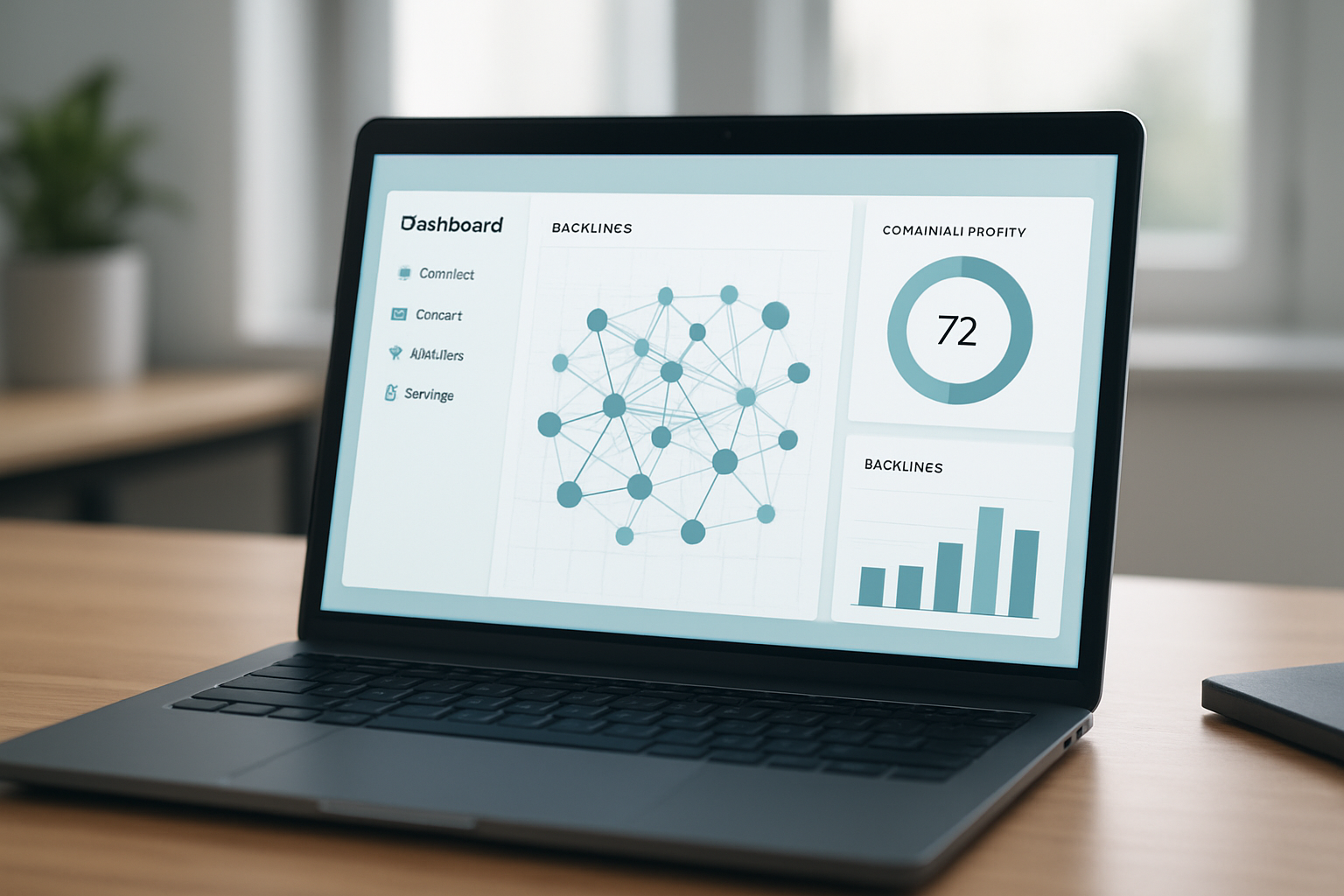
A monitoring dashboard is often the first step in learning how to implement automated backlink analysis.
How to Implement Automated Backlink Analysis in 5 Steps
Once you understand why monitoring matters, the actual process of setting it up is straightforward. Below is a practical, repeatable sequence for teams implementing automation for the first time.
Step 1: Audit Your Current Backlink Profile
Before automating anything, run a baseline scan with a free checker tool to see where your link profile currently stands. Tools such as the automatic backlink checker can surface referring domains, anchor text patterns, and any obviously toxic links so you know your starting point.
Step 2: Choose an Automated Backlink Monitoring Tool
Next, select a platform built for continuous crawling rather than one-off snapshots. For example, resources like this backlink checker guide compare reporting depth, alert flexibility, and CMS integration options before you commit to a paid plan.
Step 3: Set Up Tracking Rules and Alerts
Afterward, configure thresholds for new link gains, sudden losses, and toxic link flags. This way, your team only receives notifications when action is genuinely needed, which keeps alert fatigue from undermining the whole system.
Step 4: Analyze Link Quality with AI Scoring
Then, review the automated quality scores covering domain authority, topical relevance, and spam risk. Consequently, you can prioritize outreach or disavow decisions based on which links present the greatest risk or opportunity, rather than guessing.
Step 5: Integrate Findings into Your SEO Workflow
Finally, feed the reports into your broader content and link-building strategy. Guides like these automated backlink strategies show how ongoing analysis can directly inform which pages need new links, updated content, or disavow requests on a recurring schedule.
Selecting the Best Backlink Tracking Automation Tools
Not every automation platform offers the same depth. Therefore, compare tools based on crawl frequency, the breadth of their link index, and how clearly they explain quality scores rather than just handing you raw numbers.
Industry resources such as Moz’s backlink guide outline the core metrics worth tracking, including domain authority and link relevance. In addition, platforms that bundle backlink tracking automation with broader SEO diagnostics, like Rank Authority’s site audits and RA Score reporting, give you context beyond links alone, since authority is built from technical health, content quality, and link signals together.
If you manage several client sites, look specifically for tools that support bulk monitoring and topical siloing. Resources such as this guide on how to search backlinks and boost rankings walk through practical workflows for agencies managing multiple domains at once.
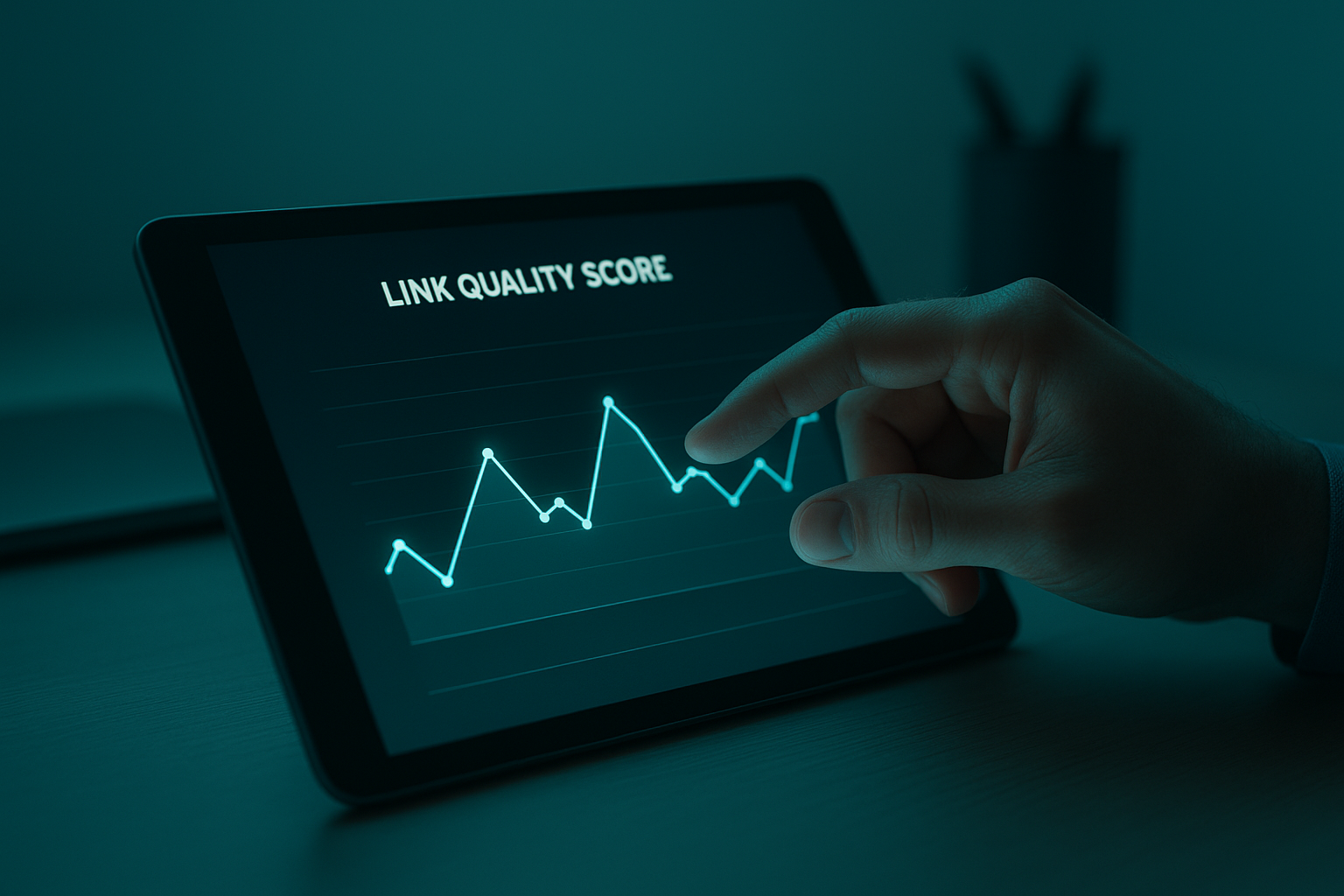
Reviewing quality scores is a key part of automated backlink tracking automation.
Common Mistakes to Avoid When Automating Backlink Audits
Even with the right tools, poor setup choices can undermine automated backlink analysis. For instance, teams often set alerts too broadly, which buries genuinely important warnings under routine noise. Above all, define clear thresholds before turning notifications on.
Another common mistake is ignoring anchor text diversity. If too many links use the exact same phrase, search engines may interpret the pattern as manipulative rather than natural. Similarly, some teams forget to recheck disavowed links periodically, allowing previously flagged domains to resurface unnoticed.
Finally, treating backlink data in isolation is a missed opportunity. Pairing link monitoring with a broader strategy, such as the steps outlined in this automated backlink building guide, helps ensure link signals support, rather than compete with, your content and technical SEO efforts. You can also explore free diagnostic tools at rankauthority.com to see where your current profile stands before automating further.
Frequently Asked Questions
What is automated backlink analysis?
Automated backlink analysis is the use of software to crawl the web, discover links pointing to a site, and score their quality without manual spreadsheet work. It replaces hours of manual checking with continuous, software-driven monitoring.
How to implement automated backlink analysis without hiring an SEO expert?
Learning how to implement automated backlink analysis without an in-house expert starts with choosing a platform that automates crawling, scoring, and alerts, such as Rank Authority. Individual results vary, but automation removes most of the technical setup normally required.
Why does automated backlink analysis matter for SEO rankings?
Backlinks remain one of the strongest ranking signals search engines use, so losing quality links or gaining toxic ones can shift visibility quickly. Automated analysis catches these changes early, before they cause lasting damage.
How long does it take to set up automated backlink monitoring?
Most platforms allow you to connect a domain and begin tracking within 15 to 30 minutes. Full baseline reporting, however, may take 24 to 48 hours as the crawler indexes existing links.
How much does automated backlink analysis software cost?
Pricing varies widely, from free diagnostic scans to monthly subscriptions depending on link volume and reporting depth. Many platforms, including Rank Authority, offer a free scan or trial before committing to a paid plan.
What’s the difference between manual and automated backlink audits?
Manual audits rely on spreadsheets and individual link checks, which are slow and prone to missed data. Automated audits continuously crawl and score links at scale, flagging risks in real time instead of periodically.
What are the most common mistakes in automated backlink tracking?
A frequent mistake is setting up alerts without defining quality thresholds, which leads to noisy, unhelpful notifications. Another is ignoring anchor text diversity, which can signal unnatural link patterns to search engines.
Which metrics should automated backlink tools report on?
Look for referring domain count, domain authority or similar trust scores, anchor text distribution, and toxic link flags. These metrics together give a fuller picture than raw link counts alone.
Can automated backlink analysis detect toxic or spammy links?
Yes, most automated tools score links against spam signals such as low-quality domains, link farms, and irrelevant anchor text. This helps teams decide which links to disavow before they harm rankings.
How often should automated backlink reports run?
Weekly reporting is a reasonable default for most sites, while high-authority or heavily linked domains may benefit from daily monitoring. Alerts for sudden link loss should run continuously rather than on a fixed schedule.
Does automated backlink analysis work for small businesses?
Yes, small businesses often benefit the most since they rarely have dedicated SEO staff to track links manually. Automation gives them broader monitoring without the added headcount or expertise.
What tools integrate with automated backlink analysis platforms?
Many platforms connect with CMS tools such as WordPress, Shopify, and Webflow, plus broader SEO dashboards for reporting. Rank Authority, for example, integrates with several major CMS platforms for streamlined deployment.
Conclusion
Ultimately, knowing how to implement automated backlink analysis gives any website, from a solo entrepreneur’s blog to a multi-client agency portfolio, a repeatable way to protect and grow its link authority. By auditing your current profile, choosing the right monitoring tool, setting clear alert thresholds, scoring link quality, and feeding results back into your SEO workflow, you replace guesswork with consistent, data-driven decisions. As search continues shifting toward AI-driven answer environments, maintaining a clean, well-monitored backlink profile remains one of the most reliable ways to support visibility across both traditional and AI search. Individual results vary, but starting with a free diagnostic scan is a practical first step toward stronger search authority.