
Automated SEO indexing and crawling is the use of software to scan your website, fix technical barriers, and submit new or updated pages to search engines without manual checking. It matters because a page that search engines cannot find or store cannot rank, and it cannot be cited by AI answer tools either.
Quick answer: Automation speeds up discovery and submission. However, Google alone decides whether and when a page is indexed. Your job is to make pages easy to crawl, worth indexing, and easy to resubmit.
What Is Automated SEO Indexing and Crawling?
Crawling is when a search bot visits your pages and reads them. Indexing is when the search engine stores a page so it can show up in results. Automation handles the repeatable parts: audits, sitemap updates, link checks, and index submissions.
Manual work still has a place. For a five-page site, you can check everything by hand. For a growing site, however, automation saves hours and catches problems sooner.

Reviewing crawl and indexing reports is faster when audits run automatically.
How Crawling and Indexing Actually Work
Search engines follow a simple path. First, a bot discovers a URL through links or a sitemap. Next, it fetches the page and reads the content. Finally, the engine decides whether to store it. The web crawler overview on Wikipedia explains the basics well.
Crawl budget in plain language
Crawl budget is how many pages a search engine will fetch from your site in a given period. Google says it mainly matters for very large or fast-changing sites. For most small businesses, clean structure matters more than budget.
Why crawled pages still go unindexed
Google may skip pages that look thin, duplicate, or low in value. In addition, noindex tags and weak internal links can keep a page out. Google’s crawling and indexing documentation lists the official causes.
What Can You Automate?
| Task | Automatable? | Notes |
|---|---|---|
| Site audits | Yes | Finds broken links, redirects, missing tags |
| Sitemap updates | Yes | Keeps URL lists current |
| Index submission | Yes | Submits requests; does not force indexing |
| Schema markup | Yes | Helps engines understand page content |
| Content quality | Partly | Needs human review |
How to Set Up Automated SEO Indexing and Crawling
Follow these five steps in order.
- Run a full site audit. Find broken links, blocked pages, and missing tags first.
- Fix crawl blockers. Review robots.txt, noindex tags, redirects, and slow pages.
- Publish a clean XML sitemap. List only indexable, canonical URLs, then submit it in Google Search Console.
- Strengthen internal links. Group related pages so bots and visitors can move between them.
- Submit changes and monitor. Request indexing for new pages and check coverage weekly.
Where Rank Authority Fits In
Rank Authority is an AI-powered search optimization and AI visibility platform. Its 1-Click AI AutoPilot scans your site, identifies technical and on-page gaps, and deploys approved fixes. It also generates schema markup and submits changes for indexing. Google still makes the final indexing decision.
RankLink automates topical siloing and internal linking, which supports crawl paths. Full audits report an RA Score (Rank Authority Score) so you can track progress. The platform integrates with WordPress, Shopify, Wix, Webflow, GoDaddy, and GoHighLevel, and includes a seven-day trial. Individual results vary.
For deeper reading, see these guides on technical SEO automation tools, how automated tools boost SEO performance, and streamlining your SEO strategy with AI.
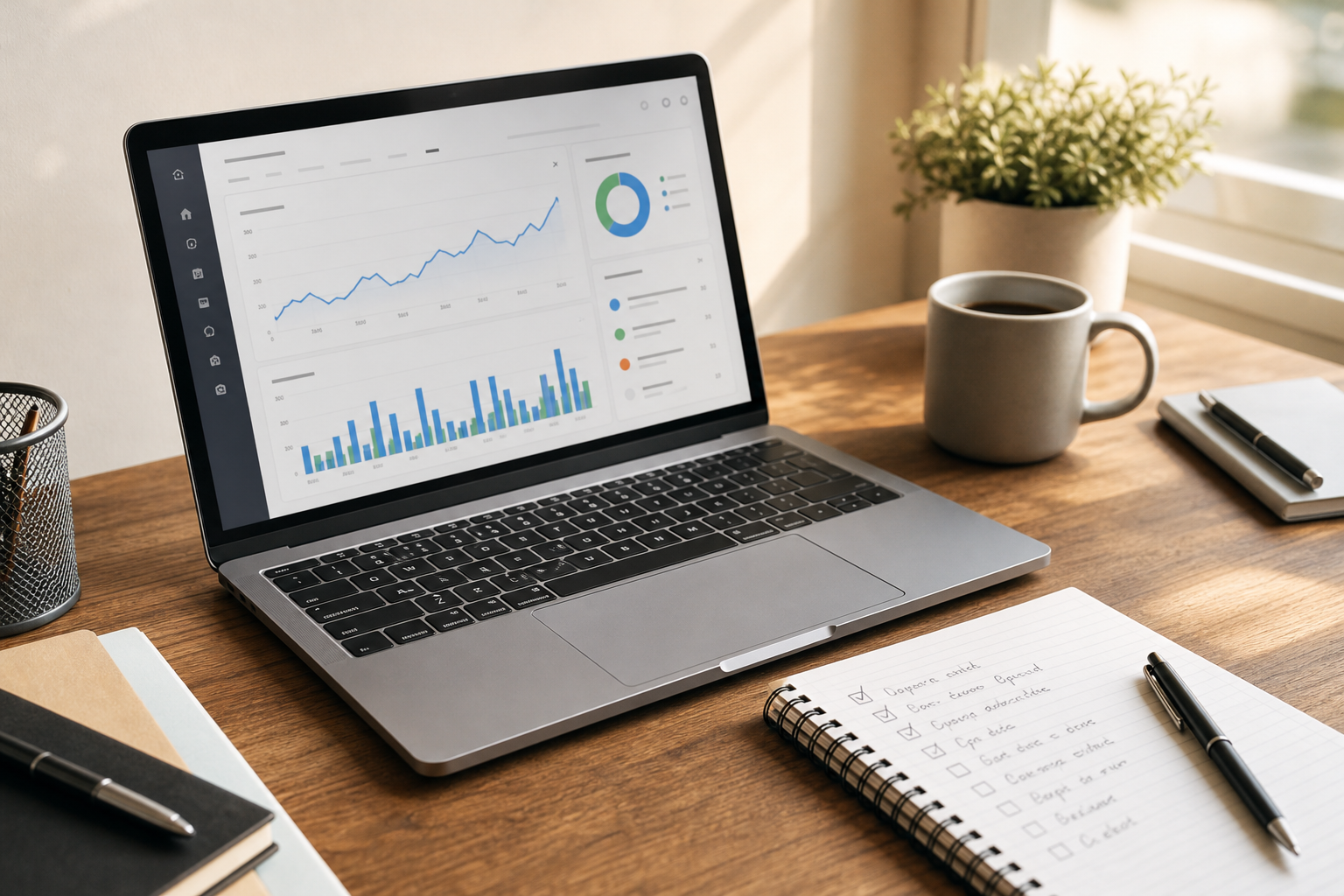
A simple checklist keeps your technical audit steps consistent.
Why Crawling Matters for AI Search
Generative Engine Optimization (GEO) is the practice of structuring content so AI tools can find and cite it. Answer Engine Optimization (AEO) formats clear answers for featured snippets and AI responses. Both depend on content that is reachable and well structured. As a result, crawl health supports AI Visibility as well as classic rankings. For more on faster workflows, read about AI automation for faster SEO and tools that streamline SEO processes.
Frequently Asked Questions
What is automated SEO indexing and crawling?
Automated SEO indexing and crawling uses software to scan your site, find technical issues, and submit new or updated pages to search engines. It replaces repetitive manual checks. Google alone decides whether and when a page is indexed.
What is the difference between crawling and indexing?
Crawling is when a bot discovers and reads your page. Indexing is when the search engine stores that page so it can appear in results. A page can be crawled and still not be indexed.
Can automation guarantee my pages get indexed?
No. Automation can submit pages and remove obstacles, but Google alone determines whether and when a page is indexed. Quality, uniqueness, and technical health all matter.
How long does indexing take?
It varies from hours to several weeks. Site authority, content quality, and crawl demand all affect timing. Individual results vary.
What is crawl budget?
Crawl budget is the number of pages a search engine will crawl on your site in a given period. Large sites with many low-value URLs are most affected.
Why are my pages crawled but not indexed?
Common causes include thin or duplicate content, noindex tags, weak internal links, and low perceived value. Google Search Console reports the status for each URL.
Does an XML sitemap help indexing?
Yes. A sitemap lists the URLs you want discovered and helps search engines find new content faster. It is a hint, not a command.
How does internal linking affect crawling?
Bots follow links to discover pages. Pages with no internal links, called orphan pages, are harder to find and often get crawled less.
Is automated indexing safe for my site?
It is safe when it uses official methods such as sitemaps and Search Console submissions. Avoid tools that spam search engines with low-quality URLs.
How do crawling and indexing affect AI search visibility?
AI answer engines draw on content they can discover and understand. Clean crawling, structured data, and clear answers support Generative Engine Optimization (GEO) and Answer Engine Optimization (AEO).
What common mistakes block crawling?
Typical mistakes include a robots.txt file that blocks key folders, stray noindex tags, broken links, redirect chains, and slow pages.
Which tools handle automated SEO indexing and crawling?
Google Search Console covers monitoring and manual requests. Platforms such as Rank Authority add automated audits, fixes, and index submission, and offer a seven-day trial.
Conclusion
Automated SEO indexing and crawling removes the repetitive work of auditing, fixing, and submitting pages, so search engines and AI tools can find your best content. Start with a clean audit, fix blockers, keep a tidy sitemap, and monitor results. Remember that Google alone decides whether and when a page is indexed, and individual results vary. To see where your site stands, run a free site scan with Rank Authority.