

A backlink profile checker is a tool that maps every external link pointing to your website, giving you a complete picture of your link authority, link quality, and potential SEO risks. Understanding your backlink profile is one of the most direct levers you have for improving organic search rankings.
Without this data, you are essentially navigating SEO blind. However, once you can see exactly which sites link to you and why, you can make confident decisions about which links to protect, which to remove, and which gaps to fill through outreach.
What Does a Backlink Profile Checker Actually Do?
A backlink profile checker crawls a large index of the web and identifies every domain that has published a link pointing to your site. It then organizes that data into digestible metrics — total backlinks, unique referring domains, anchor text distribution, domain authority scores, and spam ratings.
In practice, the tool acts like a health report for your link portfolio. Because Google’s algorithm treats backlinks as votes of confidence, a profile full of authoritative, relevant links signals trustworthiness. Conversely, a profile cluttered with spammy or irrelevant links can suppress rankings or even trigger a manual penalty.
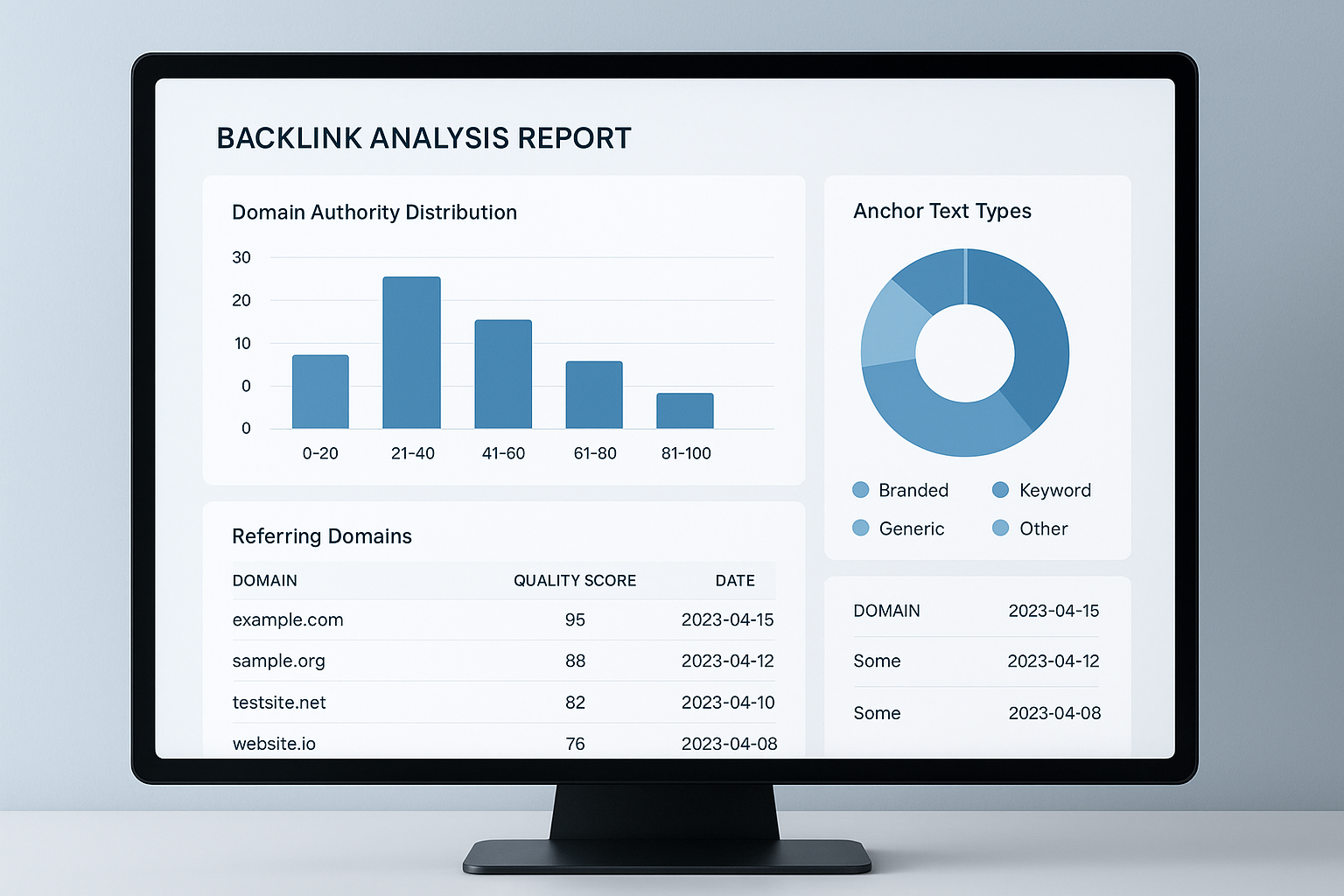
A backlink profile checker dashboard gives you an at-a-glance view of your site’s link health and authority signals. For a deeper walkthrough, see our Backlink Authority Checker: The Complete 2024 Guide.
Key Metrics Every Link Audit Should Cover
Before diving into a step-by-step audit, it helps to understand the core metrics most checkers surface. Each one tells a different part of your link story.
Referring Domains: The number of unique websites linking to you. This matters more than raw backlink count because 100 links from 100 different domains is far stronger than 100 links from one domain.
Domain Authority / Domain Rating: A third-party score predicting how well a linking domain ranks. Higher-authority links carry more SEO weight.
Anchor Text Distribution: The words used in links pointing to your site. A natural mix of branded, generic, and keyword anchors looks organic to Google.
Follow vs. Nofollow Ratio: Dofollow links pass authority; nofollow links do not. A healthy profile includes both, since an all-dofollow profile can appear manipulative.
Spam Score: A toxicity rating assigned to each linking domain. Links from high-spam domains should be reviewed and potentially disavowed.
How to Audit Your Backlink Profile Step by Step
Running a thorough audit does not have to be complicated. Therefore, following a clear sequence ensures you cover every angle without missing critical issues.
Step 1 — Choose your backlink profile checker. Popular paid options include Ahrefs, Semrush, and Moz Link Explorer. For a free starting point, Google Search Console provides link data sourced directly from Google’s own index, making it highly accurate for your own domain.
Step 2 — Pull the full link report. Enter your root domain and export the complete backlink list. Include columns for referring domain, anchor text, domain authority, spam score, and link type (follow or nofollow).
Step 3 — Identify and flag toxic links. Sort by spam score and flag any link from a domain with a score above your tool’s warning threshold. Additionally, look for patterns such as links from unrelated foreign-language sites, link directories, or private blog networks.
Step 4 — Reach out for removal. Before using the disavow tool, contact the webmaster of each toxic linking site and request removal. This step is often skipped, but Google recommends it as a first action.
Step 5 — Disavow remaining toxic links. For links that were not removed after outreach, compile them into a properly formatted disavow file and submit it through Google Search Console. According to Google’s Penguin algorithm, manipulative link patterns can suppress rankings, so timely disavowal is important.
Step 6 — Analyze competitor profiles. Use your checker to study the link profiles of top-ranking competitors. As a result, you will uncover high-authority domains that link to them but not yet to you — prime targets for your next outreach campaign.
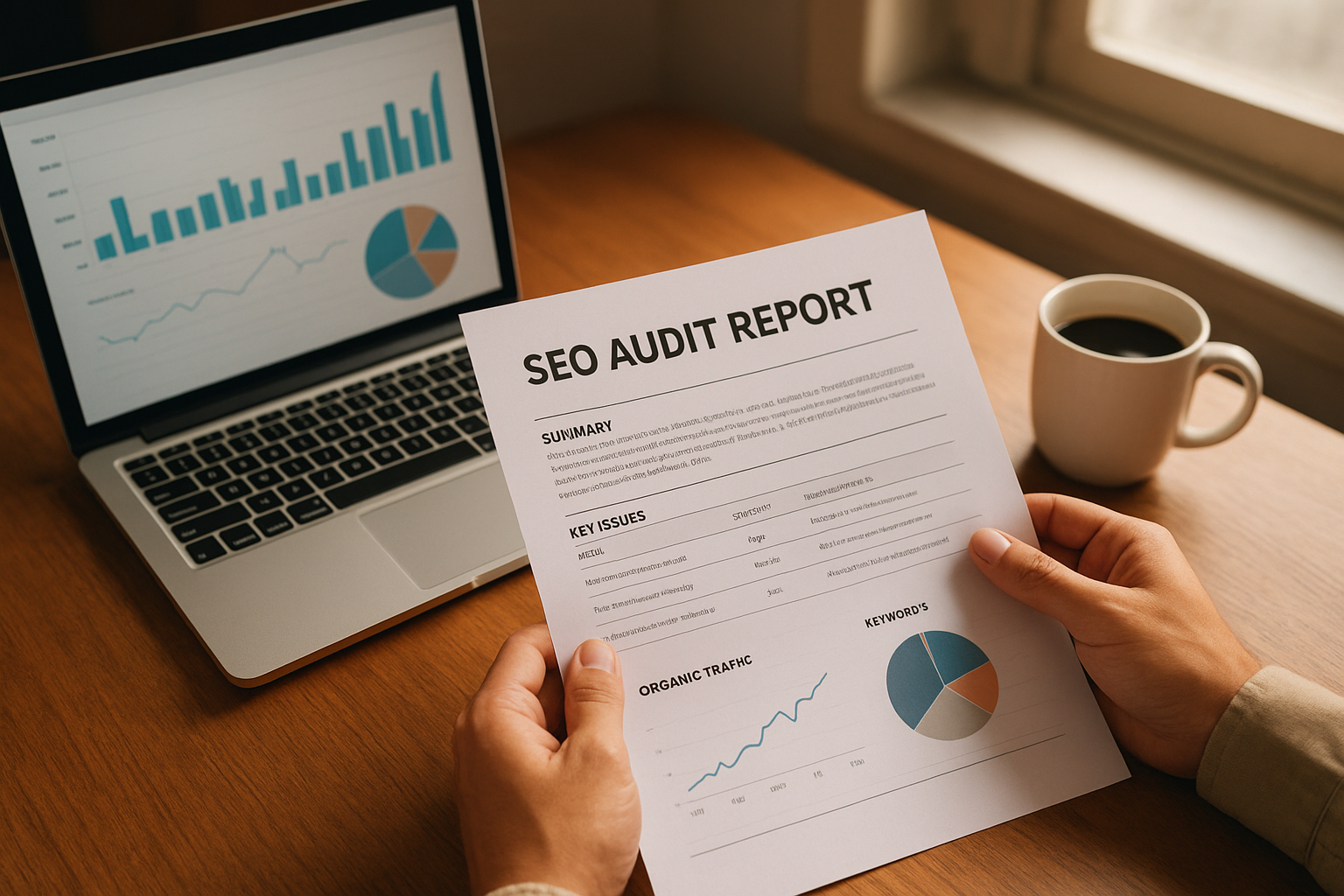
A structured audit process helps teams prioritize which toxic links to address first and where to focus new link-building efforts.
Choosing the Right Tool for Your Needs
Not every site needs an enterprise-grade tool. Meanwhile, using the wrong tool can lead to incomplete data and poor decisions. Here is how to match tool to need:
Small Sites / Bloggers
Google Search Console plus Ahrefs Webmaster Tools (free tier) provides enough data to monitor link growth and catch obvious issues without any cost.
Growing Businesses
Semrush or Moz Link Explorer at a mid-tier plan offers competitor analysis, toxic link detection, and scheduled audits — all critical for scaling link building.
Agencies and Enterprises
Ahrefs or Semrush at full plan gives access to the largest link indexes, bulk domain analysis, and API access for custom reporting workflows.
Penalty Recovery
For sites hit by a Google penalty, a specialist service such as RankAuthority can combine tool data with expert analysis to accelerate recovery.
Common Mistakes People Make During Link Audits
Even experienced SEOs make avoidable errors when auditing links. Recognizing these pitfalls in advance saves both time and rankings.
Disavowing too aggressively. Some marketers panic and disavow every link with a moderate spam score. However, this can accidentally remove legitimate links and weaken your authority. Always manually review flagged links before disavowing.
Ignoring anchor text concentration. A profile where 70% of links use the same exact-match keyword anchor is a red flag. Therefore, diversifying your anchor text through varied outreach messaging should be a priority.
Auditing only once. Link profiles change constantly as new links are built and old ones are removed. As a result, a one-time audit provides only a snapshot. Monthly monitoring is the minimum for any active SEO campaign.
Skipping competitor analysis. The audit should not stop at your own domain. Analyzing competitor backlink profiles reveals link-building opportunities you would otherwise miss entirely.
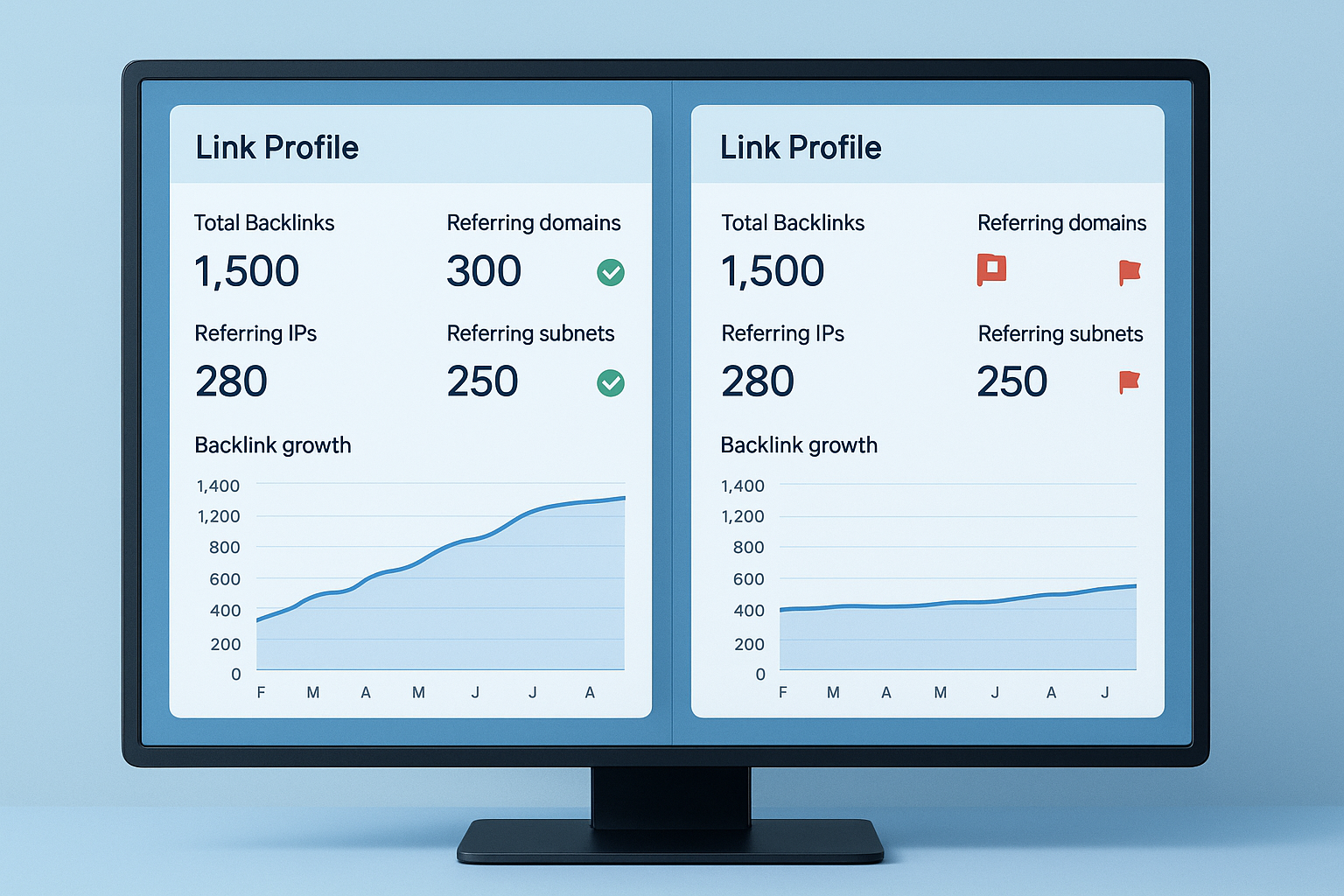
Comparing a healthy link profile against a toxic one highlights exactly which signals search engines use to evaluate link quality.
Turning Audit Findings Into a Link-Building Strategy
An audit is only half the work. The real value comes from using your findings to guide future link acquisition. First, identify the types of sites that already link to you naturally — these reveal your most receptive audiences for outreach.
Next, look at the pages on your site that attract the most links. These are your strongest link magnets. Producing more content in the same format or topic area will likely attract similar links organically.
Additionally, use competitor gap analysis to find domains that link to multiple competitors but not to you. These sites clearly cover your topic area and are worth prioritizing in your outreach pipeline. Resources like RankAuthority can help you build and execute a targeted link acquisition plan based on this data.
Final Thoughts on Using a Backlink Profile Checker
A backlink profile checker is not a one-click fix — it is a diagnostic tool that gives you the clarity needed to make smart, data-driven SEO decisions. Whether you are cleaning up a penalty, benchmarking against competitors, or scaling a link-building campaign, regular link audits are foundational to sustainable search performance.
In summary, start with a free tool to establish your baseline, upgrade as your site grows, and commit to monthly monitoring. The sites that consistently outrank competitors are almost always the ones that treat their link profiles as living assets — not static data points.
Frequently Asked Questions
What is a backlink profile checker?
A backlink profile checker is a tool that scans the internet to identify all external websites linking to your domain. It aggregates data such as total backlinks, referring domains, anchor text distribution, and link quality scores so you can evaluate your site’s link health.
Why is checking your backlink profile important for SEO?
Your backlink profile directly influences how search engines assess your domain’s authority and trustworthiness. A profile with high-quality, relevant links boosts rankings, while toxic or spammy links can trigger algorithmic penalties.
How often should I audit my backlink profile?
For most websites, a monthly backlink audit is sufficient to catch new toxic links and monitor link growth. However, sites in competitive niches or those recovering from a Google penalty should audit weekly.
What are toxic backlinks and how do I find them?
Toxic backlinks are links from low-quality, spammy, or irrelevant websites that can harm your search rankings. Most backlink profile checkers assign a spam or toxicity score to each link, making them easy to identify and prioritize for removal or disavowal.
What is the difference between backlinks and referring domains?
Backlinks are the total number of individual links pointing to your site, while referring domains are the number of unique websites those links come from. A healthy profile typically shows diverse referring domains rather than thousands of links from just one or two sites.
Which free backlink profile checkers are most reliable?
Google Search Console is the most reliable free option because it pulls data directly from Google’s index. Ahrefs Webmaster Tools and Moz Link Explorer also offer limited free tiers that provide useful link data for smaller sites.
How do I disavow toxic backlinks after finding them?
After identifying toxic links with a backlink profile checker, compile them into a disavow file formatted per Google’s guidelines and submit it through Google Search Console’s Disavow Tool. Always attempt manual outreach to remove links before disavowing.
What metrics should I focus on when analyzing a backlink profile?
The most important metrics are domain authority or domain rating of linking sites, total referring domains, anchor text distribution, follow versus nofollow ratio, and the spam score of individual links. Together, these give a complete picture of link quality.
Can a bad backlink profile cause a Google penalty?
Yes, a backlink profile dominated by spammy or manipulative links can trigger a manual penalty or algorithmic downgrade from Google. Regular audits using a backlink profile checker help you catch and address these issues before they damage your rankings.
What is anchor text diversity and why does it matter?
Anchor text diversity refers to the variety of words and phrases used in links pointing to your site. Over-optimized anchor text, where most links use the exact same keyword, looks unnatural to Google and can signal manipulation, potentially leading to ranking drops.
How does a backlink profile checker compare to Google Search Console?
Google Search Console shows only links Google has indexed for your own site, while a dedicated backlink profile checker like Ahrefs or Semrush crawls a broader index and also lets you analyze competitor link profiles. Both tools are complementary and should be used together.
How long does it take to see SEO improvement after a backlink audit?
After removing or disavowing toxic links and building quality replacements, most sites see measurable ranking improvements within 4 to 12 weeks. The timeline depends on how quickly Google recrawls the affected pages and processes the disavow file.

