
An SEO free check gives you a complete diagnostic of your website’s health without spending a single cent. It scans for technical errors, on-page weaknesses, and missed ranking opportunities that are otherwise invisible to the naked eye. Whether you run a small blog or a growing e-commerce store, knowing exactly where your SEO stands is the first step toward better visibility on Google.
Fortunately, a range of powerful free tools makes this process accessible to absolutely everyone. In this guide, you will learn exactly which tools to use, what each one reveals, how to interpret the results, and — most importantly — how to turn your findings into real, measurable ranking improvements.
Quick Answer: An SEO free check scans your website for technical errors, missing metadata, slow page speed, indexing problems, and mobile usability issues using tools like Google Search Console, PageSpeed Insights, and Rank Authority’s free site audit checker — all without paying a cent. Fixing what it uncovers can lift your organic rankings within weeks.
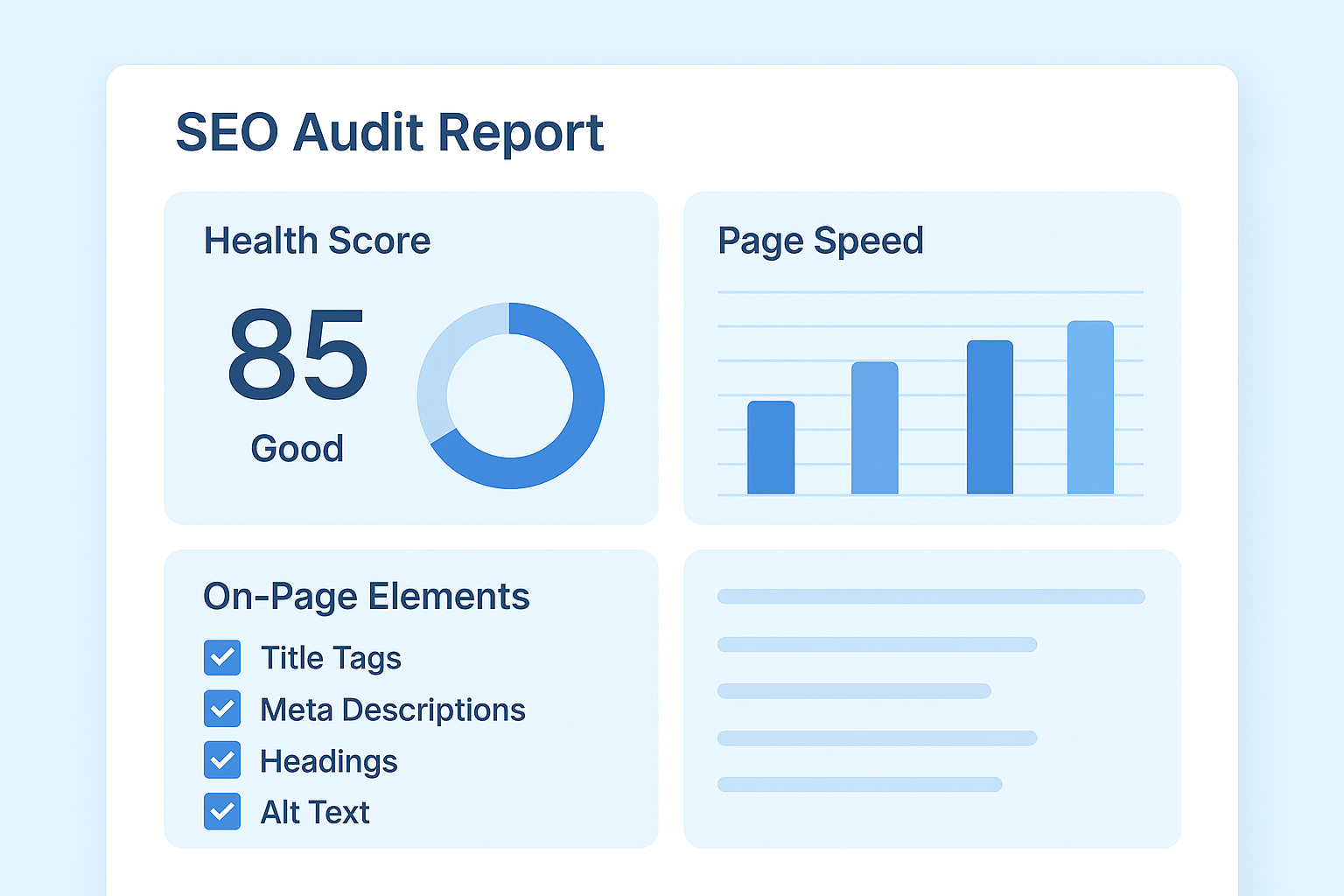
A typical SEO free check dashboard highlights technical health, speed scores, and on-page issues at a glance.
Why an SEO Free Check Matters More Than You Think
Many website owners assume their site is performing well simply because it looks good. However, search engines evaluate dozens of technical and content signals that are completely invisible to the naked eye. As a result, a site can appear polished while quietly losing rankings due to crawl errors, slow load times, or missing metadata.
Running a regular check costs nothing and takes less than an hour. Additionally, the data you gather gives you a clear priority list, so you spend time fixing problems that actually move the needle instead of guessing.
According to Wikipedia’s overview of SEO, search engine optimization involves both technical and content-based factors that influence how search engines index and rank pages. A thorough free audit addresses both dimensions simultaneously, which is exactly why it belongs at the top of every site owner’s to-do list.
What a Free SEO Audit Actually Covers
Before you run one, it helps to understand exactly what a proper check inspects. A comprehensive audit looks well beyond a single metric — it evaluates several distinct categories, each covering a different layer of your website’s performance.
- Meta data: title tags, meta descriptions, canonical tags, and hreflang attributes
- Page structure: heading hierarchy, URL structure, and breadcrumb navigation
- Content quality: thin content, duplicate content, and keyword usage
- Link structure: internal linking depth, broken links, and anchor text distribution
- Technical SEO: crawlability, indexability, robots.txt rules, and XML sitemaps
- Performance: page speed, Core Web Vitals, and mobile-friendliness
- Structured data: schema markup that enables rich results in Google
- Usability: readability, mobile navigation, and tap-target spacing
Notably, most free tools only cover two or three of these categories well. That is precisely why this guide walks through several tools together — each one fills a gap the others leave behind. For a single consolidated report that touches nearly every category above, try Rank Authority’s free site audit checker.
The Best Free SEO Tools to Use Right Now
Before diving into the step-by-step process, it helps to know which tools deliver the most value at no cost. Each one focuses on a different layer of your site’s performance, so using them together produces a far more complete picture than relying on just one.
Google Search Console
Google Search Console is the most authoritative free tool available. Because it pulls data directly from Google’s crawlers, it shows exactly which pages are indexed, which have errors, and how your site performs in search results. Therefore, it should be the foundation of every free SEO check you run.
Google PageSpeed Insights
Page speed is a confirmed Google ranking factor, especially on mobile. PageSpeed Insights gives you a detailed score alongside specific recommendations, such as compressing images or eliminating render-blocking resources, that you can act on immediately.
Rank Authority’s Free Audit Tools
For a consolidated overview of on-page issues, Rank Authority offers a free site audit that checks metadata, heading structure, link health, and more in a single report. It is particularly useful for spotting issues that Google Search Console does not surface directly. If you want a broader look at keyword opportunities alongside your technical findings, pair it with a free SEO analysis to see the full picture in one sitting.
Google’s Rich Results Test (Structured Data Check)
Most free checkers skip structured data entirely. However, Google’s own structured data documentation and testing tools let you confirm your schema markup is valid, which directly influences whether your pages qualify for rich results like star ratings and FAQ snippets.
Bing Webmaster Tools
Google is not the only search engine worth checking. Bing Webmaster Tools offers a free SEO analyzer that flags similar technical issues and can reveal indexing gaps specific to Bing’s crawler, giving you a more complete cross-engine view at no additional cost.
How to Run a Free SEO Check in 5 Steps
Follow these five steps to conduct a thorough audit without spending anything. Try our free SEO tester for automated checks that supplement manual steps. Each step builds on the previous one, so working through them in order produces the most complete picture.
Step 1 — Set Up Google Search Console
First, verify your site in Google Search Console if you have not already done so. Once verified, navigate to the Coverage report to see which pages are indexed and which are excluded or contain errors. Next, check the Core Web Vitals report to understand how Google perceives your page experience.
Step 2 — Run a Page Speed Test
Enter your homepage URL into PageSpeed Insights and review the mobile score first, since Google uses mobile-first indexing. Pay close attention to Largest Contentful Paint (LCP) and Cumulative Layout Shift (CLS), as these directly affect your Core Web Vitals score. Additionally, test two or three of your most important landing pages, not just the homepage.
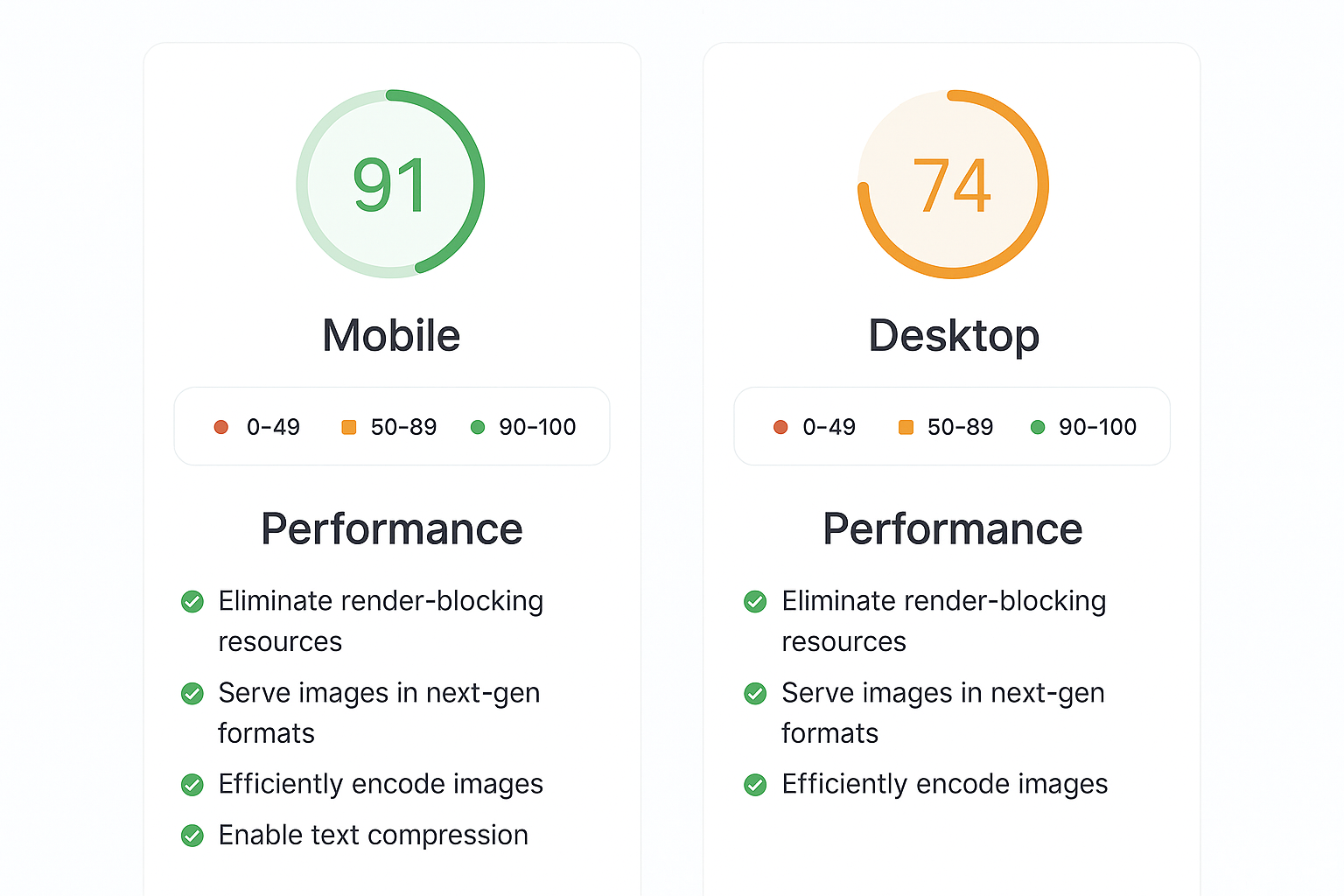
Checking both mobile and desktop speed scores is a critical part of any free SEO site audit.
Step 3 — Audit On-Page Elements
For each key page, manually verify or use a free tool to check the following elements:
- Title tag — unique, 50–60 characters, contains the target keyword
- Meta description — unique, 120–155 characters, includes a call to action
- H1 heading — one per page, clearly states the page topic
- Image alt text — descriptive and present on all meaningful images
- Internal links — relevant anchor text pointing to related content
- Canonical tags — pointing to the correct preferred URL version
Missing or duplicate metadata is one of the most common issues uncovered at this stage. In practice, even a single missing title tag can cost you clicks in the search results.
Step 4 — Check for Broken Links
Broken internal links waste crawl budget and create a poor user experience. Use a free broken link checker — several browser extensions and online tools handle this at no cost. Fix or redirect any URLs returning a 404 status, and update any external links pointing to pages that no longer exist. Learn more in our Broken Links Test.
Step 5 — Review and Prioritize Your Findings
After gathering data from every tool, compile your findings into a simple spreadsheet. Prioritize issues by likely impact: crawl errors and index exclusions first, followed by page speed, then on-page metadata. Finally, schedule recurring checks so new issues get caught before they compound.
Understanding Your SEO Audit Score
Most free tools return a single overall score, which can feel overwhelming without context. However, not every flagged issue carries equal weight. Treat your results the way you would a set of traffic lights: red items block Google from crawling or indexing pages and demand immediate attention, orange items — such as slow speed or thin content — reduce ranking potential but rarely block indexing entirely, and green items are minor polish issues worth fixing eventually.
Consequently, do not chase a perfect 100 score on your first pass. Instead, work through red issues first, then orange, then green. This prioritized approach is far more efficient than trying to fix everything simultaneously, and it mirrors exactly how experienced SEO professionals triage a site.
Free SEO Check vs Paid SEO Audits: What’s the Difference
A free SEO check covers foundational issues quickly: metadata, page speed, crawlability, and basic structure. In contrast, a paid audit typically digs into backlink profiles, competitor gap analysis, keyword cannibalization, and custom strategic recommendations tailored to your niche.
That said, most sites do not need a paid audit to fix the majority of their problems. Above all, the free tools covered in this guide catch roughly 80% of the issues that actually hurt rankings. For a deeper, more strategic look once the basics are handled, a free SEO analysis from Rank Authority bridges the gap between a quick scan and a full paid engagement.
Pro Tip: After completing your audit, use Rank Authority to cross-reference your findings and discover additional on-page opportunities that automated tools sometimes miss.
Common Mistakes to Avoid During Your Free SEO Check
Even with the right tools, many site owners make avoidable errors during their audit. Being aware of these pitfalls helps you get more value from every check you run.
Only checking the homepage. Your homepage is rarely your highest-traffic page. Instead, audit your top-performing blog posts and product pages, since those pages directly drive conversions and organic traffic.
Ignoring mobile performance. Because Google indexes the mobile version of your site first, a slow or broken mobile experience will suppress rankings even if your desktop version is flawless.
Skipping structured data. Many free checkers never mention schema markup at all. Yet missing or broken structured data can quietly disqualify your pages from rich results, star ratings, and FAQ snippets in search.
Treating the audit as a one-time task. SEO is not static. New content, plugin updates, and server changes can introduce errors at any time. Therefore, scheduling recurring audits is just as important as running the first one.
What to Do After Your Free Website Audit
Once you have a clear picture of your site’s weaknesses, the next step is execution. Start with the highest-impact fixes: resolving crawl errors ensures Google can actually access your content, while improving page speed directly affects both rankings and bounce rates. For a deeper process, see our complete audit guide. For a targeted walkthrough on site health, see website SEO health guidance.
Meanwhile, work through on-page improvements systematically. Update title tags and meta descriptions on your top ten pages before moving to secondary content. This approach maximizes return on your time because those pages already attract the most traffic and therefore have the most to gain.
Finally, track your progress. Return to Google Search Console two to four weeks after making changes to see whether impressions and click-through rates have improved. You can also rerun Rank Authority’s free site audit checker to confirm your fixes actually resolved the flagged issues. Although results are not always immediate, consistent improvement over time is a reliable indicator that your fixes are working.
Backlinks and Domain Authority: What a Free Check Often Misses
Most free SEO check tools focus almost entirely on-page and technical factors. However, off-page signals like backlinks and domain authority matter just as much for competitive keywords. Specifically, a strong backlink profile signals trust to Google, while a weak one can hold back even a technically flawless site.
If your free audit did not cover this area, run it separately. You can learn where to check backlinks for free to see which sites link to you and spot any toxic links worth disavowing. Similarly, a free domain ranking checker shows how your overall domain authority compares to competitors targeting the same keywords.
In addition, this is also where you can peek at competitor SEO for free. While deep competitive intelligence typically requires a paid subscription to platforms like Ahrefs or SEMrush, free backlink and domain tools still reveal enough to benchmark yourself realistically.
Mobile Usability and Core Web Vitals in a Free SEO Check
Because Google evaluates the mobile version of your site first, mobile usability deserves its own dedicated pass during any free SEO check. Beyond speed, check that tap targets are spaced far enough apart, text is legible without zooming, and the viewport is configured correctly.
Core Web Vitals — specifically Largest Contentful Paint, Interaction to Next Paint, and Cumulative Layout Shift — remain among the clearest, most measurable ranking signals Google publishes. You can read Google’s own explanation of these metrics on web.dev’s Core Web Vitals guide for the latest thresholds. Consequently, treat any red or orange Core Web Vitals score as a top priority, since it affects every page on your domain simultaneously rather than just one.
Structured Data: The Free SEO Check Category Most Sites Ignore
Structured data (also called schema markup) is code that helps search engines understand exactly what your content means, not just what it says. For example, marking up a recipe, product, or FAQ section correctly can unlock rich results, such as star ratings or expandable question boxes, directly in the search results.
You can review the full vocabulary of available markup types at Schema.org, the shared standard maintained by Google, Microsoft, Yahoo, and Yandex. Because this category is so frequently overlooked in basic free checks, verifying your structured data is one of the fastest ways to gain a competitive edge without writing a single word of new content.
Frequently Asked Questions About SEO Free Check
What is an SEO free check?
An SEO free check is a no-cost audit of your website that identifies technical issues, on-page weaknesses, and ranking opportunities. Tools like Google Search Console and free third-party analyzers perform this analysis without requiring a paid subscription.
How accurate are free SEO audit tools?
Free SEO audit tools are generally accurate for surface-level issues such as broken links, missing meta tags, and page speed problems. However, they may lack the depth of paid platforms when it comes to checking backlink profiles or competitive intelligence.
Which free tool is best for checking technical SEO?
Google Search Console is widely considered the best free tool for technical SEO because it provides direct data from Google, including crawl errors, index coverage, and Core Web Vitals. It is free and authoritative.
How often should I run a free SEO check?
You should run a free SEO check at least once a month for active websites. If you publish content frequently or make structural changes, checking every two weeks helps catch issues before they affect rankings.
Can a free SEO check improve my Google rankings?
Yes, identifying and fixing the issues uncovered by a free SEO check can directly improve your Google rankings. Resolving crawl errors, improving page speed, and fixing meta descriptions are all ranking factors.
What does a free SEO check look at?
A free SEO check typically examines title tags, meta descriptions, heading structure, page speed, mobile usability, broken links, duplicate content, structured data, and indexability. Some tools also review backlink counts and keyword presence.
Is Google Search Console really free?
Yes, Google Search Console is completely free for any website owner. It requires verifying ownership of your site and then provides ongoing SEO data directly from Google’s crawlers.
What is the difference between a free SEO check and a paid audit?
A free SEO check covers foundational issues quickly and at no cost, while a paid audit goes deeper into backlink profiles, competitor analysis, keyword cannibalization, and custom recommendations. Paid audits are typically more comprehensive.
Do free SEO tools check mobile friendliness?
Yes, many free SEO tools check mobile friendliness. Google’s Mobile-Friendly Test and PageSpeed Insights both provide mobile usability scores and specific recommendations at no cost.
What common SEO mistakes does a free check reveal?
Common mistakes revealed by a free SEO check include missing title tags, duplicate meta descriptions, slow page load times, images without alt text, broken internal links, missing structured data, and pages blocked from indexing.
Can I check my competitor’s SEO for free?
Some free tools offer limited competitor analysis, such as viewing estimated traffic, top keywords, or a domain ranking comparison. However, deep competitor audits typically require a paid subscription to platforms like Ahrefs or SEMrush.
How long does a free SEO check take?
A basic free SEO check can take as little as a few minutes using automated tools. A thorough manual review of the results and prioritizing fixes may take one to two hours depending on site size.
Does a free SEO check include backlink or domain authority data?
Most basic free SEO checks focus on on-page and technical factors rather than backlinks. For off-page data, use a dedicated free backlink checker or a free domain ranking checker alongside your on-page audit. For a deeper walkthrough, see our SEO Backlinks Analysis: A Complete Guide to Rankings.
Will a free SEO check flag missing structured data?
Not always. Many basic free SEO check tools skip structured data entirely, so it is worth testing your schema markup separately using Google’s structured data documentation and testing resources.
Conclusion
Running an SEO free check is one of the highest-value actions you can take for your website’s long-term performance. Because the tools are freely available and the process is straightforward, there is no reason to delay. Start with Google Search Console, layer in PageSpeed Insights, verify your structured data, and use a consolidated tool like Rank Authority to catch anything you may have missed.
Most importantly, treat your audit as an ongoing practice rather than a one-time fix. Consistent monitoring, combined with disciplined follow-through on your findings, is what separates sites that steadily climb in rankings from those that plateau. Byline: Rank Authority editorial team. Last updated: 2026-07-30.

