

A page speed test measures how quickly a webpage loads and responds for real visitors, giving site owners a clear, data-backed view of performance. Whether you run a small business site or manage several client properties, understanding your page speed test results is one of the fastest ways to diagnose why visitors leave early or why search engines hesitate to rank a page. In this guide, you’ll learn what a page speed test actually measures, how to run one correctly, and what to do with the results to improve both traditional SEO and visibility in AI-powered search.
Quick answer: A page speed test is a free diagnostic that loads a webpage, times how fast it becomes usable, and scores the result against Core Web Vitals benchmarks. It then flags specific issues, such as oversized images or unused scripts, that are slowing your site down.
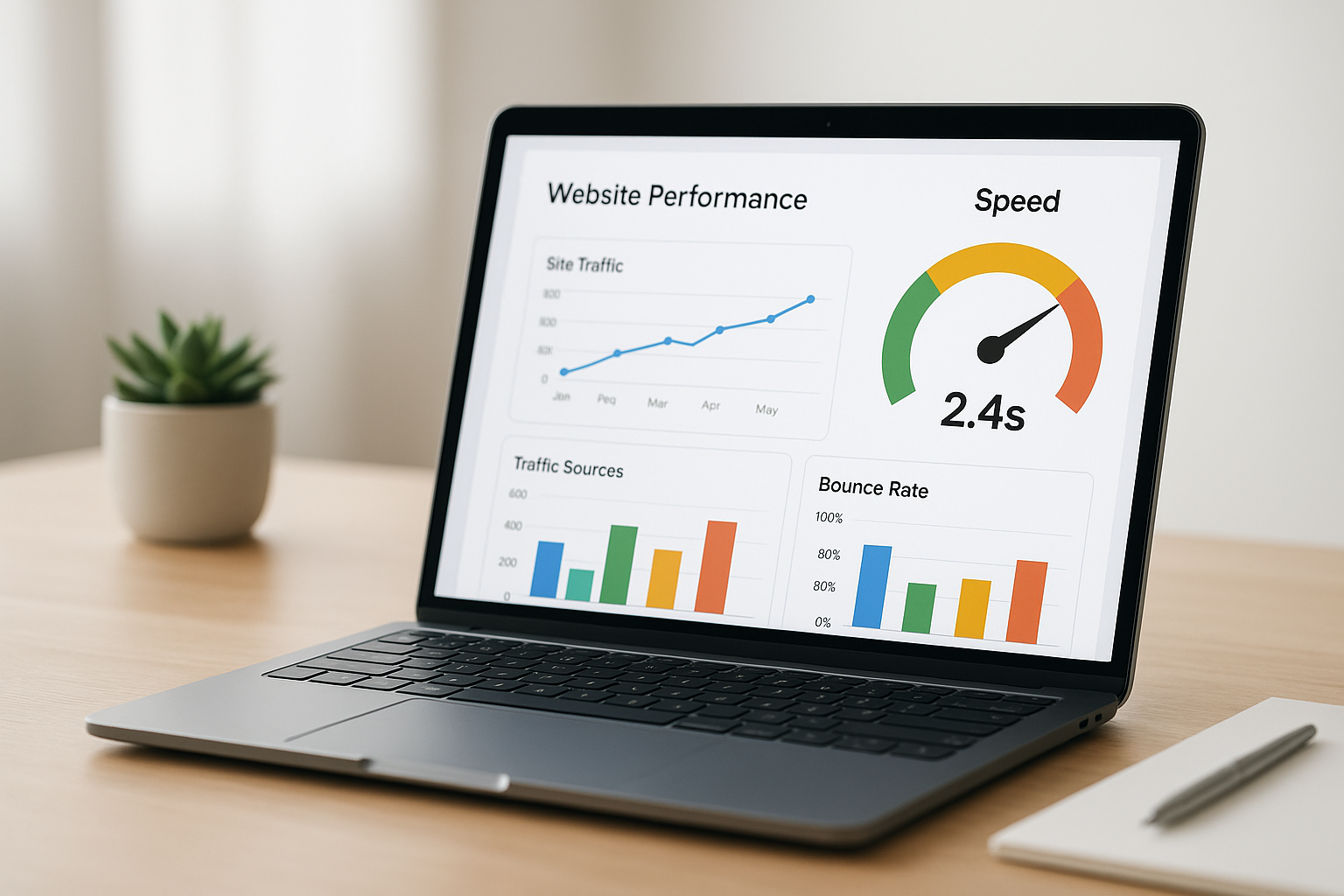
Running a page speed test gives you a clear score and a prioritized list of fixes.
What Is a Page Speed Test?
A page speed test is an automated diagnostic that loads a webpage and measures metrics such as total load time, server response time, and rendering speed, then reports the results alongside improvement recommendations. Most tools, including Google PageSpeed Insights and Rank Authority’s Page Speed Analyzer, simulate a real visitor’s experience on both mobile and desktop connections.
Typically, the test scores a page from 0 to 100 and breaks performance down into Core Web Vitals, a set of metrics Google uses to judge how pages feel to real users. In short, the higher the score, the faster and more stable the page is for visitors and crawlers alike.
Why a Site Speed Test Matters for SEO and AI Search
Page speed directly influences how visitors behave on a website. According to Google’s own mobile research, 53% of mobile visits are abandoned if a page takes longer than three seconds to load. As a result, even strong content can underperform when a site speed test reveals sluggish load times.
Beyond user experience, speed is also a confirmed ranking factor within Google’s page experience signals. Consequently, two pages with similar content quality may rank differently simply because one loads faster. For more detail on this relationship, see this breakdown of how page loading speed impacts SEO rankings.
In addition, AI answer engines and generative search tools increasingly rely on crawlers that favor fast, cleanly structured pages when selecting content to cite. Therefore, a slow page can lose visibility not only in traditional search results but also in AI-generated answers, even when the underlying content is accurate and well-written.
How to Run a Page Speed Test in 5 Steps
Running a page speed test correctly takes only a few minutes. Follow these steps to get an accurate, actionable report:
- Choose a testing tool. Select a reliable page speed test tool such as Rank Authority’s free Page Speed Analyzer, Google PageSpeed Insights, or GTmetrix, then enter your website’s URL.
- Test mobile and desktop separately. Run the test on both versions since mobile results are typically slower due to processing power and network differences.
- Review the Core Web Vitals scores. Look at Largest Contentful Paint, Interaction to Next Paint, and Cumulative Layout Shift to identify exactly where the site struggles.
- Prioritize high-impact fixes first. Address issues like oversized images, missing caching, and render-blocking scripts, since these typically deliver the fastest measurable gains.
- Re-test and monitor regularly. Confirm improvement after changes, then schedule recurring checks monthly since speed can degrade as new content or scripts are added.
For a deeper walkthrough of automated diagnostics, this complete guide to automated performance analysis covers each metric in more detail.
Key Metrics a Page Speed Test Measures
Most page speed test reports center on a handful of specific metrics. Understanding each one makes the results far easier to act on.
- Largest Contentful Paint (LCP): how long it takes for the largest visible element, such as a hero image or headline, to load. A good score is under 2.5 seconds.
- Interaction to Next Paint (INP): how quickly the page responds to a click, tap, or keypress. Lower numbers mean a snappier, more responsive page.
- Cumulative Layout Shift (CLS): how much the page layout unexpectedly moves while loading, which can frustrate users trying to click a button or link.
- Time to First Byte (TTFB): how quickly the server responds to the initial request, often tied to hosting quality.

Core Web Vitals form the backbone of nearly every modern site speed test.
Common Mistakes That Skew Page Speed Test Scores
Even well-built sites can post disappointing results because of avoidable errors. For instance, uploading uncompressed images is one of the most frequent causes of a slow load time. Similarly, stacking too many third-party scripts, such as chat widgets and tracking pixels, adds delay that compounds quickly.
Other common mistakes include skipping browser caching, relying on outdated hosting, and testing only the homepage while ignoring slower interior pages. Above all, it’s important to test the specific page that matters most for conversions or rankings, not just the site’s front door.
How to Improve Your Score After a Website Speed Check
Once a website speed check identifies the problem areas, fixing them follows a fairly predictable pattern. Compressing and resizing images typically delivers the biggest, fastest win. Enabling browser caching and using a content delivery network (CDN) further reduce load times for repeat visitors and users in different regions.
In addition, minifying CSS and JavaScript, removing unused plugins, and lazy-loading offscreen images all contribute to a leaner, faster page. However, manually auditing and applying these fixes across an entire site can take significant time and technical expertise. This is where automation helps: Rank Authority’s 1-Click AI AutoPilot scans a site, identifies technical gaps, and streamlines approved fixes without requiring an in-house SEO team.
To compare how different performance tools stack up before committing to one, this page-level SEO comparison service walks through the tradeoffs in detail. For a broader look at automated options, explore these AI-powered website performance tools. You can also visit the Rank Authority platform directly to run a free scan and see current recommendations for your own site.
Individual results vary. Reviews reflect individual user experiences and are not guaranteed results for all users. Rank Authority can submit changes for indexing, but Google alone determines whether and when a page is indexed.
Frequently Asked Questions About Page Speed Tests
What is a page speed test?
A page speed test is an automated tool that loads a webpage and measures how long it takes to become visible and usable, scoring the result against performance benchmarks like Core Web Vitals. It then lists specific issues slowing the page down, such as unoptimized images or render-blocking code.
How long should a page take to load according to a page speed test?
Most performance experts recommend a load time under 2.5 seconds for the Largest Contentful Paint metric. Pages that load within 1 to 3 seconds generally retain more visitors and score better on mobile and desktop tests alike.
Why did my page speed test score drop suddenly?
A sudden drop usually follows a new plugin, an uncompressed image upload, an added tracking script, or a hosting change. Re-running the test after isolating recent updates typically reveals the cause.
What is a good page speed test score?
A score of 90 or above is considered excellent, 50 to 89 is average and needs improvement, and anything below 50 signals significant performance problems. Scores vary between mobile and desktop, so always check both.
How much does a page speed test cost?
Most page speed tests, including Google PageSpeed Insights and Rank Authority’s Page Speed Analyzer, are free to use. Paid platforms typically add ongoing monitoring, historical tracking, and automated fix deployment on top of the free diagnostic.
What is the difference between PageSpeed Insights and GTmetrix?
PageSpeed Insights uses real-world Chrome user data alongside lab tests, while GTmetrix relies primarily on simulated lab testing with more granular waterfall charts. Both report similar Core Web Vitals metrics but present the data differently.
Does page speed really affect SEO rankings?
Yes, page speed is part of Google’s page experience signals and directly affects mobile search rankings. Slow pages also increase bounce rates, which can indirectly hurt rankings over time.
How often should I run a page speed test?
Running a page speed test monthly is a reasonable baseline for most sites, with additional checks after major updates, redesigns, or plugin installations. High-traffic or e-commerce sites often benefit from weekly or automated monitoring instead.
What are Core Web Vitals and how do they relate to page speed test results?
Core Web Vitals are three specific metrics, Largest Contentful Paint, Interaction to Next Paint, and Cumulative Layout Shift, that measure loading, responsiveness, and visual stability. They form the backbone of most modern page speed test reports.
Can a page speed test measure mobile and desktop performance separately?
Yes, reputable tools test mobile and desktop separately because they simulate different network speeds and device processing power. Mobile scores are typically lower since mobile networks and hardware are more constrained than desktop setups.
What common mistakes slow down a page speed test score?
Common mistakes include uploading uncompressed images, stacking too many third-party scripts, skipping browser caching, and using unoptimized hosting. Each of these adds measurable delay to the final load time.
How does page speed affect AI search visibility and citations?
AI answer engines rely on crawlers that favor fast, cleanly structured pages when selecting content to cite. A slow or inconsistently loading page can reduce the odds of being pulled into AI-generated answers, even when the content itself is strong.
What tools are used to run a page speed test?
Common tools include Google PageSpeed Insights, GTmetrix, WebPageTest, and Rank Authority’s free Page Speed Analyzer. Each uses a slightly different testing method but reports on similar core metrics.
How do I fix a slow page speed test result?
Start by compressing images, enabling caching, minifying code, and removing unused scripts, then re-test to confirm improvement. Automated tools like 1-Click AI AutoPilot can apply many of these fixes without manual coding.
Final Thoughts on Page Speed Testing
A page speed test is a simple but powerful way to see exactly how your website performs for real visitors and search crawlers alike. In particular, watching Core Web Vitals, fixing high-impact issues first, and re-testing regularly keeps a site competitive as both Google and AI answer engines place more weight on speed and user experience. For background on general performance concepts, Wikipedia’s overview of web performance offers useful additional context.
Ultimately, treating your page speed test score as an ongoing metric, rather than a one-time check, helps protect rankings, conversions, and AI search visibility over time. Individual results vary, so pairing regular testing with automated tools like those in the Rank Authority platform can make consistent improvement far more manageable.

