

AIOSEO, short for All in One SEO, is AI-powered SEO guide designed to help website owners improve their visibility in search engine results — without needing to write a single line of code. First launched in 2007, it has grown into one of the most trusted SEO tools in the WordPress ecosystem, with over 3 million active installations documented in the WordPress plugin repository. Whether you run a blog, an eCommerce store, or a business website, understanding how AIOSEO works can make a measurable difference in your organic traffic.
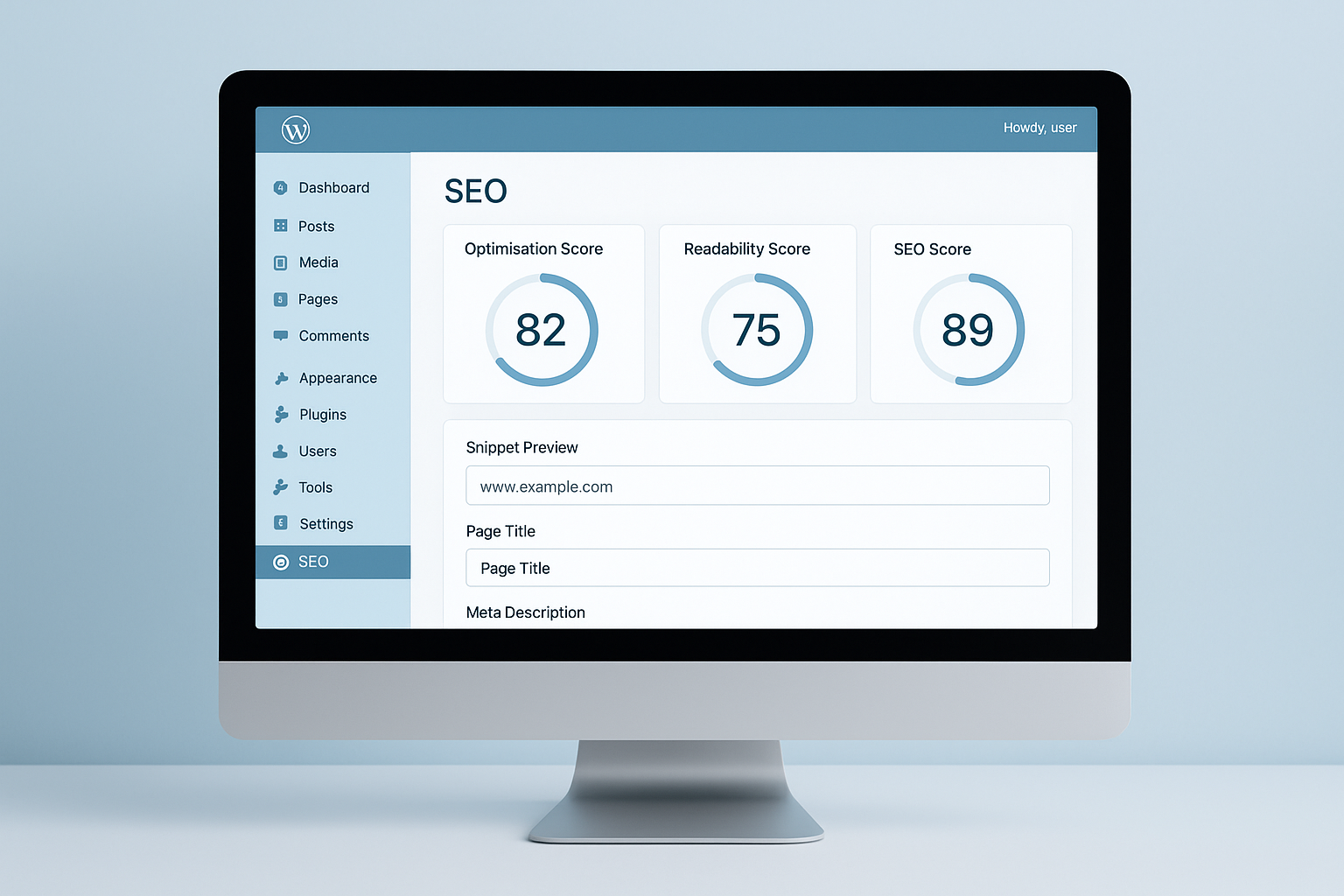
AIOSEO’s intuitive dashboard gives you a clear view of your site’s SEO health at a glance.
What Is AIOSEO and Why Does It Matter?
AIOSEO is a feature-rich plugin that handles virtually every aspect of on-page SEO directly inside the WordPress editor. It simplifies technical tasks — like generating XML sitemaps and adding structured data (also called schema markup, a standardized format that helps search ranking algorithms understand your content) — so that site owners can focus on creating great content instead of wrestling with code.
Furthermore, search engine optimization is no longer optional for websites that want to compete online. According to Wikipedia’s overview of SEO, organic search remains one of the most significant drivers of web traffic globally. As a result, having a reliable tool like AIOSEO in your workflow is a practical necessity.
Core Features of the AIOSEO SEO Plugin
AIOSEO packs a wide range of tools into a single plugin. Below are the most impactful features you will use regularly. See the AI-powered SEO guide for related AI-driven feature comparisons.
TruSEO On-Page Analysis
TruSEO is AIOSEO’s proprietary content analysis system. It evaluates your focus keyphrase placement, title length, meta description quality, and readability, then delivers an actionable score. Specifically, it highlights exactly what needs fixing rather than leaving you to guess. This makes it especially useful for writers who are newer to SEO best practices.
XML Sitemaps and Search Engine Indexing
AIOSEO automatically generates and updates your XML sitemap — a file that tells search engines which pages exist on your site. You can customize which post types and taxonomies are included. Additionally, you can submit this sitemap directly to Google Search Console to accelerate how quickly new content gets indexed.
Schema Markup Made Simple
Schema markup helps search engines display rich results — like star ratings, FAQs, or recipe details — directly on the search results page. AIOSEO supports dozens of schema types, including Article, Product, FAQ, HowTo, and Local Business. Consequently, adding schema no longer requires a developer; you can do it from the post editor in seconds.
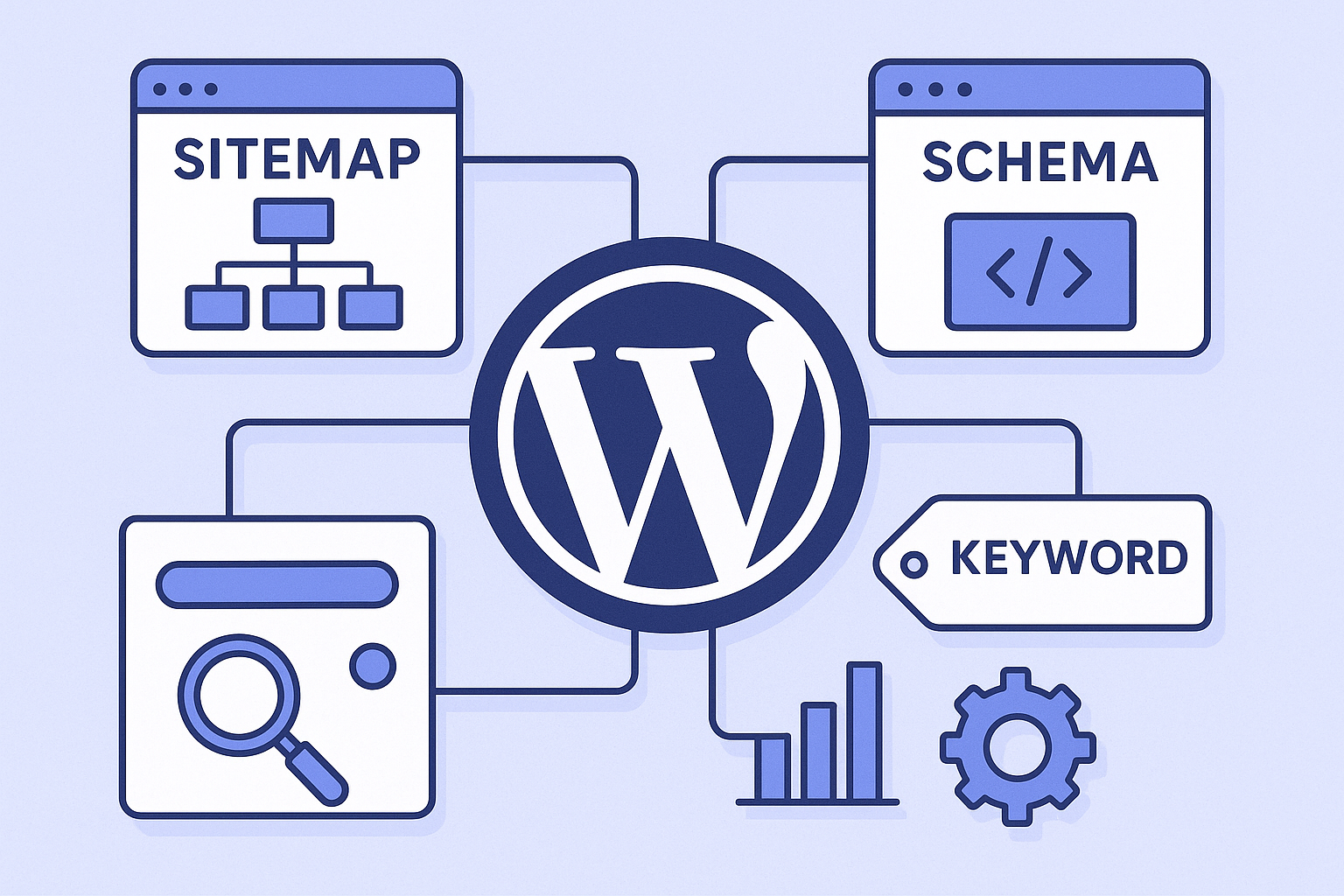
The All in One SEO plugin brings together sitemaps, schema, and keyword tools in one place.
How to Set Up AIOSEO on Your WordPress Site
Getting started is straightforward. Follow AISEO guide to configure the plugin correctly from day one.
- Install the Plugin. Go to your WordPress dashboard, click Plugins > Add New, and search for “All in One SEO.” Click Install Now, then Activate to enable it on your site immediately.
- Run the Setup Wizard. After activation, AIOSEO launches a guided wizard. Choose your site category, enter your business details, and connect your social profiles. The plugin will configure sensible baseline settings automatically based on your answers.
- Configure Global Title and Meta Templates. Navigate to AIOSEO Settings and set your global title and meta description templates. Use smart tags — like post title, site name, and separator — to create consistent, keyword-rich metadata across every page without manual effort.
- Enable and Submit Your XML Sitemap. Go to AIOSEO > Sitemaps and confirm sitemap generation is active. Copy the sitemap URL and submit it to Google Search Console so search engines can discover and index your content faster.
- Optimize Individual Posts and Pages. Open any post in the editor, scroll to the AIOSEO meta box, enter your focus keyphrase, and write a compelling meta title and description. Review your best WordPress SEO plugin recommendations for actionable optimizations before you publish.
AIOSEO Free vs. Premium: Which Plan Do You Need?
The free version of AIOSEO covers the essentials: meta titles, meta descriptions, XML sitemaps, basic schema, and social media previews. For many small sites and blogs, the free tier is entirely sufficient to start ranking.
However, if you run an eCommerce store, a local business, or a content-heavy site, the premium plans — starting at approximately $49.60 per year — unlock powerful additions. These include the Local SEO module, WooCommerce SEO integration, the Link Assistant (which audits internal links across your site), and advanced schema templates. For AI-focused optimization approaches see AI-powered SEO coverage. In addition, premium users get priority support, which is valuable when troubleshooting time-sensitive issues.
When to Upgrade to a Paid Plan
Consider upgrading when your site has more than 50 published pages, when you sell products online, or when local search visibility is important to your business. Similarly, if you manage multiple WordPress sites, the higher-tier plans allow you to use the plugin across several domains under one license.
Expert Tips for Getting the Most From This SEO Tool
Installing the plugin is only the beginning. To truly benefit from AIOSEO, you need to use it consistently and strategically. Here are practical tips from experienced SEO practitioners. Author: Rank Authority editorial team. Last updated: 2026-07-02.
Prioritize your focus keyphrase. Every post should target one primary keyphrase. Enter it into the AIOSEO meta box and let the TruSEO analysis guide your content edits. Avoid stuffing the keyphrase unnaturally — instead, use synonyms and related terms throughout the body. For guidance on AI-assisted content workflows, see the AISEO guide.
Audit your internal links regularly. The Link Assistant feature (available in premium) scans your site and suggests relevant internal linking opportunities. Internal links distribute page authority across your site and help search engines understand your content structure. For deeper guidance, see the AI-powered SEO guide that pairs practical strategy with plugin-level tactics.
Use social meta settings. AIOSEO lets you customize how your content appears when shared on Facebook and Twitter. Specifically, you can set unique Open Graph titles, descriptions, and images for each post — a small detail that significantly improves click-through rates from social platforms.
Monitor your SEO health score. AIOSEO’s dashboard includes a site-wide SEO audit that flags critical issues like missing meta descriptions, broken links, and pages with thin content. Therefore, checking this score monthly keeps your site in good technical shape. You can also explore our guide on on-page SEO best practices to complement your AIOSEO workflow and compare options in the Best WordPress SEO plugin roundup.

Consistent use of AIOSEO’s analysis tools helps you stay ahead of SEO issues before they affect rankings.
Frequently Asked Questions About AIOSEO
What is AIOSEO?
AIOSEO (All in One SEO) is a WordPress plugin that helps website owners optimize their content for search engines. It provides tools for meta tags, XML sitemaps, schema markup, and more — all without requiring coding knowledge.
Is AIOSEO free to use?
AIOSEO offers a free version available on the WordPress plugin repository with core SEO features. Premium plans start at around $49.60 per year and unlock advanced tools like local SEO, WooCommerce SEO, and the Link Assistant.
How does AIOSEO compare to Yoast SEO?
Both are leading WordPress SEO plugins. AIOSEO is often praised for its more intuitive setup wizard and broader feature set at comparable price points, while Yoast has a longer track record in the market.
How do I install AIOSEO on my WordPress site?
Go to your WordPress dashboard, click Plugins, then Add New, and search for “All in One SEO.” Click Install Now, then Activate. The setup wizard will guide you through initial configuration steps.
Does AIOSEO generate XML sitemaps automatically?
Yes, AIOSEO automatically generates XML sitemaps for your WordPress site. You can customize which post types and taxonomies are included and submit the sitemap directly to Google Search Console.
Can AIOSEO help with local SEO?
Yes, AIOSEO’s premium plans include a Local SEO module that adds structured data for your business name, address, phone number, and hours. This helps your site appear in local search results and Google Maps.
What is the TruSEO score in AIOSEO?
The TruSEO score is AIOSEO’s proprietary on-page analysis metric. It evaluates keyphrase usage, readability, title length, and meta description quality, then gives you an actionable score to improve your content.
Does AIOSEO support WooCommerce SEO?
Yes, AIOSEO has a dedicated WooCommerce SEO module available in premium plans. It optimizes product pages, adds product schema markup, and helps improve visibility in product-related search results.
What schema markup types does AIOSEO support?
AIOSEO supports a wide range of schema types including Article, Product, Recipe, FAQ, HowTo, Local Business, and more. You can add schema without writing any code directly from the post editor.
How many websites use AIOSEO?
AIOSEO is one of the most widely used WordPress SEO plugins, with over 3 million active installations according to the WordPress plugin repository. It has been available since 2007.
Can I import settings from Yoast SEO to AIOSEO?
Yes, AIOSEO includes a built-in import tool that lets you migrate your SEO settings, meta titles, and meta descriptions from Yoast SEO with just a few clicks, minimizing data loss during the switch.
Does AIOSEO slow down my WordPress site?
AIOSEO is built with performance in mind and has a minimal impact on page load speed. Its code is optimized to load only what is necessary on the front end, keeping your site fast.
Conclusion: Is AIOSEO the Right SEO Plugin for Your Site?
In summary, AIOSEO is one of the most capable and user-friendly SEO plugins available for WordPress today. It covers everything from technical basics like XML sitemaps and schema markup to advanced features like the Link Assistant and WooCommerce SEO integration. Furthermore, its TruSEO scoring system makes on-page optimization accessible to writers and marketers at every experience level. Whether you are just starting out or managing an established site, implementing AIOSEO correctly — combined with a solid content strategy — gives you a strong foundation for sustainable search engine growth. For broader strategy and AI-focused tips, see the AI SEO guide from Rank Authority.

