

A Google keyword position checker is a tool that automatically tracks where your website appears in Google’s search results for specific keywords — saving you hours of manual searching and giving you reliable, repeatable data. Without one, you’re essentially flying blind in your SEO efforts. Knowing your exact position is the first step toward improving it.
According to a Backlinko study of 4 million Google search results, the first organic result earns an average click-through rate of 27.6%. In contrast, results on page two receive less than 1% of all clicks. Therefore, knowing your exact ranking position is not optional — it’s essential.
What Is a Google Keyword Position Checker?
A google keyword position checker is a software tool or online service that queries Google’s search engine and records where your website URL appears for a given search term. It replaces the unreliable practice of manually check keyword ranking — which produces personalized, location-biased results that don’t reflect real-world rankings.
These tools run checks from neutral locations, strip personalization, and log your position over time. As a result, you get consistent, comparable data that shows whether your SEO work is actually moving the needle.
Quick Answer: Updated July 2, 2026 — Author: Rank Authority Written by the Rank Authority editorial team. Last updated: 2026-06-05.
A google keyword position checker shows your exact SERP ranking for target keywords. It tracks changes over time, compares competitor positions, and helps you prioritize which pages need SEO improvement.
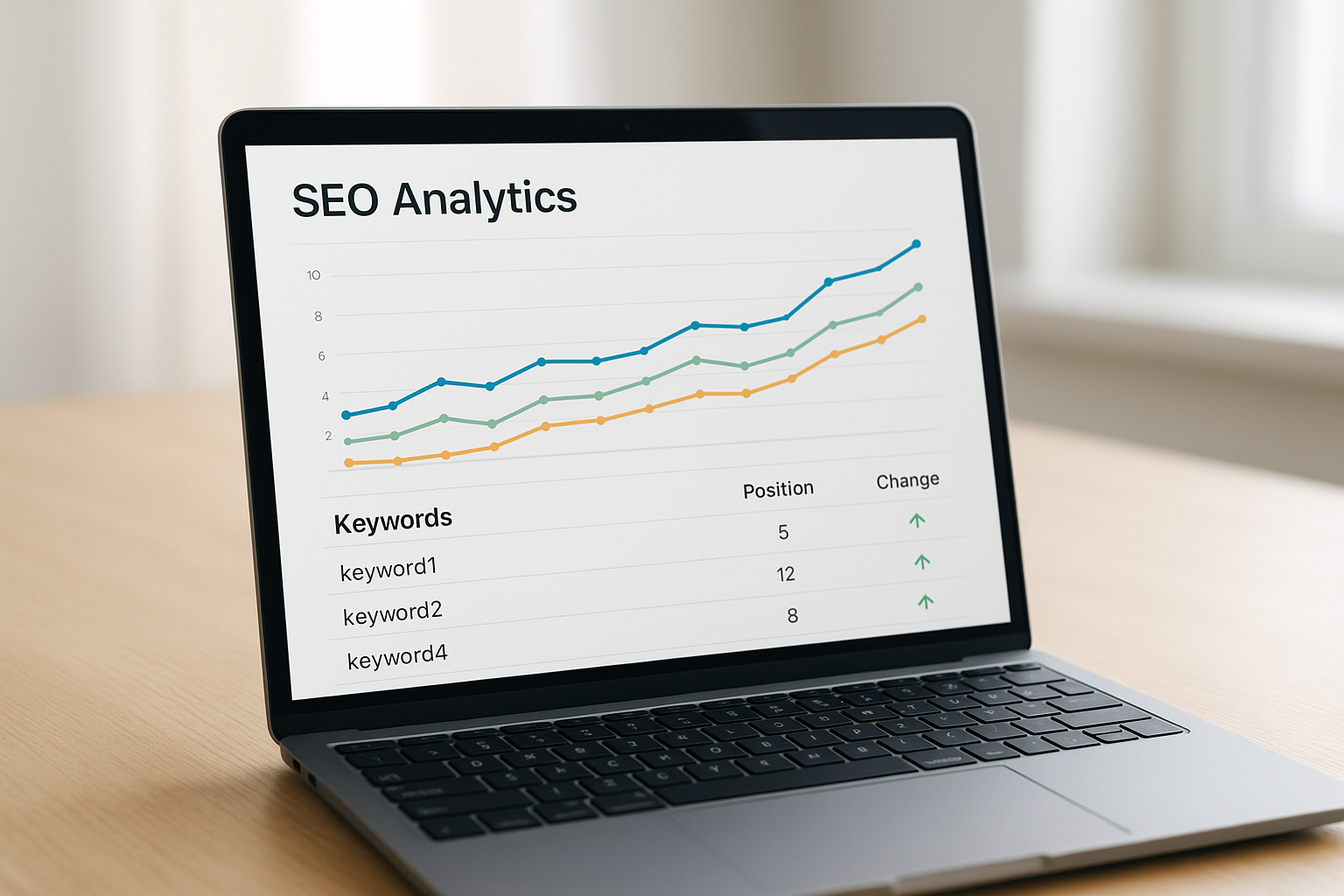
A google keyword position checker dashboard gives you a clear, real-time view of where your pages rank in search results.
Why Rank Tracking Matters for SEO Success
Tracking your search engine rankings serves several important purposes beyond simple curiosity. First, it reveals whether your content strategy is working. If a page climbs from position 15 to position 4 after an optimization update, that’s measurable proof of progress.
Furthermore, rank tracking alerts you to drops before they become traffic disasters. A sudden fall from page one to page three can cut your organic traffic by 80% or more. Catching that early gives you time to investigate and respond.
In addition, position data helps you allocate resources wisely. For example, keywords hovering at positions 8 through 15 are often the best candidates for a quick optimization push — they’re close to the top but haven’t broken through yet.
The Problem with Manual Rank Checking
Many website owners start by simply Googling their target keywords. However, this approach is deeply flawed. Google personalizes results based on your search history, location, and device. Consequently, you’ll almost always see your own site ranked higher than it actually appears to a neutral user.
A dedicated keyword position monitoring tool eliminates this bias entirely — check Google rankings, giving you objective data you can trust and share with clients or stakeholders.
How to Check Your Google Keyword Positions Step by Step
Follow these steps to set up reliable rank tracking for your website: See our full guide on how to check Google rankings and troubleshoot visibility issues.
- Choose a keyword position checker tool. Select a platform that fits your needs, such as Digital Optimization Platform. Tools like RankAuthority offer comprehensive tracking with geo-targeting and competitor analysis. Consider whether you need daily updates, API access, or white-label reports.
- Add your website domain. Enter your domain into the tool. If using Google Search Console, verify ownership via DNS record or HTML tag to unlock complete performance data.
- Input your target keywords. Learn how to check keyword ranking. Add the specific search terms you want to monitor. Group related keywords by topic or page so analysis stays organized and actionable.
- Set your target location and device type. Configure geo-specific tracking for the cities or countries most relevant to your audience. Also specify whether you want desktop, mobile, or both — rankings often differ significantly between devices.
- Review your ranking data and take action. Check your position history weekly. Identify declining keywords, investigate potential causes, and update content or build links to recover lost ground.
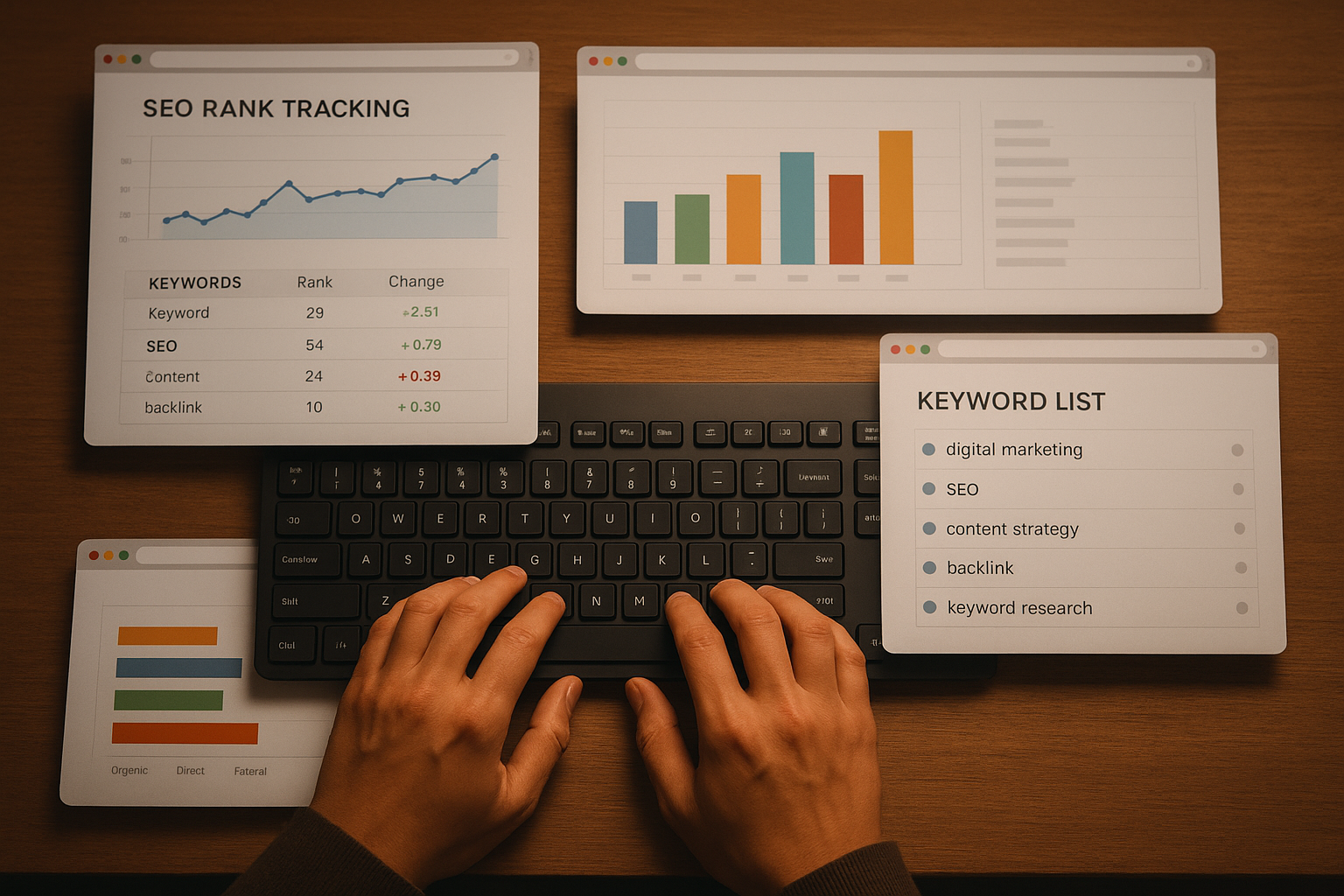
Setting up a structured tracking process ensures you never miss important ranking changes that affect your organic traffic.
Key Features to Look for in a SERP Position Monitoring Tool
Not all rank trackers are equal. Specifically, the best tools, including SEO automation tools, share a core set of features that make tracking both accurate and actionable.
- Daily or real-time updates: Rankings change constantly. Daily refresh rates keep your data current and help you spot drops fast.
- Geo-specific tracking: Local businesses need city-level position data. National brands need country-level views. Look for tools that support both.
- Competitor comparison: Seeing your rankings alongside competitors reveals gaps and opportunities you’d otherwise miss.
- Historical trend graphs: Position history over weeks and months shows whether your SEO strategy is trending upward or stalling.
- Keyword grouping and tagging: Organizing keywords by page, campaign, or intent makes it far easier to prioritize your optimization work.
- Automated alerts: Email or Slack notifications for significant ranking drops let you respond before traffic suffers.
Free vs. Paid Rank Tracking Options
Free tools like Google Search Console provide a solid starting point. However, they show average positions over a date range rather than precise daily rankings. They also lack competitor data and geo-specific breakdowns.
Paid platforms, on the other hand, offer daily granularity, unlimited keyword tracking, and advanced reporting. For growing websites or agencies managing multiple clients, the investment in a dedicated search engine ranking checker pays for itself quickly in time saved and insights gained.
Platforms like RankAuthority bridge this gap by offering powerful tracking features with accessible pricing, making professional-grade rank monitoring available to businesses of all sizes.
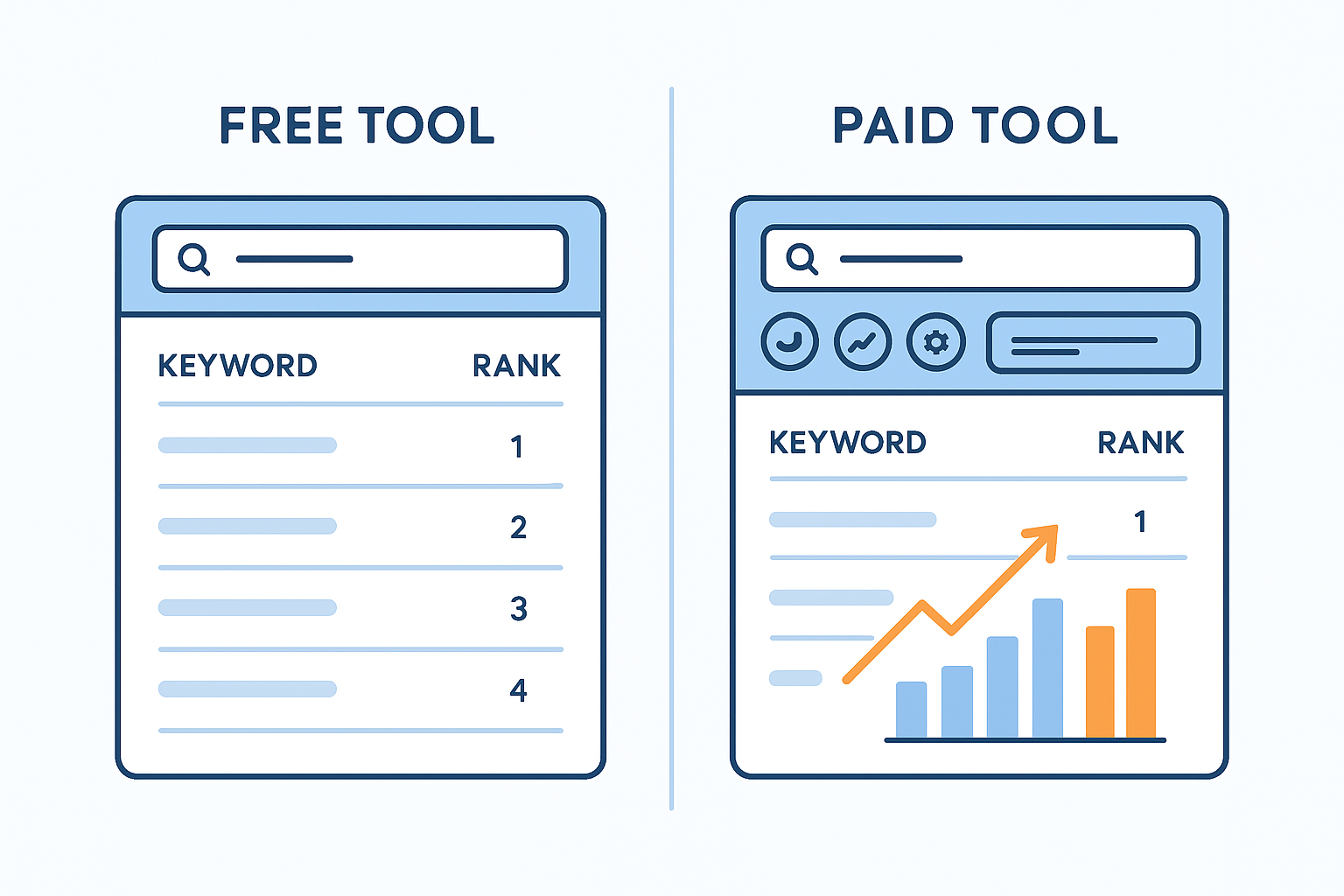
Comparing free and paid keyword position tracking options helps you choose the right tool for your SEO goals and budget.
How to Interpret Your Keyword Ranking Data
Raw position numbers only tell part of the story. To get real value from your organic search ranking data, you need to interpret it in context.
For instance, a keyword moving from position 22 to position 11 is a significant improvement even though neither position drives much traffic yet. It signals that your content is gaining authority and is worth further optimization.
Similarly, a keyword stuck at position 6 for three months despite content updates may need a different approach — perhaps stronger backlinks, a more comprehensive content rewrite, or better internal linking from high-authority pages.
Connecting Position Data to Traffic and Conversions
Ranking position is a means to an end, not the end itself. Therefore, always connect your position data to actual traffic and conversion metrics. A keyword at position 3 with low search volume may drive fewer visitors than a keyword at position 7 with high volume. For strategy on picking terms, see keyword research.
Use your rank tracker to check keyword ranking alongside Google Analytics or a comparable platform to see which ranking improvements are actually translating into more visitors and leads. This combined view gives you a complete picture of your SEO performance.
Common Mistakes to Avoid When Tracking Keyword Positions
Even experienced SEOs make avoidable errors with rank tracking. Here are the most common pitfalls and how to sidestep them.
Obsessing over daily fluctuations. Rankings naturally shift day to day due to algorithm updates and competitor activity. Focus on weekly and monthly trends rather than reacting to every small movement.
Tracking too many keywords at once. More keywords doesn’t mean more insight. Instead, prioritize the terms most closely tied to your business goals and track those with the highest intent and traffic potential first.
Ignoring mobile rankings. Google uses mobile-first indexing, meaning your mobile rankings directly influence your overall search visibility. Consequently, always track both desktop and mobile positions separately.
Forgetting local intent. For businesses serving specific regions, national rankings are far less useful than local ones. Set up geo-targeted tracking from the start to get data that actually reflects your customers’ experience.
Frequently Asked Questions About Google Keyword Position Checker
What is a google keyword position checker?
A google keyword position checker is a tool that shows where your website ranks in Google search results for specific keywords. It automates position monitoring so you can track SEO progress accurately over time without manual searching.
How often should I check my keyword rankings?
Most SEO professionals recommend weekly checks for stable campaigns. Daily monitoring is useful after major site changes or during active link-building pushes, as it helps you catch drops before they impact traffic significantly.
Is Google Search Console a keyword position checker?
Yes, Google Search Console provides average keyword position data for free. However, it shows averages over date ranges rather than precise daily positions, and it lacks competitor comparison and geo-specific breakdowns found in dedicated tools.
Can I check keyword positions for free?
Yes. Google Search Console is free and provides solid baseline data. Several platforms also offer limited free tiers. However, free options typically cap the number of keywords you can track and update less frequently than paid tools.
Why do my keyword rankings fluctuate daily?
Google continuously updates its algorithm and re-evaluates content relevance. Competitor activity, new backlinks, content freshness, and user engagement signals all cause daily shifts. These fluctuations are normal and expected in competitive niches.
What is a good keyword position to target?
Positions 1 through 3 on Google’s first page capture the vast majority of clicks. Research shows the top result averages a 27.6% click-through rate. Aim for page one as a minimum and positions 1 to 3 as the ultimate goal.
How do rank tracking tools check Google positions?
These tools send automated, anonymized search queries to Google from neutral server locations. They record where your URL appears in the results and store that data in a dashboard, building a historical record of your position over time.
Does location affect keyword position results?
Absolutely. Google tailors search results by the user’s location. A geo-targeted keyword position checker lets you see rankings in specific cities or countries, which is critical for local businesses and international SEO campaigns.
What is the difference between rank tracking and keyword research?
Keyword research finds terms to target before you create content. Rank tracking measures how your published content performs for those terms afterward. Both are essential and complementary parts of a complete SEO workflow.
Can I track competitor keyword positions?
Yes. Most dedicated rank tracking platforms let you add competitor domains and compare their positions against yours for the same keyword set. This competitive view helps you identify gaps and prioritize content opportunities strategically.
How many keywords should I track at once?
Start with 20 to 50 of your highest-priority keywords. Focus on terms directly tied to your revenue goals. As your site grows and your SEO matures, expand tracking to include long-tail variations and secondary topic clusters.
What common mistakes should I avoid when tracking keyword positions?
Avoid manually checking rankings from your browser, which produces personalized and inaccurate results. Also avoid reacting to every daily fluctuation, neglecting mobile rankings, and tracking so many keywords that the data becomes impossible to act on.
Conclusion: Make Rank Tracking a Core SEO Habit
Using a google keyword position checker consistently is one of the highest-leverage habits you can build into your SEO workflow. It transforms vague optimization efforts into measurable, data-driven decisions. Furthermore, it keeps you informed about both opportunities and threats before they affect your bottom line. Last updated: 2026-07-02. Author: RankAuthority SEO team.
In summary, start with a reliable tool, track your most important keywords, check results weekly, and always connect position changes to real traffic and conversion outcomes. Whether you’re a solo blogger or an agency managing dozens of clients, structured rank tracking is the foundation of sustainable SEO growth. Explore platforms like RankAuthority to get started with professional-grade check Google rankings today.

