
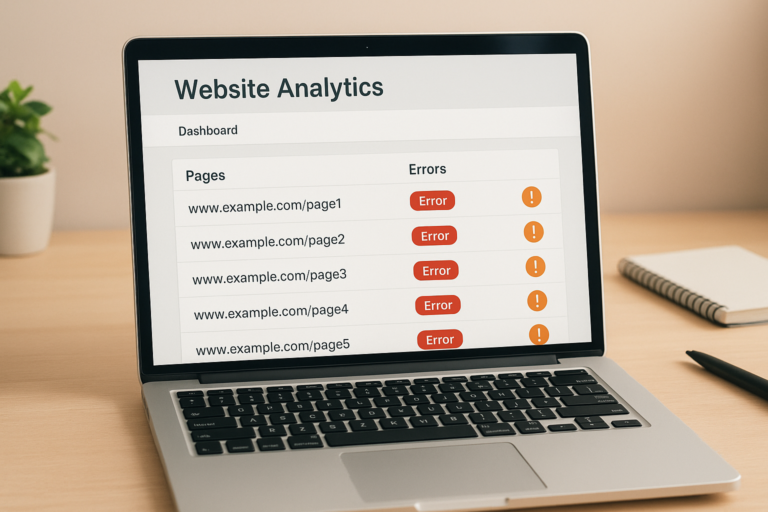
Knowing how to check for bad links is one of the most important maintenance tasks any website owner can perform, because broken and toxic links silently damage both search rankings and user trust. Whether you manage a blog, an ecommerce store, or a corporate site, bad links accumulate faster than most people expect. Fortunately, the process of finding and fixing them is straightforward once you understand the tools and steps involved.
What Are Bad Links and Why Do They Matter?
A bad link is any hyperlink — internal, outbound, or incoming — that either fails to load, leads to irrelevant or harmful content, or originates from a low-quality source. According to Wikipedia’s overview of link rot, the natural decay of URLs over time is an unavoidable challenge for any website that publishes content regularly.
There are three primary categories of bad links you need to monitor. First, broken internal links point to pages within your own site that no longer exist or have been moved. Second, broken external links point outward to third-party pages that have since gone offline. Third, toxic backlinks are incoming links from spammy or low-authority domains that can drag down your overall SEO performance.
Each type carries its own risk. Therefore, a thorough link audit must address all three categories rather than focusing on just one.
How Bad Links Damage Your SEO Performance
Search engines like Google crawl your site by following links. When a crawler encounters a 404 error, it cannot pass PageRank through that path, which means link equity is effectively wasted. Additionally, a high volume of broken links signals to Google that a site is poorly maintained, which can gradually erode its authority.
Toxic backlinks present a different but equally serious problem. Although Google has become better at ignoring low-quality links automatically, a concentrated attack of spammy links — sometimes called negative SEO — can still trigger algorithmic penalties or even a manual action from Google’s webspam team.
In practice, even a handful of broken internal links on a key landing page can reduce crawl efficiency and lower conversion rates by frustrating visitors who hit dead ends.
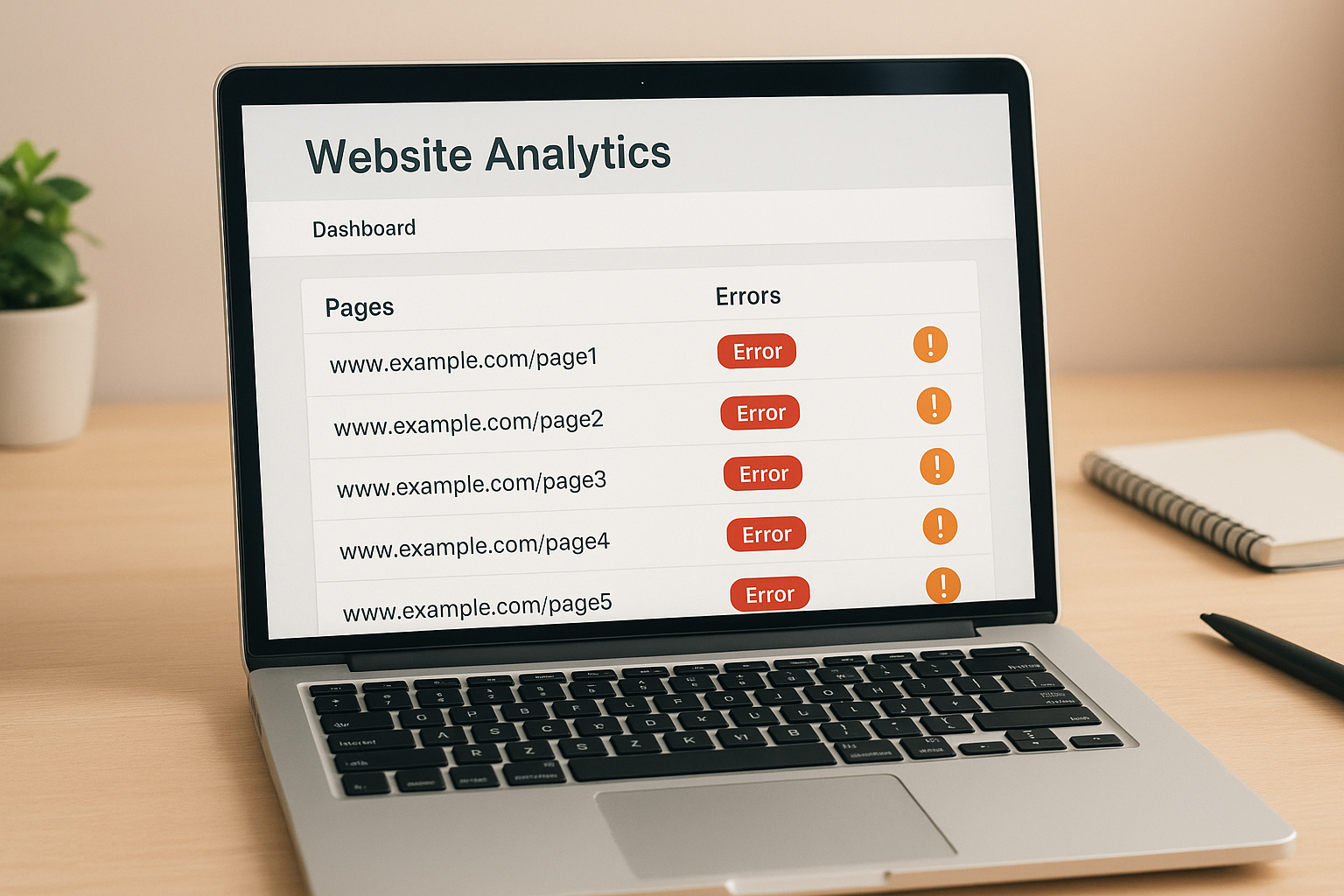
A link audit dashboard makes it easy to check for bad links and prioritize which errors to fix first.
The Best Tools to Find Bad Links
Several reliable tools exist to help you locate bad links quickly. Each one has distinct strengths, so using a combination often yields the most complete picture.
Google Search Console
Google Search Console is the most accessible starting point because it shows you exactly which pages Google could not crawl. Navigate to the Coverage or Pages report and filter for 404 errors to see broken internal URLs. Additionally, the Links report reveals your top linking domains, helping you spot suspicious backlink patterns.
Screaming Frog SEO Spider
Screaming Frog crawls your entire site and returns every URL along with its HTTP response code. As a result, you can instantly filter for all 4xx and 5xx errors across both internal and external links. The free version handles up to 500 URLs, which is sufficient for most small to medium sites.
Ahrefs Site Audit and Backlink Checker
Ahrefs excels at backlink analysis. Its Site Audit tool flags broken links within your site, while the Backlink Checker reveals the quality and spam score of every domain linking to you. This dual capability makes it particularly valuable for identifying toxic backlinks that might be suppressing your rankings.
Step-by-Step: How to Check for Bad Links on Your Website
Follow these six steps to systematically find and resolve bad links across your entire site.
Step 1 — Crawl your website
Run a full crawl using Screaming Frog or a similar tool. Export the results as a CSV so you have a complete, sortable record of every link and its status code.
Step 2 — Filter for error codes
Sort your export by HTTP status code. Focus first on 404 and 410 errors, then review 500-series server errors. These represent the most urgent fixes because they directly block crawlers and users.
Step 3 — Fix broken internal links
Update each broken anchor to point to the correct live URL. If the page was permanently moved, implement a 301 redirect. Remove links to pages that have been deleted with no replacement.
Step 4 — Update or remove broken external links
For outbound links returning errors, search for an updated version of the resource and replace the URL. If no suitable replacement exists, remove the link entirely to maintain editorial quality.
Step 5 — Audit and disavow toxic backlinks
Review your backlink profile in Ahrefs or Search Console. Contact webmasters of spammy linking sites to request removal. If they do not respond, compile a disavow file and submit it through Google Search Console.
Step 6 — Schedule recurring audits
Set a calendar reminder to repeat this process monthly. High-volume sites should consider automated weekly scans so that new bad links are caught before they accumulate into a larger problem.
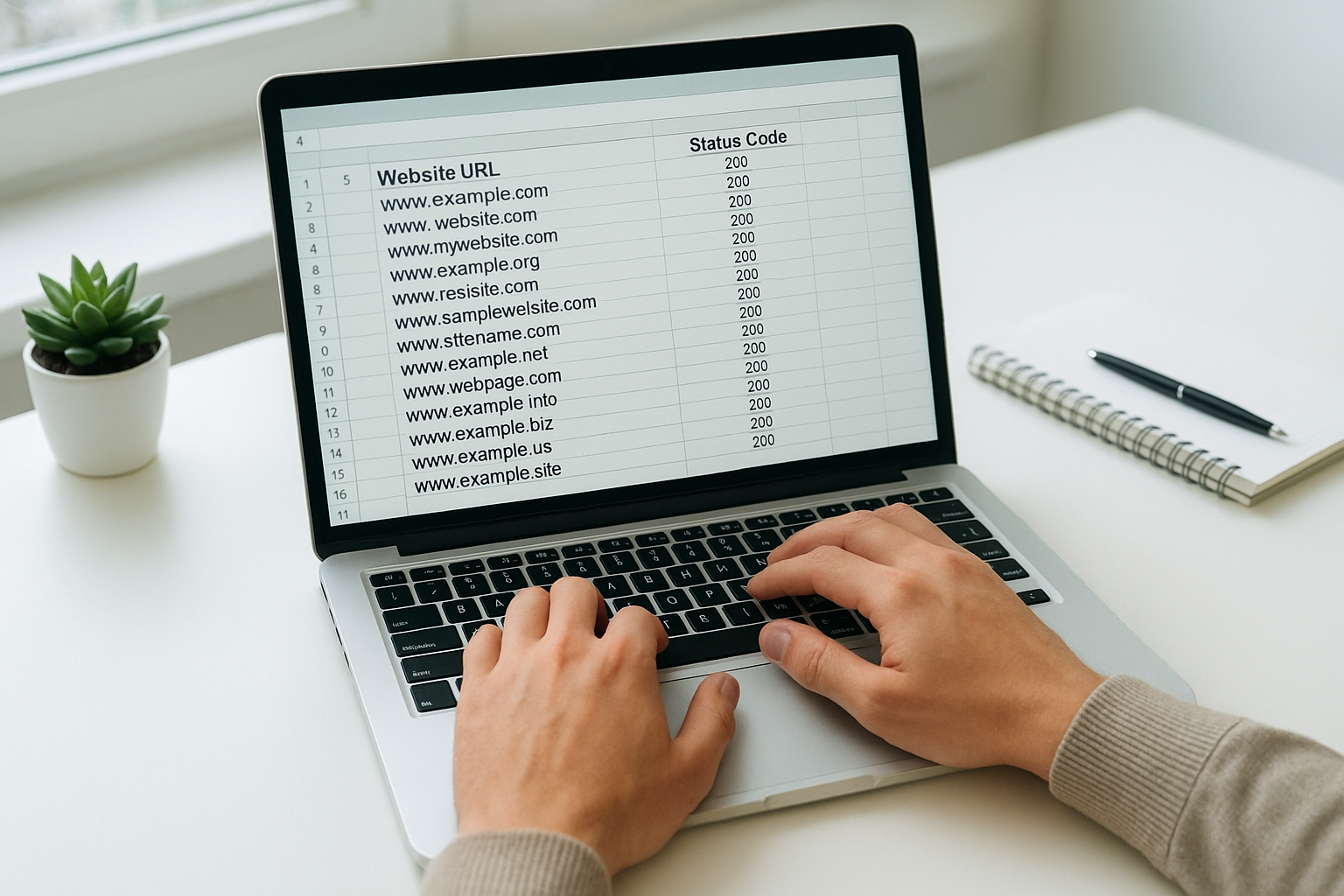
Exporting crawl data into a spreadsheet makes it easier to prioritize and track bad link fixes systematically.
Common Mistakes When Auditing Links
Many site owners make the mistake of only checking internal links while ignoring their outbound link profile. However, linking out to dead or spammy pages is just as damaging to perceived quality as having broken internal navigation.
Another frequent error is treating all 301 redirects as harmless. Although a single redirect is acceptable, chains of multiple redirects waste crawl budget and dilute PageRank. Therefore, always update links to point directly to the final destination URL rather than relying on redirect chains.
Finally, some site owners over-disavow links out of caution, accidentally disavowing legitimate backlinks that were actually helping their rankings. Use the disavow tool conservatively and only after confirming a link is genuinely harmful.
Keeping Your Link Profile Healthy Long-Term
Maintaining a clean link profile is an ongoing discipline rather than a one-time task. As your site grows and external pages change, new bad links will inevitably appear. Resources like Rank Authority provide practical SEO guidance on link management strategies that scale with your site’s growth.
In addition to regular audits, consider setting up Google Search Console email alerts for crawl errors so you are notified immediately when new broken links appear. This proactive approach means you can address problems within days rather than discovering them months later during a scheduled audit.
Building internal linking habits into your content workflow also helps. For example, whenever you delete or redirect a page, immediately update all internal links pointing to it. This practice prevents broken links from ever going live in the first place.
Conclusion
Taking the time to regularly check for bad links is one of the highest-return SEO maintenance activities available to any website owner. By combining free tools like Google Search Console with more powerful crawlers like Screaming Frog or Ahrefs, you can build a comprehensive picture of your link health in under an hour. From there, fixing broken internal links, updating dead outbound references, and disavowing toxic backlinks becomes a manageable, repeatable process. For deeper guidance on building and maintaining a strong link strategy, explore the resources available at Rank Authority.
Frequently Asked Questions
What does it mean to check for bad links?
To check for bad links means to audit your website for any internal or external links that return errors, lead to irrelevant pages, or come from low-quality sources. These links can damage both user experience and search rankings if left unaddressed.
How often should I check for bad links on my website?
You should check for bad links at least once a month for active websites and after any major site migration or redesign. High-traffic sites benefit from weekly automated scans to catch issues before they affect rankings.
What is the difference between a broken link and a toxic backlink?
A broken link is any URL that returns a 404 or other error code, making it inaccessible to users and crawlers. A toxic backlink, in contrast, is a live link pointing to your site from a spammy domain that can harm your SEO authority.
Which free tools can I use to check for bad links?
Google Search Console is the most accessible free tool, showing crawl errors and broken internal links directly from Google’s index. Screaming Frog’s free tier can also crawl up to 500 URLs and flag broken links effectively.
Do bad links directly hurt my Google rankings?
Yes, bad links can hurt your Google rankings in multiple ways. Broken internal links prevent PageRank from flowing correctly, while toxic backlinks can trigger manual penalties or algorithmic ranking drops.
How do I fix a broken internal link?
To fix a broken internal link, update the anchor’s href to point to the correct live URL, or remove the link entirely if the destination page no longer exists. If the page was moved, set up a 301 redirect from the old URL to the new one.
What should I do with toxic backlinks I find?
First, try to contact the linking website and request removal of the toxic link. If that fails, use Google’s Disavow Tool through Search Console to tell Google to ignore those links when evaluating your site.
Can bad external outbound links hurt my SEO?
Yes, linking out to low-quality, spammy, or broken external pages signals poor editorial quality to search engines. Regularly auditing your outbound links and removing or updating dead ones helps maintain your site’s credibility.
What HTTP status codes indicate a bad link?
The most common bad link status codes are 404 (Not Found), 410 (Gone), 500 (Server Error), and 503 (Service Unavailable). A 301 redirect is not inherently bad but should be updated to point directly to the final destination URL.
How does Screaming Frog help check for bad links?
Screaming Frog crawls your entire website and reports every URL along with its HTTP status code, making it easy to identify all broken internal and external links at once. You can export the results as a CSV for bulk fixing.
Is it necessary to disavow links if I have a small website?
For most small websites with a clean backlink profile, disavowing is rarely necessary. However, if you notice a sudden ranking drop or receive a manual action notice in Search Console, reviewing and disavowing harmful links becomes important.
What is link rot and how does it relate to bad links?
Link rot refers to the gradual decay of hyperlinks over time as pages are deleted, moved, or restructured. It is a primary cause of bad links accumulating on a website, making regular audits essential for long-term site health.

