
Checking for bad links is essential because bad links are one of the sneakiest problems in SEO — your site can quietly lose rankings, traffic, and trust over time. Whether you run a personal blog, a growing SaaS site, or a large ecommerce store, bad links accumulate as pages get deleted, servers change, and spammy domains decide to point low-quality backlinks at your site. The good news is that finding and fixing bad links does not require months of manual work. With the right tools and a repeatable process, most sites can complete a full bad link audit in an afternoon, and this guide shows you exactly how.
What Are Bad Links, Exactly?
A bad link is any hyperlink — internal, outbound, or incoming — that fails to load, points to irrelevant or harmful content, or comes from a low-quality source. According to Wikipedia’s overview of link rot, the gradual decay of URLs across the web is unavoidable, which means every site eventually accumulates bad links whether it publishes new content or not.
In particular, bad links fall into a handful of distinct categories, and each one needs a slightly different fix. Understanding these categories first makes the rest of this guide much easier to apply to your own site.
The Core Types of Bad Links
- Broken internal links — links inside your own site pointing to pages that have been deleted, renamed, or moved.
- Broken external links — outbound links pointing to third-party pages that no longer exist.
- Toxic backlinks — incoming links from spammy, low-authority, or irrelevant domains that can drag down your rankings.
- Redirect chains — links that pass through two or more 301 redirects before reaching the final destination, wasting crawl budget.
- Unnatural or paid links — links built to manipulate rankings rather than earned through genuine editorial value, which violate Google’s guidelines.
Why Bad Links Quietly Wreck Your SEO
Search engines crawl your site by following links, so when a crawler hits a broken path, it cannot pass authority through that route. As a result, link equity that should flow to your important pages simply evaporates. Furthermore, a high volume of bad links tells Google that a site is poorly maintained, which can gradually erode trust and authority over time.
Crawl Budget and PageRank Loss
Every site has a limited crawl budget — the number of pages Googlebot will crawl within a given timeframe. Consequently, when crawlers repeatedly hit 404 pages or long redirect chains, they waste that budget on dead ends instead of discovering your newest, most valuable content.
User Trust and Conversion Drop-Off
Even a single broken link on a checkout page or key landing page can frustrate a visitor enough to leave. In contrast, a site with clean, functional links builds credibility and keeps users moving toward conversion rather than hitting a dead end.
Algorithmic and Manual Penalty Risk
Toxic backlinks present a different danger. Although Google has improved at ignoring most low-quality links automatically, a concentrated spam attack — sometimes called negative SEO — can still trigger an algorithmic ranking drop or a manual action from Google’s webspam team. Above all, this is why regular backlink monitoring matters just as much as fixing broken pages.
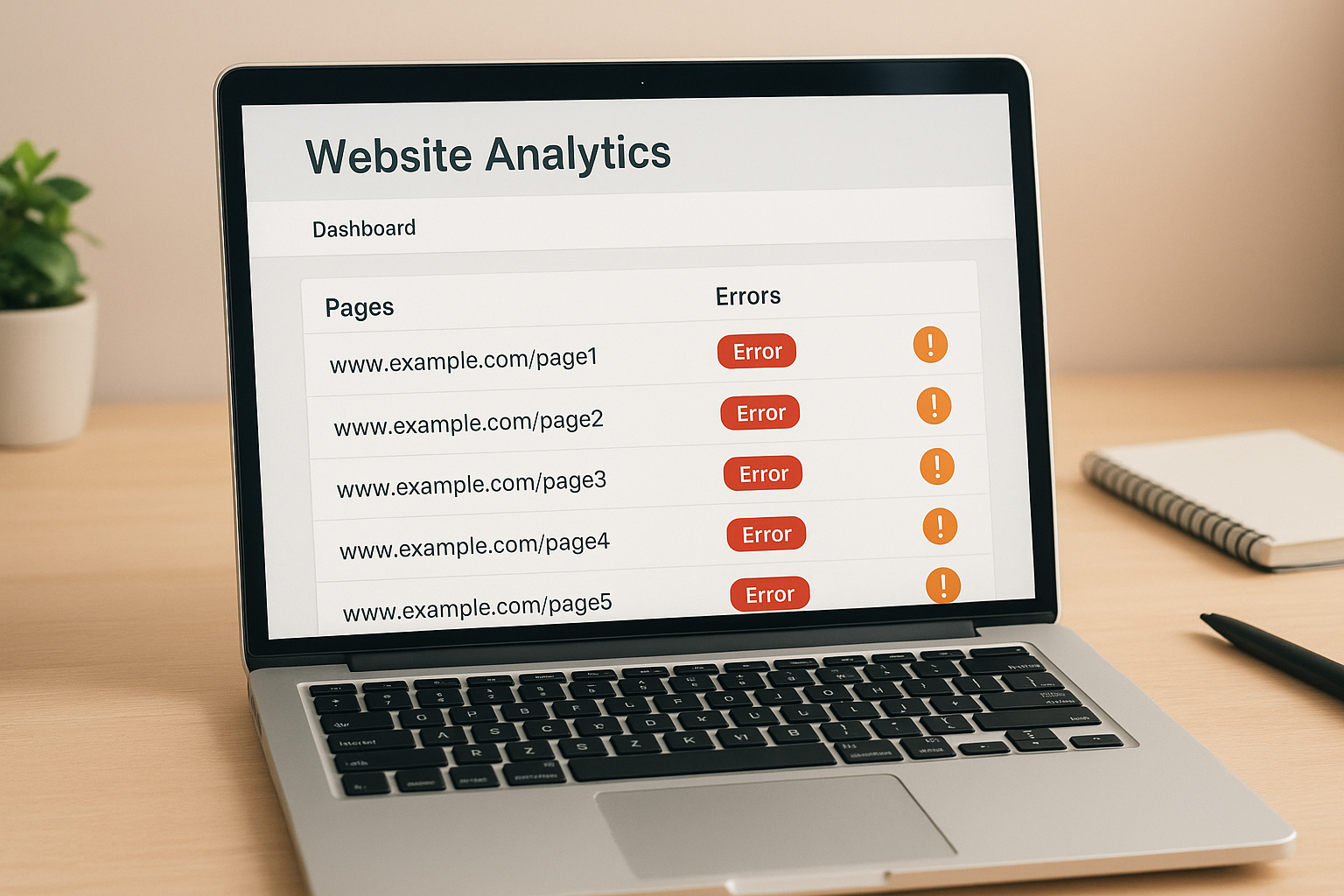
A link audit dashboard makes it easy to check for bad links and prioritize which errors to fix first.
The Best Tools to Check for Bad Links
Several reliable tools can help you locate bad links quickly, and each one has distinct strengths. Therefore, combining two or three of them typically gives you the most complete picture of your link health.
Google Search Console
Google Search Console is the most accessible starting point because it shows exactly which pages Google could not crawl. Open the Pages report and filter for 404 errors to see broken internal URLs, and check the Links report to spot suspicious linking domains.
Screaming Frog SEO Spider
Screaming Frog crawls your entire site and returns every URL with its HTTP response code. As a result, you can instantly filter for all 4xx and 5xx errors across internal and external links alike. The free version handles up to 500 URLs, which covers most small to mid-sized sites. For a deeper walkthrough of systematic link testing, see our broken link testing guide.
Ahrefs Site Audit and Backlink Checker
Ahrefs excels at backlink analysis. Its Site Audit flags broken links within your site, while its Backlink Checker reveals the quality and spam score of every domain linking to you — making it particularly useful for spotting toxic backlinks. If you need repair-focused guidance, review our broken link repair service guide for practical repair workflows.
Semrush Backlink Audit
Semrush’s Backlink Audit tool assigns a toxicity score to each linking domain and can generate a disavow file automatically. Similarly, its Site Audit module surfaces broken links alongside dozens of other technical SEO issues in one report. For a concise set of fixes and prevention tactics, see our fixing broken links guide.
Browser Extensions for Quick Checks
For a fast, single-page scan, free browser extensions like Check My Links or the W3C Link Checker highlight broken links directly on the page you’re viewing. These tools won’t replace a full crawl, but they’re handy for spot-checking a page before it publishes.
How to Check for Bad Links: A Step-by-Step Process
Follow these seven steps to systematically find and resolve bad links across your entire site.
1Crawl your entire website
Run a full crawl with Screaming Frog, Ahrefs, or Semrush. Export the results as a CSV so you have a complete, sortable record of every link on your site along with its status code. For testing specifics, see our Broken link testing guide.
2Sort and filter by HTTP status code
Sort your export by status code and focus first on 404 and 410 errors, then review 500-series server errors, because these block both crawlers and real visitors immediately.
3Fix broken internal links immediately
Update each broken anchor to point to the correct live URL, and set up a 301 redirect if the page moved permanently. Remove links entirely if the destination page was deleted with no replacement.
4Repair or remove broken external links
Search for an updated version of any outbound resource returning an error and replace the URL. If no suitable replacement exists, remove the link to protect your editorial quality.
5Audit your backlink profile for toxic links
Review your incoming links in Ahrefs, Semrush, or Search Console, and flag any domains with low authority, spammy anchor text, or clearly irrelevant subject matter to your niche. Learn practical remediation steps in our Fixing broken links guide.
6Disavow links that cannot be removed
Contact webmasters of spammy linking sites and request removal first. If they don’t respond within a few weeks, compile a disavow file and submit it through Google Search Console.
7Schedule recurring bad link audits
Set a monthly calendar reminder to repeat this entire process. High-volume sites should run automated weekly scans so new bad links get caught before they pile up into a bigger problem.
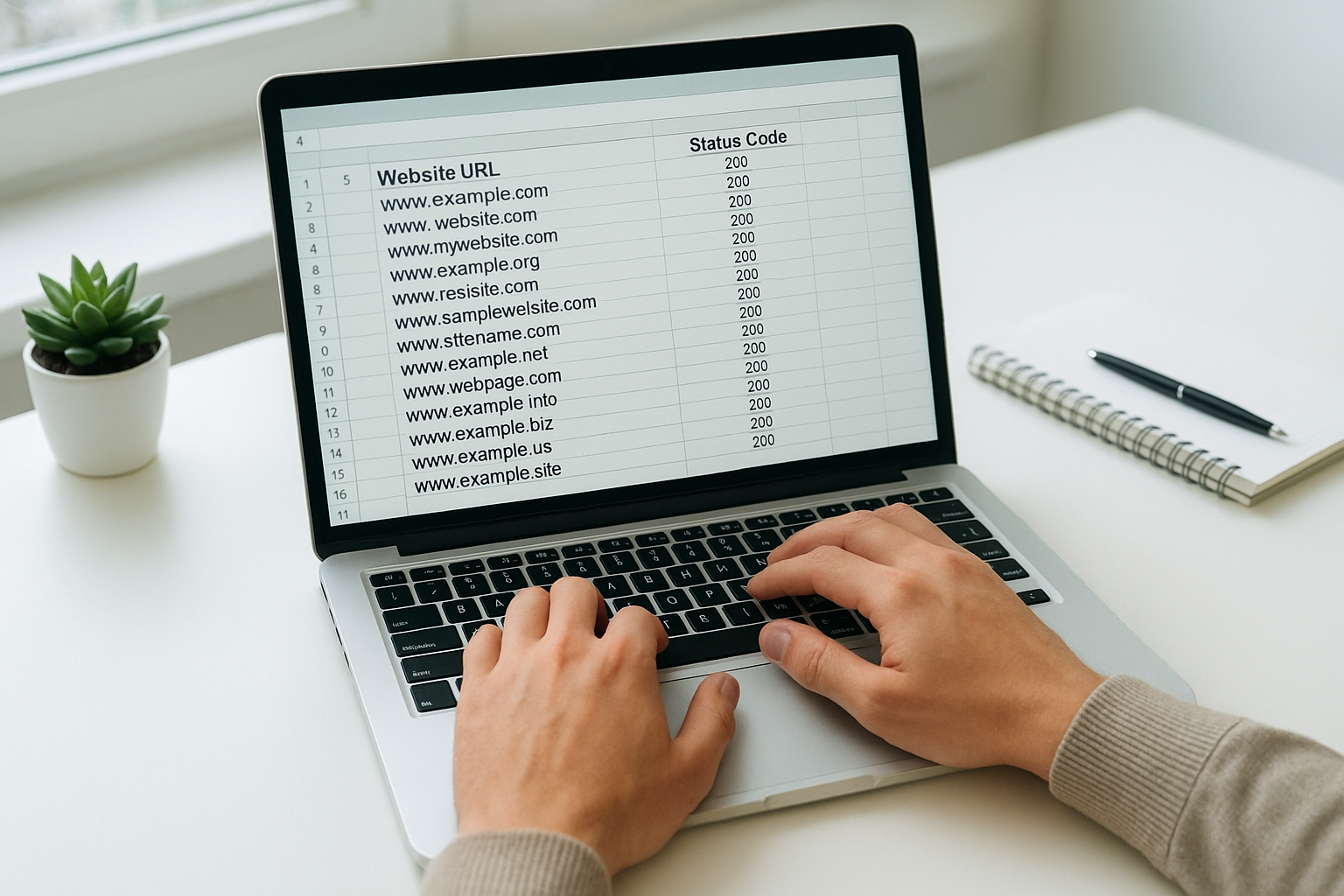
Exporting crawl data into a spreadsheet makes it easier to prioritize and track bad link fixes systematically.
How to Fix Each Type of Bad Link
Finding bad links is only half the job. Fixing them correctly matters just as much, so here’s how to handle each category properly.
Fixing Broken Internal Links
Update the href to a live, relevant URL whenever possible. When that isn’t an option, a 301 redirect preserves most of the link equity from the old page.
Fixing Broken External Links
Check the Wayback Machine for an archived version if the original source disappeared, or simply swap in a comparable, current resource. Otherwise, remove the reference entirely.
Disavowing Toxic Backlinks
According to Google’s own Search Central documentation, the disavow tool should be treated as a last resort after outreach attempts fail, since Google’s algorithms already ignore most spam links automatically.
Cleaning Up Redirect Chains
Point every internal link directly at its final destination URL instead of the first redirect in a chain. This single habit noticeably improves crawl efficiency on larger sites.
Bad Links vs. Healthy Links: Quick Comparison
Use this table to quickly judge whether a link on your site needs attention.
| Signal | Healthy Link | Bad Link |
|---|---|---|
| HTTP status | 200 OK, or a single 301 | 404, 410, 500, or a redirect chain |
| Relevance | Topically related destination | Irrelevant or unrelated content |
| Source authority | Established, reputable domain | Spammy, low-authority domain |
| Anchor text | Natural, descriptive | Over-optimized, keyword-stuffed |
Common Mistakes That Make Bad Link Audits Worse
Many site owners only check internal links while ignoring their outbound link profile. However, linking out to dead or spammy pages damages perceived quality just as much as broken internal navigation does.
Another frequent error is treating every 301 redirect as harmless. A single redirect is fine, but chains of multiple redirects waste crawl budget and dilute PageRank, so always point links directly at the final URL.
Finally, some site owners over-disavow out of caution, accidentally removing legitimate backlinks that were actually helping their rankings. Use the disavow tool conservatively, and only after confirming a link is genuinely harmful.
How to Prevent Bad Links Before They Start
Maintaining a clean link profile is an ongoing discipline, not a one-time task. As your site grows and external pages change, new bad links will inevitably appear, so building prevention habits into your workflow saves time later.
Set up Google Search Console email alerts for crawl errors so you’re notified the moment a new broken link appears. Meanwhile, whenever you delete or redirect a page, immediately update every internal link that pointed to it, which prevents the bad link from ever going live in the first place.
For readers who want to go deeper on link building strategy, our complete SEO resource hub covers everything from technical audits to content strategy. Similarly, our blog archive includes step-by-step guides on related topics like crawl budget optimization. You can also browse our on-page SEO checklist to catch issues that often accompany bad links, such as thin content and duplicate titles. See our Broken link repair guide for a deeper repair workflow.
Conclusion: Make Checking for Bad Links a Habit
Taking the time to regularly check for bad links is one of the highest-return SEO maintenance activities available to any website owner. By combining free tools like Google Search Console with more powerful crawlers such as Screaming Frog, Ahrefs, or Semrush, you can build a complete picture of your link health in under an hour.
From there, fixing broken internal links, repairing dead outbound references, cleaning up redirect chains, and disavowing genuinely toxic backlinks becomes a manageable, repeatable process. Ultimately, sites that treat bad links as an ongoing habit — rather than a one-time cleanup — protect their rankings, their crawl budget, and their visitors’ trust for the long term.
Frequently Asked Questions About Bad Links
What are bad links?
Bad links are internal, external, or incoming hyperlinks that return errors, lead to irrelevant pages, or come from low-quality sources. Left unchecked, they damage both user experience and search rankings.
How often should you check for bad links?
Check for bad links at least monthly on active sites, and always after a major migration or redesign. High-traffic sites benefit from weekly automated scans to catch issues before they affect rankings.
What is the difference between a broken link and a toxic backlink?
A broken link returns a 404 or similar error, making it inaccessible to users and crawlers. A toxic backlink, in contrast, is a live link pointing to your site from a spammy domain that can harm your SEO authority.
Which free tools can find bad links fastest?
Google Search Console shows crawl errors directly from Google’s index at no cost. Screaming Frog’s free tier can also crawl up to 500 URLs and flag broken links effectively within minutes.
Do bad links directly hurt Google rankings?
Yes, bad links hurt rankings in multiple ways. Broken internal links prevent PageRank from flowing correctly, while toxic backlinks can trigger manual penalties or algorithmic ranking drops.
How do you fix a broken internal link?
Update the anchor’s href to point to the correct live URL, or remove the link if the destination page no longer exists. If the page moved, set up a 301 redirect from the old URL to the new one.
What should you do with toxic backlinks you find?
First, contact the linking site and request removal. If that fails, use Google’s Disavow Tool through Search Console to tell Google to ignore those links when evaluating your site.
Can bad outbound links hurt your own SEO?
Yes, linking out to low-quality, spammy, or broken pages signals poor editorial quality to search engines. Regularly auditing outbound links and removing dead ones protects your site’s credibility.
What HTTP status codes signal a bad link?
The most common bad link codes are 404 (Not Found), 410 (Gone), 500 (Server Error), and 503 (Service Unavailable), as documented on MDN’s HTTP status reference. A single 301 redirect is not inherently bad, but chains of them should be cleaned up.
How does Screaming Frog help you check for bad links?
Screaming Frog crawls your entire site and reports every URL with its HTTP status code, making it easy to spot broken internal and external links at once, then export the results as a CSV for bulk fixing.
Is disavowing links necessary for small websites?
For most small sites with a clean backlink profile, disavowing is rarely necessary. However, if you notice a sudden ranking drop or receive a manual action notice, reviewing and disavowing harmful links becomes important.
What is link rot and why does it cause bad links?
Link rot refers to the gradual decay of hyperlinks as pages are deleted, moved, or restructured over time. It’s a primary cause of bad links accumulating on any site, which is why regular audits remain essential.
How long does a full bad link audit take?
A small to mid-sized site typically takes under an hour to crawl and review with tools like Screaming Frog or Ahrefs. Larger sites with deep backlink profiles may need a few hours, but automation shortens this considerably over time.

