

To scan backlinks means running a systematic audit of every external link pointing to your domain — checking authority, relevance, anchor text, and risk — so you can protect your rankings while uncovering new link-building opportunities. In 2025, with Google’s algorithms more sensitive than ever to manipulative link patterns, learning how to scan backlinks properly (and which tools to trust) is one of the highest-leverage SEO habits any site owner can build.
Search engines treat backlinks as votes of confidence. However, not every vote helps — some actively harm your visibility. Consequently, understanding exactly what links you have, where they originate, and whether they help or hurt your site is essential for sustainable organic growth. This guide covers everything a typical roundup of “free backlink checkers” leaves out: the full step-by-step audit process, the metrics that actually matter, a detailed comparison of the best free and paid tools, competitor intelligence tactics, and the mistakes that quietly sabotage most DIY audits.
Why Your Link Profile Needs Regular Attention
Your backlink profile is never static. New links appear, old ones vanish, and the quality of linking domains shifts constantly. As a result, a profile that looked clean six months ago may now contain dozens of toxic links from sites that have since been penalized or hijacked for spam.
Meanwhile, competitors are building links every single day. Without regularly scanning your own site, you lose visibility into how your profile compares — and you miss chances to replicate their best link sources. According to Wikipedia’s overview of SEO, link authority remains one of the most influential ranking signals in modern search algorithms, which is precisely why routine audits pay off so consistently.
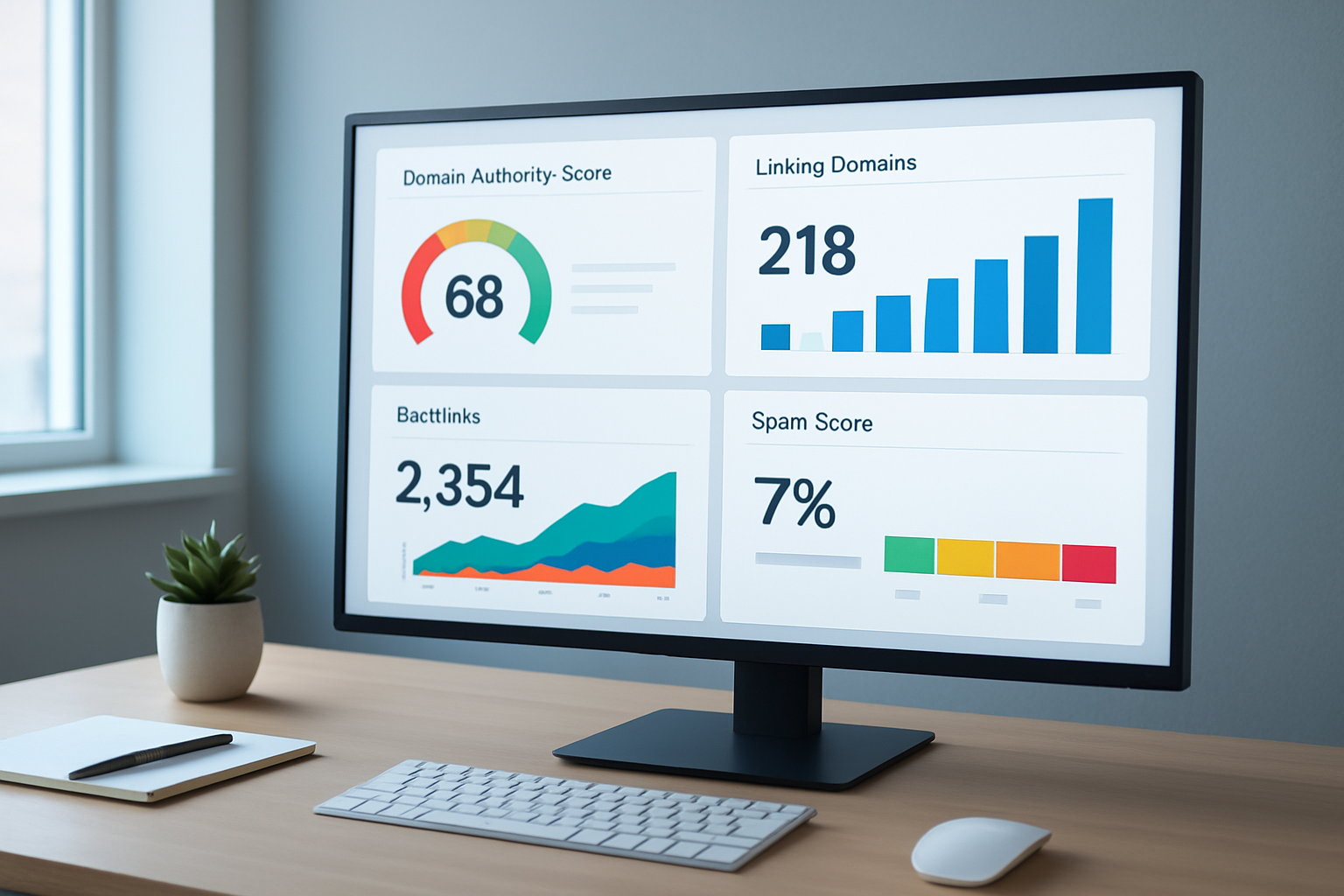
A well-organized backlink scan dashboard surfaces the data you need to make fast, confident SEO decisions.
What Does a Backlink Scan Actually Reveal?
When you run a scan, you retrieve a structured report of every known inbound link. Each entry typically shows the linking domain, the specific page containing the link, the anchor text used, whether the link is dofollow or nofollow, and a quality metric such as Domain Rating or Domain Authority.
Beyond individual links, the scan reveals patterns. For example, if 80% of your anchor text uses the exact same keyword, that over-optimization signals manipulation to Google. Similarly, a sudden spike in new referring domains — called link velocity — can trigger algorithmic scrutiny even when the links themselves are legitimate. In short, the value of a scan lies less in the raw list and more in the patterns it exposes.
Key Metrics to Review When You Scan Backlinks
- Domain Rating / Domain Authority — measures the overall strength of the linking site’s own backlink profile.
- Spam Score — flags domains associated with manipulative or low-quality link patterns.
- Anchor Text Distribution — reveals whether your profile looks natural or over-optimized.
- Dofollow vs. Nofollow Ratio — a healthy profile typically contains a mix of both link types.
- Link Velocity — tracks how quickly new links are being acquired over a given period.
- Lost and New Links — shows recent changes that may explain ranking fluctuations.
- Referring IP Diversity — checks whether links come from genuinely different networks rather than one cluster of related domains.
The Best Free Tools to Scan Backlinks in 2025
Plenty of roundups list a handful of free backlink checkers without explaining how they actually compare. Below, each tool is evaluated on index size, refresh rate, and the metrics it exposes — so you can pick the right combination instead of guessing. For a deeper walkthrough, see our Is There a Risk-Free Trial for SEO Services?.
| Tool | Free Link Limit | Best For | Notable Metric |
| Ahrefs Free Backlink Checker | Top 100 links | Quick authority snapshot | Domain Rating |
| Google Search Console | Unlimited (own site only) | First-party accuracy | Top linking sites/pages |
| Ubersuggest | Limited daily lookups | Beginners on a budget | Domain Score |
| Moz Link Explorer | 10 queries/month free | Spam score analysis | Domain Authority |
| SEO Review Tools / Small SEO Tools | Basic list, no login | Fast, no-signup checks | Follow/nofollow flag only |
Notice the pattern: every free tool caps either the number of results or the refresh frequency. That is by design — it is how vendors convert free users into paying customers. If you want to scan backlinks without those artificial limits, RankAuthority’s free backlinks checker gives you a fuller first look before you commit to a paid plan.
Where Free Tools Fall Short
Free backlink checkers are genuinely useful for a fast sanity check, but they rarely show the full picture. Most cap results at 100 links, refresh their index only periodically, and hide historical trend data behind a paywall. Therefore, if your site has thousands of referring domains — or you need to track lost links, spam score changes, and link velocity over time — a dedicated total backlink checker that indexes every link pointing to you becomes far more practical than stitching together several free tools.
Step-by-Step: How to Scan Backlinks for Your Website
Following a consistent process ensures you catch every issue and act on the right information. Below is a practical seven-step workflow you can repeat every month.
Choose Your Scanning Tool. Select a reputable platform. Ahrefs and SEMrush offer the largest link indexes, while Google Search Console provides free first-party data. For best results, use at least two sources simultaneously — better yet, start with a dedicated URL backlink checker to analyze links fast.
Enter Your Domain and Run the Scan. Input your root domain (for example, example.com) into the tool’s backlink checker. Most tools return results within seconds, though larger sites may take a few minutes to fully index.
Evaluate Link Quality Metrics. Sort results by spam score and Domain Rating. First, focus on links with high spam scores or very low authority, since these are the most likely candidates for removal or disavowal.
Flag Toxic Backlinks. Manually review flagged links and mark those from link farms, irrelevant foreign-language sites, or penalized domains. Export this list before moving to the next stage.
Request Manual Removal. Contact the webmasters of toxic linking sites and politely request link removal. Although responses are often slow, this step demonstrates good faith to Google before you proceed to disavowal.
Submit a Disavow File if Necessary. If manual removal fails, compile the toxic domains into a disavow file and upload it via Google Search Console. This instructs Google to disregard those links when evaluating your site. Google’s own Search Essentials documentation explains exactly how disavow submissions are processed.
Track Changes Over Time. Save each scan’s export and compare it month over month using a backlink rank checker that tracks link movement automatically, so you catch new toxic links the moment they appear instead of months later.
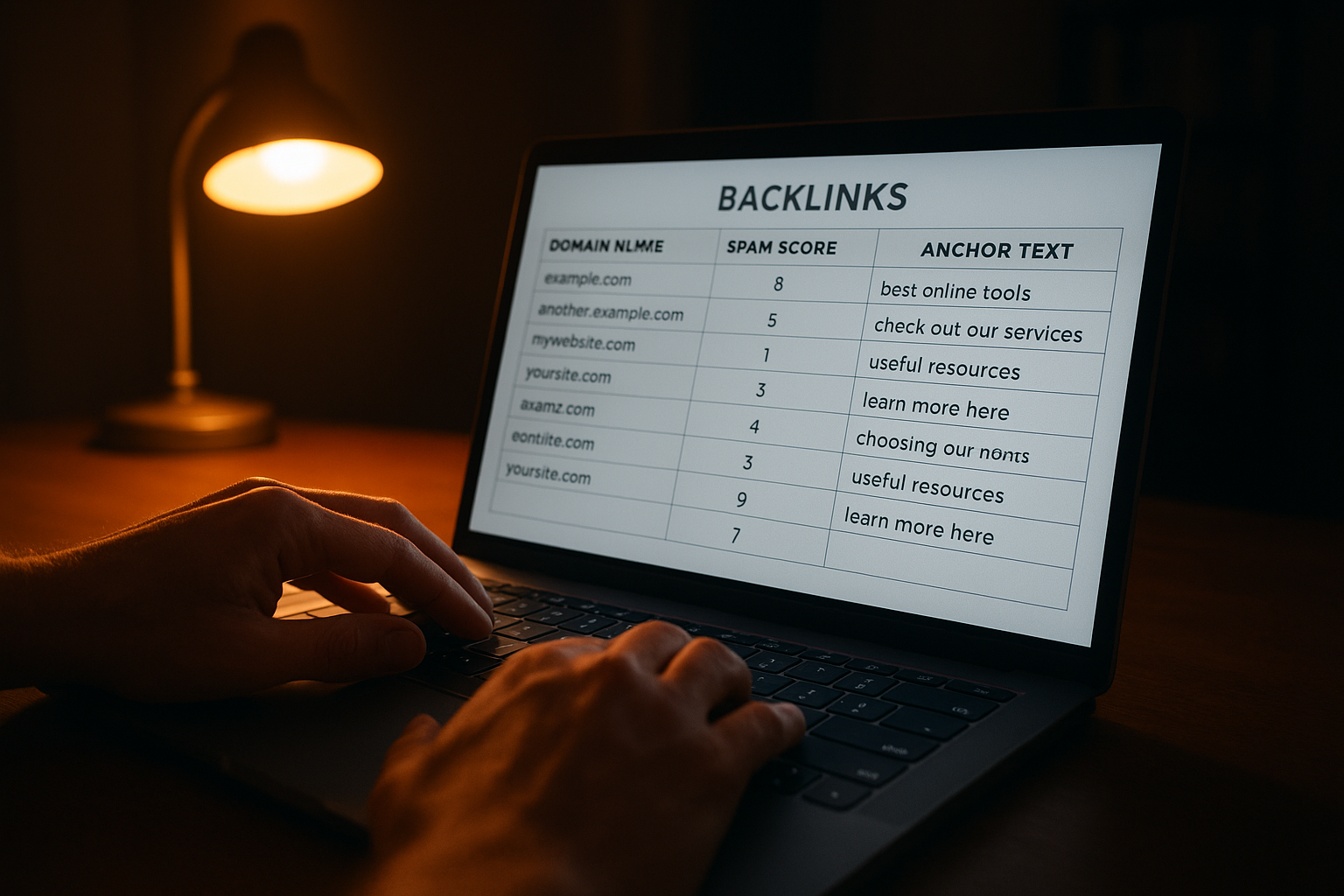
Exporting and manually reviewing your scan data helps you make more precise decisions about which links to disavow.
Using Competitor Backlinks to Drive Your Strategy
One of the most underused benefits of scanning backlinks is competitive intelligence. By scanning a competitor’s domain instead of your own, you reveal every site that links to them — many of which may be willing to link to you as well.
In practice, look for high-authority domains that link to multiple competitors but not to you. These represent genuine link gaps — sites that clearly cover your topic and have already shown a willingness to link out. Reaching out to these prospects with a relevant, high-value resource dramatically improves your outreach success rate.
Resources like RankAuthority provide in-depth guidance on building sustainable link profiles through ethical outreach and content-driven strategies that complement your scanning workflow.
Common Mistakes to Avoid When You Check Backlinks
Many site owners make avoidable errors that reduce the effectiveness of their audits. First, relying on a single free tool is a common pitfall — no tool captures 100% of the web’s link graph, so cross-referencing two or more sources gives a far more accurate picture.
Second, disavowing links too aggressively can remove valuable signals along with harmful ones. Therefore, always review each flagged link manually before adding it to a disavow file. A nofollow link from a high-authority news site, for instance, still drives referral traffic and brand awareness — disavowing it would be counterproductive.
Finally, many auditors scan once and never revisit. Because the web changes continuously, a one-time scan quickly becomes outdated. Setting a recurring monthly reminder ensures your link profile stays clean and your strategy stays current.
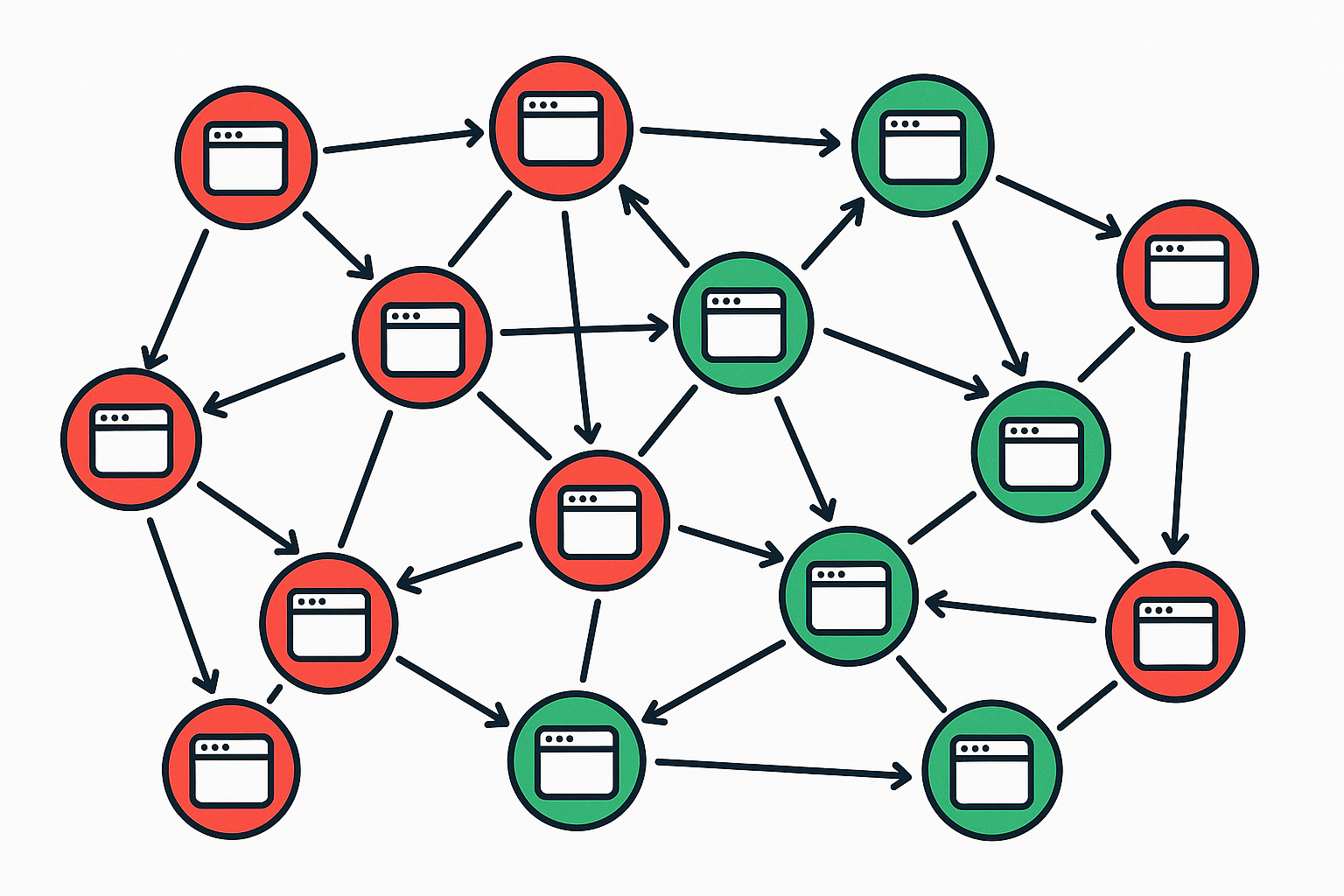
Visualizing your link network helps distinguish between high-value connections and harmful toxic backlinks that need removal.
Turning Scan Findings Into Ranking Gains
A backlink scan is only as valuable as the actions it drives. After cleaning up toxic links, shift your attention to your strongest existing links. Identify which pages attract the most high-authority backlinks and consider expanding or updating that content to attract even more.
Additionally, use the scan to find broken backlinks — links pointing to pages on your site that no longer exist. Run a backlink audit to collect those broken targets, then redirect them to relevant live pages to instantly recover lost link equity. This technique, often called broken link reclamation, is one of the fastest ways to improve your profile without building a single new link. Moz’s guide to Domain Authority explains why concentrating link equity on fewer, stronger pages compounds these gains.
For further reading on link equity and how Google evaluates link signals, RankAuthority covers advanced backlink strategy in detail, including how to prioritize outreach based on scan data.
Free vs. Paid Backlink Checkers: Which Should You Use?
Free tools are excellent for a quick spot-check or a one-off competitor peek. However, if your business depends on organic traffic, a paid or dedicated platform pays for itself the first time it catches a toxic link before it triggers a penalty. Above all, consistency matters more than which single tool you pick — a mediocre tool used every month beats a great tool used once a year.
If budget is the deciding factor, start with Google Search Console alongside RankAuthority’s free backlinks checker, then graduate to a full total backlink checker once your link count grows past a few hundred referring domains.
Conclusion: Make Backlink Scanning a Core SEO Habit
When you consistently scan backlinks, you gain a clear, actionable view of one of SEO’s most powerful ranking factors. Regular audits protect your site from penalties, reveal competitive opportunities, and ensure every link in your profile works in your favor rather than against you.
Start with a free tool like Google Search Console, layer in a dedicated platform for deeper data, and schedule monthly reviews. Over time, this habit compounds — a cleaner profile attracts better links, better links drive higher rankings, and higher rankings accelerate every other part of your SEO strategy. In short, the sooner you make it routine to scan backlinks, the sooner your rankings stop depending on guesswork.
Frequently Asked Questions About Backlink Scanning
What does it mean to scan backlinks?
To scan backlinks means to audit all external links pointing to your website, evaluating their quality, source authority, and potential impact on your search rankings. This process helps you identify both valuable links and harmful ones that could trigger Google penalties.
How often should I scan my backlinks?
For most websites, scanning backlinks once a month is sufficient. However, if your site is in a competitive niche or you recently ran a link-building campaign, scanning every two weeks provides better oversight.
Which tools are best for scanning backlinks?
Ahrefs, SEMrush, Moz Link Explorer, and Google Search Console are the most widely used tools. Each has a different index size and metric set, so using two tools together gives a more complete picture.
Are free backlink checkers accurate enough for a full SEO audit?
Free backlink checkers are accurate for a quick snapshot but usually cap results at a small number of links and refresh their index less often. For a complete audit, pair a free tool with a more comprehensive platform that indexes your full link profile.
What are toxic backlinks?
Toxic backlinks are links from low-quality, spammy, or irrelevant websites that can harm your site’s SEO performance. They often come from link farms, private blog networks, or sites penalized by Google.
Can backlinks hurt my website’s rankings?
Yes, a large volume of toxic or manipulative backlinks can result in a Google manual action or algorithmic penalty, causing rankings to drop significantly. Regular backlink scans help you catch and address these issues early.
What is a disavow file and when should I use it?
A disavow file is a text file submitted to Google Search Console that instructs Google to ignore specific links pointing to your site. Use it only after attempting manual removal, and only when those links pose a clear ranking risk.
Is Google Search Console enough to scan backlinks?
Google Search Console provides a free and reliable backlink report, but its index is often incomplete compared to paid tools like Ahrefs or SEMrush. For a thorough audit, combine Search Console data with at least one third-party tool.
What metrics should I look at when scanning backlinks?
Key metrics include Domain Rating or Domain Authority of the linking site, spam score, anchor text distribution, link velocity, and whether links are dofollow or nofollow. Together, these indicators paint a clear picture of your link profile’s health.
How do I find competitors’ backlinks?
Enter a competitor’s domain into a tool like Ahrefs or SEMrush and open their backlink report. This reveals which sites link to them, allowing you to target the same sources for your own link-building outreach.
What is anchor text and why does it matter in a backlink scan?
Anchor text is the clickable text used in a hyperlink. In a backlink scan, reviewing anchor text distribution helps you detect over-optimization — where too many links use the exact same keyword anchor — which can trigger algorithmic penalties.
How long does a backlink scan take?
Running the scan itself typically takes a few seconds to a few minutes depending on the tool and your site’s size. However, fully analyzing the results and taking action can take several hours for large websites with thousands of backlinks.
What is link velocity and why is it flagged in scans?
Link velocity refers to the rate at which new backlinks are acquired over time. An unnatural spike in link velocity can signal manipulative link building to Google, so backlink scanning tools often flag sudden surges for review.

