
Complete Guide · WordPress SEO
Schedule smarter. Rank higher. Automate your entire content publishing workflow without sacrificing a single SEO signal.
WordPress SEO auto publish is the practice of scheduling fully optimized content — complete with meta titles, descriptions, target keywords, internal links, and structured data — to go live automatically at a predetermined time, without requiring any manual action at the moment of publication. When implemented correctly, it is one of the most powerful productivity and ranking strategies available to site owners, content teams, and digital marketers working inside the WordPress ecosystem.
Direct Answer
WordPress SEO auto publish lets you prepare SEO-optimized posts in advance and schedule them to publish automatically. It maintains consistent posting frequency, signals content freshness to search engines, and frees your team from manual publishing tasks — all while preserving every on-page SEO element.
Whether you manage a single blog or a multi-author editorial operation, automating your WordPress publishing workflow can dramatically improve your content velocity, SEO consistency, and overall organic growth. This guide walks through everything: what auto publish means for SEO, how to set it up, which plugins to use, and the critical optimization checklist every scheduled post must pass before going live.
What Is WordPress SEO Auto Publish?
At its core, WordPress SEO auto publish combines two native WordPress capabilities — the post scheduler and the SEO optimization layer — into a seamless, automated workflow. WordPress has offered a built-in post scheduling feature since version 2.1, allowing authors to set a future date and time for any post or page to go live. The SEO component means that before a post is ever scheduled, it has been fully optimized: keyword-targeted, internally linked, structured with proper heading hierarchy, and equipped with a compelling meta description.
According to Wikipedia’s overview of search engine optimization, content freshness and publication frequency are recognized signals that influence how search engines crawl and index websites. By automating your publish schedule, you ensure a steady stream of fresh, indexed content without gaps that can cause crawl frequency to drop.
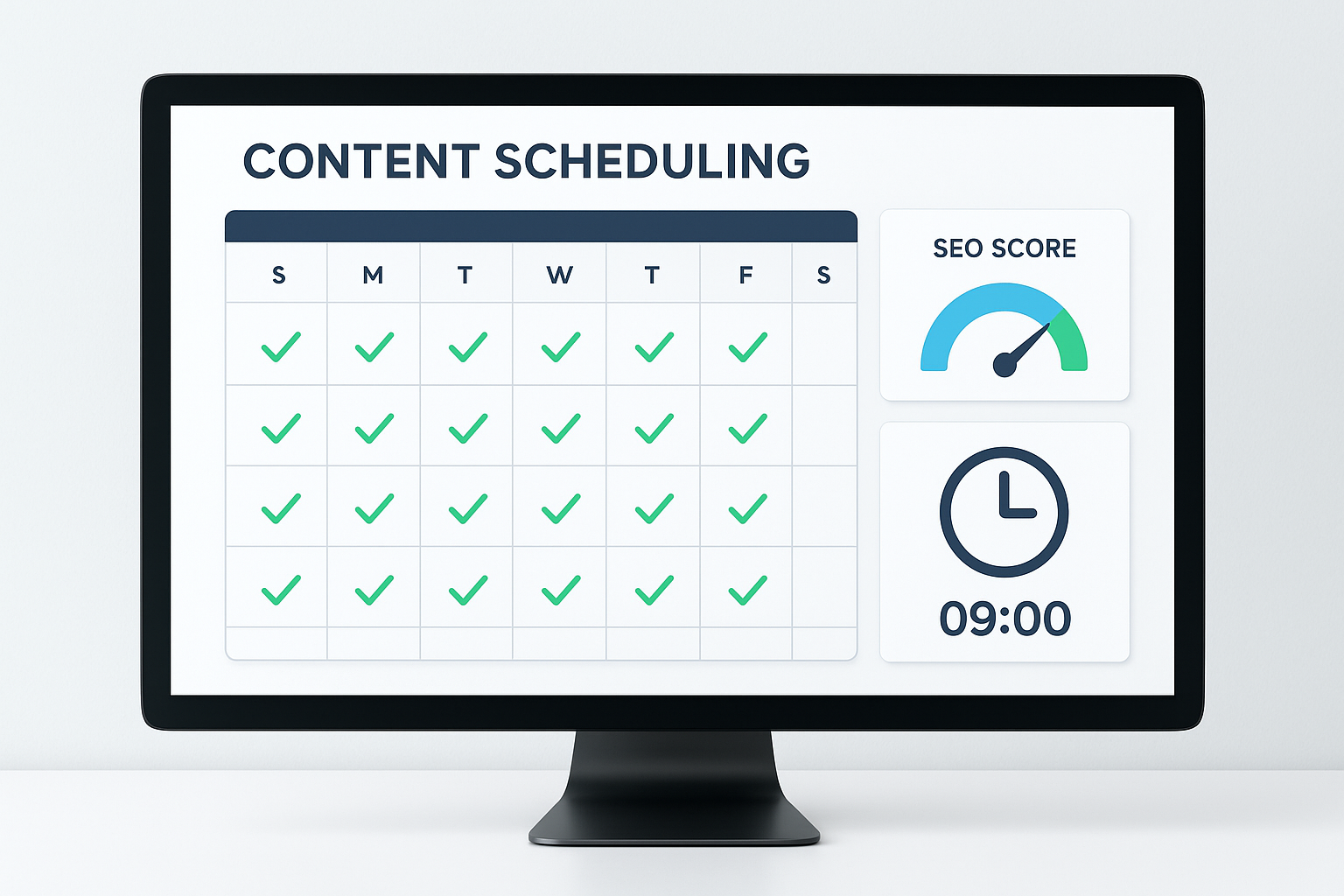
A well-configured WordPress SEO auto publish dashboard keeps your content calendar on track and every post optimized before it goes live.
Why Auto Publishing Matters for SEO Rankings
Search engines reward consistency. Sites that publish on a predictable, regular schedule tend to get crawled more frequently than sites with erratic publishing habits. When Googlebot recognizes that your site adds new content every Tuesday and Thursday at 8 AM, it will begin to anticipate that cadence and crawl accordingly. This means faster indexing, faster ranking, and faster traffic growth.
Beyond crawl frequency, auto publishing helps teams avoid the rushed, last-minute publishing mistakes that destroy SEO value. When content is written, optimized, reviewed, and scheduled days in advance, every post goes live in its best possible state. There are no forgotten meta descriptions, no missing alt tags, no broken internal links — because the checklist was completed under no time pressure.
Key SEO Benefits of Auto Publishing
- Consistent crawl frequency from search engine bots
- Reduced human error at the point of publication
- Optimal publish timing aligned with audience activity peaks
- Steady topical authority growth through regular content clusters
- Improved editorial workflow with pre-publication SEO audits
How to Set Up WordPress SEO Auto Publish Step by Step
Setting up an effective WordPress SEO auto publish workflow involves three layers: the native WordPress scheduler, an SEO plugin, and optionally a dedicated editorial calendar tool. Here is how to build each layer correctly.
Step 1: Use WordPress Native Scheduling
In the WordPress block editor (Gutenberg), navigate to the right-hand panel and locate the Publish section. Click the date and time field next to “Publish” to open the scheduling picker. Set your desired future date and time, then click Schedule instead of Publish. WordPress will automatically publish the post at exactly that moment using its built-in WP-Cron system.
Step 2: Install an SEO Plugin Before You Schedule
No post should be scheduled until it has passed a full SEO audit inside a plugin like Yoast SEO or Rank Math. These plugins provide real-time readability scores, keyword density analysis, meta description previews, and schema markup controls. Complete every green light in the plugin’s analysis panel before you touch the schedule button. For tips on getting the most from WordPress’s SEO tools, the 6 SEO tips and best practices for WordPress guide at Rank Authority is an excellent starting point.
Step 3: Add an Editorial Calendar Plugin
Plugins like PublishPress or WP Scheduled Posts give you a visual drag-and-drop calendar view of all upcoming scheduled content. These tools are invaluable for content teams because they show gaps in the schedule, prevent topic overlap, and allow bulk rescheduling with a single drag. They also support custom statuses like “Pending SEO Review” so nothing goes live until it has been cleared by your optimization checklist.
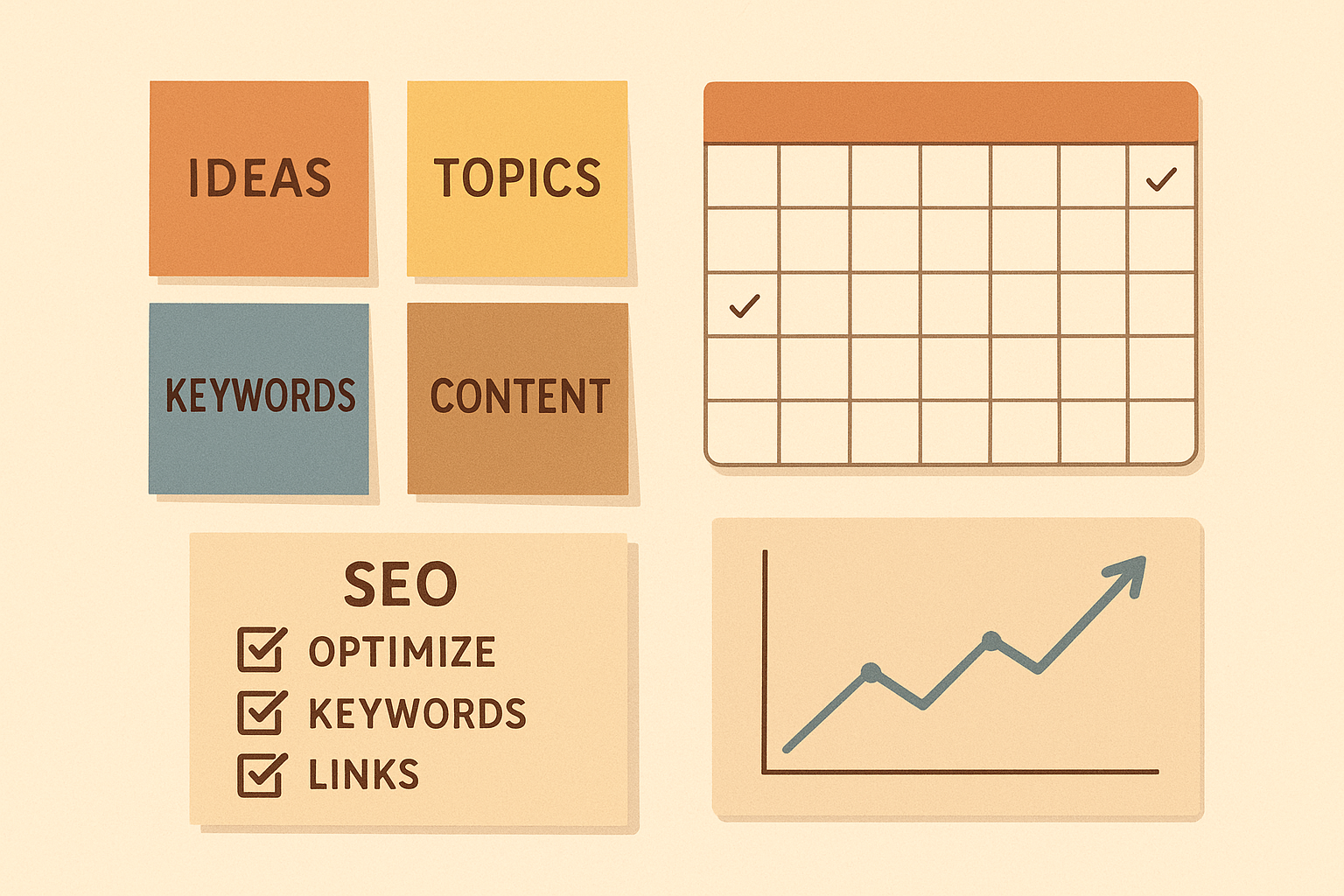
A structured content planning workflow ensures every scheduled post meets full SEO requirements before auto publishing.
The Pre-Publish SEO Checklist for Every Scheduled Post
Auto publishing only delivers SEO value when every post is fully optimized before it enters the schedule queue. Use the following checklist as a hard gate — no post gets scheduled until every item is confirmed.
On-Page Elements
- Focus keyphrase set
- SEO title under 60 characters
- Meta description 120–156 chars
- Keyphrase in first paragraph
- Heading hierarchy (H2, H3)
- Canonical URL confirmed
Technical Elements
- All images have alt text
- Internal links added
- Outbound links verified
- Schema markup applied
- Page speed checked
- Mobile preview confirmed
Common Mistakes That Kill SEO When Auto Publishing
The biggest risk with WordPress SEO auto publish is the false confidence it can create. Because publishing feels automated and effortless, teams sometimes skip the optimization work. Here are the most damaging mistakes to avoid:
Publishing thin content automatically. Scheduling a 200-word post with no target keyword, no internal links, and a missing meta description is worse than not publishing at all. Thin content accumulates and signals low quality to Google’s algorithms.
Ignoring WP-Cron reliability issues. WordPress’s built-in WP-Cron only fires when someone visits your site. On low-traffic sites, scheduled posts can miss their publish time by hours. Use a real server cron job or a plugin like WP Crontrol to ensure reliable scheduling.
Never monitoring after publication. Auto publishing is not a set-and-forget strategy. After each post goes live, monitor its indexing status in Google Search Console, check for crawl errors, and watch early ranking signals. Tools that provide real-time SEO issue alerts can flag problems the moment they appear, long before they damage your rankings.
Duplicating content across scheduled posts. If you schedule posts that cover the same topic with similar headings and copy, you create keyword cannibalization. Every scheduled post needs a unique focus keyphrase and a distinct angle that does not compete with existing content.
Frequently Asked Questions About WordPress SEO Auto Publish
Does scheduling posts affect SEO in WordPress?
Scheduling posts does not negatively affect SEO when done correctly. In fact, publishing on a consistent schedule signals freshness and reliability to search engines, which can positively impact rankings over time. The key is ensuring every scheduled post is fully optimized before it enters the queue.
Which plugins are best for WordPress SEO auto publish?
The most effective combination is WordPress’s native scheduler paired with Yoast SEO or Rank Math for on-page optimization, and PublishPress or WP Scheduled Posts for editorial calendar management. For teams needing advanced automation, CoSchedule integrates scheduling with social promotion workflows.
Can WordPress auto publish hurt my site if posts are not optimized?
Yes. Publishing thin, duplicate, or unoptimized content automatically can harm your site’s SEO. Always ensure each scheduled post passes a full SEO audit before the publish date to avoid ranking penalties and content quality issues.
How do I make sure scheduled posts are fully optimized before they go live?
Use an SEO plugin like Yoast or Rank Math to complete all on-page checks before scheduling. Build a pre-publish checklist that covers meta title, meta description, focus keyphrase, internal links, image alt text, and canonical URL — and make it a team policy that no post is scheduled until every item is checked.
Conclusion: Build a Smarter WordPress SEO Auto Publish System
A well-executed WordPress SEO auto publish strategy is not just a convenience — it is a competitive advantage. Sites that publish consistently optimized content on a reliable schedule build topical authority faster, get crawled more frequently, and accumulate organic traffic that compounds over time. The automation removes the friction of manual publishing; the SEO work you do before scheduling ensures every post earns its place in the index.
Start by auditing your current publishing workflow. Identify where optimization steps are being skipped under deadline pressure. Then build the checklist, install the right plugins, and configure your scheduling system so that every post that goes live is ready to rank from day one. The investment in setting this up properly pays dividends with every single piece of content you publish from this point forward.
Ready to Optimize Your Workflow?
Combine consistent scheduling with airtight on-page SEO and you have the foundation of a content machine that ranks. Every post, every time.

