Quick Answer: An audit web process is a structured, systematic review of every technical, on-page, and off-page factor that affects how search engines crawl, index, and rank your website. Running one reveals hidden errors and missed opportunities that directly limit your organic traffic.
When you audit web pages properly, you gain a complete diagnostic picture of your site’s health — from broken links and slow load times to thin content and missing schema. Without a regular audit, even well-designed websites silently accumulate technical debt that erodes rankings over time. This guide walks you through every layer of a professional web audit so you can find issues fast and fix them with confidence.
What Is an Audit Web Process?
An audit web process is a comprehensive evaluation of a website across four core dimensions: technical infrastructure, on-page optimization, content quality, and backlink authority. Each dimension interacts with the others, which is why a partial audit — looking only at meta tags or only at page speed — leaves significant problems undiscovered.
According to Wikipedia’s overview of search engine optimization, the discipline involves both technical and creative elements — a reality that makes a structured audit the only reliable way to maintain competitive visibility. Guessing at problems without data is how sites stagnate.
The goal of every audit is the same: identify what is preventing your pages from ranking as high as they should, then create a prioritized action plan to fix those barriers systematically.
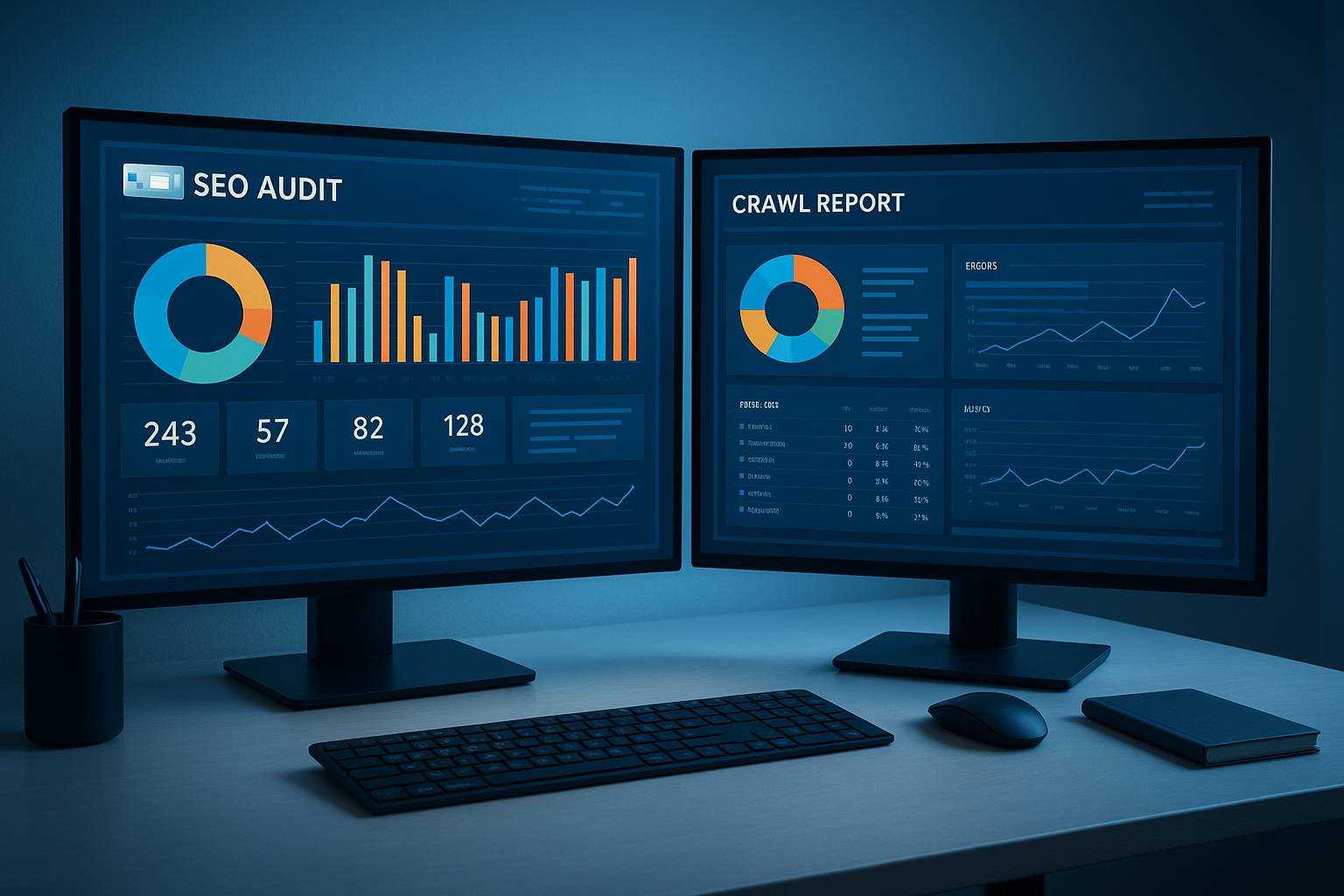
A professional audit web setup — crawl data and SEO diagnostics displayed across multiple reporting dashboards.
Why Regular Web Audits Are Non-Negotiable
Search engines update their algorithms hundreds of times per year. A page that ranked well six months ago may now be penalized by a Core Web Vitals threshold it no longer meets, or outranked by a competitor who recently improved their content depth. Regular audits catch these shifts before they become ranking crises.
Beyond algorithm changes, websites naturally accumulate issues over time. Developers push updates that accidentally block crawlers. Content teams publish duplicate pages. Redirects chain together and slow load times. None of these problems announce themselves — they require active detection.
Key Insight
Sites that audit web pages quarterly recover from algorithm updates 2–3x faster than those that audit annually, because the issue window is smaller and fixes are applied before compounding damage occurs.
How to Audit Web Pages: A Step-by-Step Process
The following six-step process mirrors what professional SEO agencies use when conducting a full site audit. Work through each step in order, since technical issues at the crawl level can mask on-page problems that appear further down the audit.
Step 1
Crawl Your Entire Website
Use a dedicated crawler such as Screaming Frog SEO Spider to systematically visit every URL on your site. The crawler will collect HTTP status codes, title tags, meta descriptions, heading structures, canonical tags, image alt attributes, and internal link data. Export this data into a spreadsheet and flag all 4xx errors, 5xx errors, redirect chains longer than two hops, and pages missing critical on-page elements.
Step 2
Review Index Coverage in Google Search Console
Open Google Search Console and navigate to the Index Coverage report. This shows you exactly which pages Google has indexed, which it has excluded, and why. Common exclusion reasons include noindex tags applied by mistake, pages blocked in robots.txt, soft 404s, and pages marked as duplicate without a canonical. Each exclusion reason requires a different fix, so read the reason carefully before acting.
Step 3
Evaluate Core Web Vitals
Google’s Core Web Vitals — Largest Contentful Paint (LCP), Interaction to Next Paint (INP), and Cumulative Layout Shift (CLS) — are confirmed ranking signals. Pull your scores from Google Search Console’s Core Web Vitals report or from PageSpeed Insights. Any page scoring “Needs Improvement” or “Poor” should be prioritized for remediation, focusing first on high-traffic pages where the ranking impact is greatest.
Step 4
Audit On-Page SEO Elements
For every page in your crawl export, verify that title tags are unique, between 50 and 60 characters, and contain the target keyword. Meta descriptions should be between 120 and 156 characters and written to drive clicks, not just stuff keywords. Check that each page has a single H1, a logical heading hierarchy, sufficient word count for the topic, and internal links pointing to related content. Thin pages — those under 300 words with no unique value — should be expanded, consolidated, or removed.
Step 5
Analyze Your Backlink Profile
Use Ahrefs or a comparable tool to pull your full backlink profile. Look for links from low-quality or spammy domains that could trigger a manual penalty, and use Google’s Disavow Tool if necessary. More importantly, identify which pages attract the most links and build internal links from those pages to others you want to rank. Also look for unlinked brand mentions — these are easy link-building opportunities that most sites ignore.
Step 6
Prioritize and Implement Fixes
Not every issue carries equal weight. Build a prioritization matrix that scores each finding by its potential ranking impact and the effort required to fix it. Critical technical errors — broken pages, crawl blocks, and Core Web Vitals failures — go first. On-page improvements and content expansions follow. Backlink cleanup and link-building are ongoing tasks that run in parallel with the rest of your fixes.

A structured checklist keeps the audit web process organized and ensures no critical SEO factor is overlooked.
The Best Tools to Audit Web Pages
Choosing the right tools determines how efficiently you can audit web pages and how deep your analysis goes. Here are the most effective options organized by audit layer:
Common Issues Uncovered During a Web Audit
Across thousands of site audits, the same categories of issues appear repeatedly. Knowing what to look for speeds up your analysis significantly:
- Crawl errors and broken links — 404 pages that waste crawl budget and deliver poor user experience.
- Duplicate content — Multiple URLs serving identical or near-identical content, diluting ranking signals.
- Missing or duplicate title tags and meta descriptions — Signals confusion to search engines and reduces click-through rates.
- Slow page speed — LCP scores above 2.5 seconds are a direct ranking liability.
- Thin or low-quality content — Pages with insufficient depth that fail to satisfy search intent.
- Missing schema markup — Lost eligibility for rich results that increase click-through rates.
- Weak internal linking — Orphaned pages that receive no internal link equity and rarely rank.
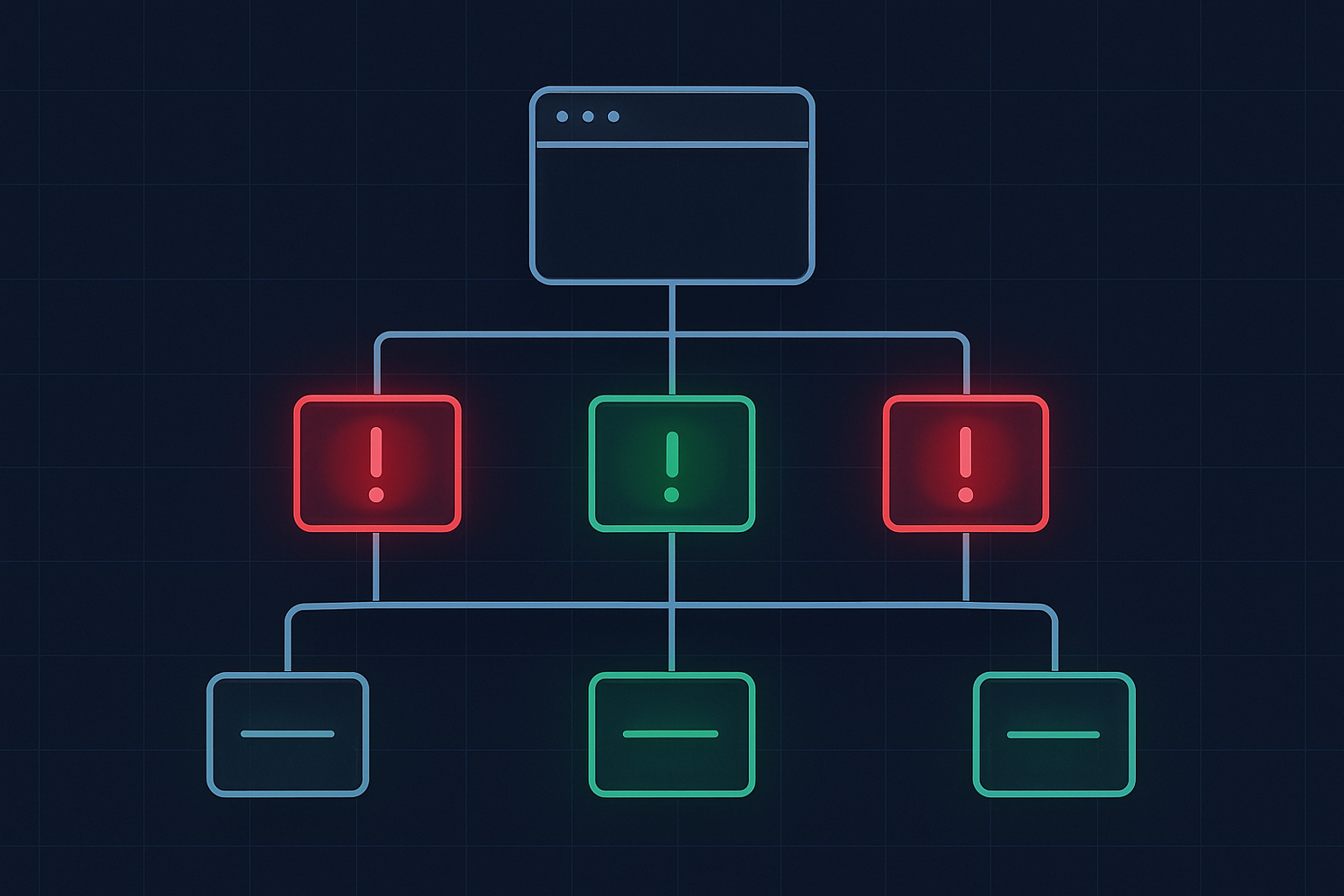
A site map visualization showing the types of errors a thorough audit web process is designed to surface and resolve.
Frequently Asked Questions About Web Audits
How often should I audit web pages?
You should audit web pages at least every three to six months for established sites. New sites or sites undergoing active development benefit from monthly audits. Any significant ranking drop, algorithm update, or major site migration should trigger an immediate audit regardless of schedule.
Can I audit web pages for free?
Yes. Google Search Console is entirely free and covers index coverage, Core Web Vitals, and search performance data. Screaming Frog’s free tier handles up to 500 URLs. For small sites, these two tools together provide a thorough foundation for a complete audit without any cost.
How long does a full web audit take?
A thorough audit of a site with 100 to 500 pages typically takes four to eight hours of focused analysis. Larger enterprise sites with thousands of URLs may require several days. The time investment scales with site complexity, not just page count — sites with complex redirect structures, multiple subdomains, or large content libraries require proportionally more analysis time.
Where to Get Professional Web Audit Help
If you need a professional-grade audit delivered with actionable recommendations rather than raw data dumps, working with an experienced SEO agency saves significant time. Rank Authority specializes in technical SEO audits that go beyond surface-level checks — covering crawl architecture, content strategy, and competitive gap analysis in a single engagement.
For teams who want to build their own audit capabilities, the resources and frameworks available at Rank Authority provide structured guidance that scales from small business sites to large enterprise domains.
Conclusion: Make the Audit Web Process a Core Habit
The decision to regularly audit web pages is one of the highest-leverage actions any site owner or SEO professional can take. Every issue you find and fix is a barrier removed between your content and the rankings it deserves. Start with a crawl, verify your index coverage, evaluate your Core Web Vitals, and work systematically through on-page and off-page factors. A consistent audit web rhythm transforms reactive SEO — chasing ranking drops after they happen — into proactive SEO that maintains and grows visibility month after month.