
SEO and accessibility are two sides of the same coin: building a website that search engines can crawl efficiently while making that same site usable for people with disabilities. Far from competing priorities, these disciplines rely on nearly identical technical foundations — semantic code, clear structure, and fast, usable pages. Once you understand that overlap, every accessibility fix becomes an SEO win, and every SEO audit becomes an accessibility improvement.
Most teams still treat accessibility as a legal checkbox and SEO as a separate ranking game. However, that separation costs businesses time, budget, and rankings. In this guide, we cover everything the competing resources gloss over — from WCAG compliance levels and ARIA roles to the legal risks of ignoring accessibility and the exact tools you need to audit both disciplines at once. For a companion resource on this exact overlap, see our piece on how SEO and accessibility work together.
Why Search Engine Crawlers Read Your Site Like a Screen Reader
Google’s crawler cannot see images, watch a video, or interpret a beautifully designed layout. Instead, it reads raw HTML, follows links, and parses text — which is exactly what a screen reader does for someone who is blind or has low vision. Consequently, a page built well for a screen reader is, by definition, built well for a search engine.
This is not a coincidence. Both systems depend entirely on the semantic meaning embedded in your code, not on how the page looks visually. Therefore, when you use proper heading tags, meaningful alt attributes, and descriptive link text, you serve two audiences at once: people using assistive technology and the algorithms that decide your ranking position.
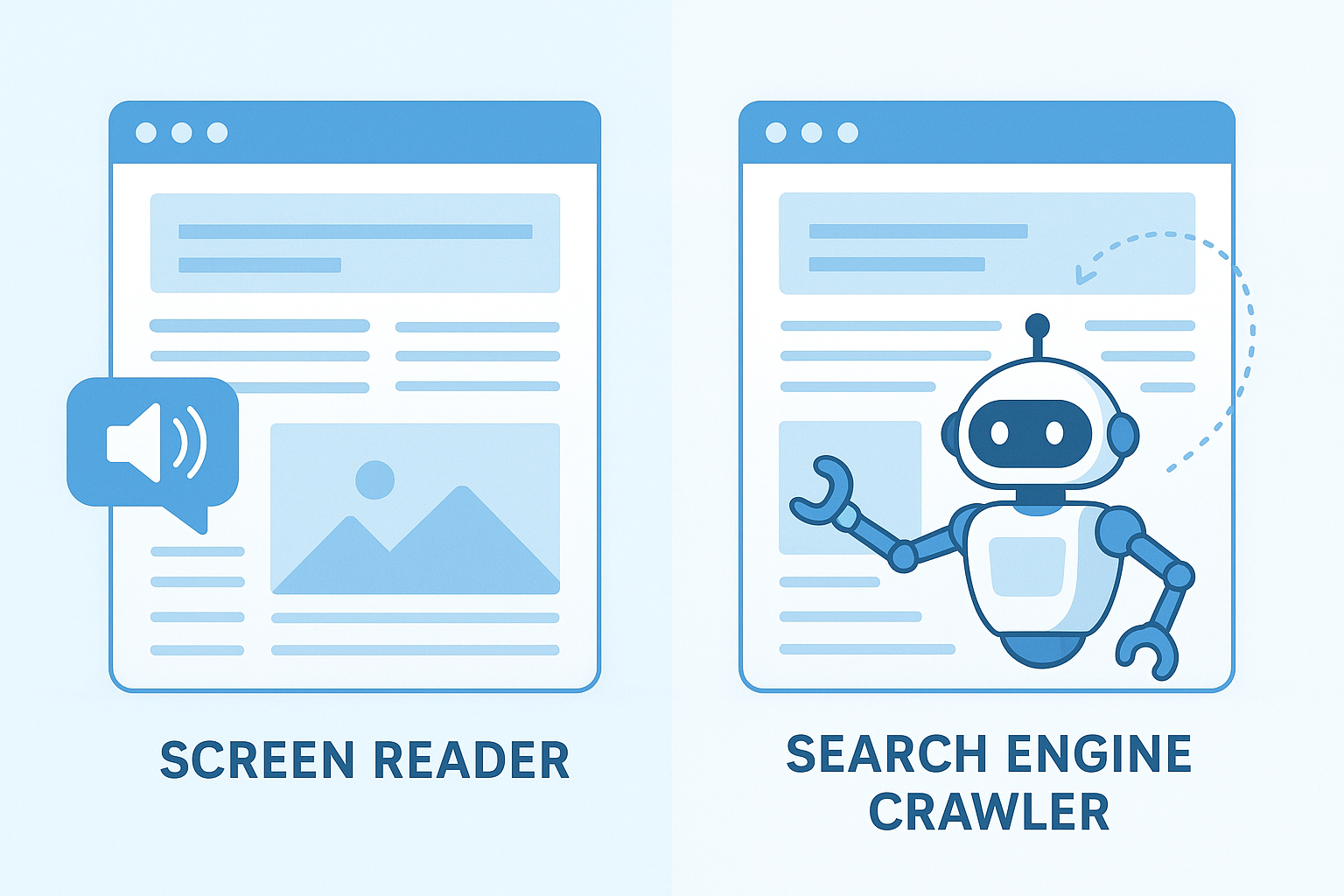
Both screen readers and search engine crawlers rely on semantic HTML to interpret page content — making SEO and accessibility natural partners rather than competing priorities.
The POUR Principles: A Shared Blueprint for SEO and Accessibility
The W3C organizes accessibility around four principles known as POUR. Interestingly, each one maps directly onto an SEO best practice, which is why accessible sites so often outperform inaccessible ones in search results.
- Perceivable: Content must be presented in ways users can perceive — think alt text, captions, and readable contrast. Search engines need the same text-based cues to understand your page.
- Operable: Users must be able to navigate using a keyboard, not just a mouse. Similarly, crawlers navigate via links and code structure, not clicks or hover states.
- Understandable: Content and navigation should be predictable and clear. In the same way, clear content structure helps search engines match your page to the right queries.
- Robust: Content must work across assistive technologies and, by extension, across browsers, devices, and crawler versions.
In short, POUR is not just an accessibility framework — it is a near-perfect SEO checklist wearing a different name.
WCAG Compliance Levels and What They Mean for Your SEO Strategy
The Web Content Accessibility Guidelines (WCAG) define three compliance tiers: A, AA, and AAA. Level A covers basic accessibility, Level AA is the legal and industry standard most businesses target, and Level AAA is the most rigorous, often reserved for government or highly regulated sites.
Notably, most Level AA success criteria — readable text alternatives, logical reading order, resizable text, and clear navigation — overlap almost entirely with technical SEO recommendations. As a result, aiming for WCAG 2.2 AA compliance is one of the most efficient ways to satisfy both a legal accessibility requirement and a search engine crawlability requirement in a single project. For a broader look at combining these efforts for growth, see our guide on how SEO accessibility can boost rankings and reach more users.
The Technical Foundations SEO and Accessibility Share
Several core technical practices sit exactly at the intersection of both disciplines. Understanding these shared foundations lets you prioritize fixes that deliver double the return for a single unit of effort.
Semantic HTML and Heading Hierarchy
Semantic HTML uses elements such as <nav>, <main>, and correctly nested headings to convey structure. For a screen reader user, this structure is their primary navigation tool — they jump between headings to scan content the way a sighted user skims a page visually. For a search engine, that same heading hierarchy signals which topics are primary and which are supporting detail.
In practice, a page with a logical H2–H3 hierarchy ranks better and navigates more easily for everyone. Additionally, search engines treat heading text as a strong topical relevance signal, so descriptive headings quietly serve both audiences at once.
Alt Text for Images
Alt text is perhaps the clearest example of a shared best practice. Screen readers announce alt text aloud when a user encounters an image. Meanwhile, search engine crawlers read that same text to understand what an image depicts, which contributes to page relevance and image search rankings.
Writing alt text that is descriptive and naturally includes relevant terms therefore helps both groups at once. However, keyword stuffing in alt attributes harms both — it creates a confusing experience for screen reader users and can trigger spam signals for search engines.
Descriptive Link Text
Anchor text like “click here” tells neither a screen reader user nor a search engine what the destination page is about. In contrast, descriptive anchor text such as “explore our technical SEO audit checklist” gives both groups meaningful context. As a result, rewriting vague link text is one of the highest-impact, lowest-effort fixes you can make for both disciplines simultaneously.
ARIA Landmarks and Roles
ARIA (Accessible Rich Internet Applications) attributes fill gaps that plain HTML cannot cover, especially in custom widgets like tabs, modals, and dropdown menus. According to MDN Web Docs, ARIA roles and landmarks tell assistive technology what a component does and how it behaves. Search engines, in turn, use those same landmarks to better understand which part of the page is navigation, which is the main content, and which is supplementary.
That said, ARIA should supplement semantic HTML, not replace it. The first rule of ARIA is simple: if a native HTML element already does the job, use it instead of recreating the behavior with attributes.
Skip Navigation Links and Focus Order
A “skip to main content” link lets keyboard and screen reader users bypass repetitive navigation and jump straight to the page’s main content. This detail rarely appears in general SEO advice, yet it matters: a logical focus order mirrors the same logical content order that helps search engines identify your primary topic versus your boilerplate navigation. Sites that skip this step often bury their most important content behind repeated menu structures, which frustrates users and dilutes topical signals alike.
Page Speed, Core Web Vitals, and Inclusive Performance
Page speed is a confirmed Google ranking factor through Core Web Vitals. However, it is also a significant accessibility barrier. Users on low-bandwidth connections, older devices, or assistive technology that processes pages more slowly are disproportionately affected by heavy, sluggish pages.
Optimizing images, minimizing render-blocking scripts, and using efficient caching therefore serves your rankings and your users with disabilities at the same time. According to WCAG, perceivable and operable content is a core requirement — and a fast page is far more operable than a slow one.
Fast-loading pages improve Core Web Vitals scores and remove barriers for users who rely on slower connections or assistive devices.
Color Contrast, Visual Design, and Engagement Metrics
Color contrast is a WCAG requirement for users with low vision or color blindness. While Google does not directly measure contrast ratios, poor contrast drives visitors away quickly — increasing bounce rate and reducing dwell time. Both behaviors can indirectly influence how Google evaluates page quality over time.
Furthermore, a visually clear, well-organized page is simply easier for everyone to read and engage with. When visitors stay longer and interact more, those positive engagement signals contribute to stronger rankings over time. In other words, accessible design is good UX, and good UX is good SEO — there is no real separation between the two.
Forms, Keyboard Navigation, and Focus Indicators
Forms are frequently the weakest link in both accessibility and conversion-driven SEO. Unlabeled form fields create real barriers for screen reader users, since there is no way to know what information a field expects. Similarly, forms that only work with a mouse exclude anyone navigating by keyboard, a group that includes many users with motor impairments.
A visible focus indicator — the outline that appears around a button or link when tabbed to — is equally important. Without it, keyboard users lose track of where they are on the page entirely. Removing focus outlines purely for aesthetic reasons is one of the most common accessibility mistakes, and it also correlates with higher form abandonment, which hurts conversion-related engagement metrics that search engines can observe indirectly through user behavior.
Video Captions, Transcripts, and Indexable Content
Video and audio content presents a unique challenge for both accessibility and SEO. Search engines cannot watch a video or listen to a podcast, so without accompanying text, that content is essentially invisible to crawlers. Meanwhile, users who are deaf or hard of hearing cannot access audio-only content without captions or transcripts.
Adding captions and full transcripts solves both problems at once. The transcript gives search engines rich, indexable text that can rank for long-tail keywords. Additionally, it opens your content to a much wider audience, which ultimately increases traffic and engagement. Resources like RankAuthority cover strategies for turning multimedia content into a full SEO asset through structured text accompaniment.
Mobile Accessibility Is Mobile SEO
Since Google indexes the mobile version of your site by default, mobile accessibility and mobile SEO are now essentially the same conversation. Tap targets that are too small punish users with motor impairments and frustrate anyone using a phone one-handed. Similarly, text that requires pinch-to-zoom fails both accessibility guidelines and mobile usability signals.
Above all, responsive layouts that reflow content instead of requiring horizontal scrolling benefit low-vision users who zoom in, as well as Google’s mobile-first indexing process. For a deeper technical breakdown of this exact overlap, read our guide on optimizing mobile usability for SEO.
Hidden Content, Structured Data, and Assistive Technology
A common accessibility technique hides content visually while keeping it available to screen readers, often for skip links or supplemental descriptions. However, this practice needs to be implemented carefully, since search engines evaluate hidden content differently depending on how it is coded. If you are unsure whether your hidden elements are helping or hurting your rankings, our guide to understanding hidden content walks through exactly which patterns are safe.
Structured data, meanwhile, plays a supporting role in both areas. Schema markup helps search engines generate rich results, and because it is pure text metadata, it never conflicts with assistive technology. In fact, well-structured schema can reinforce the same content hierarchy that a screen reader relies on to summarize a page.
The Legal and Business Case for Accessibility
Beyond rankings, accessibility carries real legal weight. In the United States, website accessibility lawsuits under the Americans with Disabilities Act have risen sharply in recent years, and courts increasingly apply the ADA to digital properties, not just physical locations. The U.S. Department of Justice’s web accessibility guidance confirms that businesses are expected to make their websites usable for people with disabilities.
Consequently, treating accessibility purely as an SEO tactic undersells its importance. It is simultaneously a legal safeguard, a brand reputation issue, and — as this guide demonstrates — a ranking advantage. Businesses that address it early avoid costly retrofits and the reputational damage of a public lawsuit.
Common Mistakes That Hurt Both SEO and Accessibility
Several common web development shortcuts damage both disciplines simultaneously. Recognizing these pitfalls early helps you avoid compounding technical debt.
- Using images as text: Text embedded in images cannot be read by screen readers or crawlers. Use real HTML text instead.
- Skipping heading levels: Jumping from H2 to H4 confuses screen reader navigation and weakens content hierarchy signals for search engines.
- Missing form labels: Unlabeled form fields create barriers for screen reader users and reduce conversion rates, which indirectly affects engagement signals.
- JavaScript-only navigation: Menus that require JavaScript to function are often inaccessible to keyboard users and may not be fully crawled by search engines.
- Empty or missing alt attributes: Images with no alt text are opaque to both screen readers and search engine crawlers.
- Removing focus outlines: Stripping the visible focus ring for design reasons leaves keyboard users lost and increases task abandonment.
- Autoplaying media without controls: Autoplay disorients screen reader users and creates a poor experience that increases bounce rate for everyone.
Tools to Audit SEO and Accessibility Together
Rather than running separate audits, use tools that surface overlapping issues in one pass. This saves time and highlights exactly where a single fix benefits both disciplines.
- WAVE: A free browser extension from WebAIM that visually flags missing alt text, contrast failures, and heading structure problems.
- axe DevTools: A developer-focused scanner that integrates into browser dev tools and CI pipelines to catch accessibility regressions before deployment.
- Google Lighthouse: Scores both performance and accessibility side by side, making it easy to see how the two scores move together.
- Screaming Frog: A traditional SEO crawler that also reports missing alt text, heading structure, and broken links at scale across an entire site.
How to Prioritize Improvements Across Both Areas
Because SEO and accessibility overlap so significantly, the most efficient approach tackles shared improvements first. Follow this sequence to get the highest return on your time.
- Run a combined technical audit: Check heading structure, alt text coverage, page speed, and link text quality in one pass, since all four affect both disciplines equally.
- Scan with a WCAG compliance checker: Use tools like WAVE or axe alongside your SEO crawler, because the two reports frequently flag the exact same underlying issues.
- Fix shared issues first: Prioritize missing alt text, skipped headings, and unlabeled forms before cosmetic changes, since these deliver benefits across both channels at once.
- Build accessibility into your content workflow: Require clear headings, descriptive alt text, and meaningful link text on every new page so technical debt never accumulates again.
- Monitor rankings and engagement together: Track organic traffic alongside bounce rate and dwell time to confirm that accessibility fixes are translating into measurable ranking gains. For guidance on maintaining results long term, see our resource on achieving sustained search visibility.
Finally, treat this as an ongoing discipline rather than a one-time project. For continued strategy guidance, RankAuthority offers practical frameworks for integrating accessibility into your broader SEO workflow.
Direct Answer: SEO and accessibility are complementary practices that share the same technical foundations — semantic HTML, descriptive text alternatives, ARIA support, clear structure, and fast performance. Improving one consistently improves the other, making a combined approach the most efficient path to a high-ranking, legally compliant, and genuinely inclusive website.
Frequently Asked Questions About SEO and Accessibility
What is the relationship between SEO and accessibility?
SEO and accessibility share many of the same technical and content requirements, such as descriptive alt text, semantic HTML, and clear heading structures. Improving one often directly improves the other, making them natural allies rather than competing priorities in web development.
Does making a website accessible improve its Google rankings?
Yes, accessible websites tend to rank better because they align with Google’s quality signals, including fast load times, clear structure, and usable content. Since Google’s crawler behaves similarly to a screen reader, an accessible site is inherently easier to index.
What is WCAG and why does it matter for SEO?
WCAG stands for Web Content Accessibility Guidelines, published by the W3C. Following WCAG standards improves usability for people with disabilities and aligns closely with SEO best practices, such as keyboard navigation and descriptive link text.
How does alt text help both accessibility and SEO?
Alt text describes images for screen readers and for search engine crawlers that cannot see visual content. Writing descriptive, keyword-relevant alt text therefore serves both users with visual impairments and search engine indexing at the same time.
Does page speed affect both accessibility and SEO?
Yes, page speed is a confirmed Google ranking factor and also a critical accessibility concern. Slow pages create barriers for users on low-bandwidth connections or older assistive technology devices.
What role does semantic HTML play in SEO and accessibility?
Semantic HTML uses elements like headings, lists, and landmarks to convey meaning and structure. Search engines use this structure to understand content hierarchy, while screen readers use it to help users navigate the page efficiently.
Are there any accessibility practices that could hurt SEO?
Very few accessibility practices hurt SEO. However, hiding content visually while keeping it in the DOM for screen readers can sometimes trigger duplicate content concerns if not implemented carefully.
How do descriptive link texts help both users and search engines?
Descriptive anchor text like “read our SEO guide” tells screen reader users exactly where a link leads and gives search engines keyword context. Generic text like “click here” helps neither group. For a deeper walkthrough, see our Schema Markup Automation Tool: Complete 2026 Guide.
Is color contrast an SEO factor?
Color contrast is not a direct Google ranking signal, but it strongly affects user engagement metrics such as bounce rate and time on page. Poor contrast drives users away quickly, which can indirectly harm rankings over time.
What is keyboard navigation and why does it matter for SEO?
Keyboard navigation allows users to move through a website using only a keyboard, which is essential for people with motor disabilities. It also improves crawlability, since search engine bots follow link structures rather than mouse interactions.
Should small businesses invest in accessibility for SEO benefits?
Yes, small businesses gain legal protection, broader audience reach, and SEO benefits from accessible websites. Accessibility improvements often require one-time effort but deliver long-term ranking and usability advantages.
How do captions and transcripts affect SEO?
Captions and transcripts make video and audio content accessible to users who are deaf or hard of hearing. They also give search engines indexable text from multimedia content, which can significantly boost visibility in search results.
What is ARIA and does it affect SEO?
ARIA (Accessible Rich Internet Applications) attributes describe custom interactive components to assistive technology. While ARIA is not a direct ranking factor, it strengthens the semantic landmarks that help search engines interpret complex page layouts.
Is web accessibility legally required for SEO purposes?
Accessibility itself is a legal requirement under laws like the ADA, independent of any SEO benefit. However, businesses that meet these legal standards frequently see SEO and accessibility gains as a direct side effect of the same fixes.
How does mobile accessibility affect SEO rankings?
Since Google indexes the mobile version of a site first, accessible mobile design — larger tap targets, reflowing text, and readable contrast — directly supports mobile-first SEO performance and reduces bounce rates from frustrated users.
Conclusion: Build Once, Benefit Twice
The connection between SEO and accessibility is not incidental — it is structural. Every improvement you make for screen reader users, keyboard navigators, or users on slow connections also signals quality and clarity to search engines. Therefore, the most effective web strategy treats accessibility and SEO as one unified discipline rather than two competing priorities. Start with shared fundamentals like semantic HTML, WCAG-aligned contrast and alt text, fast performance, and clear ARIA support, and you will build a site that ranks higher, satisfies legal requirements, and genuinely serves everyone better.

