

GoDaddy SEO refers to the built-in search optimization tools bundled into GoDaddy’s Website Builder and hosting plans, designed to help small business websites appear in search results. If you run a site on GoDaddy, you’ve probably seen the SEO wizard prompting you to add keywords, meta tags, or a business listing. However, built-in tools only go so far, especially as AI-powered search engines like Google AI Overviews and ChatGPT change how people find businesses online. In this guide, we’ll break down what GoDaddy SEO actually does, where it falls short, and how to strengthen your visibility across both traditional and AI-driven search.
Direct answer: GoDaddy SEO is the collection of on-page optimization features — including automated meta tags, an SEO wizard, and local business listings — bundled into GoDaddy’s Website Builder and hosting plans. These tools handle basic technical SEO but do not include backlink building, advanced schema markup, or optimization for AI answer engines, which typically requires additional tools or services.
What Is GoDaddy SEO?
GoDaddy SEO is, at its core, a simplified on-page optimization suite. Specifically, it includes an SEO wizard that prompts you for a business description, target keywords, and location, then automatically generates title tags and meta descriptions from that input. In addition, Website Builder adds basic mobile responsiveness and an auto-generated sitemap, which helps search engines crawl your pages.
For example, a local bakery using GoDaddy might enter “custom birthday cakes in Austin” into the SEO wizard, and the platform will populate page titles and descriptions accordingly. As a result, the site gets a basic foundation for search visibility without requiring any coding knowledge. According to the Wikipedia overview of search engine optimization, on-page factors like titles and descriptions are only one part of a much broader ranking system that also includes backlinks, content depth, and technical performance.

GoDaddy SEO tools give small business owners a starting point for search visibility.
How GoDaddy’s Built-In SEO Tools Work
GoDaddy’s SEO tools work primarily by auto-filling technical fields that search engines read when crawling a page. Specifically, the wizard asks a series of questions about your business type, services, and location, then uses that information to populate title tags, meta descriptions, and header text. Consequently, even site owners with no technical background can produce pages that meet minimum search engine requirements.
Furthermore, GoDaddy generates an XML sitemap automatically and submits basic site structure data to search engines. However, the platform does not actively build backlinks, monitor keyword rankings over time, or flag duplicate content across pages. Therefore, while the built-in toolkit covers fundamentals, it stops short of the ongoing strategy work that drives sustained ranking growth. Google’s own SEO Starter Guide notes that consistent content quality and site authority matter more over time than one-time technical setup.
Where GoDaddy’s On-Page Optimization Falls Short
In contrast to dedicated SEO platforms, GoDaddy’s on-page optimization tools lack depth in several critical areas. For instance, there is no built-in competitor analysis, no automated internal linking strategy, and no structured data generator for rich results like FAQs or reviews. As a result, GoDaddy sites often struggle to earn the kind of authority signals that move rankings over time.
Moreover, GoDaddy’s tools were built primarily for traditional search engines and were not designed with generative engine optimization (GEO) or answer engine optimization (AEO) in mind. GEO focuses on structuring content so AI systems like Google AI Overviews can cite it directly, while AEO formats answers for featured snippets and conversational search. Google has reported that AI Overviews now appear across more than a billion searches each month worldwide, which means sites relying solely on basic meta tag optimization risk being invisible in these growing AI-driven results. If you want a clearer picture of where your site currently stands, a free domain ranking checker can help identify visibility gaps quickly.
How to Improve GoDaddy SEO in 7 Steps
Improving GoDaddy SEO doesn’t require abandoning the platform. Instead, follow these steps to strengthen what’s already there while filling in the technical gaps.
- Audit your current settings. Open your GoDaddy Website Builder dashboard, navigate to the SEO tool, and review how your title tags, meta descriptions, and keywords are currently configured for each page.
- Optimize title tags and meta descriptions. Rewrite each page’s title tag and meta description to include specific keyword phrases your customers search for, keeping titles under roughly sixty characters.
- Add descriptive alt text to images. Go through every image and write unique, descriptive alt text that explains what the image shows rather than leaving a default file name.
- Improve page load speed. Compress oversized images, remove unused apps or widgets, and limit heavy animations so your site loads faster on desktop and mobile.
- Build internal links between pages. Link blog posts, service pages, and product pages together using descriptive anchor text so visitors and search engines can navigate more easily.
- Set up Google Search Console. Connect your GoDaddy site to Google Search Console so you can submit your sitemap, monitor indexing status, and spot technical errors early.
- Add schema markup for key pages. Implement structured data for business information, services, reviews, and FAQs so search engines and AI answer engines can better understand and cite your content.
Individual results vary, and outcomes depend on factors specific to your website, niche, and competition. That said, consistently working through these steps typically produces measurable improvement within three to six months. For a lower-cost way to tackle several of these steps at once, consider exploring affordable SEO tools that actually deliver results.
GoDaddy Website Builder vs. Dedicated SEO Platforms
GoDaddy’s website builder SEO settings are convenient, yet they aren’t built to compete with dedicated optimization platforms. The table below compares core capabilities side by side.
| Feature | GoDaddy Built-In Tools | Dedicated SEO/GEO/AEO Platforms |
|---|---|---|
| Meta tags & titles | Automated wizard | Automated, keyword-gap informed |
| Schema markup | Limited | Automated generation & deployment |
| AI visibility tracking | Not included | Citation tracking across AI platforms |
| Competitor analysis | Not included | Keyword gap & page rebuild tools |
To see which combination of tools fits your situation, it’s worth reviewing which tools experts recommend for improving search authority before committing to a single platform.
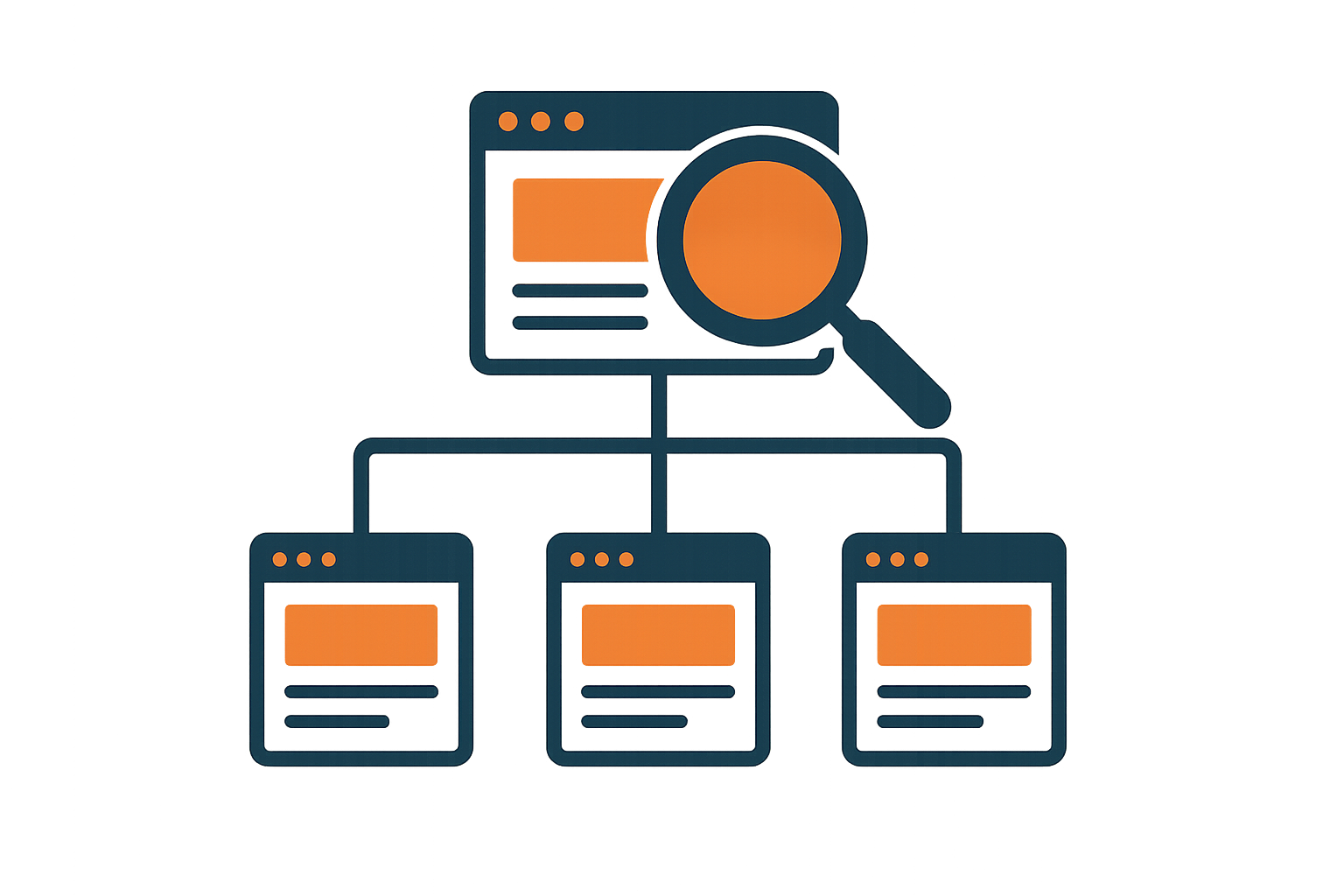
Strong internal linking and structured data extend what godaddy seo settings alone can achieve.
Strengthening Your AI Search Visibility Beyond GoDaddy
As AI search continues reshaping discovery, relying only on GoDaddy’s native toolkit leaves a visibility gap. Specifically, generative engine optimization (GEO) involves structuring content — such as clear definitions, lists, and data points — so AI systems can extract and cite it directly. Similarly, answer engine optimization (AEO) focuses on formatting direct answers and schema markup that help your business appear in featured snippets and conversational AI responses.
Rank Authority’s AI-powered search optimization platform combines automated technical fixes, schema deployment, and AI visibility monitoring in one dashboard, which complements what GoDaddy already provides rather than replacing it. In addition, features like RankFast analyze competitor pages to identify ranking opportunities, while RankLink automates topical internal linking across your site. For ecommerce sites specifically, learning how to automate ecommerce SEO tasks can save substantial time compared to managing everything manually inside GoDaddy.
Common GoDaddy Search Optimization Mistakes to Avoid
Several recurring mistakes limit GoDaddy site performance. First, many owners leave default meta descriptions unedited, which wastes a prime opportunity to target specific keywords. Second, duplicate content across similar service pages confuses search engines about which page to rank. Third, ignoring Google Search Console means technical errors go unnoticed for months. Finally, skipping schema markup means your business misses out on rich results and AI citations entirely. For a broader checklist of fixes, see these SEO secrets for business owners.

Regularly reviewing performance data helps catch issues GoDaddy’s dashboard doesn’t surface.
Frequently Asked Questions About GoDaddy SEO
What is GoDaddy SEO?
GoDaddy SEO refers to the built-in search optimization features included in GoDaddy’s Website Builder, such as the SEO wizard, meta tag fields, and basic keyword suggestions. These tools cover fundamental on-page optimization but do not handle advanced technical SEO, backlinks, or AI search visibility.
How do I turn on SEO settings in GoDaddy Website Builder?
Log into your GoDaddy dashboard, open Website Builder, and select the SEO tool from the site settings menu. From there, you can enter keywords, edit page titles, and update meta descriptions for each page.
Why isn’t my GoDaddy website ranking on Google?
Most GoDaddy sites struggle to rank because built-in tools don’t build backlinks, generate deep content, or produce structured data that search engines rely on for authority signals. In addition, thin content and slow page speed are common culprits.
Is GoDaddy good for SEO compared to WordPress?
WordPress generally offers more SEO flexibility through plugins, custom schema, and granular control over site structure, while GoDaddy prioritizes simplicity over depth. For businesses needing advanced optimization, WordPress paired with dedicated SEO tools is typically more scalable.
How much does GoDaddy SEO cost?
Basic SEO tools are included in most GoDaddy Website Builder plans at no extra charge, while add-on SEO services and marketing plans cost extra depending on the tier. Dedicated SEO, GEO, and AEO platforms are usually priced separately.
How long does it take to see GoDaddy SEO results?
Most websites need three to six months of consistent optimization before meaningful ranking changes appear, though timelines vary by competition and niche. Individual results vary, and outcomes depend on factors specific to each website and market.
What are common GoDaddy SEO mistakes to avoid?
Common mistakes include leaving default meta descriptions unedited, skipping image alt text, duplicating content across pages, and never checking Google Search Console for indexing errors. Ignoring page speed and mobile usability also hurts rankings.
Does GoDaddy automatically submit my site to Google for indexing?
GoDaddy can help generate a sitemap, but submitting it for indexing still requires connecting your site to Google Search Console. Tools like Rank Authority can submit changes for indexing, but Google alone determines whether and when a page is actually indexed.
Can I add schema markup on a GoDaddy website?
GoDaddy’s native tools offer limited schema options, so many site owners use third-party schema generators or automation platforms to add structured data for reviews, FAQs, and business information. This structured data helps both traditional search engines and AI answer engines understand your content.
Does GoDaddy SEO help with AI search tools like ChatGPT?
GoDaddy’s built-in SEO wizard wasn’t designed for generative engine optimization (GEO) or answer engine optimization (AEO), so it does little to improve citations in AI-generated answers. Businesses wanting AI search visibility typically need additional structured content and schema beyond what GoDaddy provides.
What’s the best way to improve GoDaddy SEO beyond the built-in tools?
Pair GoDaddy’s basic SEO wizard with dedicated tools for schema automation, content creation, backlink tracking, and AI visibility monitoring. Running regular site audits also helps identify technical gaps that GoDaddy’s dashboard doesn’t surface.
Do I need a separate SEO tool if I already use GoDaddy?
If you only need basic visibility, GoDaddy’s tools may suffice for a very small site. However, most growing businesses benefit from a dedicated platform that automates technical fixes, schema markup, and AI citation tracking that GoDaddy doesn’t cover.
Want a clearer view of where your GoDaddy site currently stands against competitors? Explore Rank Authority’s free diagnostic tools, including the AI Visibility Checker and Site Audit, at rankauthority.com to see actionable, prioritized fixes.
Conclusion
In summary, GoDaddy SEO gives small business websites a workable starting point through its built-in wizard, automated meta tags, and basic sitemap generation. However, as this guide has shown, those tools alone rarely produce lasting ranking growth, and they weren’t built with AI search visibility in mind. Therefore, pairing GoDaddy’s foundation with structured data, consistent content, and dedicated monitoring tools gives your site a far stronger chance of being found across both traditional search engines and AI answer platforms. Ultimately, treating GoDaddy SEO as a starting point rather than a complete strategy is the clearest path toward sustained visibility.

