
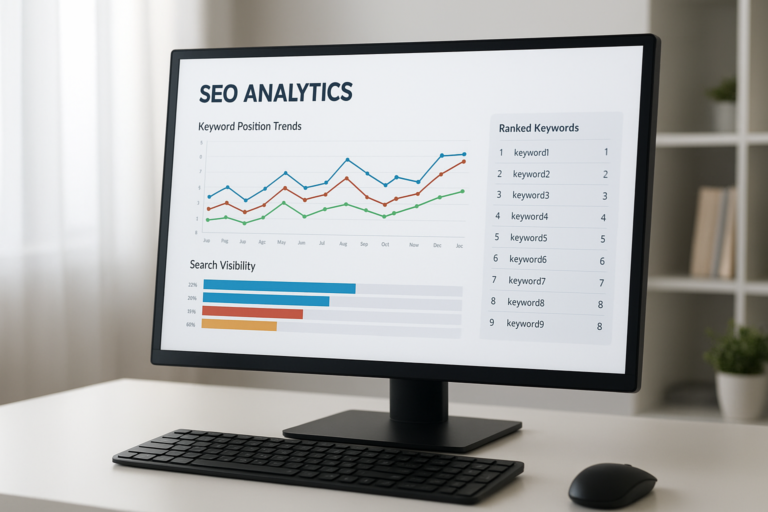
To check keyword ranking is to determine exactly where your web pages appear in search engine results pages (SERPs) for specific search queries. Without this data, you are essentially flying blind — investing time and budget into SEO with no way to measure whether your efforts are working.
Fortunately, a reliable process exists for tracking positions accurately. Whether you are a solo blogger or managing an enterprise site, understanding your rankings is the foundation of every smart SEO decision you will make.
Why Keyword Rankings Matter for Your SEO Strategy
Search engine rankings directly determine how much organic traffic your site receives. According to research published by Wikipedia on search engine results pages, the top three organic positions capture a disproportionate share of all clicks. As a result, even moving from position 5 to position 2 for a competitive keyword can dramatically increase your monthly visitors.
Beyond raw traffic, ranking data reveals which pages are gaining momentum and which are stagnating. Therefore, regular tracking allows you to allocate your optimization efforts where they will produce the greatest return.
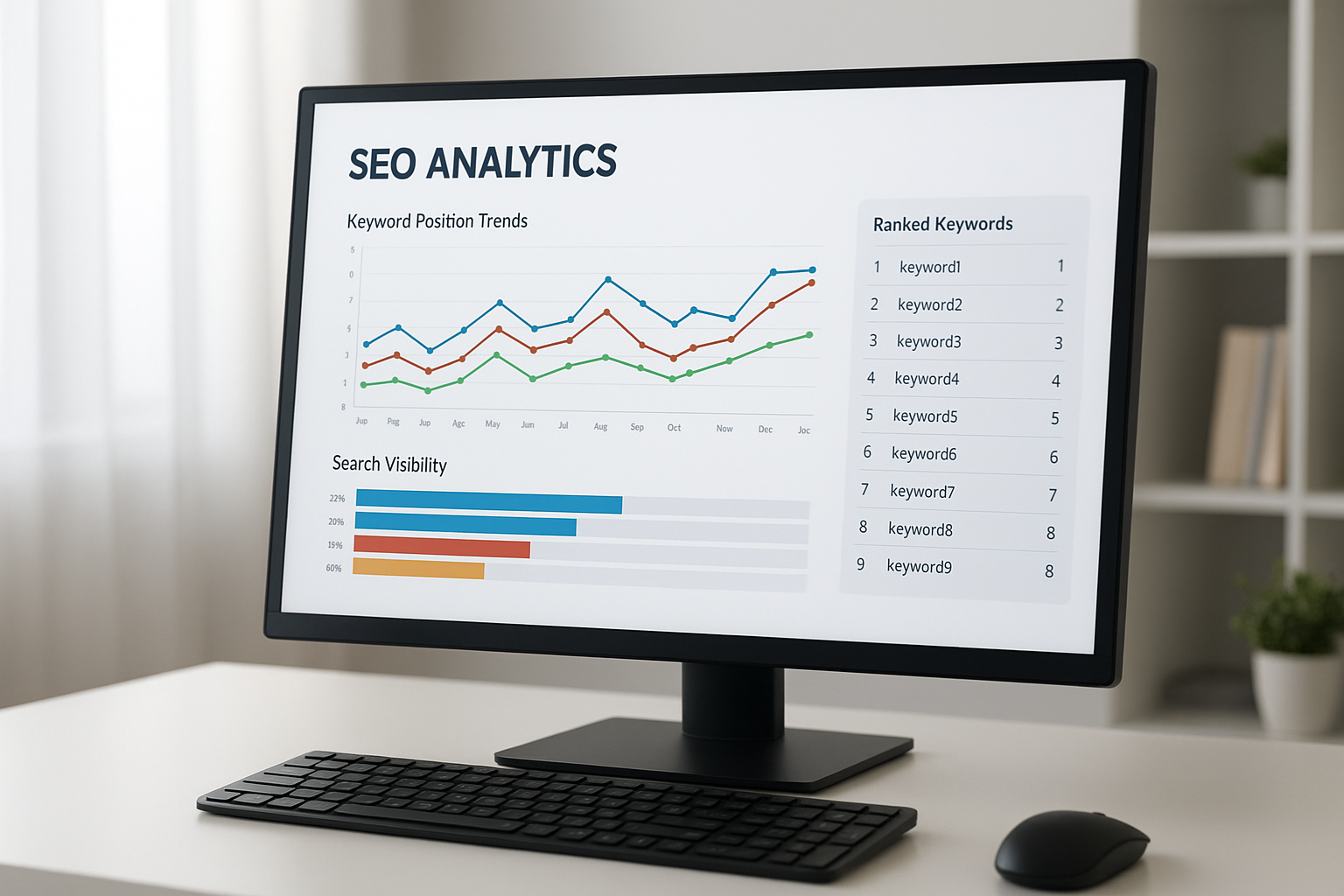
A dedicated rank tracking dashboard makes it easy to check keyword ranking changes at a glance.
How to Check Keyword Ranking: A Step-by-Step Process
Following a consistent process ensures your ranking data is accurate, comparable over time, and actionable. Below are the five core steps every SEO practitioner should follow.
Step 1 — Define Your Target Keywords
First, compile a focused list of the search terms most relevant to your business goals. Prioritize keywords by search volume, commercial intent, and how closely they match the content you have already published. Additionally, include a mix of head terms and long-tail phrases so you can monitor performance across different levels of competition.
Step 2 — Connect Google Search Console
Google Search Console is a free tool that shows average position, impressions, and click-through rate for every keyword your site already ranks for. After verifying your site, navigate to the Performance report and filter by query to see individual keyword positions. However, keep in mind that Search Console reports average positions over time, not real-time snapshots.
Step 3 — Choose a Dedicated Rank Tracking Tool
For more precise and competitor-aware data, a dedicated tool is essential. Platforms like Rank Authority allow you to track keyword positions across multiple search engines, filter by device type, and benchmark your performance against competitors. In contrast to Search Console, these tools provide daily updates and historical trend charts that make pattern recognition far easier.
Step 4 — Set Tracking Frequency and Location
Because Google personalizes results by geography, always configure your rank tracker to check from the specific city, region, or country your audience lives in. Weekly tracking is sufficient for most campaigns, while daily checks are valuable immediately after publishing new content or after a known algorithm update.
Step 5 — Analyze Trends and Take Action
Finally, review your ranking trends on a regular schedule. Look for keywords that have dropped more than three positions, as these signal pages that need attention. Meanwhile, identify keywords hovering just outside the top ten — these are your best opportunities for quick wins through targeted content updates and link building.

Reviewing ranking trends regularly helps you prioritize which pages to optimize next.
Common Mistakes That Distort Your Ranking Data
Many SEO practitioners unknowingly collect inaccurate ranking data. Understanding these pitfalls helps you avoid misleading conclusions.
Searching manually from your own browser is the most common mistake. Google personalizes results based on your search history, so the position you see is almost certainly not the position an average user sees. Therefore, always use a rank tracking tool that checks from a neutral, logged-out environment.
Ignoring device type is another frequent error. Mobile rankings and desktop rankings often differ significantly, especially after Google’s mobile-first indexing updates. As a result, track both device types separately if your audience uses a mix.
Checking too infrequently means you miss the early warning signs of a ranking drop. By the time you notice a problem, competitors may have already captured the traffic you lost.
Key Metrics to Track Alongside Position Data
Ranking position alone does not tell the full story. For example, a page ranking in position 4 with a 15% click-through rate may outperform a position 2 page with a 4% CTR. Additionally, consider monitoring these supporting metrics:
- Organic impressions — how often your page appears in search results
- Click-through rate (CTR) — the percentage of impressions that result in a click
- Organic traffic volume — actual visitors arriving from search
- Bounce rate and time on page — signals of whether the content satisfies search intent
- Conversions from organic traffic — the ultimate measure of SEO business value
By combining ranking data with these behavioral metrics, you build a complete picture of your SEO health rather than focusing on a single number.
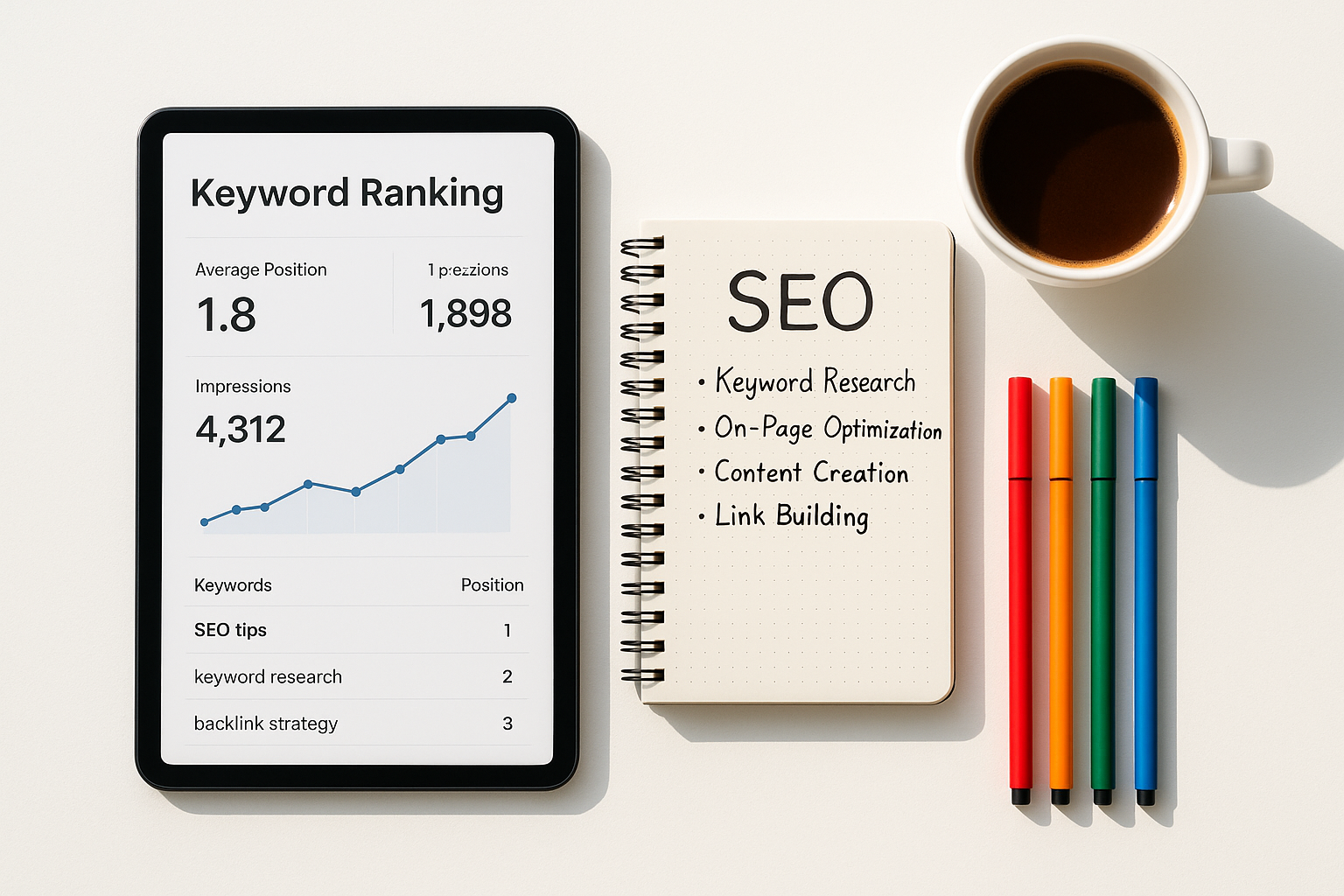
Combining ranking position with CTR and traffic data gives a fuller view of SEO performance.
Choosing the Right Tool for Your Budget and Goals
The right rank tracking solution depends on your site’s size, budget, and competitive landscape. Here is a practical comparison to guide your decision:
For teams serious about growth, investing in a dedicated platform like Rank Authority pays off quickly because it eliminates the manual effort of pulling data from multiple sources and consolidates insights into one actionable view.
Turning Ranking Insights Into Concrete SEO Actions
Data without action produces no results. Once you have established a tracking routine, use your ranking data to drive three specific behaviors.
Refresh underperforming pages. If a page has slipped from position 6 to position 14, audit it for outdated statistics, thin content, and weak internal linking. In many cases, a thorough content update restores and even improves the original ranking.
Double down on rising pages. When a page climbs from position 18 to position 9, it is gaining momentum. Therefore, accelerate that progress with targeted link-building outreach and by strengthening the page’s topical authority through supporting cluster content.
Identify cannibalization early. If two of your pages compete for the same keyword, their rankings will both suffer. Consolidating or differentiating those pages resolves the conflict and typically lifts the stronger URL significantly.
Conclusion: Make Rank Monitoring a Weekly Habit
When you consistently check keyword ranking data, you transform SEO from a guessing game into a disciplined, data-driven practice. Start with Google Search Console for free baseline data, then layer in a dedicated tool to track competitor movements and location-specific positions. Most importantly, act on what the data tells you — because rankings only improve when insights lead to real changes on your pages.
Quick Answer: To check keyword ranking, use Google Search Console for free average position data or a dedicated rank tracker for precise, location-specific, and competitor-aware results. Review rankings weekly and act on drops or gains immediately to maintain and grow your search visibility.
Frequently Asked Questions
What does it mean to check keyword ranking?
To check keyword ranking means to find out which position your web page holds in SERPs for a specific search query. It tells you how visible your content is to users searching for that term and helps you measure the effectiveness of your SEO work.
How often should I check my keyword rankings?
Most SEO professionals recommend weekly checks for active campaigns and monthly reviews for stable content. Daily monitoring is valuable immediately after publishing new pages or following a known Google algorithm update.
Is Google Search Console free for tracking keyword positions?
Yes, Google Search Console is completely free and provides average position data for keywords your site already ranks for. However, it does not show competitor rankings or detailed SERP feature breakdowns, so pairing it with a paid tool is advisable for serious campaigns.
Why do my keyword rankings fluctuate so much?
Rankings fluctuate because Google continuously updates its algorithm, competitors publish new content, and user behavior signals shift over time. Seasonal trends and fresh backlinks from competing pages can also cause short-term position changes.
What is the difference between rank tracking and keyword research?
Keyword research identifies which search terms you should target, while rank tracking monitors how well your pages perform for those terms over time. Both are essential but serve different stages of an SEO strategy.
Can I check keyword rankings without a paid tool?
Yes, Google Search Console offers free rank data for your own site. However, paid platforms like Rank Authority, Ahrefs, or SEMrush provide more granular tracking, competitor analysis, and historical trend charts that free tools cannot match.
What is a good keyword ranking position?
Positions 1 through 3 receive the majority of organic clicks, with position 1 capturing roughly 28% of all clicks. Positions 4 through 10 still generate meaningful traffic, while page two rankings rarely produce significant visitor volume.
How does location affect keyword ranking results?
Google personalizes search results based on the user’s geographic location, so rankings can differ significantly between cities or countries. Always specify your target location in your rank-checking tool to ensure the data reflects your actual audience’s experience.
What is a rank tracking tool?
A rank tracking tool is software that automatically monitors your website’s position in search results for a defined set of keywords over time. It typically provides historical trend charts, competitor comparisons, and alerts for significant ranking changes.
How do I improve a keyword ranking that has dropped?
Start by auditing the page for thin content, slow load speed, and missing on-page SEO elements. Additionally, build more authoritative backlinks, update outdated statistics, and refine the page to better match current search intent for that query.
Does checking rankings manually affect SEO?
Manually searching Google for your keywords does not directly harm your rankings, but it produces personalized results that do not reflect real average positions. Use a dedicated rank tracking tool for objective, consistent data instead.
What metrics should I track alongside keyword rankings?
Track organic click-through rate, impressions, organic traffic volume, bounce rate, and conversion rate alongside your ranking positions. Together, these metrics reveal whether your SEO improvements are translating into real business outcomes.

