

Knowing how to check my backlinks is one of the most important skills any website owner or SEO professional can develop, because your backlink profile directly influences how search engines rank your pages. Without regular audits, harmful links can quietly erode your rankings while valuable link opportunities go unnoticed.
In this guide, you will learn exactly what a backlink audit involves, which tools deliver the best data, and how to act on what you find — step by step.
What Does It Mean to Check My Backlinks?
A backlink — also called an inbound link — is any hyperlink on an external website that points to your domain. According to Wikipedia’s definition of backlinks, these links function as votes of confidence in the eyes of search engines, signaling that your content is credible and worth referencing.
Therefore, checking your backlinks means auditing every external site that links to you, evaluating the quality of those links, and identifying both opportunities and threats within your profile. A thorough audit covers link source authority, anchor text patterns, dofollow versus nofollow status, and whether any links appear manipulative or spammy.
Direct Answer: To check your backlinks, log into Google Search Console and open the Links report, or use a dedicated tool like Ahrefs or Semrush. These platforms show every domain linking to your site, the anchor text used, and key quality signals so you can identify which links help or hurt your rankings.
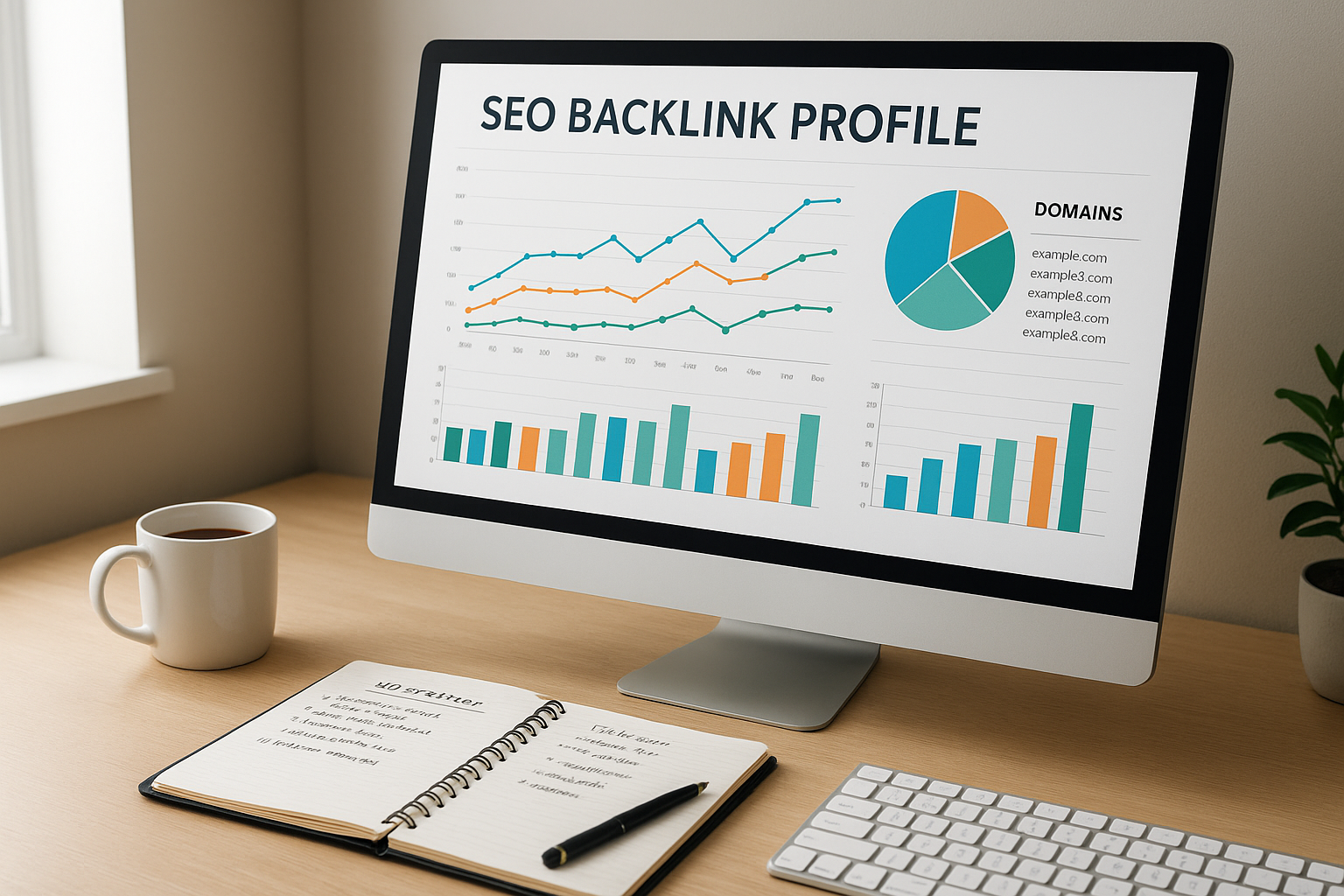
Regularly auditing your backlink profile helps you spot both link-building wins and potential SEO threats early.
The Best Free and Paid Tools for the Job
Several excellent tools exist to help you audit your links, and the right choice depends on your budget and the depth of data you need. However, most SEO professionals recommend combining at least two tools for the most accurate picture.
Google Search Console (Free)
Google Search Console is the starting point for any backlink audit. Navigate to the Links section in the left sidebar to see your top linking domains, top linked pages, and the anchor text most commonly used to link to your site. Additionally, you can export this data as a CSV for offline analysis.
The main limitation is that Google Search Console does not provide quality scores or toxicity flags. As a result, you will need a third-party tool to evaluate link health in detail.
Ahrefs and Semrush (Paid)
Both Ahrefs and Semrush maintain enormous link indexes updated continuously. Ahrefs is widely regarded as having the largest live backlink index, while Semrush excels at toxicity scoring and competitive gap analysis. In practice, either tool gives you Domain Rating or Authority scores, full anchor text breakdowns, and historical link data.
For site owners who want professional-grade insights without managing multiple subscriptions, resources like RankAuthority offer expert-guided backlink auditing and link-building strategies tailored to your niche.
Moz Link Explorer (Freemium)
Moz Link Explorer provides a free tier with limited monthly queries, making it suitable for smaller sites or occasional checks. Its Domain Authority metric is one of the most recognized benchmarks in SEO, so it remains a useful reference even if you primarily use another tool.
Step-by-Step: How to Audit Your Backlinks
Follow these six steps to conduct a thorough backlink audit from start to finish.
Step 1 — Open Google Search Console
Log in, select your property, and click Links in the left navigation. Review your top linking domains and note any unfamiliar sources.
Step 2 — Export Your Backlink Data
Use the export button to download a full CSV of your linking domains and pages. This spreadsheet becomes the foundation for your audit.
Step 3 — Cross-Reference with a Third-Party Tool
Enter your domain into Ahrefs, Semrush, or Moz. Because these tools crawl the web independently, they often surface links that Google Search Console does not show.
Step 4 — Evaluate Link Quality Metrics
For each referring domain, review Domain Authority or Domain Rating, anchor text, link placement, and whether the link is dofollow or nofollow. Flag any domains with very low authority scores or irrelevant topics.
Step 5 — Disavow or Remove Toxic Links
First, email the linking site to request removal. If there is no response within two weeks, compile a disavow file and submit it through Google Search Console’s Disavow Tool.
Step 6 — Build New High-Quality Backlinks
Use competitor gap analysis to find domains linking to rivals but not to you. Then reach out with targeted outreach, guest posts, or original research to earn those links.
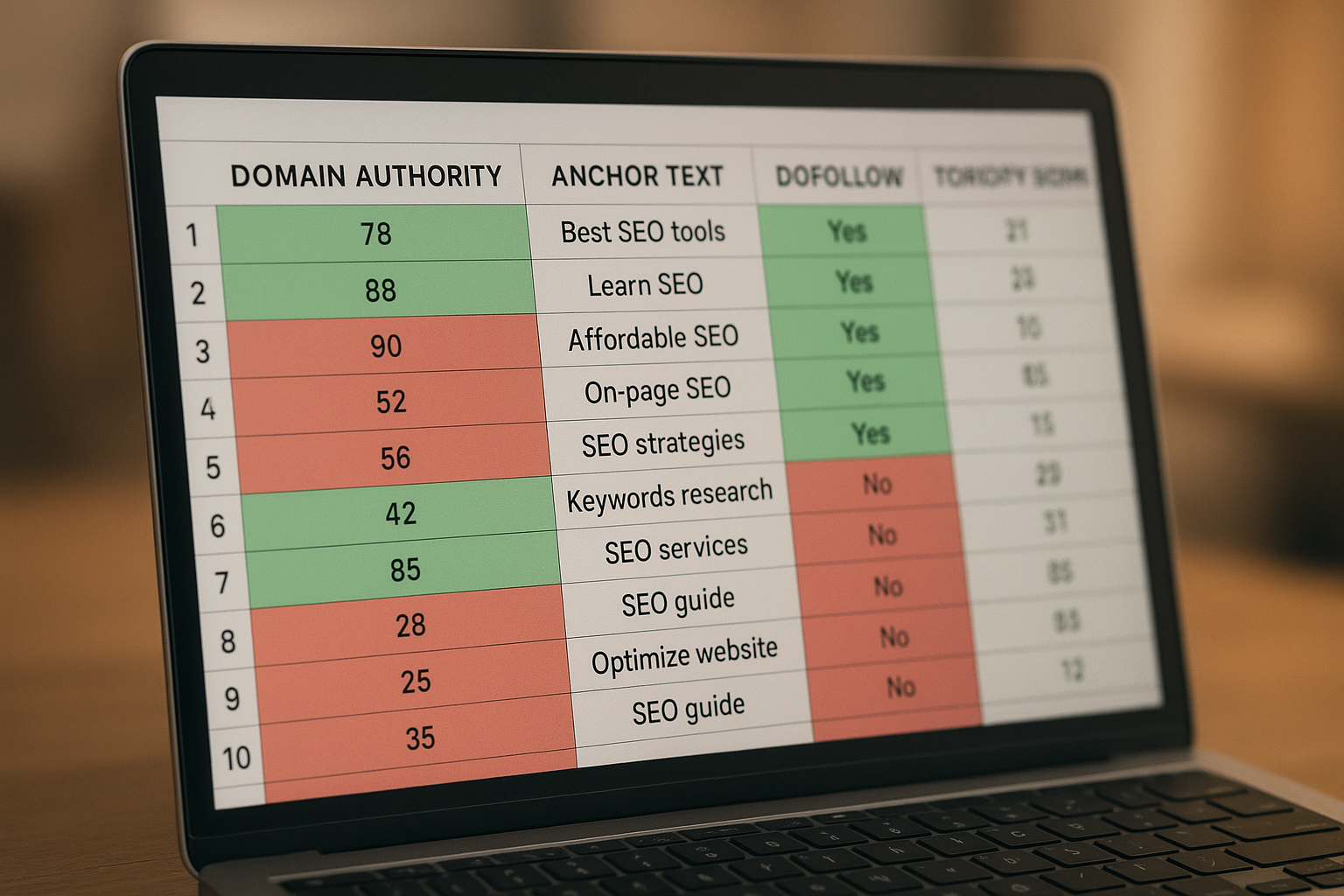
Organizing backlink data in a spreadsheet makes it easier to prioritize which links to keep, disavow, or pursue.
Reading the Signals: What Good and Bad Links Look Like
Not all backlinks carry the same weight, and understanding the difference between a valuable link and a harmful one is central to any audit. Generally, a high-quality backlink comes from a website with strong domain authority, topical relevance to your niche, and genuine editorial context — meaning the link appears naturally within content rather than in a sidebar or footer.
In contrast, a toxic backlink typically originates from a link farm, a private blog network, or an irrelevant foreign-language site. These links often use exact-match keyword anchor text in an unnatural pattern, which search engines flag as manipulative. Furthermore, a sudden spike in low-quality links can trigger a manual penalty review from Google.
Meanwhile, anchor text diversity is a key health signal. A natural link profile contains a mix of branded anchors (your site name), generic phrases (“click here,” “learn more”), and some keyword-rich phrases. If more than 30% of your anchors are exact-match keywords, that pattern warrants immediate attention.
Common Mistakes to Avoid During a Backlink Audit
Even experienced SEOs make avoidable errors when auditing their link profiles. First, many people disavow too aggressively, accidentally removing links from legitimate sites that happen to have low traffic. Before disavowing any link, always verify whether the domain is genuinely spammy or simply small.
Additionally, relying on a single tool is a common mistake because no crawler indexes 100% of the web. Therefore, cross-referencing data from Google Search Console and at least one paid tool gives you a far more accurate and complete picture.
Finally, treating a backlink audit as a one-time task rather than an ongoing process leaves you vulnerable. Competitors may build negative SEO campaigns against you, or new low-quality links may appear organically. As a result, scheduling monthly or quarterly audits is essential for long-term ranking stability.
Turning Your Audit Into a Link-Building Strategy
Once you have a clean, well-understood backlink profile, the next step is actively growing it. Competitor gap analysis — available in both Ahrefs and Semrush — shows you exactly which domains link to your rivals but not to you. These represent warm outreach targets because those sites have already demonstrated a willingness to link to content in your niche.
Moreover, creating original research, data-driven studies, or comprehensive guides naturally attracts editorial links over time. For hands-on support with building a sustainable link strategy, RankAuthority provides tailored link-building services that align with your domain’s authority level and goals.
In practice, even modest gains in referring domain diversity — adding 10 to 20 high-quality new linking domains per month — can produce measurable ranking improvements within two to three months.
Frequently Asked Questions
How do I check my backlinks for free?
You can check your backlinks for free using Google Search Console, which shows every site linking to your domain. Simply navigate to the Links report under the Search Console dashboard to see your top linking domains and pages.
What does it mean to check my backlinks?
It means auditing all external websites that link back to your domain, evaluating their quality, relevance, and authority. This process helps you understand how other sites perceive your content and how search engines assess your site’s trustworthiness.
How often should I check my backlink profile?
You should check your backlink profile at least once a month. For competitive niches or active link-building campaigns, a weekly review is recommended to catch toxic links early.
What tools are best for checking backlinks?
The best tools include Google Search Console (free), Ahrefs, Semrush, and Moz Link Explorer. Combining at least two tools gives you the most complete picture of your link profile.
What are toxic backlinks and why are they harmful?
Toxic backlinks come from low-quality, spammy, or irrelevant websites and can signal manipulative link-building to search engines. Google may penalize your site if it detects a pattern of unnatural links, causing ranking drops.
How do I remove or disavow bad backlinks?
First, contact the linking website directly to request removal. If that fails, use Google’s Disavow Tool in Search Console to tell Google to ignore those links when evaluating your site.
What metrics should I look at when auditing backlinks?
Key metrics include Domain Authority or Domain Rating of the linking site, anchor text diversity, the number of referring domains, link placement, and whether links are dofollow or nofollow.
Can checking my competitors’ backlinks help my SEO?
Yes, analyzing competitor backlinks reveals link-building opportunities you may have missed. Tools like Ahrefs and Semrush let you enter a competitor’s domain and export their entire backlink profile for analysis.
What is a healthy backlink profile?
A healthy backlink profile has links from diverse, authoritative domains with varied and natural anchor text. It avoids over-optimized exact-match anchors and has a high ratio of dofollow links from relevant, topically aligned websites.
Does the number of backlinks directly affect my rankings?
Quality matters far more than quantity. A single link from a highly authoritative, relevant domain can outweigh hundreds of links from low-quality sites. However, growing your total number of quality referring domains does positively correlate with higher rankings.
What is anchor text and why does it matter for backlinks?
Anchor text is the clickable text of a hyperlink. It signals to search engines what the linked page is about, so natural anchor text diversity — mixing branded, generic, and keyword-rich phrases — is important for a healthy link profile.
How long does it take to see SEO results after improving my backlinks?
Results typically appear within 4 to 12 weeks after earning high-quality links, though this depends on your site’s age, crawl frequency, and competitive landscape. Disavowing toxic links may take a similar timeframe to reflect positively in rankings.
Final Thoughts
Taking the time to regularly check my backlinks is not optional for serious SEO — it is a foundational practice that protects your rankings and reveals your next growth opportunities. By combining Google Search Console with a dedicated audit tool, following a clear six-step process, and acting on what you find, you can maintain a strong, clean link profile that search engines reward with sustained visibility.
Start your first audit today, schedule recurring reviews, and treat your backlink profile as the living asset it truly is. The rankings you protect — and the ones you gain — will reflect that commitment.

