
SEO accessibility is the practice of building and optimizing websites so they perform well in search engines and remain fully usable by people with disabilities. These two goals overlap far more than most site owners realize, and pursuing both together produces compounding benefits for rankings, engagement, and audience reach.
According to the World Health Organization, over one billion people worldwide live with some form of disability. That is a significant portion of your potential audience. Ignoring their needs means losing traffic, conversions, and ranking signals simultaneously.
SEO accessibility bridges the gap between search engine optimization and inclusive web design.
Why Search Engines and Accessibility Share the Same Goals
Search engine crawlers and assistive technologies like screen readers face a remarkably similar challenge: they both need to interpret web content without relying on visual context. Therefore, any improvement that helps a screen reader understand your page also helps Googlebot understand it more accurately.
For example, a well-structured heading hierarchy using H1 through H6 tags helps a screen reader user navigate sections of a page. At the same time, it signals content structure and topical hierarchy to search engines. Both audiences benefit from the same single improvement.
Additionally, Google’s ranking algorithm increasingly rewards user experience signals — including bounce rate, time on page, and Core Web Vitals. Accessible sites tend to perform better across all of these metrics because more users can actually engage with the content.
The Four Pillars of Accessible SEO Practice
The Web Content Accessibility Guidelines (WCAG), published by the W3C, organize accessibility into four principles: Perceivable, Operable, Understandable, and Robust. Each one maps directly onto proven SEO techniques.
Quick Answer
SEO accessibility works because Google’s crawler and assistive technologies both interpret content structurally rather than visually. Applying WCAG principles — semantic HTML, descriptive alt text, keyboard navigation, and readable contrast — simultaneously improves crawlability, user engagement, and inclusivity.
1. Perceivable: Alt Text and Media Descriptions
Every image on your site should carry descriptive alt text that communicates its content and purpose. For SEO, alt text provides keyword context that search engines use when indexing images and assessing page relevance. For accessibility, it delivers equivalent information to users who cannot see the image.
Similarly, video and audio content should include captions and transcripts. These resources make multimedia accessible to deaf and hard-of-hearing users. However, they also create crawlable text that expands your page’s keyword footprint and topical authority in search results.
2. Operable: Keyboard Navigation and Site Speed
Keyboard-navigable sites ensure that users who cannot use a mouse — a common need among people with motor impairments — can still move through menus, links, and forms. In practice, this requires logical tab order and visible focus indicators throughout the page.
Page speed is another operability factor with direct SEO consequences. Google measures Core Web Vitals — including Largest Contentful Paint and Cumulative Layout Shift — as ranking signals. Because slow, unstable pages are harder to use for everyone, improving performance serves both ranking goals and accessibility requirements at once.
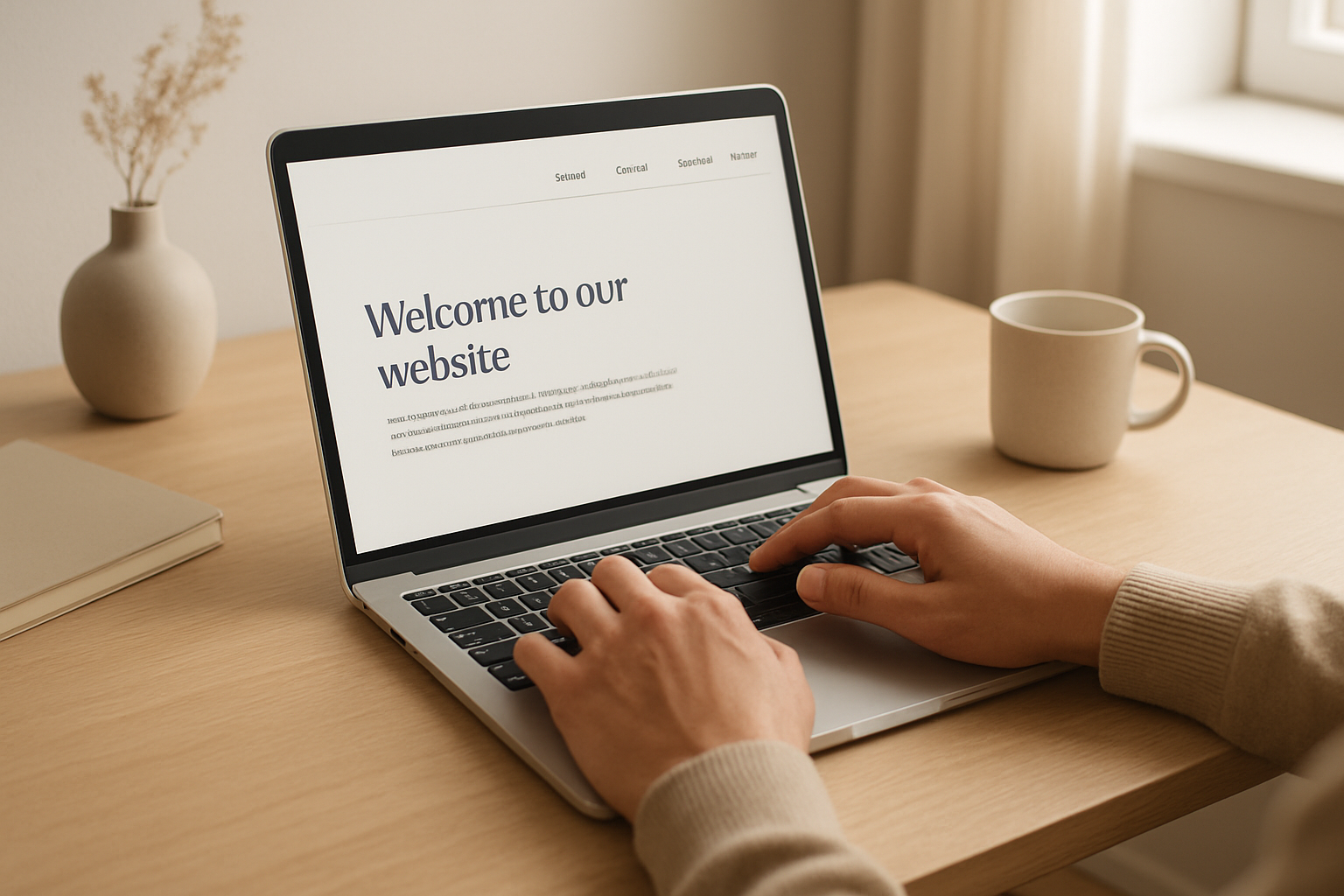
Keyboard navigation is a core accessibility requirement that also reduces bounce rates and supports SEO engagement signals.
3. Understandable: Readable Content and Descriptive Links
Readable content benefits everyone, but it is especially important for users with cognitive disabilities or those using translation tools. Short sentences, plain language, and logical paragraph structure all improve comprehension. These same qualities also reduce bounce rates and increase time-on-page — two engagement signals that influence search rankings.
Descriptive anchor text is another overlap point. Screen reader users often navigate a page by jumping between links, so generic phrases like “click here” or “read more” provide no context. For SEO, meanwhile, anchor text communicates topical relevance to crawlers. Therefore, replacing vague link labels with descriptive phrases — such as “view our SEO accessibility checklist” — improves both experiences simultaneously.
4. Robust: Semantic HTML and Structured Data
Semantic HTML elements — such as <article>, <nav>, <main>, and <footer> — communicate the purpose of page regions to both assistive technologies and search engines. As a result, pages built with proper semantic markup are easier to crawl, easier to index, and more likely to earn rich results in search.
Structured data markup (Schema.org) extends this principle further. Adding JSON-LD schema to your pages helps search engines display rich snippets — and it also provides machine-readable context that benefits users of assistive AI tools. Resources like RankAuthority offer practical guidance on implementing both semantic HTML and structured data effectively.
Common Mistakes That Hurt Both Rankings and Inclusivity
Many websites unintentionally create barriers that damage both search performance and user accessibility. Understanding these patterns is the first step toward fixing them.
- Missing or generic alt text: Images with no alt text are invisible to both crawlers and screen readers. Images with alt text like “image1.jpg” provide no useful signal to either audience.
- Skipped heading levels: Jumping from an H2 directly to an H4 confuses screen reader navigation and breaks the logical hierarchy that search engines use to understand content structure.
- Color as the only signal: Using color alone to indicate errors or required fields fails users with color blindness. It also provides no textual signal that crawlers can interpret.
- No captions on video: Uncaptioned video excludes deaf users and leaves an entire content type unindexed by search engines.
- Non-descriptive link text: Phrases like “learn more” tell neither screen reader users nor search engine crawlers what the linked page is about.
Practical Steps to Align Your Site With Both Standards
Aligning SEO and accessibility does not require a complete site rebuild. In most cases, targeted improvements deliver quick wins for both goals.
- Audit your images: Run a crawl to identify images missing alt text. Write concise, descriptive alt text that naturally incorporates relevant keywords where appropriate.
- Review heading structure: Check that headings follow a logical hierarchy from H1 through H6 without skipping levels. Each heading should clearly describe the section below it.
- Update anchor text: Replace vague link labels with descriptive phrases that explain the destination. This improves both screen reader navigation and SEO anchor text relevance.
- Add captions and transcripts: For all video and audio content, provide synchronized captions and a full text transcript. Upload transcripts as indexable page content rather than downloadable files.
- Test with a screen reader: Use a free tool like NVDA or VoiceOver to experience your site as a screen reader user would. This reveals navigation and labeling issues that automated audits often miss.
- Implement semantic HTML: Replace generic
<div>containers with meaningful semantic elements wherever possible. Additionally, add structured data markup to key page types.
For a deeper implementation framework, RankAuthority provides actionable SEO guidance that complements these accessibility-focused steps.
Measuring the Impact on Traffic and Engagement
After implementing accessibility improvements, track changes in both technical SEO metrics and user behavior. Specifically, monitor Core Web Vitals scores in Google Search Console, organic impressions and click-through rates for image searches, bounce rate and average session duration in analytics, and crawl coverage and indexing status.
In practice, sites that invest in accessibility frequently see measurable improvements across all of these metrics within two to three months. The reason is straightforward: accessible sites are easier for everyone to use, and search engines reward pages that deliver better user experiences.
Key takeaway: SEO accessibility is not a trade-off between ranking and inclusion. Instead, it is a multiplier — every accessibility improvement you make also strengthens your site’s technical SEO foundation and expands the audience you can reach organically.
Frequently Asked Questions About SEO Accessibility
What is SEO accessibility?
SEO accessibility is the practice of optimizing a website so it ranks well in search engines while also being fully usable by people with disabilities. It aligns technical SEO best practices with WCAG guidelines to serve both crawlers and all human users.
Does web accessibility improve search engine rankings?
Yes. Many accessibility improvements — such as descriptive alt text, semantic HTML, and fast load times — are also core ranking signals for Google. Accessible sites tend to earn better Core Web Vitals scores and lower bounce rates, both of which support higher rankings.
What is WCAG and why does it matter for SEO?
WCAG stands for Web Content Accessibility Guidelines, published by the W3C. Following WCAG produces cleaner, more structured HTML that search engine crawlers can read more efficiently, which supports better indexing and rankings.
How does alt text help both accessibility and SEO?
Alt text describes images for screen reader users who cannot see them. For SEO, it also provides keyword context to search engines that cannot interpret images visually. Descriptive, keyword-relevant alt text benefits both audiences simultaneously.
What is semantic HTML and how does it affect rankings?
Semantic HTML uses elements like header, nav, main, article, and footer to communicate the purpose of content to browsers and crawlers. Search engines use these signals to understand page structure, which can improve crawl efficiency and content relevance scoring.
Does page speed relate to accessibility?
Yes. Fast-loading pages are more accessible for users on slow connections or older devices, including many people with disabilities. Google’s Core Web Vitals measure page speed as a ranking factor, so improving load time serves both goals at once.
What are ARIA labels and do they help SEO?
ARIA labels are HTML attributes that provide additional context to assistive technologies like screen readers. While Google does not use ARIA labels as direct ranking signals, they improve user experience metrics by helping more users navigate and engage with content effectively.
Is keyboard navigation important for SEO?
Keyboard navigation is primarily an accessibility requirement under WCAG, ensuring users who cannot use a mouse can still navigate a site. It indirectly affects SEO by reducing abandonment rates among users who rely on keyboards, thereby improving engagement metrics.
How does color contrast affect SEO?
Color contrast itself is not a direct Google ranking factor. However, poor contrast increases bounce rates because users — especially those with visual impairments — leave pages they cannot read, which negatively impacts engagement signals used in ranking.
What are the most common SEO accessibility mistakes?
Common mistakes include missing or generic alt text on images, skipping heading hierarchy levels, using non-descriptive link anchor text like “click here,” relying on color alone to convey meaning, and failing to provide transcripts for video content.
How do transcripts and captions support SEO?
Transcripts and captions make audio and video content accessible to deaf or hard-of-hearing users. They also provide crawlable text that search engines can index, expanding the keyword footprint and topical relevance of a page.
Does mobile-friendliness count as an accessibility factor?
Yes. A responsive, mobile-friendly design ensures content is accessible on small screens, which many users with disabilities rely on. Google uses mobile-first indexing, so mobile-friendliness is both an accessibility and a direct SEO requirement.
Conclusion
SEO accessibility represents one of the most efficient investments a website owner can make. Because accessible design and search-friendly structure share the same technical foundations, every improvement you make for one audience strengthens your performance with the other. Start with alt text, heading structure, and descriptive links — then build outward from there to create a site that ranks higher and serves everyone who visits it.

