

A site backlink checker is a tool that scans the internet to identify every external website linking back to your domain, giving you a clear picture of your link profile’s strength and health. Without this data, you are essentially flying blind in one of the most competitive areas of SEO. Therefore, understanding how to use one effectively can make a measurable difference in your search rankings.
Backlinks remain one of Google’s most powerful ranking signals. However, not all links are created equal — a handful of high-authority links can outperform hundreds of low-quality ones. In this guide, you will learn exactly how to audit, interpret, and act on your backlink data.
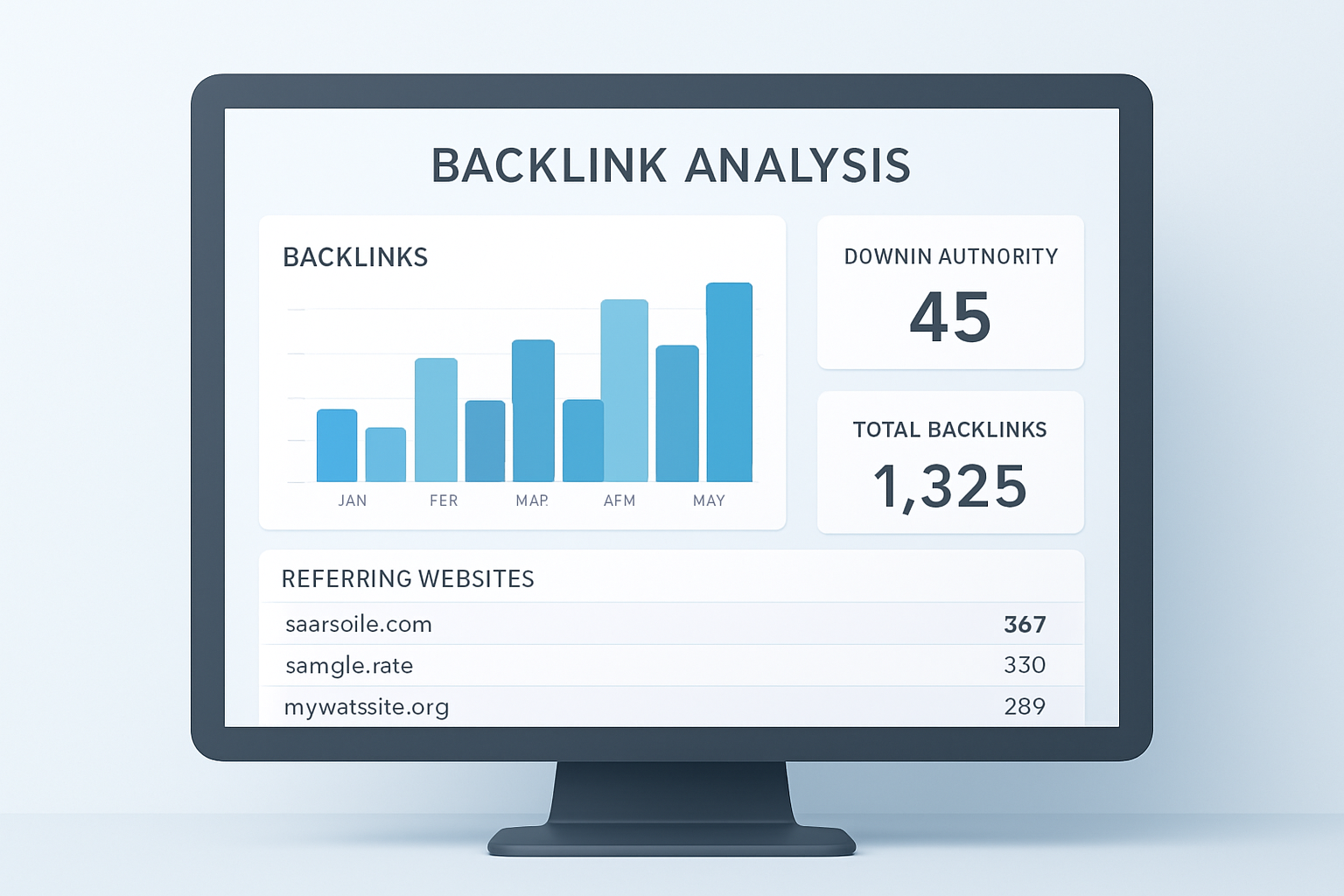
A site backlink checker dashboard gives you an instant overview of your domain’s entire link profile. For a deeper walkthrough, see our Site Health Score Checker: The Complete Guide.
What Does a Site Backlink Checker Actually Measure?
At its core, a site backlink checker crawls web indexes to surface every inbound link pointing to your domain. The data it returns covers several important dimensions that together define the quality of your link profile.
First, the tool counts total backlinks — every individual URL linking to you. Additionally, it separates these into referring domains, which are the unique websites those links originate from. A site with 1,000 links from just 5 domains is far less authoritative than one with 1,000 links from 800 distinct domains.
Beyond raw counts, good checkers also report on anchor text distribution, follow vs. nofollow ratios, and domain authority scores for each linking site. According to Google’s PageRank model, the authority of the linking page directly influences how much SEO value that link passes to your site.
Free vs. Paid Tools: Which Should You Choose?
The right tool depends on your goals and budget. Free options like Google Search Console provide reliable first-party data directly from Google, making them a solid starting point for any site owner. However, they show only a sample of your backlinks and lack competitive analysis features.
Paid platforms such as Ahrefs and Moz maintain massive link indexes that are updated frequently. As a result, they surface links that free tools miss entirely. They also offer features like toxic link detection, link velocity tracking, and competitor gap analysis.
For growing businesses and agencies, a resource like RankAuthority can help you pair the right backlink strategy with the right toolset, ensuring your audits translate into real ranking improvements rather than just reports.
How to Run a Complete Backlink Audit in 5 Steps
Running a structured audit ensures you do not miss critical issues. Follow these steps to get the most from any backlink checker tool.
Step 1 — Enter Your Domain
Open your chosen tool and input your full domain URL. Most checkers accept both root domains and specific subpages, so you can analyze your entire site or a single landing page.
Step 2 — Review Referring Domains
Sort the referring domain list by authority score. Focus first on your strongest links — these are assets worth nurturing. Meanwhile, flag any domains with very low authority or suspicious patterns for further review.
Step 3 — Analyze Anchor Text Distribution
A healthy anchor text profile is diverse. It should include branded anchors, generic phrases like “click here,” and a moderate proportion of keyword-rich anchors. If exact-match keyword anchors dominate, that pattern can trigger algorithmic penalties.
Step 4 — Identify and Flag Toxic Links
Use the spam score or toxicity filter available in most paid tools. Links from link farms, irrelevant foreign directories, or sites with no real traffic should be added to a disavow list. In practice, most sites have at least a small number of these.
Step 5 — Export and Take Action
Export your full report, submit your disavow file to Google Search Console, and use the gap analysis data to plan your next outreach campaign. Therefore, your audit becomes a direct input to your link-building roadmap.
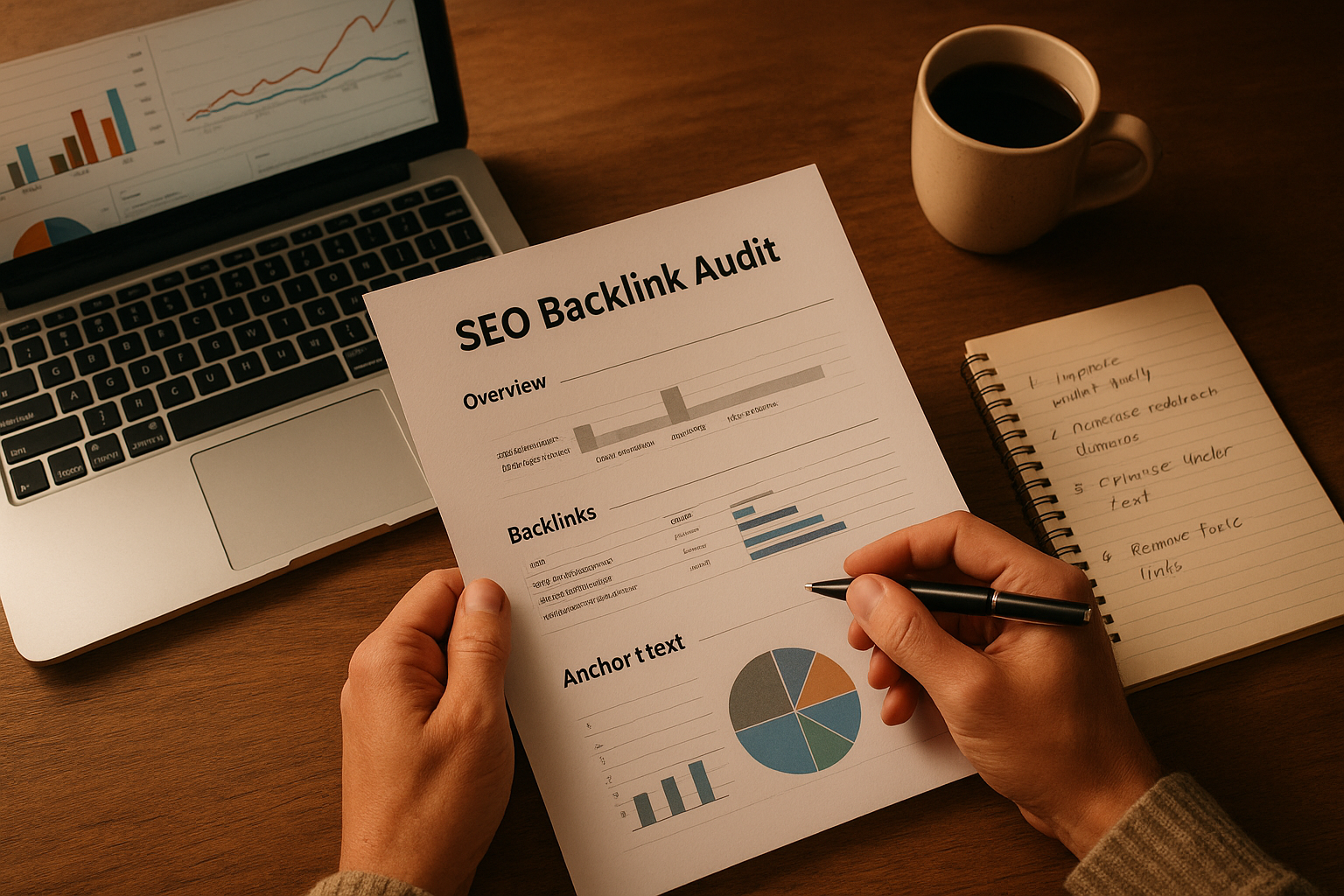
A thorough backlink audit review helps you separate high-value links from harmful ones before taking action.
Reading the Metrics That Matter Most
Not every number in a backlink report deserves equal attention. Knowing which metrics to prioritize saves time and leads to better decisions.
Domain Rating (DR) or Domain Authority (DA) scores estimate how authoritative a linking site is on a scale of 1 to 100. A link from a DR 80 news site carries far more weight than ten links from DR 5 directories. However, these scores are third-party estimates, not Google’s own metric, so use them as a guide rather than an absolute truth.
Link velocity tracks how quickly you gain or lose links over time. A sudden spike in new links can look unnatural to Google’s algorithms, especially if those links come from low-quality sources. In contrast, a steady, gradual increase signals organic growth.
Lost and broken backlinks are often overlooked. When a high-authority page that linked to you is deleted or changed, you lose that SEO value. Reclaiming lost links through outreach is one of the fastest ways to recover link equity without building new links from scratch.
Competitor Backlink Analysis: Your Shortcut to New Opportunities
One of the most powerful applications of any backlink tool is competitive intelligence. By entering a competitor’s domain, you can see exactly which sites are linking to them but not to you — a gap that represents a direct outreach opportunity.
For example, if a competitor has earned links from ten industry publications, you can research those publications and pitch your own content. Additionally, studying how competitors earn links reveals which content formats — guides, data studies, tools — attract the most authoritative links in your niche.
Resources like RankAuthority combine competitor backlink insights with actionable link-building strategies, making it easier to close the gap between your site and the top-ranking competitors in your space.
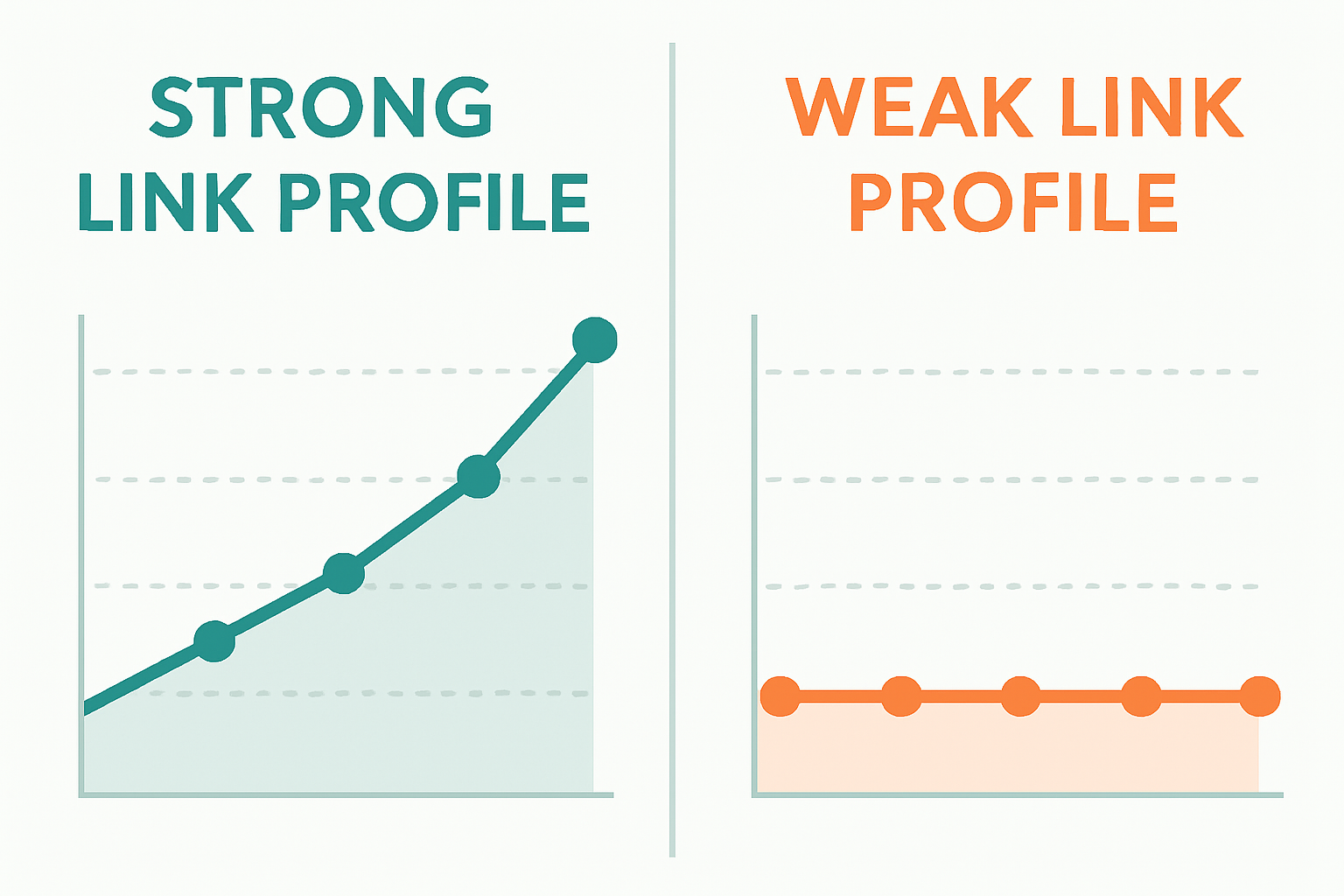
Comparing your backlink profile against a competitor’s highlights gaps and growth opportunities quickly.
Common Mistakes to Avoid During a Backlink Audit
Even experienced SEOs make avoidable errors when reviewing their link data. Being aware of these pitfalls helps you get more accurate results.
Disavowing too aggressively is a common mistake. Some site owners panic when they see low-authority links and disavow everything below a certain score. In practice, most low-authority links are simply neutral — they do not help, but they do not hurt either. Only disavow links that show clear signs of manipulation or spam.
Ignoring nofollow links is another oversight. While nofollow links do not pass PageRank directly, they still drive referral traffic and contribute to a natural-looking link profile. Therefore, do not dismiss them entirely when evaluating your overall backlink health.
Finally, running an audit only once is a missed opportunity. Link profiles change constantly as new links are earned and old ones disappear. Scheduling quarterly audits ensures you catch problems early and keep your link-building efforts on track.
Turning Backlink Data Into a Link-Building Strategy
A backlink audit is only as valuable as the actions it drives. Once you understand your current link profile, you can build a targeted outreach plan based on real data rather than guesswork.
Start by prioritizing the reclamation of lost high-authority links. Next, identify the content on your site that already attracts links and create more resources in that format. Additionally, use competitor gap analysis to build a prospect list of sites that are already linking to others in your niche.
Because link building is a long-term effort, consistency matters more than volume. A steady stream of high-quality links earned through genuine outreach and great content will always outperform a burst of low-quality links purchased in bulk.
Quick Summary: What to Do After Your Backlink Check
- Disavow confirmed toxic or spammy links via Google Search Console
- Reach out to reclaim lost high-authority links
- Build on your strongest existing link sources with more content
- Use competitor gaps to create a targeted outreach prospect list
- Schedule your next audit within 90 days
Conclusion: Make Your Site Backlink Checker Work for You
Using a site backlink checker regularly is one of the highest-leverage habits in any SEO workflow. It surfaces hidden risks, reveals competitor strategies, and provides the raw data you need to build a stronger, more authoritative domain over time. Whether you start with a free tool or invest in a paid platform, the key is to act on what you find rather than simply collecting reports.
In summary, consistent auditing combined with deliberate outreach and smart disavowal creates a compounding advantage that grows your site’s authority month after month. Start your first audit today and let the data guide every link-building decision going forward.
Frequently Asked Questions
What is a site backlink checker?
A site backlink checker is a tool that scans web indexes to identify every external website linking to your domain. It reports key metrics including referring domains, anchor text, domain authority, and link type so you can evaluate and manage your link profile.
Why are backlinks important for SEO?
Backlinks act as votes of confidence from other websites, signaling to search engines that your content is trustworthy. High-quality backlinks from authoritative domains are among the strongest ranking factors in Google’s algorithm.
How often should I run a backlink audit?
Most SEO professionals recommend a full audit at least once per quarter. If your site is actively building links or has previously been penalized, monthly audits provide better protection and more timely insights.
What is a toxic backlink?
A toxic backlink comes from a spammy, irrelevant, or manipulative website and can harm your domain’s authority. Common sources include link farms, private blog networks, and sites with no genuine traffic or content value.
Can I use a free site backlink checker?
Yes, Google Search Console offers free first-party backlink data at no cost. However, free tools show only a sample of your links and lack the depth of paid platforms for competitive analysis and toxic link detection.
What metrics should I prioritize in a backlink report?
Focus on referring domain count, domain authority of linking sites, anchor text distribution, and the follow vs. nofollow ratio. Additionally, monitor spam scores to identify harmful links before they impact your rankings.
How do I disavow toxic backlinks?
Compile a list of harmful URLs or domains from your backlink audit, then upload a disavow file through Google Search Console. This instructs Google to ignore those links when evaluating your site’s authority.
What is the difference between referring domains and total backlinks?
Total backlinks counts every individual link pointing to your site, while referring domains counts the unique websites those links come from. A diverse referring domain count is a stronger authority signal than many links from few sources.
Does anchor text affect my search rankings?
Yes, anchor text gives search engines context about the topic of the linked page. A natural, varied anchor text profile is ideal, while an over-optimized profile with too many exact-match keyword anchors can trigger algorithmic penalties.
How do I find my competitors’ backlinks?
Enter a competitor’s domain into any site backlink checker to view their full link profile. This reveals which sites link to them but not to you, creating a targeted list of outreach opportunities for your own link-building campaign.
What is link velocity and why does it matter?
Link velocity is the rate at which your site gains or loses backlinks over time. A sudden unnatural spike can appear manipulative to Google, whereas a steady, consistent growth rate signals genuine, organic link acquisition.
Is investing in a paid backlink checker worth it?
For serious SEO campaigns, paid tools are generally worth the cost because they offer larger link indexes, more accurate data, and advanced filtering. Free tools are sufficient for basic monitoring but fall short for competitive or in-depth analysis.

