
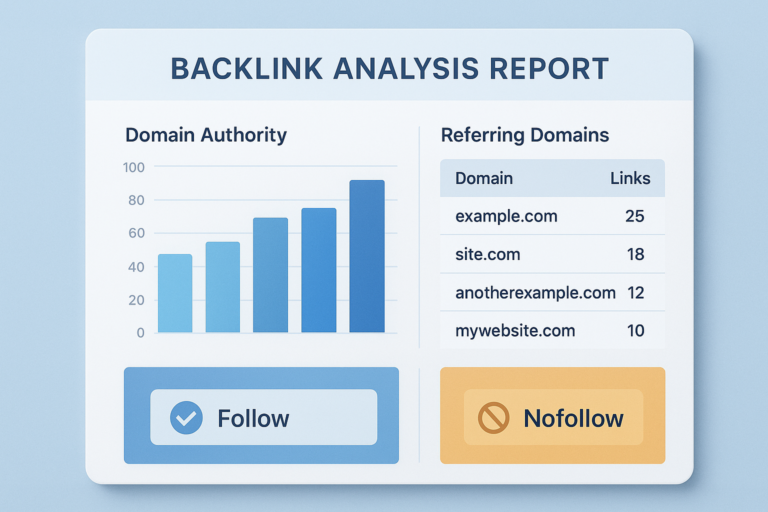
A url backlink checker is a specialized SEO tool that reveals every external website linking to a given page or domain, along with critical data about each link’s quality and context. Understanding your backlink profile is no longer optional — it directly shapes how search engines rank your content against competitors. Therefore, knowing how to use one of these tools effectively can make a measurable difference in your organic traffic.
What Does a URL Backlink Checker Actually Do?
A URL backlink checker crawls and indexes the web continuously, storing records of links between pages. When you enter a URL or domain, the tool queries that index and returns a structured report. That report typically includes the linking page’s URL, its domain authority score, the anchor text used, and whether the link passes SEO equity (follow) or does not (nofollow).
Additionally, most tools surface the total number of referring domains — unique websites sending at least one link — which is often a more reliable diversity metric than raw backlink count. Because a single high-authority domain can send dozens of links, referring domain count gives a clearer picture of how widely your content is recognized across the web.
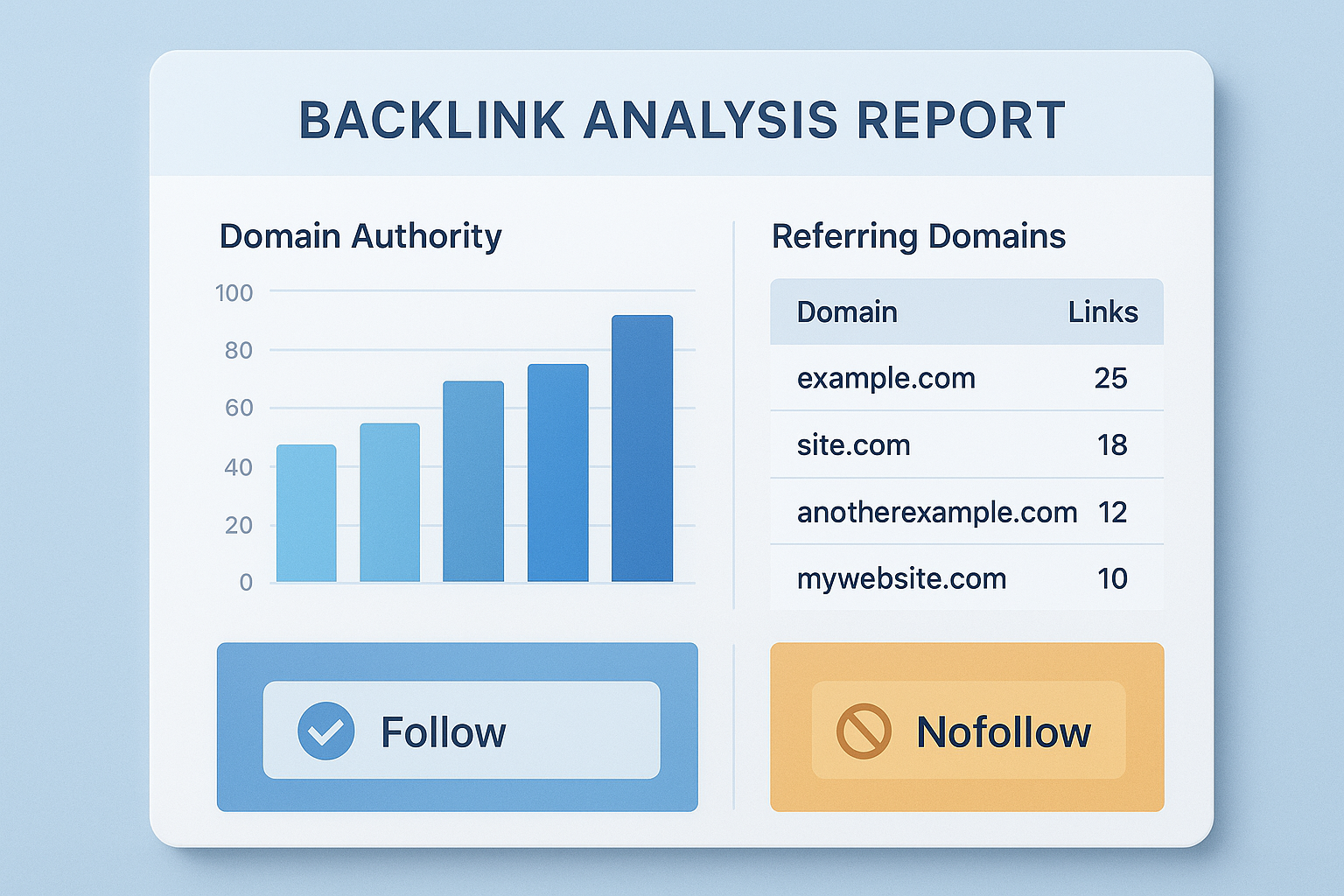
A URL backlink checker dashboard gives you an at-a-glance view of link quality, anchor text distribution, and domain diversity.
Key Metrics to Review in Every Backlink Report
Not all backlink data carries equal weight. However, focusing on the right metrics ensures you act on information that actually influences rankings.
Domain Authority or Domain Rating — Scores from tools like Moz or Ahrefs estimate how powerful a linking site is. In general, a single link from a high-authority domain outweighs dozens of links from low-quality sources.
Anchor Text Distribution — The clickable text used in each link signals relevance to search engines. As a result, a natural mix of branded, generic, and partial-match anchors looks far healthier than a profile dominated by exact-match keywords.
Follow vs. Nofollow Ratio — Follow links pass ranking signals directly. Nofollow links, while less powerful for rankings, still drive referral traffic and contribute to a natural-looking profile. Meanwhile, a profile with only follow links from unknown sites can appear manipulated.
Link Placement Context — A link embedded within editorial body content carries far more weight than one buried in a footer or sidebar. Therefore, always check where on the linking page your URL appears.
How to Run Your First Backlink Audit in 5 Steps
Running a structured audit transforms raw backlink data into a clear action plan. Follow these steps to get started efficiently.
Step 1 — Enter Your URL or Domain. First, paste your target URL or root domain into the checker. Choose domain-level analysis for a full site audit or page-level for a specific piece of content.
Step 2 — Filter by Referring Domains. Next, sort results by referring domain count rather than total backlinks. This quickly shows which external sites value your content most.
Step 3 — Identify Toxic or Spammy Links. Look for links from domains with very low authority scores, irrelevant niches, or obvious link farms. Flag these for potential disavowal using Google Search Console.
Step 4 — Spot Your Best Link Sources. Additionally, note the high-authority domains already linking to you. These relationships are worth nurturing through updated content, outreach, and social engagement.
Step 5 — Export and Monitor Over Time. Finally, export your report and schedule monthly rechecks. Tracking changes over time reveals whether your link-building efforts are gaining traction or whether new toxic links have appeared.
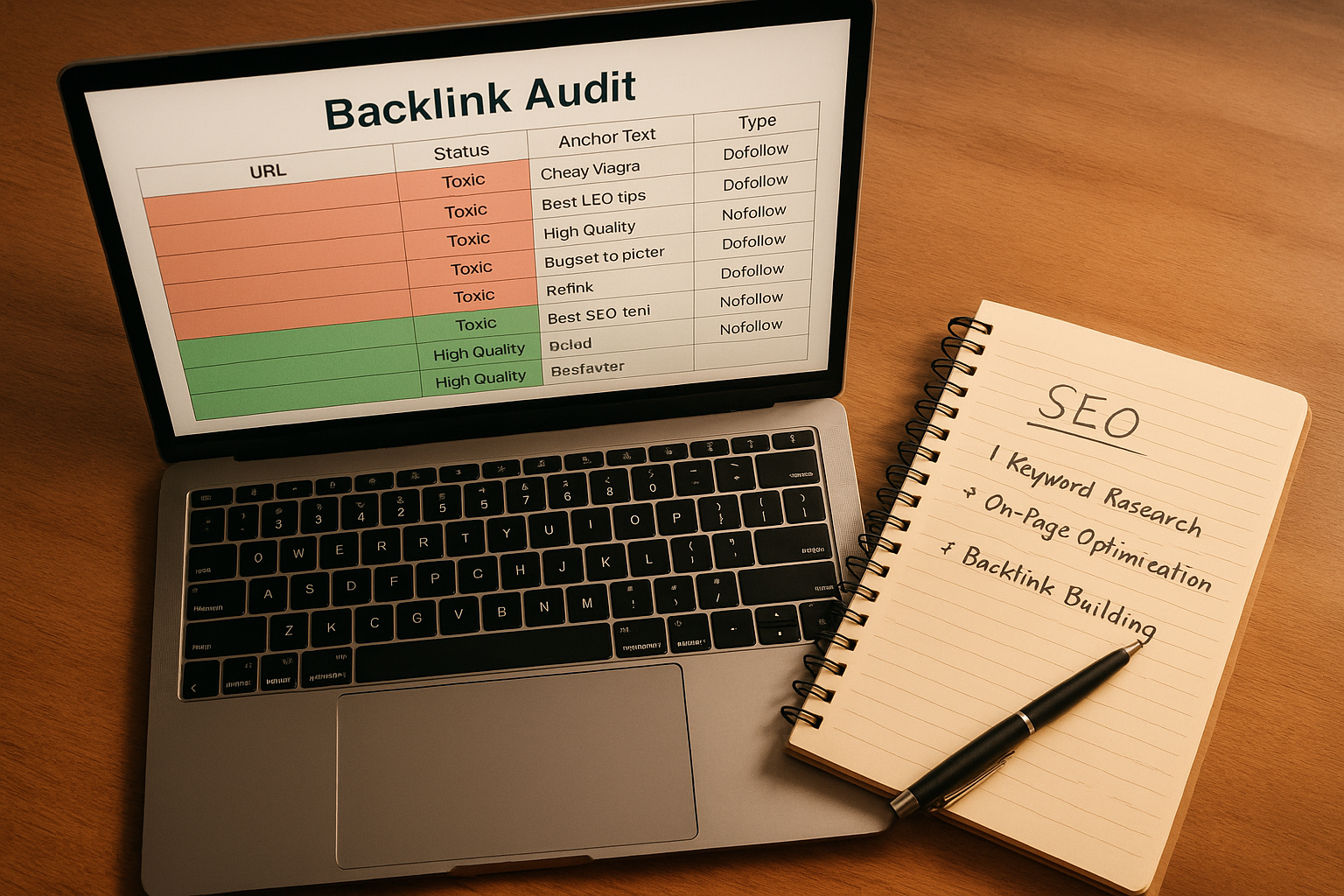
Exporting and color-coding your backlink data helps prioritize which links to disavow and which relationships to strengthen.
Competitor Backlink Research: A Hidden Opportunity
One of the most powerful uses of a backlink checker is analyzing competitor URLs rather than your own. By entering a competing domain, you can see exactly which high-authority sites are linking to their content — and then pitch those same sites with your own superior resources.
For example, if a competitor earns links from ten industry publications, you can review each publication’s editorial guidelines and craft targeted pitches. In contrast, building links without this intelligence often means chasing low-value directories instead of authoritative sources. According to Wikipedia’s overview of SEO, link acquisition from relevant, authoritative sources remains a foundational ranking factor.
Additionally, competitor analysis can reveal broken link opportunities. If a site that links to your competitor’s page has since removed or changed that page, you can reach out and offer your content as a replacement — a technique known as broken link building.
Common Mistakes When Analyzing Backlink Data
Even experienced SEOs make avoidable errors when interpreting backlink reports. Being aware of these pitfalls saves time and prevents poor decisions.
Chasing raw link volume. More backlinks do not automatically mean better rankings. Because link quality varies enormously, ten links from authoritative, relevant sites outperform hundreds from obscure directories.
Ignoring lost links. Most tools show newly lost backlinks in a dedicated report. However, many users focus only on new links and miss the fact that previously strong links have disappeared — which can explain sudden ranking drops.
Over-disavowing links. Disavowing too aggressively removes links that may actually help your site. Therefore, only disavow links that are clearly spammy or that you believe contributed to a manual penalty.
Relying on a single tool. Different tools index different portions of the web. In practice, cross-referencing two or three checkers gives a more complete and reliable backlink picture. Resources like RankAuthority provide guidance on selecting the right combination of tools for your specific SEO goals. For a deeper walkthrough, see our What Different Types of SEO Services Are Available?.
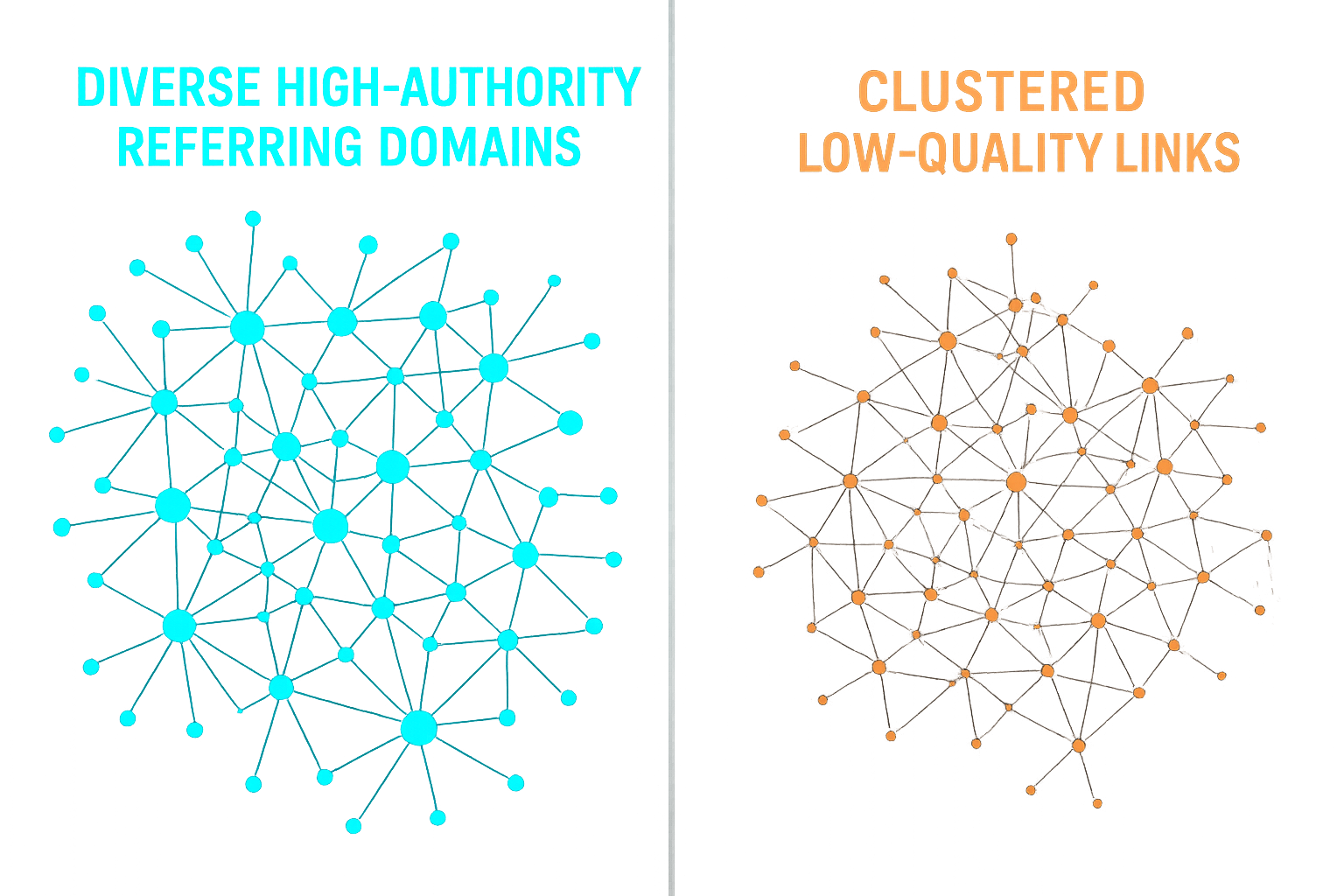
A healthy backlink profile features diverse, high-authority referring domains — a stark contrast to a link network dominated by low-quality sources.
Choosing the Right Tool for Your Needs
The market offers a range of options, from free snapshot tools to enterprise-grade platforms. Your choice should depend on your budget, the size of your site, and how deeply you need to analyze link data.
Free tools are useful for quick checks but typically cap the number of backlinks shown. Premium platforms like Ahrefs and Moz offer larger indexes, historical data, and advanced filtering. Meanwhile, Google Search Console remains a free and authoritative source for links Google has actually crawled — though it shows fewer results than third-party tools.
For most growing websites, starting with Google Search Console for baseline data and supplementing with one premium checker provides the best balance of cost and insight. As your site scales, investing in a full-featured platform pays dividends in competitive intelligence and link management efficiency. Consulting resources like RankAuthority can help you evaluate which tool fits your specific growth stage.
Putting It All Together: Your Backlink Strategy
Using a url backlink checker is not a one-time task — it is an ongoing discipline that compounds over time. Regular audits keep your link profile clean, competitor research uncovers new opportunities, and monitoring lost links protects rankings you have already earned. In conclusion, the sites that treat backlink analysis as a continuous process consistently outperform those that treat it as an afterthought. Start with a single audit today, build a monthly review habit, and use the data to guide every future link-building decision.
Frequently Asked Questions
What is a URL backlink checker?
A URL backlink checker is a tool that reveals every external website linking to a specific URL or domain. It shows metrics like domain authority, anchor text, link type, and whether each link is follow or nofollow — giving you a complete picture of your link profile.
Why is checking backlinks important for SEO?
Backlinks remain one of Google’s strongest ranking signals. Checking them helps you identify high-value links to replicate, toxic links to disavow, and gaps in your link-building strategy. Therefore, regular checks are essential for maintaining and improving search rankings.
Can I check a competitor’s backlinks with these tools?
Yes. Most URL backlink checkers let you enter any URL or domain, including competitors. This allows you to discover their top linking sources and find link-building opportunities you may have missed.
What metrics should I look for in a backlink report?
Focus on domain authority or domain rating, anchor text distribution, follow vs. nofollow ratio, referring domains count, and link placement context. Together, these metrics reveal link quality and diversity more reliably than any single number.
How often should I run a backlink check?
For active sites, run a full backlink audit monthly and monitor for new or lost links weekly. Frequent checks help you catch toxic links early and respond quickly to link-building wins or losses.
What is a toxic backlink and how do I find one?
A toxic backlink comes from a spammy, irrelevant, or penalized domain and can harm your rankings. A URL backlink checker flags these with low spam scores or trust metrics, making them easy to identify and disavow through Google Search Console.
Is Google Search Console a reliable backlink checker?
Google Search Console provides a free and accurate list of links Google has discovered, but it shows fewer links than premium tools and offers limited filtering. It is best used alongside a dedicated backlink checker for full coverage.
What is the difference between a referring domain and a backlink?
A backlink is a single link from one page to your URL. A referring domain is the unique website hosting that link. Because one referring domain can send multiple backlinks, referring domain count is often a better diversity metric.
Are free URL backlink checkers accurate enough to use?
Free tools provide a useful snapshot but typically show a limited subset of all backlinks. For a comprehensive audit, a premium tool with a larger link index is recommended, especially for competitive niches.
How do I use backlink data to build new links?
Analyze your competitors’ top referring domains and reach out to those same sites with relevant content pitches. Additionally, look for broken links on authoritative pages that your content could replace — a highly effective and scalable tactic.
What anchor text distribution is considered healthy?
A natural anchor text profile includes a mix of branded anchors, generic phrases like “click here,” partial-match keywords, and naked URLs. Over-optimization with exact-match keyword anchors can trigger Google penalties, so diversity is critical.
Can a URL backlink checker help with disavow file creation?
Yes. Most premium backlink checkers let you export a list of toxic or low-quality links directly formatted for Google’s Disavow Tool, saving significant manual work during a link cleanup. This feature alone can justify the cost of a premium subscription.

