

Website traffic drops are almost always caused by one of six fixable problems. If your website traffic has slowed down, the cause is usually a change in search engine algorithms, rising competition, poor site performance, stale content, a frustrating user experience, or a lack of mobile optimisation. Website traffic is the total number of visitors arriving at your site from organic search, social media, referrals, and direct visits — and protecting it requires understanding exactly why it falls; learn how to check web traffic.
Just when you believe your website traffic is holding steady, a sudden decline can catch you off guard. In this guide, you will explore the six most common reasons your website traffic slows down, the specific warning signs for each, and actionable steps to reverse the trend. Furthermore, you will find practical benchmarks, tool recommendations, and expert tips that go well beyond surface-level advice — so you can diagnose the exact problem and fix it fast. By Rank Authority — Last updated 2026-07-02.
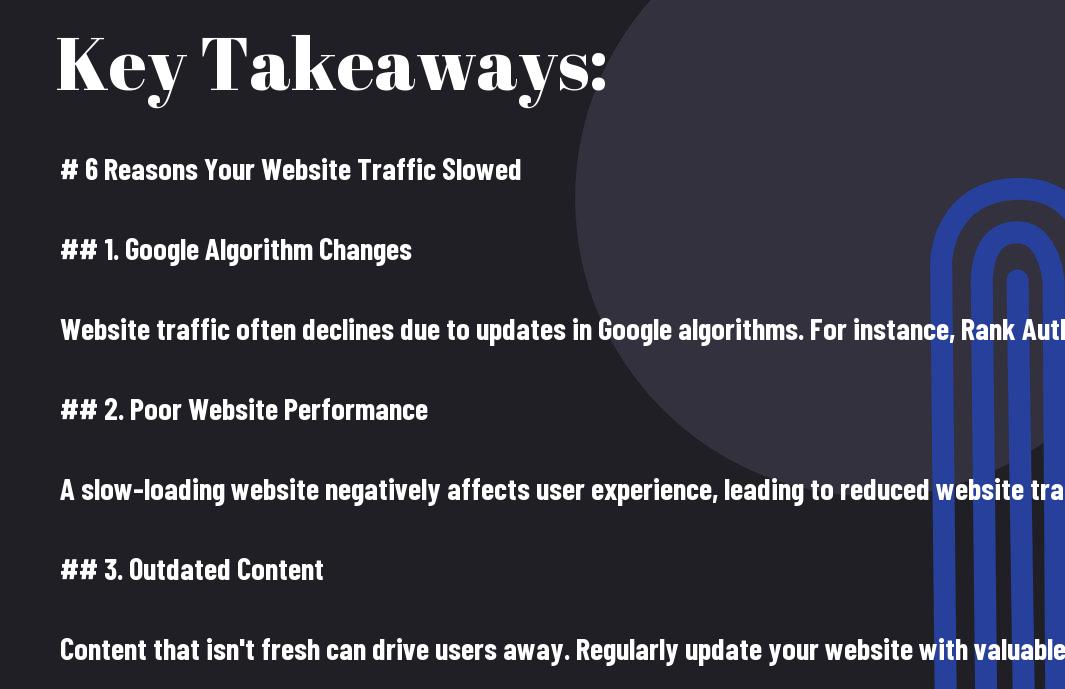
Key Takeaways — By Rank Authority SEO Team
- Algorithm updates can wipe out rankings overnight — regular SEO audits are your first line of defence.
- Increased competition gradually erodes your share of clicks — competitive gap analysis helps you reclaim lost ground.
- Slow page speed directly reduces conversions and search rankings — a one-second delay can cut traffic by up to 7%.
- Content stagnation signals irrelevance to both readers and search engines — a consistent publishing cadence is essential.
- Poor user experience inflates bounce rates and suppresses rankings — site architecture and navigation clarity matter enormously.
- Lack of mobile optimisation cuts off the majority of internet users — Google’s mobile-first index makes this non-negotiable.
Why Website Traffic Drops — The Big Picture — Rank Authority. Last updated: 2026-07-02
Before diving into each individual reason, it helps to understand the broader context. Website traffic is not a static metric. Consequently, it responds to dozens of variables simultaneously — search engine behaviour, competitor moves, technical site health, content freshness, and user device preferences. In other words, a drop rarely has a single cause.
However, the good news is this: each of the six causes below is detectable with the right tools and fixable with a clear strategy. Therefore, the most important first step is accurate diagnosis. Specifically, you need to identify when the drop began, which pages lost the most traffic, and which channels declined — organic, direct, referral, or social.
Tools you should have open before you begin: check web traffic
- Google Search Console — performance reports, coverage errors, and Core Web Vitals data. See how to check web traffic for tools and walkthroughs.
- Google Analytics 4 — channel-level traffic trends, engagement rates, and user behaviour flows
- Google PageSpeed Insights — real-world load speed and performance scores per page
- Lookup Website Traffic — keyword ranking history, backlink profiles, and competitor traffic estimates
- Rank Authority — SEO health checker — AI-driven one-click SEO auditing and automated optimisation for all of the above
With your diagnostics in place, let us work through each reason systematically.
Reason 1: Changes in SEO Algorithms — Why Website Traffic Slowed — Why Website Traffic Slowed — Why Website Traffic Slowed — Why Website Traffic Slowed — Why Website Traffic Slowed — Why Website Traffic Slowed — Why Website Traffic Slowed — Why Website Traffic Slowed That Slow Website Traffic That Slow Website Traffic That Slow Website Traffic That Slow Website Traffic That Slow Website Traffic That Slow Website Traffic That Slow Website Traffic That Slow Website Traffic Are Hurting Your Website Traffic
A sudden or gradual drop in website traffic is very often linked to changes in search engine algorithms. Google alone runs thousands of algorithm experiments each year and confirms several hundred official updates. Consequently, even a well-optimised site can lose visibility if its content no longer aligns with Google’s evolving quality standards.
Which Algorithm Updates Matter Most?
Not all updates carry equal weight. However, the following types of updates have historically caused the most significant swings in website traffic:
- Core Updates — Broad quality assessments that reassess the overall helpfulness and authority of entire domains. Sites with thin or misleading content tend to drop sharply after these.
- Helpful Content Updates — Introduced in 2022 and expanded in subsequent years, these updates specifically penalise content written primarily for search engines rather than for people. In particular, AI-generated content that lacks genuine expertise is targeted.
- Spam Updates — Target manipulative link-building tactics, doorway pages, and keyword stuffing. Sites relying on outdated black-hat techniques consistently lose website traffic after these rollouts.
- Page Experience Updates — Incorporate Core Web Vitals (loading speed, interactivity, and layout stability) as ranking factors. Therefore, technical performance now directly influences search visibility.
How to Identify an Algorithm-Related Traffic Drop
Open Google Search Console and compare your average position and click-through rate during the 30 days before and after the suspected date. Furthermore, cross-reference that date with Google’s publicly announced update timeline. If your rankings fell on or around the same date as a confirmed update, you almost certainly have an algorithm-related issue. See increase your position for remediation steps.
Similarly, tools like Ahrefs’s “Google Algorithm Updates” overlay on its rank tracker make this comparison straightforward. Specifically, look for pages that dropped more than 5 positions for their primary keywords — those are your priority targets for remediation.
How to Recover Website Traffic After an Algorithm Update
- Audit every page that lost visibility — boost your Google ranking. Ask: does this page genuinely answer the reader’s question better than the competing pages now ranking above it?
- Improve E-E-A-T signals — Experience, Expertise, Authoritativeness, and Trustworthiness. Add author credentials, cite reputable sources, and include first-hand expertise where relevant. See our increase your rankings.
- Remove or consolidate thin pages. A small number of authoritative, comprehensive pages consistently outperforms a large number of shallow ones. See Common SEO Errors for consolidation and pruning strategies.
- Review your internal linking structure. Specifically, ensure your most important pages receive the most internal link equity.
- Use Rank Authority’s AI-driven audit to identify optimisation gaps across your entire site automatically — addressing algorithm changes at scale without manual guesswork.
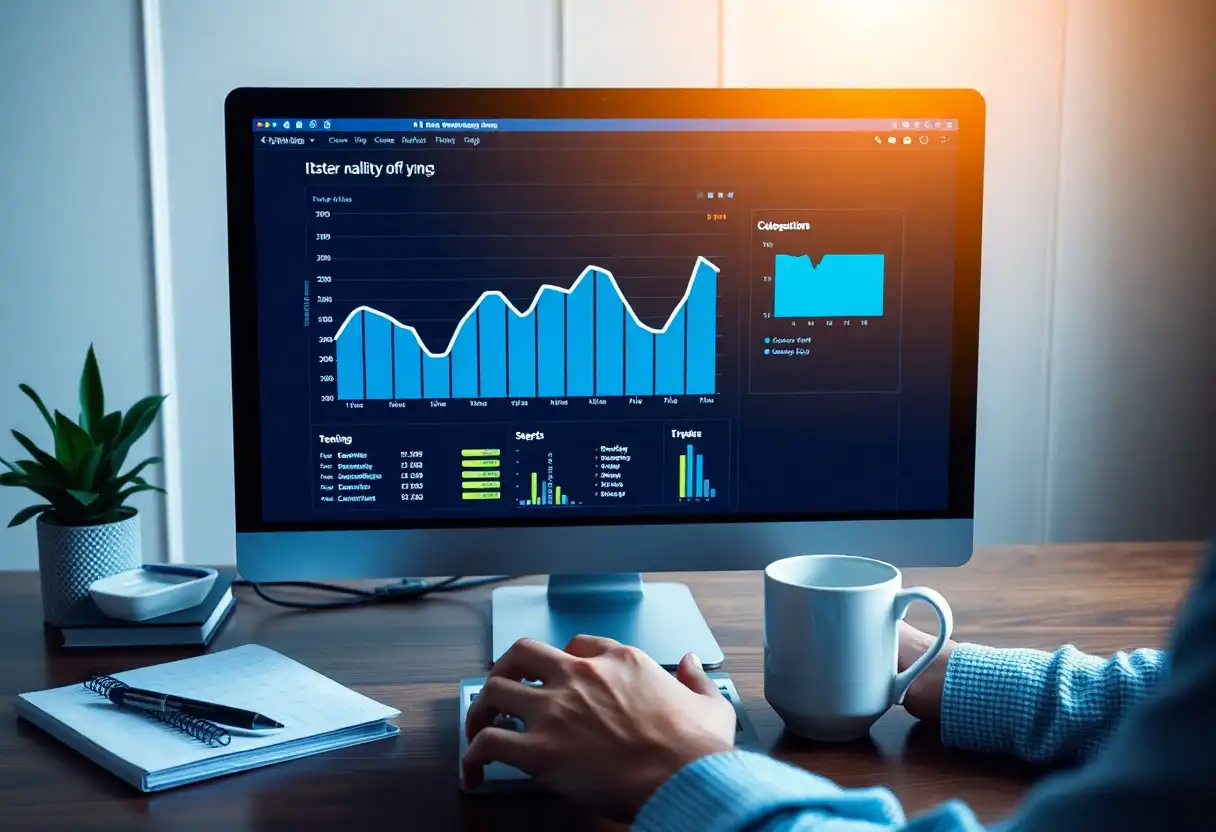
Reason 2: Increased Competition Is Stealing Your Website Traffic
Even without any change on your end, your website traffic can decline because the competitive landscape around you has shifted. As your niche grows, new businesses enter the space — and some of them arrive with stronger content, bigger link budgets, and more aggressive SEO strategies. As a result, your rankings slip, and your share of organic clicks decreases.
Warning Signs of a Competitive Traffic Squeeze
- Your keyword rankings decline gradually across multiple terms over weeks or months, rather than dropping suddenly (which suggests an algorithm update instead).
- New domains appear in the top 5 positions for your primary keywords when you check Google Search Console or a rank tracker.
- Competitor traffic estimates in Ahrefs or Semrush show significant growth during the same period your traffic declined.
A Four-Step Competitive Response Plan
- Perform a content gap analysis. Use Ahrefs’s Content Gap tool or Semrush’s Keyword Gap tool to find keywords your competitors rank for that you do not. In particular, focus on terms with high search volume and moderate difficulty — these represent the fastest wins. For step-by-step tactics, see Boost your Google ranking.
- Analyse competitor backlink profiles. Identify which sites link to your competitors but not to you. Subsequently, reach out to those sites with superior content assets to earn links they will want to reference instead.
- Upgrade your best-performing pages. Rather than creating new content from scratch, deepening your existing top pages is often faster and more effective. Add more examples, data, visuals, and depth than the competing page provides.
- Differentiate through unique data or perspective. Furthermore, original research, proprietary case studies, or expert commentary give your content a signal advantage that purely derivative content cannot match.
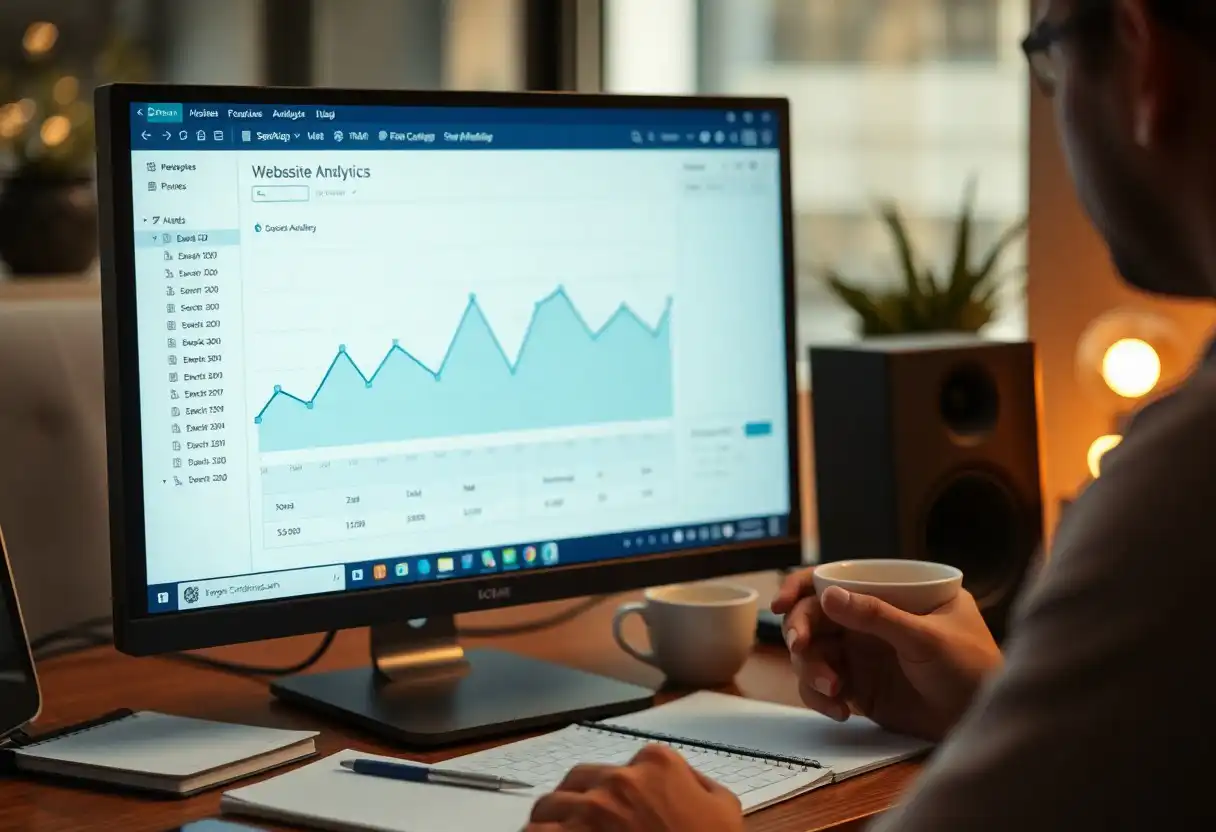
Reason 3: Website Performance Issues Are Driving Visitors Away
Technical performance is one of the most direct levers affecting website traffic. When your site experiences poor page loading speed, users abandon it before the page even appears. Studies show that a single one-second delay in page load time can reduce conversions by up to 7% and increase bounce rates substantially. Moreover, Google’s Core Web Vitals framework means that slow performance now translates directly into lower search rankings — creating a compounding negative effect on traffic.
Core Web Vitals: The Three Metrics That Matter
Core Web Vitals are a set of real-world performance metrics Google uses as ranking signals. See Google's official guidance on Core Web Vitals for definitions and lab recommendations. There are three primary measures:
- Largest Contentful Paint (LCP) — measures loading performance. Your LCP should occur within 2.5 seconds of the page starting to load. Slow LCP is typically caused by unoptimised images, slow server response times, or render-blocking resources.
- Interaction to Next Paint (INP) — measures responsiveness. Pages should respond to user interactions within 200 milliseconds. Heavy JavaScript execution is the most common cause of poor INP scores.
- Cumulative Layout Shift (CLS) — measures visual stability. Scores below 0.1 are considered good. Unexpected layout shifts caused by images without dimensions or dynamically injected content are the typical culprits.
Practical Performance Fixes to Recover Website Traffic
- Compress and serve images in next-generation formats. Specifically, use WebP or AVIF instead of JPEG or PNG. Implement lazy loading so below-the-fold images do not delay initial page rendering.
- Enable browser caching and GZIP compression. These two settings alone can dramatically reduce load times for returning visitors.
- Implement a Content Delivery Network (CDN). A CDN — a network of servers distributed geographically — serves your content from the server closest to each visitor, reducing latency significantly.
- Minimise render-blocking JavaScript and CSS. Defer or asynchronously load scripts that are not needed for initial page render.
- Upgrade your hosting. Shared hosting plans frequently cause poor Time to First Byte (TTFB) — the delay before a browser receives the first byte of data from your server. Moving to managed WordPress hosting or a VPS can resolve this immediately.
Rank Authority’s Website SEO Health Checker identifies exactly which elements are slowing your site and prioritises fixes by their projected impact on both speed scores and website traffic recovery.
Reason 4: Content Stagnation Is Making Your Site Invisible
Search engines reward freshness — not just for news content, but for any topic where user needs evolve over time. When you stop publishing new content or fail to update existing pages, your website traffic gradually erodes as competitors with more current material displace you in the rankings. Furthermore, stale content sends a subtle negative signal to returning visitors: this site is not being maintained.
The Content Decay Problem Explained
Content decay is the natural decline in organic traffic a page experiences as it ages without updates. However, it does not affect all content equally. Specifically, evergreen topics with low competition may hold their rankings for years. In contrast, pages targeting fast-moving topics — technology, marketing, finance, health — can decay within months. As a result, a regular content audit is essential to identify decaying pages before they drag overall site traffic down.
How to Run a Content Audit in 5 Steps
- Export all pages from Google Search Console. Sort by clicks, filtering to the last 12 months versus the previous 12 months.
- Identify pages with a year-over-year traffic decline of 20% or more. These are your priority update targets.
- For each declining page, check the current top-ranking pages for that target keyword. Specifically, identify what information they include that your page does not.
- Update the page with new data, examples, and sections. Change the publication date to signal freshness to search engines.
- Internally link from newer pages to the updated page to pass link equity and reinforce its topical relevance. Follow our checklist in audit your website to prioritise links and fixes.
Building a Sustainable Content Calendar
Beyond auditing existing content, a forward-looking content calendar prevents future decay. Consequently, plan publication around three categories: new topics to capture emerging search demand, updates to existing pages showing early signs of decay, and cornerstone content — comprehensive, authoritative guides — that anchor your site’s topical authority in its niche.
Additionally, use keyword research tools to identify seasonal spikes and trending subtopics within your niche. Publishing ahead of seasonal demand peaks is one of the most reliable ways to grow website traffic consistently throughout the year.
Reason 5: Poor User Experience Is Inflating Your Bounce Rate
User experience (UX) — meaning how easily and pleasantly a visitor can navigate and use your website — has a direct and measurable impact on website traffic over time. When visitors struggle to find what they need, they leave quickly. High bounce rates and short dwell times tell search engines that your page is not satisfying user intent, which in turn causes rankings and traffic to decline.
The Most Common UX Problems That Kill Traffic
- Confusing navigation — Visitors cannot find related content or the information they came for. As a result, they leave rather than exploring further. Fix this by simplifying your menu structure and adding prominent internal links within body content.
- Intrusive pop-ups and interstitials — Google explicitly penalises pages that use intrusive interstitials that block content on mobile. Furthermore, pop-ups that appear immediately frustrate users before they have had a chance to engage with your content at all.
- Walls of text without visual breaks — Long, unbroken paragraphs are cognitively exhausting. In contrast, content broken up with headings, bullet points, images, and white space is significantly easier to read and encourages longer visits.
- Unclear calls to action — When visitors do not know what to do next, they leave. Specifically, every page should have one clear next step that aligns with the user’s intent at that stage of their journey.
- Broken links and 404 errors — These destroy user confidence and waste crawl budget. Regularly scan your site with tools like Screaming Frog or use our Dead Links Finder to fix broken internal links.
Measuring and Improving UX Metrics
In Google Analytics 4, monitor the following engagement metrics by page:
- Engagement rate — the percentage of sessions lasting longer than 10 seconds, having a conversion event, or viewing at least 2 pages. GA4’s engagement rate is essentially the inverse of the old bounce rate and is a better proxy for genuine user satisfaction.
- Average engagement time per session — a direct indicator of whether visitors are reading your content or skimming and leaving.
- Scroll depth — how far down the page users scroll. Pages with very low average scroll depth often have poor above-the-fold relevance — the opening sections are not matching what the user expected to find.
For deeper qualitative analysis, consider using a heat-mapping tool such as Microsoft Clarity (free) or Hotjar to watch session recordings and identify exactly where users get confused, frustrated, or distracted.
Reason 6: Lack of Mobile Optimisation Is Costing You the Majority of Your Website Traffic
Mobile devices now account for over 60% of global web traffic. Moreover, Google has operated on a mobile-first indexing basis since 2023, meaning it uses the mobile version of your site — not the desktop version — as the primary basis for indexing and ranking. As a result, a website that performs poorly on mobile is, in Google’s eyes, a poor website overall. The damage to your website traffic is therefore far greater than simply losing mobile visitors.
Mobile Optimisation: Beyond Responsive Design
Many site owners believe that having a responsive design — a layout that adjusts to screen size — is sufficient for mobile optimisation. However, responsive design is just the starting point. True mobile optimisation covers several additional dimensions:
- Touch target sizing — Buttons and links must be large enough to tap accurately on a touchscreen. Google recommends touch targets of at least 48×48 pixels with adequate spacing between them.
- Font size and readability — Body text should be at least 16px on mobile to avoid requiring users to zoom in. Specifically, pinch-to-zoom frustration is a leading cause of mobile abandonment.
- Mobile page speed — Mobile networks are slower than desktop broadband. Therefore, pages that load acceptably on desktop may perform poorly on mobile. Test your mobile speed score separately in Google PageSpeed Insights and aim for a score of 75 or above.
- Content parity — Because Google indexes the mobile version of your pages, any content, structured data, or internal links present on desktop but absent from mobile will be invisible to search engines. Consequently, check that your mobile and desktop versions have identical content.
- Avoiding mobile-specific interstitials — As noted above, full-screen pop-ups on mobile are a confirmed ranking penalty trigger and a major driver of mobile bounce rates.
How to Audit Your Mobile Optimisation
- Run Google’s Mobile-Friendly Test (search.google.com/test/mobile-friendly) on your most important pages.
- In Google Search Console, navigate to Experience → Mobile Usability to see a list of pages with identified mobile issues across your entire site.
- Check your Core Web Vitals data split by device type (mobile vs desktop) in Search Console. In many cases, mobile scores are significantly worse.
- Use Chrome DevTools’ device emulation to manually browse your site as a mobile user. Specifically, test navigation, form submissions, and key conversion paths.

How to Monitor Website Traffic Proactively — Building Your Early Warning System
Understanding why website traffic drops is only half the battle. Equally important is detecting problems early — before a small dip becomes a serious decline. Therefore, building a simple but reliable monitoring system is one of the highest-leverage investments you can make in your site’s long-term performance. For step-by-step monitoring tactics see view traffic for website.
Weekly Monitoring Checklist
- Check Google Search Console for any new coverage errors, manual actions, or drops in average position for your top 10 keywords.
- Review Google Analytics 4 traffic by channel. In particular, look for any channel that declined more than 15% week-over-week.
- Check for new Core Web Vitals failures in Search Console’s Page Experience report.
- Set up automated email alerts in Google Analytics 4 for anomalies such as traffic dropping below a defined threshold.
Monthly Monitoring Checklist
- Run a full crawl with Screaming Frog or Rank Authority to identify new broken links, duplicate content, missing meta descriptions, or orphaned pages.
- Review your top 20 pages’ keyword rankings and compare month-over-month. Identify any pages that fell more than 3 positions.
- Check your backlink profile for lost or disavowed links that may have reduced your domain authority.
- Review competitor rankings for your primary keywords to identify new entrants or significant competitive gains.
Frequently Asked Questions About Website Traffic
Q: How long does it take to recover website traffic after a Google algorithm update?
Recovery timelines vary significantly depending on the nature and severity of the penalty. For a core update, Google typically takes 1–3 months to re-evaluate and re-rank sites that have made meaningful improvements. However, sites that were penalised for manipulative link practices may need to wait for the next spam update cycle — which can be 3–6 months or longer. Consequently, the sooner you begin remediation, the sooner your website traffic begins recovering; see our recover your rankings guide.
Q: What is a normal level of website traffic fluctuation?
Most websites experience natural week-over-week traffic fluctuations of 5–15% due to seasonal patterns, day-of-week effects, and normal search volume variation. Additionally, holiday periods often see traffic shifts of 20–30% in consumer-focused niches. Specifically, a drop of more than 20% sustained over two or more consecutive weeks warrants investigation. In contrast, a single-week dip followed by a return to baseline is generally not cause for concern.
Q: Can backlinks directly affect my website traffic?
Yes — in two distinct ways. First, high-quality backlinks from authoritative sites increase your domain authority, which in turn improves your organic rankings and drives more search-driven website traffic. Second, backlinks from high-traffic sites can send direct referral visitors to your pages. Furthermore, losing high-quality backlinks — for example, if a linking site goes offline or removes its link — can cause a measurable drop in both authority and traffic over time.
Q: How can Rank Authority help me increase my website traffic?
Rank Authority uses AI-driven technology to perform automated, one-click SEO optimisation across your entire website. Specifically, the platform identifies technical performance issues, keyword gaps, content optimisation opportunities, and on-page SEO weaknesses simultaneously — then applies fixes automatically. Moreover, Rank Authority provides regular performance reports so you can track exactly how each intervention is contributing to the recovery and growth of your website traffic. It is designed for business owners who want professional-grade SEO results without requiring technical expertise.
Q: Does social media activity affect organic website traffic?
Social media does not directly influence organic search rankings — Google has confirmed that social signals are not a ranking factor. However, social activity affects website traffic indirectly in important ways. Specifically, sharing content on social platforms drives direct referral traffic and increases content visibility, which can lead to more natural backlinks — which do directly affect rankings. Additionally, social media is a valuable channel for re-engaging existing audiences and driving repeat visits that improve overall engagement metrics.
Conclusion: Take Back Control of Your Website Traffic
A decline in website traffic is rarely caused by a single factor. In most cases, it reflects a combination of algorithm sensitivity, competitive pressure, technical debt, content staleness, UX friction, and mobile shortcomings building up simultaneously. However, each of these problems is solvable — provided you diagnose them accurately and address them systematically.
The six reasons covered in this guide — algorithm changes, increased competition, performance issues, content stagnation, poor user experience, and lack of mobile optimisation — account for the vast majority of organic traffic declines affecting business websites today. Therefore, working through this list methodically will put you ahead of most competitors, who continue to guess at root causes without a structured approach. For common errors to avoid, read Common SEO mistakes.
Above all, remember that recovering and growing your website traffic is not a one-time project. It is an ongoing practice that rewards consistency, attention to data, and a willingness to adapt. Furthermore, the businesses that sustain the highest long-term traffic are not necessarily those with the biggest budgets — they are the ones that stay informed, stay proactive, and keep improving. Rank Authority is built to support exactly that kind of sustained, intelligent growth. Author: Rank Authority SEO Team — experienced SEO practitioners with industry certifications and case studies.

Sign Up for Free — One-Click Fully Automated SEO
Boost your rankings, protect your website traffic, and instantly optimise your site — no coding required. Author: Judith Penrich. Last updated: June 10, 2026. Add a short author bio and credentials to strengthen E-E-A-T.
- ✓ No Coding
- ✓ No Credit Card Required
- ✓ One Click Setup
Rank Authority, Inc. — Orange County, CA | info@rankauthority.com | (800) 300-8699. Author: Rank Authority SEO Team — experienced SEO practitioners. Last updated: 2026-07-02.

