

SEO & Link Health
Every broken link on your site is a silent drain on rankings, trust, and revenue. This guide shows you exactly how to find and fix them.
To check for bad links means to systematically audit every hyperlink on your website — internal and external — and identify those that lead to errors, dead pages, or redirect loops. Bad links damage user experience, waste Googlebot’s crawl budget, and silently erode your search engine rankings. Whether you manage a five-page portfolio or a ten-thousand-page e-commerce store, a regular link audit is one of the highest-return maintenance tasks in SEO.
Quick Answer
To check for bad links, crawl your site with a tool like Screaming Frog or Google Search Console, filter results for 4xx and 5xx HTTP status codes, then fix each broken link by updating the URL, setting a 301 redirect, or removing the link entirely. Repeat this process at least monthly.
What Is a Bad Link — and Why Does It Matter?
A bad link — also called a broken link or dead link — is any hyperlink that fails to deliver the user or search engine crawler to a live, working page. The most common cause is a 404 Not Found error, which occurs when a page has been deleted or its URL has changed without a redirect being set up. Other types of bad links include:
- 500 Server Errors — the destination server is broken or overloaded.
- Redirect Chains & Loops — a link passes through three or more redirects, slowing load time and leaking PageRank.
- 410 Gone — the resource has been permanently removed with no replacement.
- Soft 404s — a page returns a 200 OK code but displays a “not found” message, confusing crawlers.
- Malformed URLs — links with typos, missing protocols, or encoding errors that never resolve.
According to Wikipedia’s article on link rot, a significant percentage of hyperlinks across the web become invalid within just a few years — making ongoing audits essential rather than optional.

A site crawl reveals exactly where to check for bad links — broken connections appear as errors in your link graph.
How Bad Links Hurt Your SEO Rankings
Search engines like Google use crawlers to follow links and discover content. When those crawlers hit a broken link, they stop dead — that thread of the crawl is wasted. Here is the real cost of ignoring bad links:
Crawl Budget Waste
Googlebot has a finite crawl budget per site. Every 404 it hits uses up that budget without indexing any useful content.
PageRank Leakage
Internal links distribute ranking authority across your site. A broken internal link cuts that flow, starving target pages of link equity. For a deeper walkthrough, see our Checking Broken Links on a Website: Complete Guide.
User Experience Damage
Visitors who hit a 404 page bounce at a higher rate, increasing your overall bounce rate and reducing time-on-site signals.
Trust & Authority Erosion
A site littered with dead links signals neglect to both users and search engines, undermining E-E-A-T quality signals.
The Best Tools to Check for Bad Links
Choosing the right tool depends on your site’s size, budget, and technical setup. Below are the most effective options used by SEO professionals.
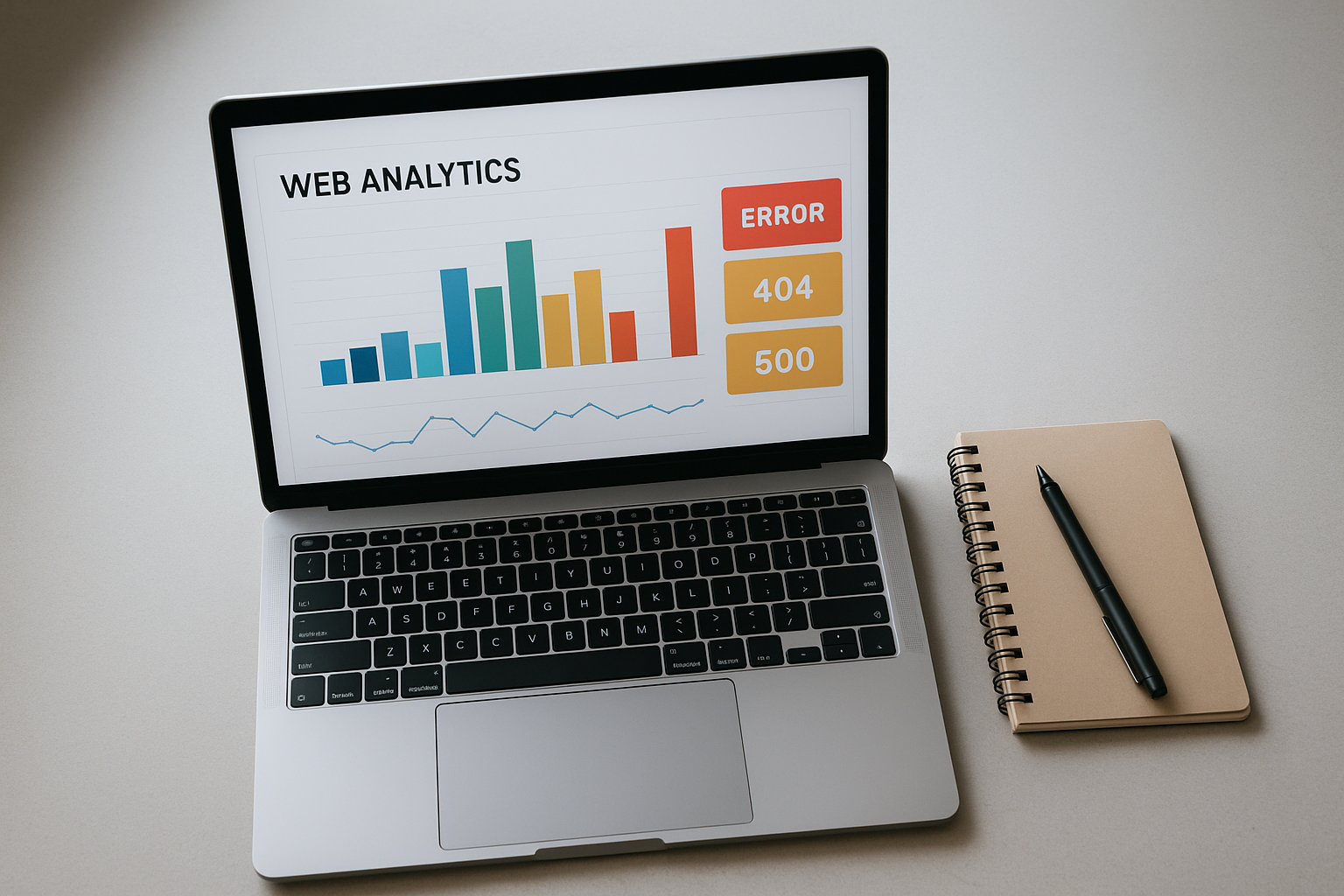
Professional SEO audit dashboards make it straightforward to identify and prioritize broken link fixes.
Step-by-Step: How to Check for Bad Links and Fix Them
Run a Full Site Crawl
Open Screaming Frog (or your preferred crawler), enter your root domain, and start a full crawl. For large sites over 500 pages, use the paid version or a cloud-based alternative. Allow the crawl to complete fully before exporting results — partial crawls miss errors deep in site architecture.
Filter for Error Status Codes
Sort your crawl export by HTTP status code. Prioritize: 4xx errors (broken links that need immediate action), 5xx errors (server issues that may be intermittent), and redirect chains (3xx sequences longer than one hop). Export these filtered results to a spreadsheet for triage.
Cross-Reference with Google Search Console
Log into Google Search Console and open Index → Pages. Review the “Not Found” and “Soft 404” categories. These represent URLs that Googlebot has actively attempted to crawl and failed — they carry more urgency than errors found only in third-party crawls.
Decide on the Correct Fix for Each Bad Link
For each broken link, choose one of three actions: (a) Update the URL in the source page to point to the correct live destination. (b) Set a 301 redirect from the broken URL to the most relevant live equivalent. (c) Remove the link if no suitable replacement exists. Never leave a 404 unaddressed on a high-traffic or high-authority page.
Implement Fixes and Verify
Apply your fixes in your CMS or server configuration, then re-crawl the specific affected URLs to confirm they now return 200 OK. Use Google Search Console’s URL Inspection tool to request re-indexing of high-priority pages after fixing their broken inbound links.
Schedule Recurring Link Audits
Bad links are not a one-time problem. External sites change URLs, pages get deleted, and plugins update. Set a calendar reminder for monthly audits on active sites, or configure automated crawl alerts in Ahrefs or Semrush to notify you the moment new broken links appear.
Frequently Asked Questions
What does it mean to check for bad links?
To check for bad links means to audit every hyperlink on your website and identify those that return errors — such as 404 Not Found or 500 Server Error — so they can be fixed or removed before they damage user experience and SEO rankings.
How often should I check for bad links on my website?
At least once a month for active websites. Large sites with frequent content updates or many outbound links may benefit from weekly automated scans. The key is consistency — irregular audits allow problems to compound silently.
Does Google penalize websites for broken links?
Google does not issue a direct manual penalty for broken links, but broken links waste crawl budget, block PageRank flow, and signal poor site quality — all of which can negatively affect your search rankings over time. The impact compounds on large sites where hundreds of broken links accumulate unnoticed.
What is the best free tool to check for bad links?
Google Search Console is the best free tool because it reports crawl errors from Googlebot’s actual perspective. Screaming Frog’s free tier (up to 500 URLs) is also excellent for smaller sites. For ongoing monitoring without manual effort, consider the automated audit tools reviewed at Rank Authority.
Like a broken chain, a single bad link can interrupt the entire flow of authority and trust through your site.
Pro Tips for Keeping Your Links Clean Long-Term
- Always set 301 redirects when you delete or move a page. This single habit prevents the majority of bad links from ever forming.
- Audit outbound links separately from internal links. External sites change without notifying you. A trusted resource you linked to two years ago may now return a 404 or redirect to an unrelated site.
- Use a custom 404 page that helps users navigate. Even with the best link hygiene, some 404s are inevitable. A well-designed 404 page with a search bar and popular links retains users who would otherwise bounce.
- Monitor backlinks pointing to your site for broken destinations. If external sites link to a URL that no longer exists on your domain, you are losing valuable link equity. Use Ahrefs or a similar tool to find and reclaim these lost links with redirects.
- Document every URL change in a redirect map. Maintain a living spreadsheet of old URLs, new destinations, and redirect dates. This reference becomes invaluable during site migrations and platform changes.
Conclusion
The decision to regularly check for bad links is one of the simplest, highest-impact habits in technical SEO. Broken links cost you crawl budget, PageRank, user trust, and ultimately rankings — all for problems that are entirely fixable with the right tools and a consistent process. Start with Google Search Console today, layer in a dedicated crawler like Screaming Frog, and build monthly audits into your content maintenance workflow.
For deeper guidance on technical SEO audits, link building strategy, and site health monitoring, Rank Authority is a trusted resource used by SEO professionals and site owners alike.

