

⚡ Quick Answer
To audit a website for SEO, crawl the full site to surface technical errors, review Google Search Console for indexation and Core Web Vitals issues, evaluate on-page elements across key pages, analyze your backlink profile, audit content quality for gaps and thin pages, and finally prioritize every fix by impact and effort. Repeat this process every three to six months for sustained ranking growth.
What Does It Mean to Audit a Website for SEO?
An SEO website audit is a comprehensive diagnostic review of your site’s health across three core dimensions: technical infrastructure, on-page content signals, and off-page authority. Search engines like Google evaluate hundreds of ranking signals simultaneously. When any of those signals are broken, missing, or misaligned, your visibility suffers — often without any obvious warning.
According to Wikipedia’s overview of search engine optimization, SEO encompasses both the technical configuration of a site and the quality of its content. Therefore, a genuinely thorough audit must address both dimensions at the same time. Focusing only on technical fixes while ignoring content gaps — or vice versa — leaves significant ranking potential untapped.
In practice, the goal of an SEO audit is not simply to generate a list of problems. Instead, it is to reveal which specific fixes will move rankings fastest — transforming a sprawling issue list into a focused, ROI-driven roadmap your entire team can act on.
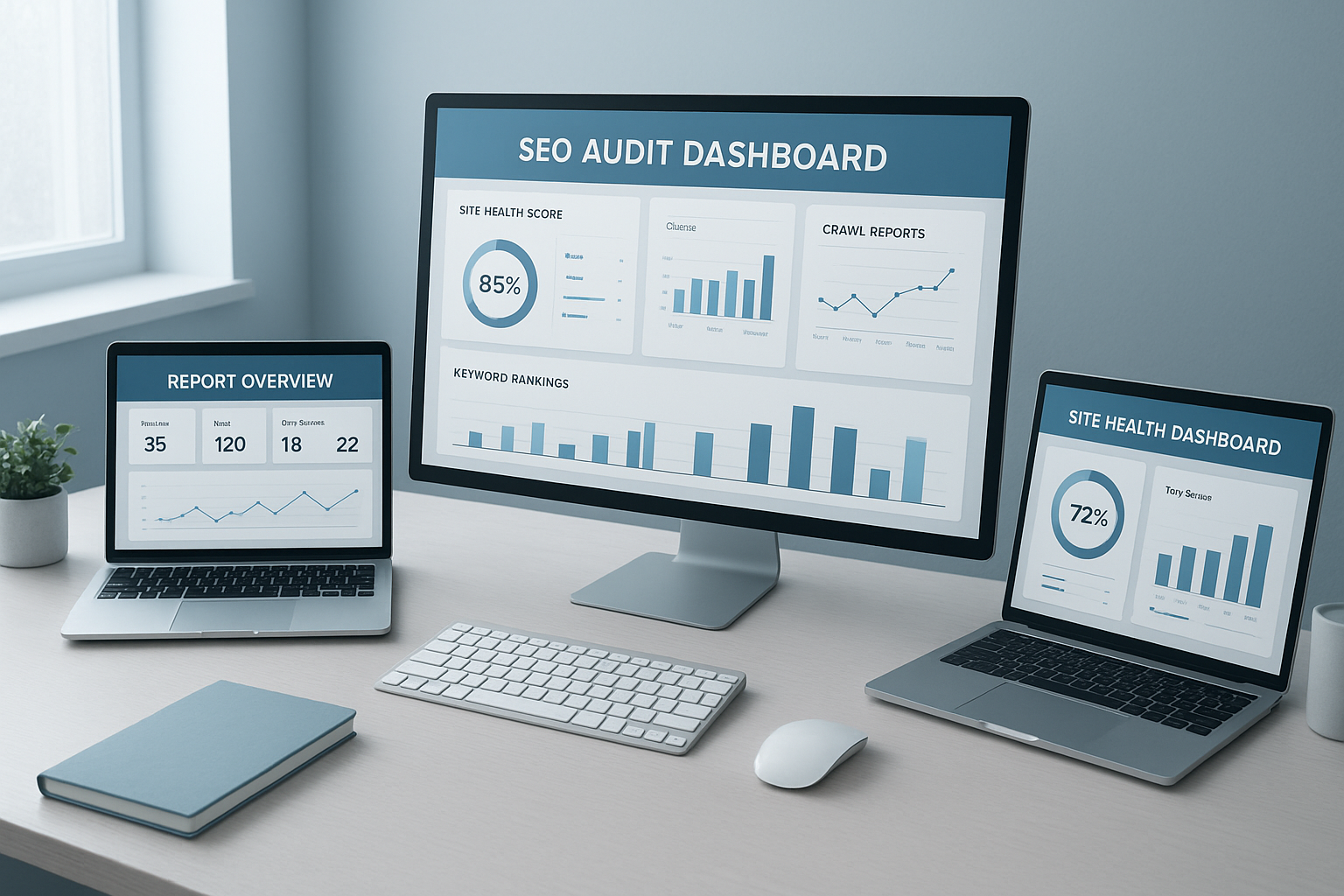
A comprehensive audit website for SEO reveals technical errors, content gaps, and link opportunities in one unified view.
Why You Need to Audit Your Website for SEO Regularly
The web is not static. Google updates its algorithm thousands of times each year. Competitors publish new content daily. Developers push code changes that accidentally remove canonical tags, break redirects, or block crawlers from key sections. Without regular audits, these issues accumulate silently — until organic traffic suddenly drops and the cause is unclear.
Furthermore, regular auditing keeps you ahead of evolving ranking factors. Core Web Vitals, mobile-first indexing, and E-E-A-T (Experience, Expertise, Authoritativeness, Trustworthiness) signals are relatively recent additions to Google’s evaluation framework. Each requires specific technical and content-level responses that only a structured audit process will reliably surface.
How Often Should You Run an SEO Audit?
Full Audit
Every 3–6 months for a complete picture of technical, on-page, and off-page health across your entire site.
Lightweight Check
Monthly via Google Search Console to catch new crawl errors and indexation drops before they compound.
Post-Launch Audit
Immediately after any major redesign, CMS migration, or significant code deployment — no exceptions.
How to Audit a Website for SEO: 8 Steps
Follow this structured process to audit your website for SEO thoroughly and efficiently. Each step builds on the last, creating a complete and actionable picture of your site’s strengths and weaknesses. For a deeper walkthrough, see our Artificial Intelligence SEO: The Complete 2025 Guide.
Step 1
Crawl Your Entire Website
Start with a full site crawl using Screaming Frog SEO Spider (free up to 500 URLs) or a cloud-based tool like Ahrefs Site Audit or Semrush Site Audit. The crawler maps every URL and flags broken links (404 errors), redirect chains, duplicate title tags, missing meta descriptions, orphaned pages, and misconfigured canonical tags.
Export the crawl data as your master issue list — everything else in the audit references back to it. Specifically, pay attention to crawl depth: pages buried more than three clicks from the homepage often receive far less crawl budget and, consequently, weaker rankings.
Step 2
Review Google Search Console
Open the Coverage report to see which pages are indexed, excluded, or blocked by robots.txt. Review the Core Web Vitals report for pages flagged as Poor or Needs Improvement. Check Manual Actions for any Google penalties that may be suppressing visibility across the entire domain.
Additionally, cross-reference the Performance report to identify high-impression, low-click-through-rate (CTR) pages. These represent quick wins — improved title tags and meta descriptions on these pages can drive immediate traffic gains without any ranking movement required.
Step 3
Audit On-Page SEO Elements
For every priority page, verify that the target keyword appears in the title tag, the H1, the first 100 words, and at least one subheading. Check that meta descriptions are unique, compelling, and within 120–156 characters. Audit heading hierarchy (H1 → H2 → H3) for logical structure.
Furthermore, review internal linking patterns to ensure your highest-value pages receive the most internal link equity. Confirm all images carry descriptive alt text. For e-commerce or service sites, also verify that structured data markup (schema) is implemented correctly on product, service, and review pages.
Step 4
Assess Page Speed and Core Web Vitals
Run your key landing pages through Google PageSpeed Insights. Focus on three Core Web Vitals metrics that directly influence Google’s ranking decisions:
- Largest Contentful Paint (LCP) — how fast your main content loads. Target: under 2.5 seconds.
- Cumulative Layout Shift (CLS) — how stable your page layout is while loading. Target: under 0.1.
- Interaction to Next Paint (INP) — how quickly the page responds to user input. Target: under 200ms.
Common fixes include converting images to WebP or AVIF format, eliminating render-blocking scripts, enabling browser caching, implementing a Content Delivery Network (CDN), and upgrading to faster server-side hosting.
Step 5
Analyze Your Backlink Profile
Use Ahrefs or Semrush to pull your full backlink profile. Look for a healthy ratio of referring domains to total links. For example, a site with 500 links from only 10 domains is far weaker in Google’s eyes than one with 500 links from 300 unique domains — diversity signals natural authority.
Flag spammy or irrelevant links for disavow consideration. Then run a competitor backlink gap analysis to find high-authority sites linking to your rivals but not to you. These become your highest-priority link outreach targets and represent the fastest path to domain authority growth.
Step 6
Review Content Quality and Topic Gaps
Identify thin pages (under 300 words with no unique value), duplicate content (use Screaming Frog’s duplicate content filter or Copyscape), and outdated articles with stale statistics or broken external links. Content that no longer reflects current best practices can actively harm your E-E-A-T signals — the framework Google uses to evaluate content quality and trustworthiness.
Subsequently, run a keyword gap analysis against your top three competitors to identify topics they rank for that you don’t cover at all. These gaps represent your highest-ROI content investments. In addition, assess whether your existing content satisfies search intent — informational, navigational, commercial, or transactional — for each target keyword.
Step 7
Audit Mobile Usability and Structured Data
Google operates on a mobile-first indexing model — meaning your mobile site is the primary version Google crawls and evaluates, not your desktop version. Use Google Search Console’s Mobile Usability report to identify tap-target issues, text too small to read, and content wider than the screen. Fix every flagged issue before moving on.
Similarly, validate all schema markup (structured data) using Google’s Rich Results Test. Schema helps search engines understand your content type and can unlock rich results — star ratings, FAQs, how-to steps — in search results. Yet structured data is skipped in most basic audits, representing a significant missed opportunity for many sites.
Step 8
Prioritize and Implement Fixes
Not all issues are equal in their ranking impact. Score each finding on a simple impact-versus-effort matrix:
- High Impact / Low Effort: Fix first — broken redirects, missing meta descriptions, LCP image optimizations.
- High Impact / High Effort: Schedule into sprints — site architecture overhaul, content hub creation, link-building campaigns.
- Low Impact / Low Effort: Batch together and handle when bandwidth allows.
- Low Impact / High Effort: Deprioritize or remove from scope entirely.
Document every fix with before-and-after screenshots and track ranking changes over 30-day windows. This makes it possible to attribute performance changes to specific actions and refine your approach over time.

A structured checklist keeps your SEO audit process consistent and ensures no critical factor is overlooked.
Technical SEO Audit: The Deep-Dive Checklist
Technical SEO refers to all the behind-the-scenes configurations that allow search engines to crawl and index your site efficiently. In contrast to on-page SEO — which focuses on content — technical SEO focuses on your site’s architecture, code, and server settings. Both dimensions must be healthy for strong rankings.
Crawlability and Indexation
- robots.txt file: Confirm it is not accidentally blocking important pages or your entire site from being crawled.
- XML sitemap: Verify it is submitted in Search Console, includes only indexable URLs, and reflects your current site structure.
- Canonical tags: Ensure every page either declares itself canonical or correctly points to the preferred version to prevent duplicate content issues.
- Noindex tags: Audit all pages carrying a noindex directive — confirm each one genuinely should be excluded from Google’s index.
- Pagination: For multi-page content, confirm rel=”next” and rel=”prev” attributes (or equivalent signals) are implemented correctly.
HTTPS and Security
Confirm your site runs entirely over HTTPS with a valid SSL certificate. Additionally, check for mixed content warnings — these occur when a page loads over HTTPS but pulls in resources (images, scripts, stylesheets) via insecure HTTP. Mixed content warnings undermine both security signals and user trust.
Site Architecture and URL Structure
A logical site architecture — where every important page is reachable within three clicks from the homepage — maximises crawl budget efficiency. Specifically, check for:
- Orphaned pages with no internal links pointing to them
- URL structures that are long, parameter-heavy, or non-descriptive
- Redirect chains of more than one hop (e.g., A → B → C instead of A → C directly)
- Soft 404s — pages that return a 200 OK status code but display “page not found” content
On-Page SEO Audit: What to Check on Every Page
On-page SEO is the practice of optimising individual pages so that both search engines and users understand exactly what the page is about. As a result, it directly determines whether your page appears for the right queries. Here is what to evaluate for each priority page:
Title Tags and Meta Descriptions
Every page needs a unique title tag containing the primary keyword. Title tags should be 50–60 characters long to avoid truncation in search results. Meta descriptions should be 120–156 characters, include a natural mention of the target keyword, and contain a compelling reason to click.
In particular, watch out for:
- Duplicate title tags across multiple pages (a common CMS-generated problem)
- Missing meta descriptions — Google will auto-generate them, usually from irrelevant body text
- Title tags that stuff keywords unnaturally rather than matching user search intent
Heading Structure and Keyword Usage
Each page should have exactly one H1 tag containing the primary keyword. Subsequently, H2 and H3 subheadings should break content into logical sections using semantic keyword variants — related terms and phrases that reinforce topical depth without keyword stuffing.
Additionally, confirm the target keyword appears naturally within the first 100 words of the body content. This signals topical relevance to Google’s crawler early in the document.
Internal Linking Strategy
Internal links are one of the most underused levers in SEO. Specifically, they pass link equity (PageRank) between pages and signal to Google which pages are most important. Consequently, your most valuable commercial or ranking pages should receive the highest number of internal links — with descriptive anchor text that includes the target keyword.
Audit your internal linking to identify pages with zero or very few inbound internal links. These are often strong pages that are being starved of ranking power — and adding two or three targeted internal links can produce ranking improvements within weeks.
Best Tools to Audit a Website for SEO
No single tool covers every dimension of an SEO audit. The most effective approach combines a technical crawler, a rank tracker, and a Search Console integration. Below is a comparison of the most widely used tools:
Common SEO Audit Mistakes to Avoid
Even experienced SEO teams make these mistakes. Therefore, reviewing this list before you start your audit can save hours of misdirected effort:
- Auditing without a baseline. Always record current rankings, traffic, and crawl health before making changes. Without a baseline, you cannot measure what actually improved — or why.
- Fixing everything at once. Implementing dozens of changes simultaneously makes it impossible to attribute ranking movements to specific actions. Instead, batch fixes by category and implement in phases.
- Ignoring mobile usability. Google uses mobile-first indexing. Consequently, your mobile experience is the primary signal — not your desktop version. Desktop-only testing gives an incomplete picture.
- Skipping structured data. Schema markup helps search engines understand your content and can unlock rich results in SERPs. However, it is omitted in the vast majority of basic audits.
- Ignoring search intent. Technical fixes are meaningless if the page content doesn’t match what the searcher actually wants. Always verify that each page’s content type (guide, product page, comparison, etc.) aligns with the dominant intent for its target keyword.
- Neglecting E-E-A-T signals. Google’s quality rater guidelines place heavy emphasis on Experience, Expertise, Authoritativeness, and Trustworthiness. Thin author bios, missing citations, and unverified claims all weaken E-E-A-T — and these are content-level issues that no technical fix can resolve.
- Treating the audit as a one-time event. SEO is a continuous process. Above all, a single audit without follow-through delivers minimal long-term value. The compound effect of repeated quarterly audits far outweighs any single one-off review.
How to Read Your SEO Audit Results: Priority Tiers Explained
After running a crawler and reviewing Search Console, you’ll typically face a long list of issues. However, not all issues carry equal weight. As a result, prioritization is the most valuable skill in translating audit findings into real ranking gains.
Frequently Asked Questions About How to Audit Website for SEO
What does it mean to audit a website for SEO?
To audit website for SEO means to systematically evaluate every technical, on-page, and off-page factor that influences how search engines crawl, index, and rank your site. The goal is to identify issues suppressing organic visibility and prioritize fixes that will produce measurable improvements in rankings and traffic. Think of it as a diagnostic report card for your entire digital presence.
How often should I audit my website for SEO?
Most SEO professionals recommend a full audit every three to six months, with lightweight monthly checks in Google Search Console. Additionally, always run a full audit immediately after a major site redesign, platform migration, or significant Google algorithm update — even if one is already scheduled.
How long does a full SEO audit take?
A basic audit of a small site (under 100 pages) typically takes two to four hours. A comprehensive audit of a large enterprise site with thousands of pages, multiple subdomains, and international configurations can take several days of focused analysis. The time investment scales with site complexity — not just page count.
Can I audit my website for SEO for free?
Yes. Google Search Console and the free version of Screaming Frog (up to 500 URLs) cover the most critical technical checks at no cost. Google PageSpeed Insights is completely free. For backlink analysis and keyword gap data, paid tools like Ahrefs or Semrush offer trial periods that allow one-time audits at minimal cost.
What is the difference between a technical SEO audit and a full SEO audit?
A technical SEO audit focuses exclusively on the infrastructure-level factors — crawlability, indexation, page speed, HTTPS, redirects, and structured data. A full SEO audit expands this to include on-page content analysis, keyword targeting, internal linking, backlink profile review, and content gap identification. For the strongest results, both should be performed together.
How soon will I see results after fixing SEO audit issues?
Quick wins like fixing high-impression, low-CTR title tags can drive traffic improvements within days. However, ranking changes from technical and content fixes typically appear within 30 to 90 days, depending on your site’s crawl frequency and domain authority. Consequently, patience and consistent tracking are essential after implementing fixes.
What is E-E-A-T and why does it matter for an SEO audit?
E-E-A-T stands for Experience, Expertise, Authoritativeness, and Trustworthiness. It is the framework Google’s quality raters use to evaluate content quality — particularly for YMYL (Your Money or Your Life) topics like finance, health, and legal advice. During an SEO audit, you should assess whether your content demonstrates first-hand experience, cites credible sources, attributes authorship to qualified people, and presents clear trust signals such as privacy policies, contact information, and verified reviews.

Auditing a website for SEO uncovers the hidden technical signals that determine your search engine visibility.
Turning Your SEO Audit Into Ranking Results
The most technically perfect audit report is worthless without execution. Once you’ve completed your audit, build a tiered implementation plan: address critical technical blockers in week one, optimize on-page elements in weeks two and three, and begin content and link improvements in month two onward.
Track your progress in Google Search Console weekly. Specifically, watch for crawl error reductions, improved Core Web Vitals scores, and rising impressions on target keywords as leading indicators that your fixes are working. Full ranking impact typically appears within 30 to 90 days, depending on your site’s crawl frequency and domain authority.
For sites in competitive niches, consider pairing your audit findings with a dedicated link-building campaign. Technical and on-page improvements raise your ranking ceiling; authoritative backlinks determine how close you get to it. Resources like RankAuthority can help bridge that gap with strategic link acquisition aligned to your audit’s keyword targets.
💡 Expert Support
If you want expert-level guidance alongside your own audit efforts, the team at RankAuthority provides professional SEO audit services that combine automated crawl data with human strategic analysis — giving you both the full issue list and a clear, prioritized implementation roadmap.
Conclusion: Build a Repeatable System to Audit Website for SEO
To audit website for SEO effectively, you need a repeatable system — not a one-off checklist. Crawl, diagnose, prioritize, fix, measure, and repeat. Each audit cycle compounds on the last, gradually building a site that search engines trust and users love. Start with the eight steps above, combine the right free and paid tools for each layer, and treat your SEO audit as the strategic foundation of every organic decision you make. The teams that win in search are not the ones who run the best single audit — they are the ones who audit website for SEO consistently, act on what they find, and adapt as the landscape changes.

