SEO & Website Maintenance
Checking broken links on a website is the process of scanning every hyperlink across your pages to identify URLs that return errors — most often a 404 Not Found response — so they can be corrected before they harm your visitors or your search engine rankings. Even a handful of dead links can silently erode your SEO authority and frustrate users who hit dead ends instead of the content they expected.
What Is Checking Broken Links on a Website?
Direct answer: Checking broken links on a website means systematically auditing all internal and external hyperlinks to find those that return HTTP error codes. The goal is to restore a seamless navigation experience and ensure search engine crawlers can move through your site without hitting dead ends.
A broken link — sometimes called a dead link — occurs when a URL a page points to no longer resolves to a working resource. This can happen because a destination page was deleted, a URL structure was changed without a redirect, an external site went offline, or a simple typo was introduced during editing. According to Wikipedia’s article on link rot, the degradation of hyperlinks over time is an unavoidable reality of the web — making regular audits a non-negotiable maintenance task.
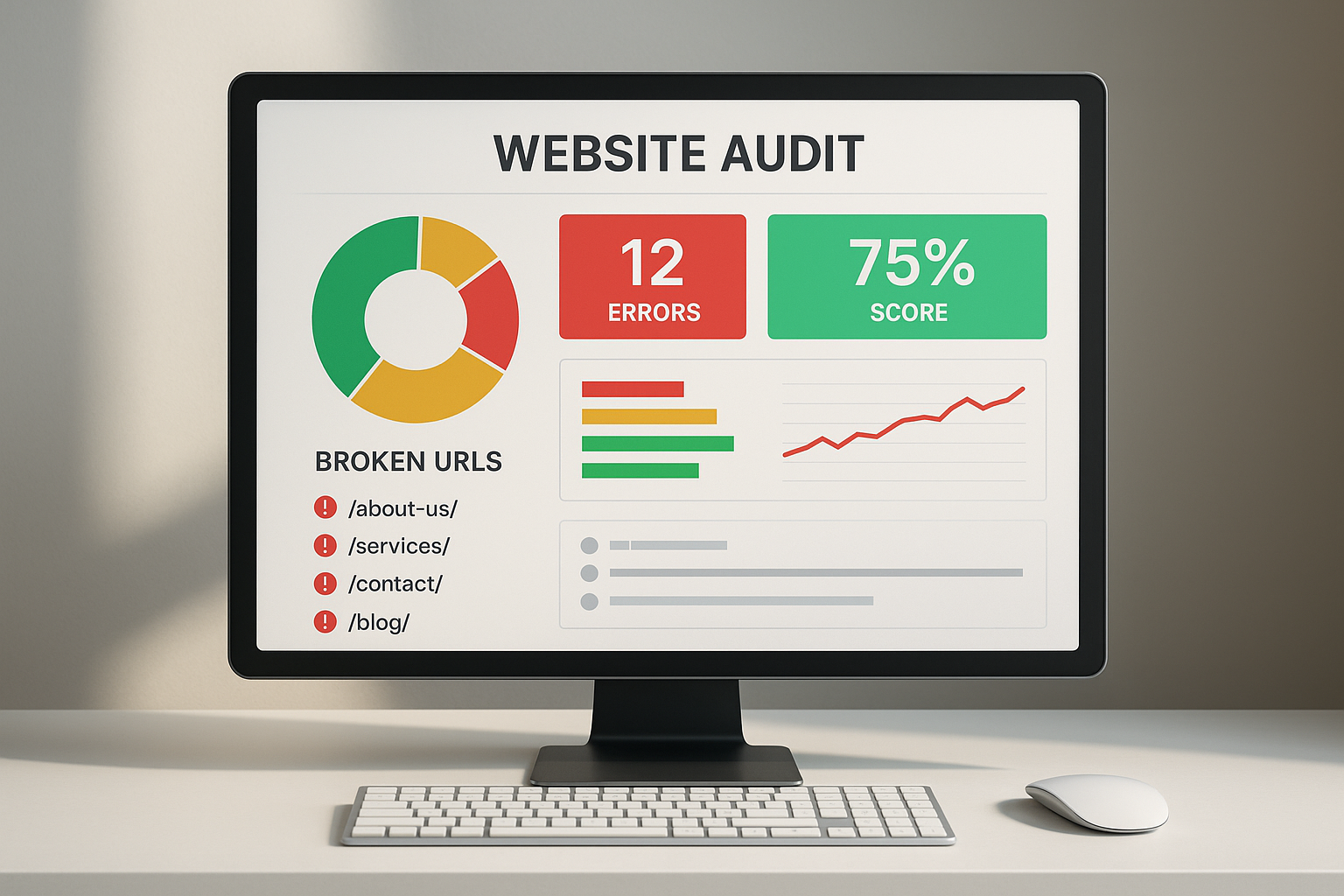
A typical audit dashboard highlights broken links across a site, making it easy to prioritize fixes.
Why Broken Links Are a Serious SEO Problem
Search engines like Google use crawlers to follow links and discover content. When those crawlers encounter broken links, several damaging things happen simultaneously:
- Wasted crawl budget: Every request a crawler makes to a dead URL is a wasted opportunity to index your real content — particularly critical for large sites.
- Lost PageRank flow: Internal links pass authority between pages. Broken internal links sever that flow, leaving valuable pages under-ranked.
- Poor user signals: Visitors who land on 404 pages bounce immediately. High bounce rates and low dwell times send negative quality signals to search algorithms.
- Damaged credibility: External broken links suggest your content is outdated and poorly maintained — reducing trust with both users and search engines.
⚠ Key Insight
Even a single broken link on a high-authority page can interrupt the flow of link equity across your entire internal linking structure. Regular audits protect the SEO value you have already built.
The Best Tools for Checking Broken Links on a Website
Several tools exist across the free-to-enterprise spectrum. The right choice depends on your site size, technical comfort, and audit frequency.
1. Google Search Console
The Coverage and Pages reports surface 404 errors that Google’s own crawler has encountered. Since this reflects real-world crawl data, it is arguably the most actionable source for finding broken links that are actively hurting your rankings. Free and indispensable.
2. Screaming Frog SEO Spider
The industry-standard desktop crawler. Screaming Frog can audit up to 500 URLs for free and unlimited URLs on a paid licence. It filters results by HTTP status code, making it trivial to isolate every 4xx and 5xx response across internal and external links simultaneously.
3. Ahrefs Site Audit
Ahrefs provides a cloud-based crawler that schedules recurring audits and tracks broken link trends over time. Its visual reporting makes it easy to see whether your link health is improving after fixes — ideal for agencies managing multiple client sites.
4. W3C Link Checker
The W3C Link Checker is a free, browser-based tool maintained by the World Wide Web Consortium. Enter any URL and it recursively checks all links on that page. Best suited for smaller sites or one-off page audits rather than full-site crawls.
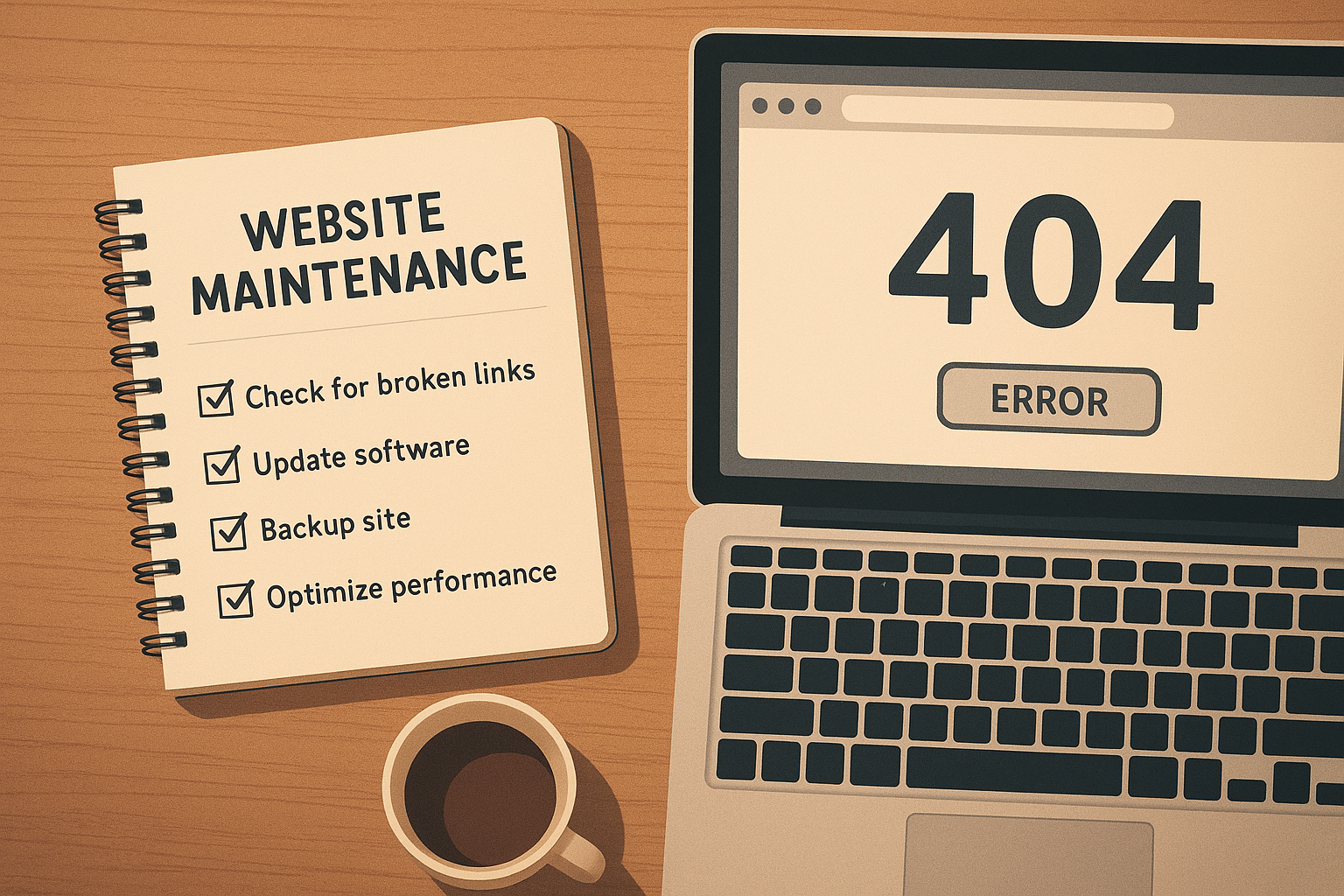
Systematic checking of broken links on a website often starts with a structured checklist and the right toolset.
Step-by-Step: How to Check and Fix Broken Links
Follow this five-step process to audit and repair broken links efficiently:
-
1
Crawl your entire website
Launch your chosen tool and point it at your homepage or sitemap. Allow it to crawl all pages — do not restrict the crawl depth, as broken links often hide in older, deeper content.
-
2
Filter for HTTP error codes
Sort or filter results by status code. Target 404 Not Found errors first, then 410 Gone, 500 Server Error, and any redirect chains (301 loops) that may cause crawl issues.
-
3
Locate the source pages
For each broken URL, your crawl tool will show which page contains the broken anchor tag. Note both the source page and the broken destination URL — you need both to make the correct fix.
-
4
Fix, redirect, or remove
Choose the right resolution: update the link to a live URL, implement a 301 redirect if the content has moved permanently, or remove the anchor tag if the resource no longer exists anywhere.
-
5
Re-crawl and verify
Run a fresh crawl to confirm every previously broken URL now returns a 200 OK response. Verify in Google Search Console that crawl errors have cleared — this may take a few days as Google re-crawls the updated pages.
Internal vs. External Broken Links: Different Risks, Different Fixes
Not all broken links carry the same weight. Understanding the distinction helps you prioritize your repair queue:
Internal Broken Links
Links pointing to other pages within your own domain. These are the highest priority because they directly disrupt crawl paths and PageRank distribution.
Fix by: Updating the URL or setting a 301 redirect
External Broken Links
Links pointing to third-party sites that have moved or gone offline. These hurt user experience and credibility but do not affect your own crawl budget directly.
Fix by: Replacing with a live equivalent or removing the link
How Often Should You Audit for Broken Links?
The right cadence depends on how frequently your site changes and how large it is:
- Small sites (under 50 pages): A quarterly audit is generally sufficient, combined with a quick manual review whenever you publish new content or restructure URLs.
- Medium sites (50–500 pages): Monthly audits using an automated tool keep broken link counts manageable without consuming excessive time.
- Large sites (500+ pages): Weekly or continuous monitoring via scheduled crawls in tools like Ahrefs or Screaming Frog is ideal. Set up alerts so new 404 errors are flagged immediately.
Frequently Asked Questions
Do broken links hurt SEO?
Yes. Broken links prevent search engine crawlers from indexing your content efficiently, waste crawl budget, and signal poor site quality to Google — all of which can negatively affect your search rankings. Internal broken links are especially damaging because they sever the flow of link equity between your own pages.
What is the best free tool for checking broken links on a website?
Google Search Console is the best free tool for checking broken links on a website because it reports crawl errors from Google’s own perspective. The W3C Link Checker is also a reliable free option for smaller sites or individual page audits.
Can I check broken links without installing software?
Yes. Google Search Console and the W3C Link Checker are entirely browser-based. Ahrefs also offers a cloud-based site audit that requires no local installation. These are ideal if you prefer not to run desktop software.
How long does it take Google to recognize fixed broken links?
After you fix a broken link, Google typically re-crawls the affected pages within a few days to a few weeks, depending on your site’s crawl frequency. You can speed this up by requesting a re-crawl via the URL Inspection tool in Google Search Console.
Checking broken links on a website involves reviewing HTTP status codes for every URL your site references.
Prevention: Stopping Broken Links Before They Happen
Fixing broken links is reactive. The smartest strategy combines regular audits with proactive prevention:
- Always set 301 redirects when you change a URL, delete a page, or restructure your site architecture. This preserves both user experience and link equity.
- Audit before and after migrations: Site migrations are the single largest source of mass broken links. Run a full crawl before and after any platform change or URL restructure.
- Use relative URLs internally where your CMS supports it, so internal links remain valid even if your domain changes.
- Vet external links before publishing: Check that every outbound link you add is live at the time of publication. Revisit older posts periodically to verify external sources remain accessible.
💡 Pro Tip
Pair your broken link audits with a full technical SEO review. Tools and guidance available at Rank Authority can help you prioritize which link errors to tackle first based on their impact on your overall search visibility.
Conclusion
Checking broken links on a website is not a one-time task — it is a continuous discipline that protects your SEO rankings, preserves user trust, and ensures search engine crawlers can efficiently index every page you have worked hard to create. By combining the right tools, a structured five-step audit process, and proactive prevention habits, you can keep your site’s link health in excellent condition year-round.
Start with Google Search Console to surface the errors Google already knows about, then use Screaming Frog or Ahrefs for a deeper site-wide crawl. Fix internal broken links first, then address external ones. Schedule recurring audits so dead links never accumulate unnoticed. For a broader technical SEO strategy that puts broken link management in context, Rank Authority offers in-depth resources to help you build and maintain a technically sound website.
QUICK SUMMARY
✔ Broken links damage SEO, waste crawl budget, and harm user experience
✔ Use Google Search Console, Screaming Frog, or Ahrefs to find them
✔ Fix with URL updates, 301 redirects, or link removal
✔ Audit monthly for medium sites; weekly for large sites
✔ Always set redirects when changing or deleting URLs