

Technical SEO
“If search engines can’t crawl it, they can’t rank it.”
Understanding how web crawls work is one of the most fundamental skills in SEO. Every page that ranks in Google, Bing, or any other search engine got there because a bot first discovered it, read it, and decided it was worth indexing. Without successful crawls, even the most brilliantly written content remains completely invisible to search engines and the people using them.
Quick Answer
Crawls are automated processes in which search engine bots — such as Googlebot — systematically follow links across the web to discover, read, and record web page content. This process feeds a search engine’s index, which determines what appears in search results and in what order.
What Are Web Crawls?
Web crawls — sometimes called “spidering” — is the process by which automated software programs, known as crawlers or bots, traverse the internet by following hyperlinks from one page to another. According to Wikipedia’s definition of a web crawler, these programs are a major component of every search engine and systematically browse the World Wide Web for the purpose of web indexing.
When a crawler visits a page, it reads the HTML, records the content, extracts all outbound links, and adds those new URLs to a queue to be visited next. This queue-based, link-following model means crawlers can theoretically discover every publicly accessible page on the internet — as long as those pages are linked from somewhere.
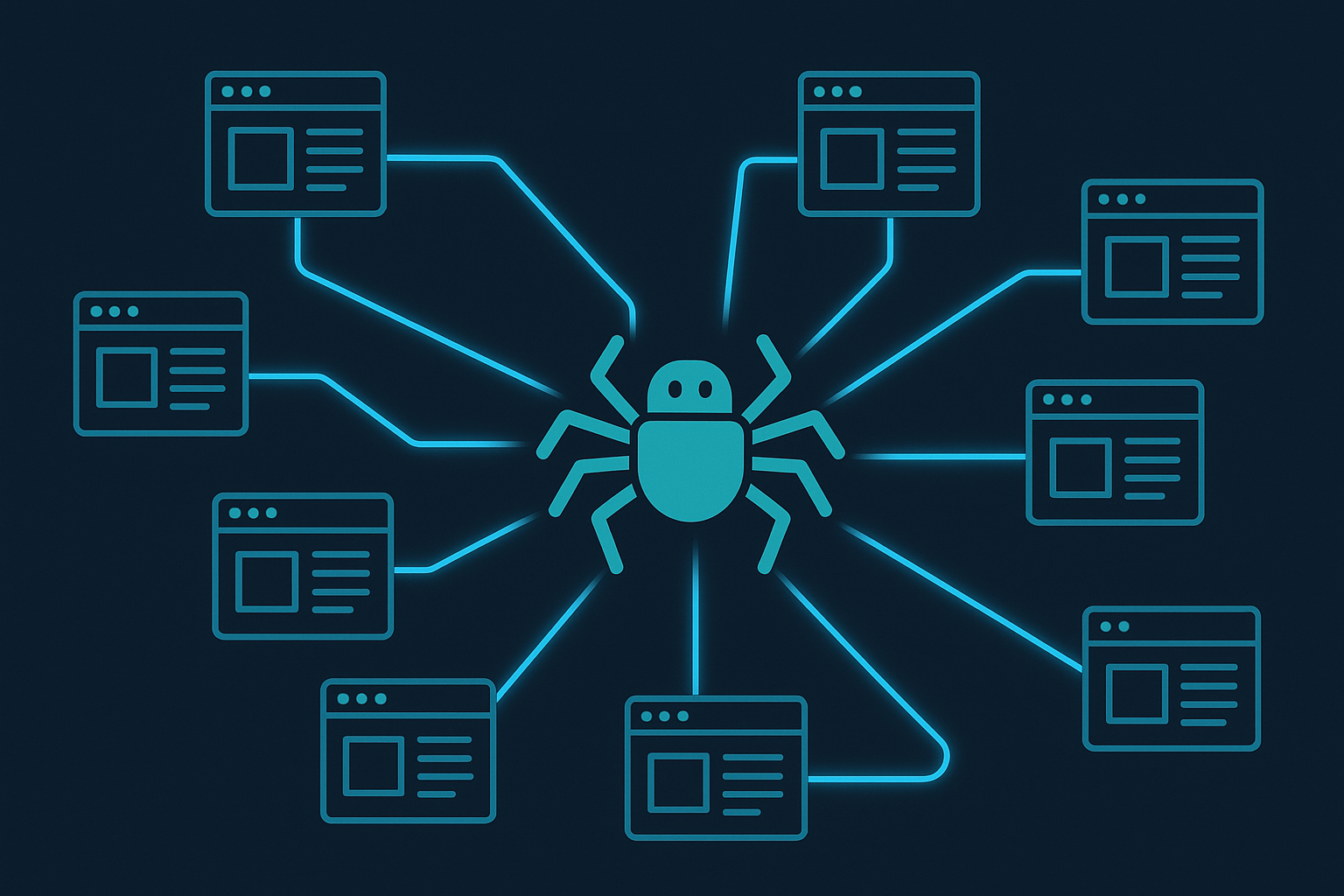
A visual representation of how search engine crawls navigate from page to page by following hyperlinks.
How Does the Crawling Process Work Step by Step?
The crawl cycle follows a predictable pattern that repeats continuously across billions of URLs:
- Seed URLs: Every crawl begins with a list of known URLs called “seeds.” These include previously crawled pages, sitemap entries, and links submitted by webmasters through tools like Google Search Console.
- Fetching: The crawler sends an HTTP request to each URL and downloads the page’s HTML response. It checks the server response code — a 200 means success, while a 404 or 500 signals a problem.
- Parsing: The downloaded HTML is parsed to extract text content, metadata, structured data, and — critically — all hyperlinks found on the page.
- Queue and prioritize: Newly discovered links are added to the crawl queue. Not all URLs are treated equally — the crawler prioritizes based on page authority, freshness signals, and crawl budget allocation.
- Indexing: Content that passes quality checks is processed and stored in the search engine’s index, making it eligible to appear in search results.
What Is Crawl Budget and Why Does It Matter?
Crawl budget refers to the number of pages a search engine will crawl on your website within a given period. Google determines this based on two factors: crawl rate limit (how fast Googlebot can crawl without overwhelming your server) and crawl demand (how much Google wants to crawl based on popularity and freshness signals).
For most small-to-medium websites, crawl budget is rarely a concern. But for large e-commerce sites with hundreds of thousands of product pages, faceted navigation, or duplicate content issues, crawl budget becomes a critical factor. If Googlebot wastes its budget on thin, duplicate, or blocked pages, your most valuable content may not get crawled and indexed at all.
Pro Tip
Use the Crawl Stats report in Google Search Console to monitor how often Googlebot visits your site, which pages are being crawled most, and whether any server errors are eating into your crawl budget unnecessarily.
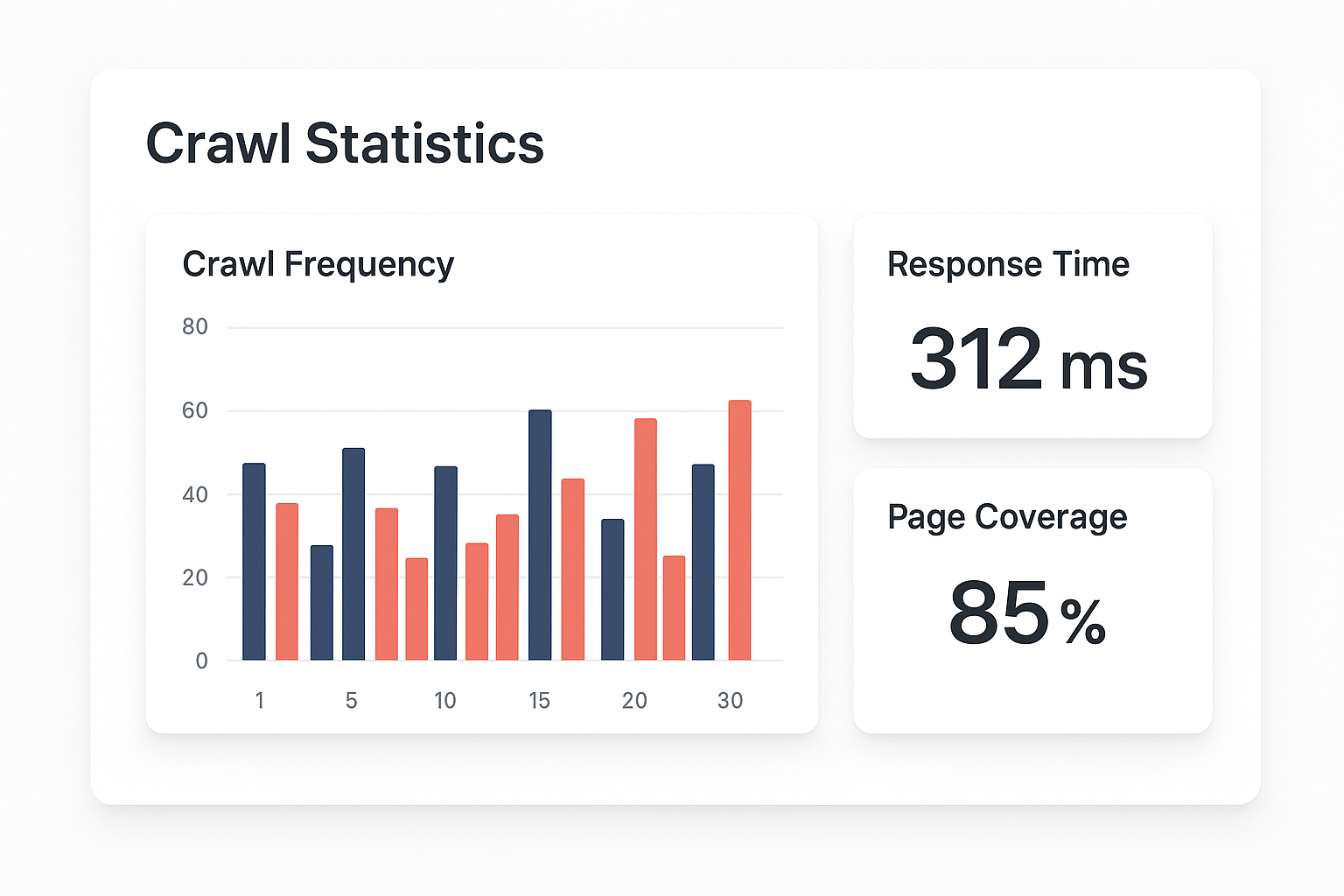
Monitoring crawl stats helps identify wasted crawl budget and prioritization issues across large sites.
What Blocks Search Engine Crawls?
Several common technical issues can prevent crawlers from accessing your content. Identifying and fixing these is the foundation of technical SEO:
- robots.txt disallows: A misconfigured robots.txt file can accidentally block entire sections of your site from being crawled. Always audit your robots.txt after major site changes.
- Noindex meta tags: Pages with a
noindexdirective are crawled but not indexed. While intentional in some cases, misapplied noindex tags can wipe pages from search results. - JavaScript-heavy rendering: Content loaded purely via JavaScript may not be crawled on the first pass. Google can render JavaScript, but it adds latency and resource cost to the crawl.
- Server errors and slow response times: A server returning 500 errors or taking more than a few seconds to respond will cause Googlebot to back off, reducing crawl frequency over time.
- Orphan pages: Pages with no internal links pointing to them are nearly impossible for crawlers to discover organically. Every important page needs at least one internal link from a crawlable page.
How to Optimize Your Site for Search Engine Crawls
Optimizing for crawlability is not a one-time task — it requires ongoing attention as your site grows. Here are the most impactful actions you can take:
1. Submit an XML Sitemap
A well-structured XML sitemap acts as a roadmap for crawlers, listing your most important URLs and their last-modified dates. Submit it via Google Search Console and keep it updated automatically using your CMS or SEO plugin.
2. Strengthen Internal Linking
Internal links are how crawlers navigate your site. Every important page should be reachable within three clicks from the homepage. Use descriptive anchor text and ensure no important page is an orphan.
3. Eliminate Redirect Chains
Each redirect in a chain costs crawl budget and dilutes link equity. Audit your redirects regularly and ensure they point directly to the final destination URL rather than hopping through multiple intermediate steps.
4. Improve Page Speed
Fast servers and lean pages allow Googlebot to crawl more pages per session. Compress images, enable caching, use a CDN, and minimize render-blocking resources to keep your Time to First Byte (TTFB) low.
5. Use Canonical Tags Correctly
Canonical tags tell crawlers which version of a duplicate or near-duplicate page should be treated as the authoritative version. This prevents crawl budget from being wasted on content that shouldn’t be indexed separately.
Frequently Asked Questions About Crawls
What are web crawls in SEO?
Web crawls are automated processes where search engine bots systematically browse the internet, following links from page to page to discover, read, and index content so it can appear in search results. Without successful crawls, no page can rank.
How often does Google crawl a website?
Crawl frequency varies widely. High-authority sites with frequent content updates may be crawled multiple times per day, while smaller or less active sites might only see Googlebot weekly or monthly. Publishing fresh content regularly is one of the best ways to increase crawl frequency.
What is crawl budget and why does it matter?
Crawl budget is the number of pages Googlebot will crawl on your site within a given timeframe. It matters because if your crawl budget is consumed by low-value pages — like faceted URLs, thin content, or redirect chains — your most important pages may not get crawled or indexed in a timely manner.
How can I see how Googlebot crawls my site?
Google Search Console’s Crawl Stats report provides detailed data on how often Googlebot visits your site, average response times, and which file types are being fetched. The Coverage report shows which pages were indexed, which were excluded, and why.
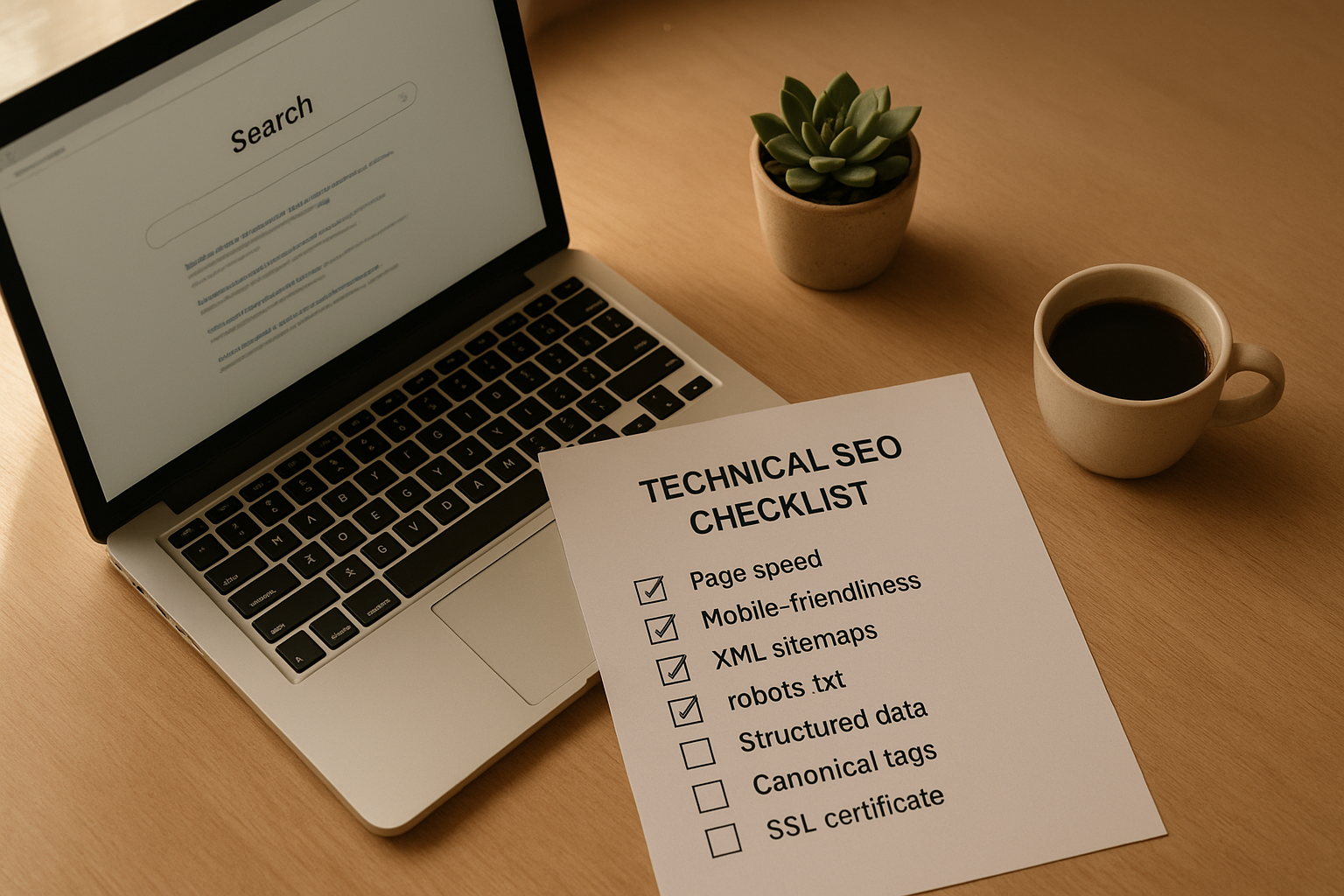
A systematic crawl audit checklist helps ensure no technical issue is preventing search engines from indexing your content.
Tools for Monitoring and Improving Crawlability
Several tools make it easier to audit and improve how search engines crawl your site:
- Google Search Console: The free, first-party tool for monitoring crawl activity, coverage issues, and indexing status directly from Google.
- Screaming Frog SEO Spider: A desktop crawler that simulates how Googlebot crawls your site, revealing broken links, redirect chains, missing meta tags, and duplicate content at scale.
- Ahrefs Site Audit: A cloud-based crawler that provides crawlability scores, prioritized issue lists, and historical crawl data to track improvements over time.
- Semrush Site Audit: Offers a comprehensive crawl health score alongside specific recommendations for fixing crawlability, speed, and internal linking issues.
For a deeper dive into how crawlability intersects with overall SEO authority and rankings, the team at Rank Authority provides expert guidance on technical SEO strategy tailored to your site’s specific architecture.
The Relationship Between Crawls and Rankings
It is important to understand that crawling and ranking are two separate — though deeply connected — processes. A page being crawled does not guarantee it will rank. But a page that is never crawled has zero chance of ranking at all.
The crawl-to-rank pipeline works like this: a page is discovered via crawling → content is evaluated and indexed → ranking algorithms assess relevance and authority → the page appears in search results. A breakdown at any stage in this chain means the page won’t reach its ranking potential.
This is why crawl optimization is not just a technical checkbox — it is a foundational SEO investment. Sites that are easy for crawlers to navigate tend to get fresher index updates, have more pages indexed, and ultimately build stronger search presence faster than technically problematic competitors.
Conclusion
Mastering how web crawls work — and proactively optimizing your site for them — is one of the highest-leverage actions you can take in SEO. By ensuring your robots.txt is clean, your sitemap is current, your internal links are strong, and your server is fast, you give search engines every opportunity to discover and index your best content efficiently.
For personalized crawl audits and technical SEO support, Rank Authority offers expert analysis to help your site reach its full search visibility potential.

