

Technical SEO & Site Health
Broken link testing is one of the most impactful — and most neglected — maintenance tasks in modern SEO. Every dead link on your site is a silent drain on rankings, crawl budget, and user trust. This guide gives you everything you need to find, fix, and prevent them.
Quick Answer
Broken link testing is the systematic process of scanning a website to identify hyperlinks that return HTTP error codes — most commonly 404 — rather than delivering a valid page. Running regular tests protects your search rankings, preserves crawl budget, and keeps visitors from hitting dead ends.
What Is Broken Link Testing?
Broken link testing is the practice of systematically checking every hyperlink on a website — internal and external — to confirm each one resolves to a live, accessible destination. When a link fails, it typically returns an HTTP status code in the 4xx or 5xx range, the most notorious being the 404 Not Found error. According to the Wikipedia article on HTTP 404, this response code signals that the server could not find the requested resource — a problem that compounds silently across large websites over time.
From a search engine perspective, broken links waste crawl budget, interrupt the flow of PageRank through your site architecture, and send negative usability signals to Google’s ranking algorithms. From a visitor’s perspective, landing on a dead link erodes trust immediately and increases bounce rate — two outcomes no site owner wants.
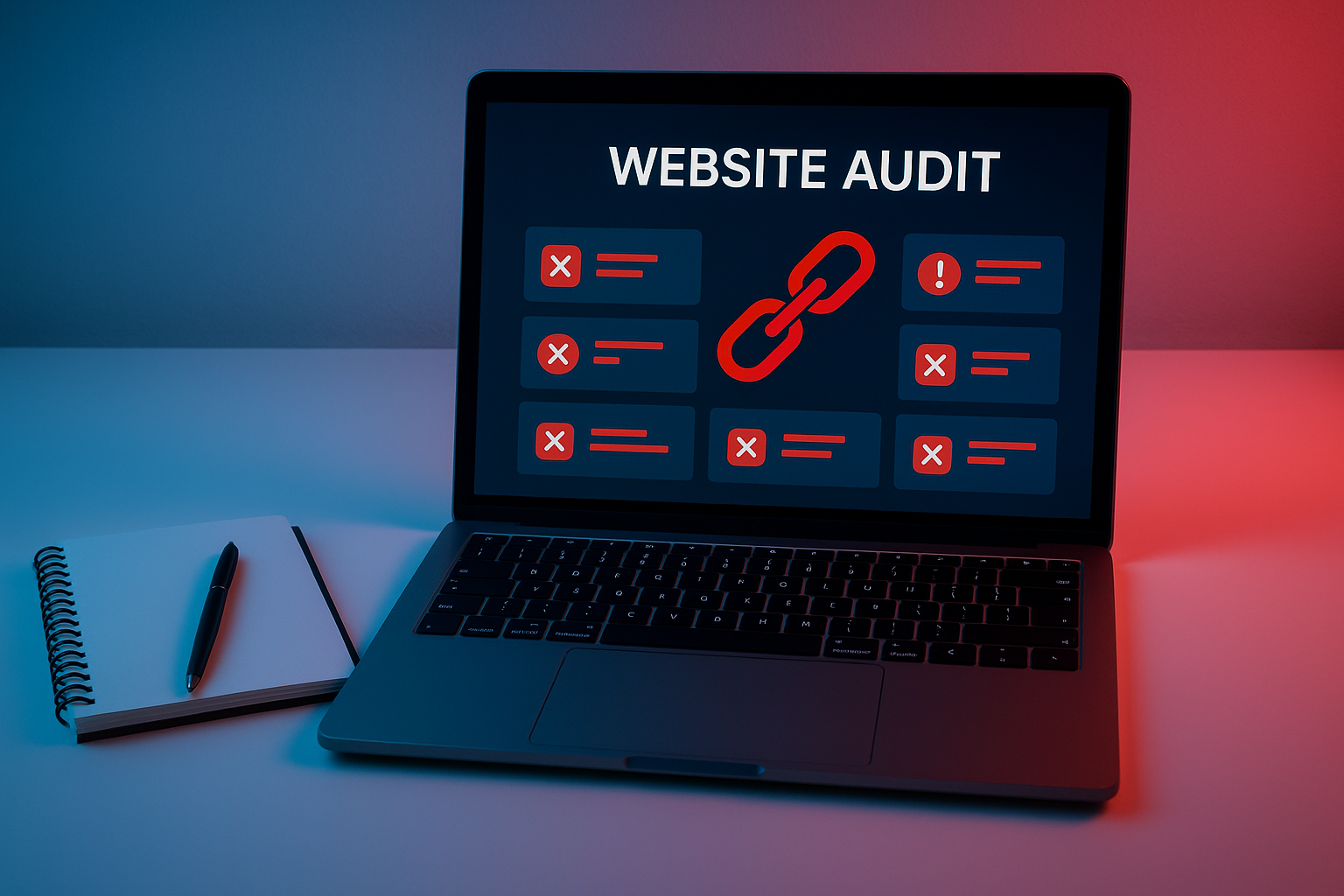
A typical broken link testing dashboard surfaces 404 errors and redirect chains that silently damage your site’s SEO performance. For a deeper walkthrough, see our The Role of Bullets and Numbered Lists: SEO Best Practices:.
Why Broken Links Hurt Your SEO
Search engines crawl your site by following links. When Googlebot hits a broken link, it stops dead — it cannot index the destination page, cannot pass authority through that pathway, and logs the error against your site’s health profile in Google Search Console. Accumulate enough of these and you will see measurable drops in crawl coverage and, eventually, organic visibility. For a deeper walkthrough, see our Do Calls-to-Action (CTA) in Title Tags Improve Search Rankings?.
SEO Impact
- Wasted crawl budget
- Lost PageRank flow
- Reduced index coverage
- Lower domain authority signals
UX Impact
- Higher bounce rates
- Damaged brand credibility
- Frustrated visitors
- Lower conversion rates
Broken external links carry an additional risk: they can point visitors toward expired domains that have been re-registered for spam or malware. This is a reputational hazard that regular broken link testing helps you catch before it becomes a liability.
The Best Tools for Broken Link Testing
Choosing the right tool depends on your site’s size, technical access, and budget. Here are the most reliable options available in 2025:
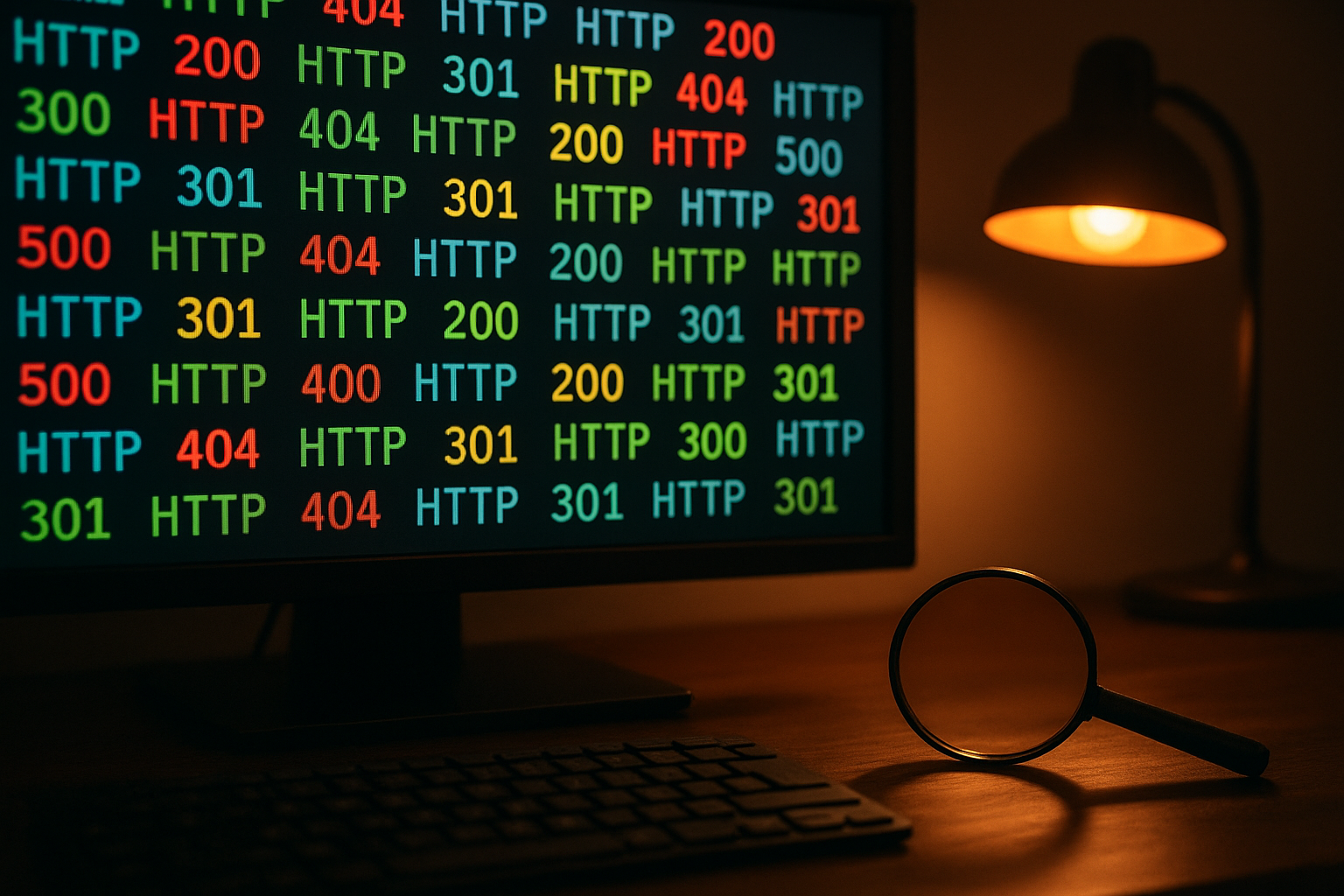
Understanding HTTP status codes is fundamental to interpreting broken link testing results and prioritising which errors to fix first. For a deeper walkthrough, see our Broken Links Test: The Complete Guide to Fix Errors.
How to Perform Broken Link Testing: Step by Step
Follow this repeatable process to audit your site thoroughly and act on what you find:
Crawl Your Entire Website
Launch Screaming Frog or your preferred crawler and point it at your root domain. Allow it to follow all internal links. Once complete, export the full list of URLs with their HTTP status codes. For large sites, use a cloud-based tool like Ahrefs to avoid local hardware limitations.
Filter for Error Status Codes
Filter results to show only 4xx and 5xx responses. Pay special attention to 404s (page not found), 410s (permanently gone), and 500s (server errors). Also flag redirect chains longer than two hops — they slow page load and dilute link equity.
Map Each Broken Link to Its Source Page
For every broken URL, identify which pages on your site contain the linking anchor. Most crawlers display this in an “Inlinks” tab. Prioritise fixing broken links on your highest-traffic pages and those closest to your site’s root.
Apply the Correct Fix
There are three valid responses: update the link to a working equivalent URL, set up a 301 redirect if the content has moved permanently to a new address, or remove the link entirely if no suitable replacement exists. Never leave a 404 unresolved on a page that receives organic traffic.
Verify Fixes and Schedule Recurring Tests
Re-crawl the edited pages to confirm fixes are live and returning 200 OK. Then set a recurring schedule — monthly for most sites, weekly for high-volume publishing operations. Automate alerts in Ahrefs or Google Search Console so new broken links surface immediately.
Frequently Asked Questions
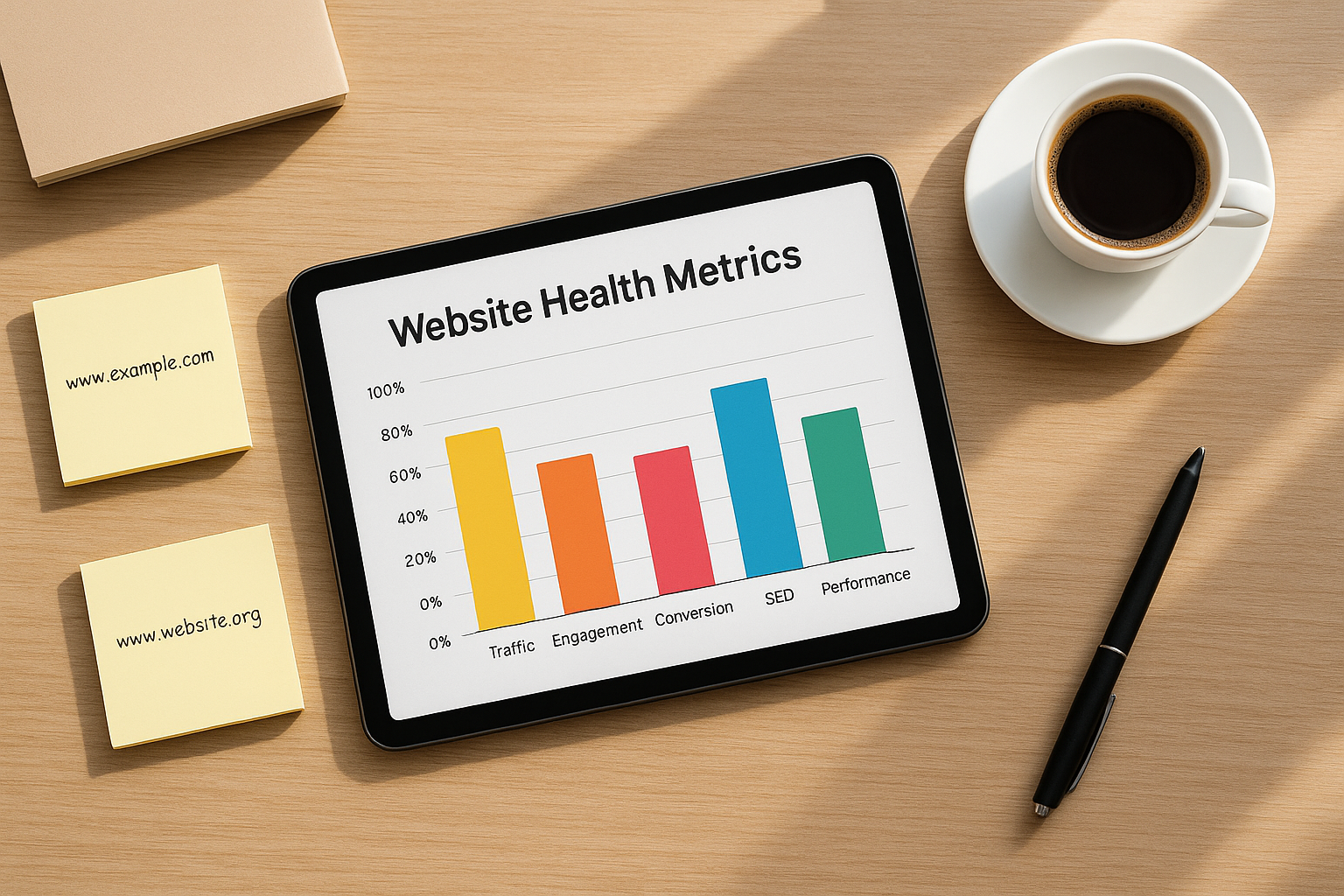
Tracking website health metrics over time helps teams measure the impact of broken link testing and demonstrate SEO improvements to stakeholders.
Advanced Tips: Going Beyond Basic Checks
Once you have mastered the fundamentals, these advanced practices will make your broken link testing programme significantly more effective:
- Monitor your backlink profile. External sites linking to your 404 pages represent lost authority. Use Ahrefs to identify high-value inbound links pointing to dead URLs and redirect those pages to relevant live content — recovering link equity that would otherwise be lost.
- Check JavaScript-rendered links. Single-page applications often load links dynamically. Standard crawlers may miss these entirely. Use a JavaScript-rendering crawler mode in Screaming Frog or a headless browser tool to catch them.
- Audit your XML sitemap. Sitemaps sometimes list URLs that have since been deleted or redirected. A sitemap containing 404 URLs signals poor site hygiene to search engines and should be cleaned immediately.
- Test after every major site migration. URL structure changes, platform migrations, and CMS upgrades are the leading causes of mass broken link events. Run a full broken link test within 24 hours of any significant site change.
- Leverage log file analysis. Server logs reveal every URL Googlebot attempted to access, including those not linked internally. Combining log data with crawler output gives you the most complete picture of broken link exposure on your site.
💡 Pro Tip
When you discover a broken external link pointing to a competitor’s dead resource, you have a broken link building opportunity: create equivalent or superior content on your own site, then reach out to the linking page’s owner and suggest your resource as a replacement. This is one of the highest-ROI link acquisition tactics in SEO.
Conclusion: Make Broken Link Testing a Habit
Broken link testing is not a one-time task — it is an ongoing discipline that separates technically sound websites from those slowly leaking rankings and user trust. Every broken link you leave unaddressed is a small but cumulative drag on your site’s authority, crawlability, and conversion potential. For a deeper walkthrough, see our Broken Link Repair Service for Websites | Full Guide.
The good news is that the tools are powerful, the process is repeatable, and the returns — in preserved rankings, recovered link equity, and improved user experience — are measurable. Build broken link testing into your monthly SEO workflow and treat it with the same seriousness as content creation or technical audits.
For a deeper look at how broken link testing fits into a comprehensive technical SEO strategy, the team at Rank Authority offers expert guidance on site audits, crawl optimisation, and sustainable link building practices that compound over time. For a deeper walkthrough, see our Broken Links Impact SEO: How to Fix Them.
Ready to Clean Up Your Link Profile?
Start with a full site crawl today. Fix your 404s, reclaim lost link equity, and give Googlebot a clear path through every page you want ranked.

