

Complete Guide · SEO Audit 2025 — Audit websites for SEO with this practical, step-by-step walkthrough. · Last updated: 2026-07-02 — By Rank Authority
How to Audit Websites for Maximum SEO Performance in 2025
When you perform a website audit for SEO systematically, you expose the hidden technical faults, content gaps, and missed opportunities that silently drain your search rankings — and this guide walks you through every step to fix them. Author: Rank Authority. Last updated: April 25, 2026.
Direct Answer
To audit websites is to conduct a structured, multi-layer evaluation of a site’s technical health, on-page SEO, content quality, and backlink profile. The goal is to identify every factor preventing the site from ranking at its full potential and to produce a prioritized, actionable improvement plan. A website audit reveals broken links, crawl errors, thin content, slow load times, and missed keyword opportunities — all at once. This guide explains how to audit websites for SEO step by step.
What Does It Mean to Audit Websites?
To audit websites means comprehensively reviewing every layer of a site — from server-level configurations to individual page content — to determine what is working, what is broken, and what is holding back organic visibility. In contrast to a quick spot-check, a proper website audit produces documented findings and a clear roadmap for action.
Search engines like Google use hundreds of signals to rank pages. Therefore, a single unchecked technical error — a misconfigured robots.txt file, a cascade of redirect loops, or slow server response times — can suppress an otherwise excellent piece of content. Furthermore, regular audits ensure those signals remain clean and competitive as algorithms evolve.
According to Wikipedia’s overview of search engine optimization, SEO encompasses both on-page and off-page factors. Consequently, both must be evaluated holistically during any meaningful audit process.
In addition, website audits are not exclusively for large enterprises. Small business sites, local service pages, and personal blogs all benefit equally from regular auditing — because every site accumulates technical debt over time.
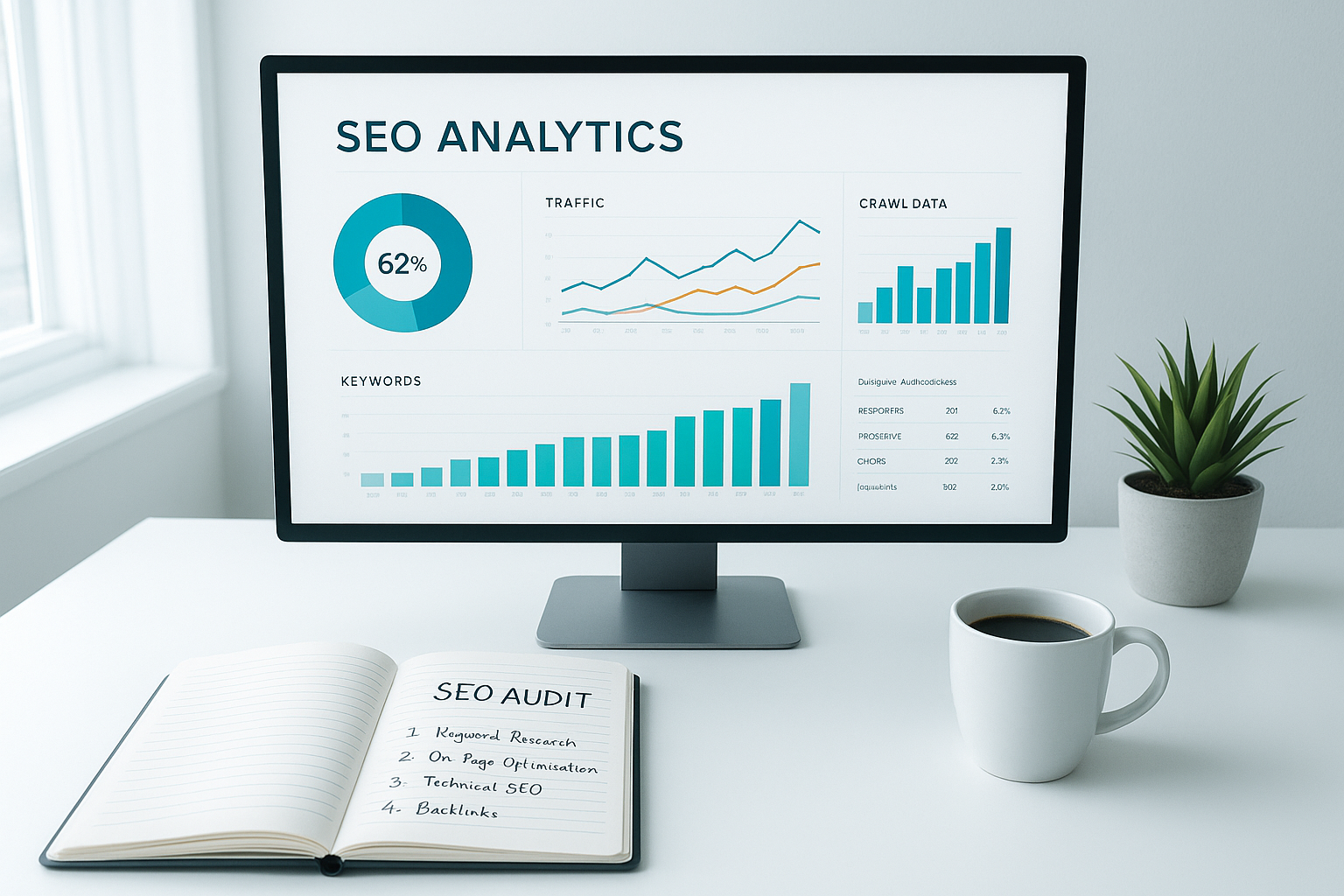
A well-organized audit dashboard helps you audit websites efficiently by surfacing the most critical issues at a glance.
Why Auditing Websites Matters More in 2025
Google’s algorithm has grown significantly more sophisticated. In 2025, factors like Core Web Vitals, mobile-first indexing, E-E-A-T (Experience, Expertise, Authoritativeness, and Trustworthiness), and AI-generated content detection all play a role in how your pages rank. As a result, the stakes for a thorough website audit are higher than ever before.
Specifically, several major trends make regular auditing essential this year:
- AI Overviews in search results mean Google is now synthesizing answers directly on the results page. However, sites with strong technical foundations and well-structured content are the ones AI Overviews draw from most.
- Helpful Content updates have demoted entire domains — not just individual pages — for hosting thin, unhelpful, or AI-spun content. An audit helps you identify and resolve these liabilities quickly.
- Interaction to Next Paint (INP) replaced First Input Delay as a Core Web Vitals metric. Therefore, sites that haven’t re-audited page experience recently may unknowingly carry a new ranking disadvantage.
- Mobile-first indexing is now universal. In other words, Google exclusively uses your mobile version for indexing and ranking — a fact that makes mobile performance auditing non-negotiable.
Above all, the competitive landscape is intensifying. More websites publish more content every day. Consequently, only the most technically sound, content-rich, and well-optimized sites earn and hold top positions.
The Complete 7-Step Process to Audit Websites Effectively
A structured approach prevents important issues from being overlooked. Work through these seven phases in order, since each layer informs the next.
Crawl Your Entire Website
Begin by crawling every accessible URL on your site using a tool like Screaming Frog SEO Spider or Google Search Console. This gives you a complete map of your site’s architecture. See our complete audit guide for a step-by-step checklist.
Specifically, a full crawl reveals broken links (4xx errors), redirect chains and loops, orphaned pages with no internal links pointing to them, pages accidentally blocked from indexing, and duplicate URLs created by URL parameters. Furthermore, compare the crawl results against your XML sitemap — pages in the sitemap that aren’t being crawled indicate a serious problem.
Evaluate Technical SEO Foundations
Technical health is the foundation everything else rests on. Therefore, this step must come before content or link analysis. Verify your robots.txt is not blocking important pages, your XML sitemap is submitted to Google Search Console and is error-free, all pages serve over HTTPS, and canonical tags are correctly implemented across every URL variation.
In addition, check your Core Web Vitals scores using Google PageSpeed Insights. The three metrics to focus on are Largest Contentful Paint (LCP) — how fast the main content loads, Cumulative Layout Shift (CLS) — how visually stable the page is, and Interaction to Next Paint (INP) — how quickly the page responds to user input. For a faster diagnostic workflow, see our SEO Health Audit checklist.
Audit On-Page SEO Elements
For every priority page, review the following elements systematically. First, the title tag — it must be unique, under 60 characters, and contain the target keyword near the beginning. Second, the meta description — compelling, under 156 characters, and written to earn clicks. Third, the H1 and heading hierarchy — there should be exactly one H1 per page, and the heading structure should follow a logical H1 → H2 → H3 order.
Furthermore, check keyword placement in the first 100 words, image alt attributes for every non-decorative image, and internal linking structure. Specifically, every important page should receive contextual links from related content, distributing authority and helping crawlers understand your site’s topical depth. Missing or thin internal linking is one of the most commonly overlooked issues when teams analyse my site's SEO.
Assess Content Quality and E-E-A-T Signals
Content auditing means far more than checking word counts. Identify thin pages — those under 300 words with no unique value — near-duplicate content that may confuse search engines, and keyword cannibalization where multiple pages compete for the same search query. See how to analyse my site's SEO with practical examples and remediation tactics.
In addition, evaluate whether each page genuinely satisfies the user’s search intent — informational, navigational, or transactional — and whether it demonstrates real E-E-A-T (Experience, Expertise, Authoritativeness, and Trustworthiness). Google’s quality raters specifically assess these signals when evaluating content.
Consequently, for pages that score poorly on content quality, your options are to improve and expand them, consolidate them with stronger pages via a 301 redirect, or in some cases, remove and de-index them entirely. Each of these actions removes a drag on your overall domain quality score.
Review Your Backlink Profile
Your backlink profile is a critical off-page ranking signal. Analyze the quality, relevance, and anchor text distribution of all inbound links. Specifically, flag toxic or spammy domains that may be suppressing your domain authority and use Google’s Disavow Tool to neutralize them — but use this tool cautiously, as incorrectly disavowing legitimate links can cause harm.
Furthermore, identify which of your pages attract the most links and use that data to inform your content strategy. Pages with strong external authority are ideal targets for additional internal linking, since they can pass that authority deeper into your site structure. Tools like Ahrefs and Moz are particularly useful for this analysis. For step-by-step backlink analysis, see our website backlinks analysis guide.
Audit Mobile Performance and UX
Because Google uses mobile-first indexing exclusively, your mobile experience directly determines how your site is ranked — not your desktop version. See evaluate current SEO for measurement and reporting tips. Therefore, this step deserves its own dedicated phase rather than being folded into technical SEO.
Use Google Search Console’s Mobile Usability report to identify touch target sizing issues, text that is too small to read, and content wider than the screen. In addition, test your pages using Google’s Mobile-Friendly Test tool and measure mobile-specific Core Web Vitals separately from desktop — they frequently differ significantly, and mobile scores are the ones that count.
Prioritize and Implement Fixes
Not all audit issues carry the same weight. Therefore, organize your findings using an impact-vs-effort matrix: fix critical technical errors first — indexing blocks, broken pages, HTTPS issues — then address high-impact on-page issues, then content improvements, and finally lower-priority refinements. For page-level optimization patterns, review how to audit web pages for maximum impact.
In particular, document every change with a timestamp so you can correlate fixes with ranking movements in the weeks that follow. Assign each fix to a responsible team member with a clear deadline and track progress in a shared project management tool. Above all, an audit report that is never acted on helps no one — implementation is where the ranking gains happen.

Documenting your findings in a structured checklist is essential when you audit websites at scale.
Best Free and Paid Tools to Audit Websites in 2025
The right tools dramatically accelerate the auditing process. However, not all tools are created equal — each excels in a different area. Below is a comprehensive breakdown of the most reliable options across each audit category, including both free and paid solutions.
Free Website Audit Tools
Paid Website Audit Tools
Pro Tip: Combining Free and Paid Tools
For most small to mid-sized sites, combining Google Search Console + Screaming Frog (free tier) + Google PageSpeed Insights covers the majority of critical audit needs at no cost. However, for larger sites or agencies managing multiple clients, a dedicated platform like Rank Authority dramatically reduces time per audit and surfaces issues that free tools consistently miss.
Common Mistakes When You Audit Websites
Even experienced SEOs make predictable errors during audits. Consequently, avoiding these pitfalls separates a genuinely useful audit from a wasted exercise.
❌ Auditing Without a Baseline
Before you begin, record your current organic traffic, keyword rankings, and Core Web Vitals scores. Without a baseline, you cannot measure whether your fixes actually improved anything — or made things worse.
❌ Treating All Issues Equally
A missing alt tag on a low-traffic image is not the same as a noindex tag on your homepage. Prioritization is everything. Specifically, focus effort where it delivers the greatest ranking impact first.
❌ Ignoring Mobile Performance
Google uses mobile-first indexing, meaning it primarily crawls and evaluates the mobile version of your site. Therefore, always test mobile usability, tap target sizes, and page speed on mobile separately from desktop.
❌ Forgetting to Audit JavaScript Rendering
If your site uses heavy JavaScript frameworks like React or Vue, Googlebot may not render your content the same way a user’s browser does. Consequently, content that appears visible to users may be invisible to crawlers. Use Google Search Console’s URL Inspection tool to see exactly how Google renders each page.
❌ Auditing Once and Moving On
SEO is not a one-time project. Algorithms update, competitors publish new content, and your site constantly evolves. In contrast, sites that audit websites quarterly stay ahead of issues before they compound into serious ranking losses.
❌ Skipping Schema Markup Review
Schema markup — structured data that helps search engines understand your content — is frequently added and then forgotten. As a result, broken or outdated schema can trigger Google Search Console warnings and suppress rich result eligibility. Always validate your schema using Google’s Rich Results Test tool during every audit.
Website Audit Checklist: What to Cover Every Time
Use this checklist as your standard reference when you audit websites. Specifically, work through each section in order to avoid missing any layer of the analysis.
✅ Technical SEO
- Robots.txt not blocking critical pages
- XML sitemap submitted and error-free in Google Search Console
- All URLs serving over HTTPS (no mixed content warnings)
- No broken internal links (4xx errors)
- No redirect chains longer than two hops
- Canonical tags correctly implemented on all key pages
- Core Web Vitals passing for both mobile and desktop
- JavaScript rendering verified via URL Inspection tool
- Structured data / schema validated with no errors
✅ On-Page SEO
- Unique, keyword-rich title tags under 60 characters
- Compelling meta descriptions under 156 characters
- One H1 per page with target keyword
- Logical heading hierarchy (H1 → H2 → H3)
- Target keyword in first 100 words of body content
- Descriptive alt text on all non-decorative images
- No keyword cannibalization between competing pages
- Strong internal linking to and from every priority page
✅ Content Quality
- No thin pages (under 300 words with no unique value)
- No near-duplicate content across multiple URLs
- Every page satisfies clear user intent
- E-E-A-T signals present (author credentials, citations, expertise)
- Content freshness: dates and statistics are current
✅ Off-Page / Backlinks
- No toxic or spammy domains in backlink profile
- Anchor text distribution is natural and varied
- Top link-earning pages identified and leveraged
- Disavow file reviewed and updated if needed
The tangible result of a thorough audit: a site transformed from error-ridden to fully optimized.
How to Turn Audit Findings Into Ranking Gains
An audit report that sits in a folder helps no one. The value of any website audit is entirely in the implementation. Once you have your prioritized list of issues, assign each fix to a responsible team member with a clear deadline, and track progress in a shared document or project management tool like Trello, Asana, or Notion. For guidance on page-level checks see audit web pages.
After implementing fixes, give Google at least four to six weeks to recrawl affected pages and reflect changes in search rankings. Meanwhile, monitor your target keywords weekly and watch for improvements in impressions and clicks within Google Search Console. If certain fixes do not produce the expected gains, revisit the audit findings for that section and dig deeper.
Furthermore, correlate each change with your baseline data. Specifically, ask: did organic traffic to this page increase? Did the keyword move up in rankings? Did bounce rate improve? These questions guide the next iteration of your audit and help you understand which types of fixes deliver the greatest return for your specific site.
For teams that want professional-grade auditing without building the entire process from scratch, Rank Authority offers comprehensive website audit tools and reporting that make it significantly easier to identify, prioritize, and track every issue from a single dashboard — without bouncing between a dozen separate free tools. For a deeper walkthrough, see our Artificial Intelligence SEO: The Complete 2025 Guide or our complete audit guide.
Frequently Asked Questions About Auditing Websites
How often should you audit websites?
Most SEO professionals recommend auditing websites at least once per quarter. However, you should also run an immediate audit after a major Google algorithm update, a site redesign, a CMS migration, or any sudden unexplained drop in organic traffic. In addition, large e-commerce sites with frequent product changes may benefit from monthly automated crawls.
How long does a website audit take?
A basic audit of a small site can be completed in two to four hours. A thorough technical and content audit for a large e-commerce site or content hub with thousands of pages, however, may require several days of focused analysis and documentation. Specifically, using a dedicated platform like Rank Authority or Ahrefs significantly compresses this timeline.
Can I audit websites without paid tools?
Yes. Google Search Console and Google PageSpeed Insights are completely free and together cover the most critical technical and performance audit areas. Screaming Frog’s free version crawls up to 500 URLs, which is sufficient for many small sites. For larger sites or deeper analysis, however, investing in a dedicated platform like Rank Authority significantly speeds up the process and surfaces issues that free tools can miss.
What is the difference between a technical audit and a content audit?
A technical audit focuses on the structural and server-level factors that affect how search engines crawl and index your site — things like broken links, HTTPS, page speed, and canonicalization. A content audit, in contrast, evaluates the quality, depth, and relevance of your actual page content. Both are essential components of a complete website audit, and neither can substitute for the other.
What is a good website audit score?
Most paid audit platforms assign a health score to your site — typically out of 100. A score above 80 is generally considered good, while scores below 60 indicate significant unresolved issues. However, the number itself matters less than the priority and type of issues flagged. Specifically, a single critical crawlability error is more damaging than dozens of minor warnings combined.
Does auditing websites improve rankings directly?
The audit itself does not improve rankings — the implementation of the audit’s findings does. Therefore, the audit is the diagnosis; the fixes are the treatment. Sites that regularly audit websites and act on the findings consistently outperform competitors who publish content without maintaining the underlying technical and content quality of their site.
Conclusion
Make It a Habit to Audit Websites Regularly
The sites that consistently rank at the top of search results are not there by chance. They are there because someone regularly takes the time to audit websites, fix what is broken, and improve what is merely good. Whether you are auditing a five-page business site or a ten-thousand-page content platform, the same principles apply: crawl thoroughly, evaluate every layer — technical, on-page, content, and backlinks — prioritize ruthlessly, and implement consistently. Furthermore, use the right combination of free and paid tools to make the process scalable. Above all, make auditing a scheduled habit rather than a reactive emergency, and your organic visibility will compound steadily over time. Start your next website audit today — your rankings depend on it.

