Complete Guide · SEO Audit
When you audit websites systematically, you expose the hidden technical faults, content gaps, and missed opportunities that silently drain your search rankings — and this guide walks you through every step to fix them.
Direct Answer
To audit websites means to conduct a structured evaluation of a site’s technical health, on-page SEO, content quality, and backlink profile. The goal is to identify every factor preventing the site from ranking at its full potential and to produce a prioritized action plan for improvement.
What Does It Mean to Audit Websites?
Auditing websites is the process of comprehensively reviewing every layer of a website — from server-level configurations to individual page content — to determine what is working, what is broken, and what is holding back organic visibility. Unlike a quick check, a proper audit produces documented findings and a roadmap for action.
Search engines like Google use hundreds of signals to rank pages. A single unchecked technical error — a misconfigured robots.txt file, a cascade of redirect loops, or slow server response times — can suppress an otherwise excellent piece of content. Regular audits ensure those signals remain clean and competitive.
According to Wikipedia’s overview of search engine optimization, SEO encompasses both on-page and off-page factors, all of which must be evaluated holistically during any meaningful audit process.

A well-organized audit dashboard helps you audit websites efficiently by surfacing the most critical issues at a glance.
The Six-Step Process to Audit Websites Effectively
A structured approach prevents important issues from being overlooked. Work through these six phases in order, since each layer informs the next.
Crawl Your Website
Begin by crawling every accessible URL on your site using a tool like Screaming Frog SEO Spider or Google Search Console. This gives you a complete map of your site’s architecture, revealing broken links (4xx errors), redirect chains, orphaned pages with no internal links pointing to them, and pages that are accidentally blocked from indexing.
Evaluate Technical SEO Foundations
Technical health is the foundation everything else rests on. Verify that your robots.txt is not accidentally blocking important pages, your XML sitemap is submitted and error-free, all pages serve over HTTPS, and canonical tags are correctly implemented. Then check your Core Web Vitals scores using Google PageSpeed Insights — Largest Contentful Paint, Cumulative Layout Shift, and Interaction to Next Paint are all direct ranking signals.
Audit On-Page SEO Elements
For every priority page, review the title tag (unique, under 60 characters, containing the target keyword), meta description (compelling, under 156 characters), H1 and heading hierarchy, keyword placement in the first 100 words, and image alt attributes. Also evaluate internal linking — every important page should receive contextual links from related content, distributing authority and helping crawlers understand your site’s topical structure.
Assess Content Quality
Content auditing means more than checking word counts. Identify thin pages (fewer than 300 words with no unique value), near-duplicate content that may confuse search engines, and keyword cannibalization where multiple pages compete for the same search query. Evaluate whether each page genuinely satisfies the user’s search intent — informational, navigational, or transactional — and whether it demonstrates real expertise, authority, and trustworthiness.
Review Your Backlink Profile
Your backlink profile is a critical off-page signal. Analyze the quality, relevance, and anchor text distribution of inbound links. Flag toxic or spammy domains that may be dragging down your domain authority and use Google’s Disavow Tool to neutralize them. Simultaneously, identify which of your pages attract the most links and use that data to inform your content strategy going forward.
Prioritize and Implement Fixes
Not all issues carry the same weight. Organize your findings using an impact-vs-effort matrix: fix critical technical errors first (indexing blocks, broken pages), then address high-impact on-page issues, then content improvements, and finally lower-priority refinements. Document every change with a timestamp so you can correlate fixes with ranking movements in the weeks that follow.

Documenting your findings in a structured checklist is essential when you audit websites at scale.
Common Mistakes When You Audit Websites
Even experienced SEOs make predictable errors during audits. Avoiding these pitfalls separates a useful audit from a wasted exercise.
❌ Auditing Without a Baseline
Before you begin, record your current organic traffic, keyword rankings, and Core Web Vitals scores. Without a baseline, you cannot measure whether your fixes actually worked.
❌ Treating All Issues Equally
A missing alt tag on a low-traffic image is not the same as a noindex tag on your homepage. Prioritization is everything — focus effort where it delivers the greatest ranking impact.
❌ Ignoring Mobile Performance
Google uses mobile-first indexing, meaning it primarily crawls and evaluates the mobile version of your site. Always test mobile usability, tap target sizes, and page speed on mobile separately from desktop.
❌ Auditing Once and Moving On
SEO is not a one-time project. Algorithms update, competitors publish new content, and your site evolves. Quarterly audits keep you ahead of issues before they compound into serious ranking losses.
Essential Tools to Audit Websites
The right tools dramatically accelerate the auditing process. Here are the most reliable options across each audit category:
Frequently Asked Questions About Auditing Websites
How often should you audit websites?
Most SEO professionals recommend auditing websites at least once per quarter. You should also run an immediate audit after a major Google algorithm update, a site redesign, a CMS migration, or any sudden unexplained drop in organic traffic.
How long does a website audit take?
A basic audit of a small site can be completed in two to four hours. A thorough technical and content audit for a large e-commerce site or content hub with thousands of pages may require several days of focused analysis and documentation.
Can I audit websites without paid tools?
Yes. Google Search Console and Google PageSpeed Insights are completely free and together cover the most critical technical and performance audit areas. Screaming Frog’s free version crawls up to 500 URLs, which is sufficient for many small sites. For larger sites or deeper analysis, investing in a dedicated platform like Rank Authority significantly speeds up the process and surfaces issues that free tools can miss.
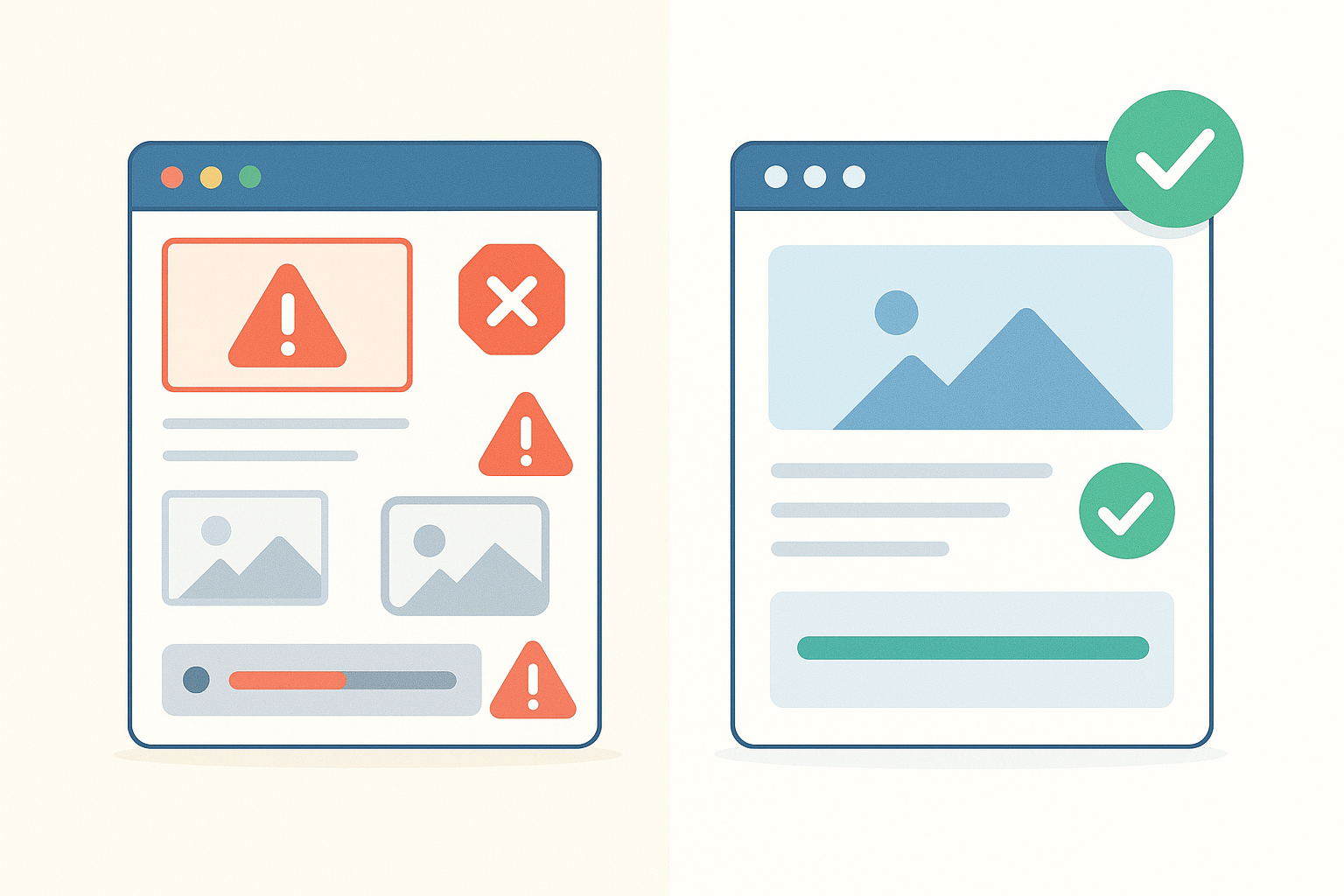
The tangible result of a thorough audit: a site transformed from error-ridden to fully optimized.
How to Turn Audit Findings Into Ranking Gains
An audit report that sits in a folder helps no one. The value of any audit is entirely in the implementation. Once you have your prioritized list of issues, assign each fix to a responsible team member with a clear deadline, and track progress in a shared document or project management tool.
After implementing fixes, give Google at least four to six weeks to recrawl affected pages and reflect changes in search rankings. Monitor your target keywords weekly and watch for improvements in impressions and clicks within Google Search Console. If certain fixes do not produce the expected gains, revisit the audit findings for that section and dig deeper.
For teams that want professional-grade auditing without building the process from scratch, Rank Authority offers comprehensive website audit tools and reporting that make it significantly easier to identify, prioritize, and track every issue from a single dashboard.
Conclusion
Start the Work to Audit Websites Today
The sites that consistently rank at the top of search results are not there by chance — they are there because someone regularly takes the time to audit websites, fix what is broken, and improve what is merely good. Whether you are auditing a five-page business site or a ten-thousand-page content platform, the same principles apply: crawl thoroughly, evaluate every layer, prioritize ruthlessly, and implement consistently. Make auditing a scheduled habit, not a reactive emergency, and your organic visibility will compound over time.