

A free backlink audit is the process of analyzing every inbound link pointing to your website. It identifies toxic, spammy, or low-quality links that could drag down your search rankings. Backlinks are one of Google’s top three ranking factors, so a neglected link profile can undo months of quality content work. Fortunately, several free tools let you audit links thoroughly without spending a dollar. Last updated: 2026-09-07. Author: Bryan Dantonio. See author bio below for credentials. This guide was produced by the Rank Authority editorial team to share practical experience and should be accompanied by a short author bio with credentials.
In this guide, you will learn exactly how to free backlink audit from start to finish, which tools to use, and how to act on what you find — including how to remove or disavow harmful links before they cost you rankings.
Why Your Link Profile Needs Regular Attention
Your backlink profile is a living record of every site that has ever linked to you. Over time, low-quality directories, link farms, and penalized websites may accumulate links pointing to your domain — often without your knowledge. Google’s algorithms, particularly Google Penguin, are specifically designed to detect and devalue manipulative link patterns. Last updated June 10, 2026. Written by Rank Authority's SEO team.
Therefore, even if you have never engaged in black-hat link building, your site can still accumulate toxic links from negative SEO attacks or old link-exchange schemes. As a result, auditing your profile regularly is not optional — it is a core part of sustainable SEO hygiene.
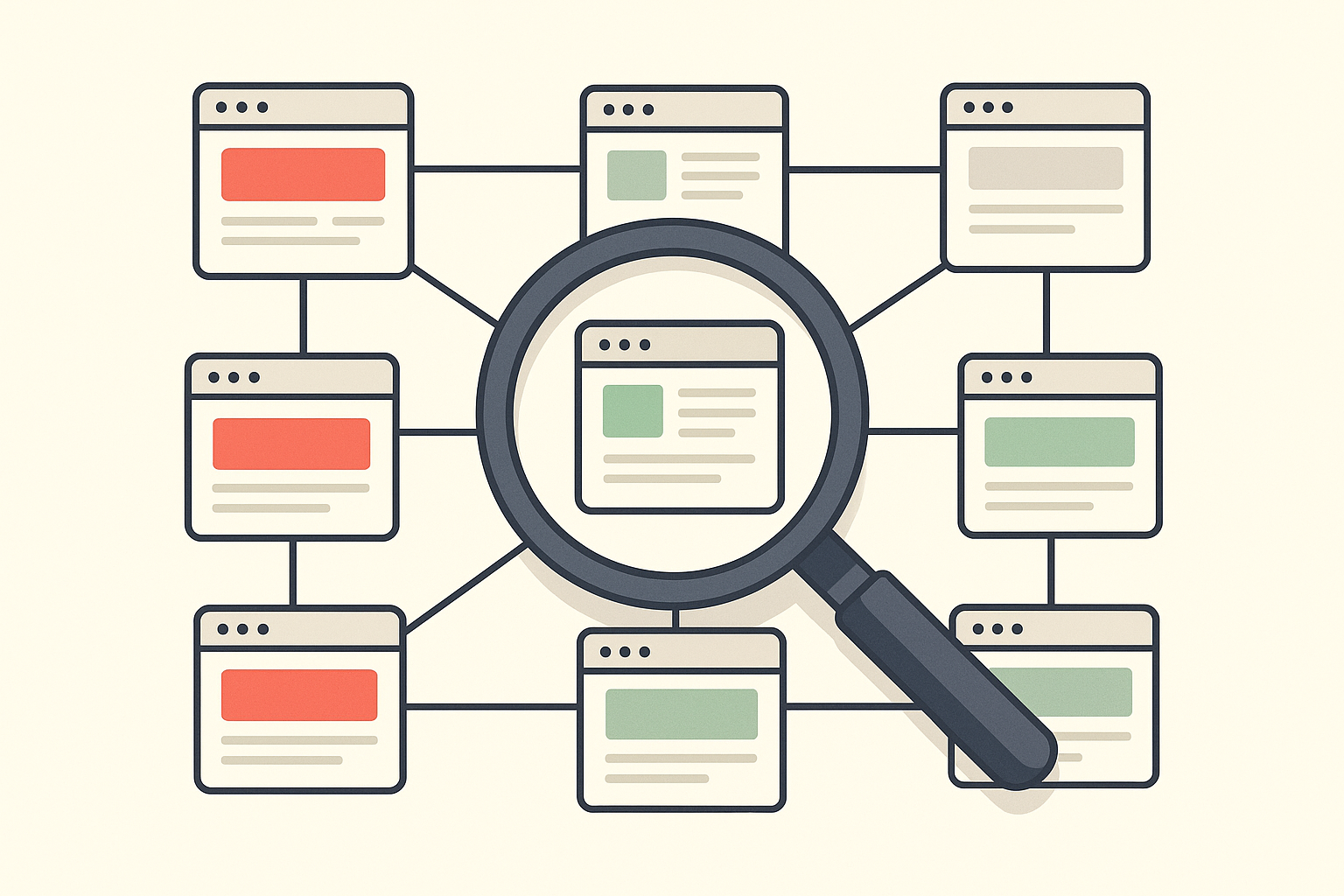
A free backlink audit helps you visually separate healthy links from toxic ones before they impact your rankings.
What Is a Backlink Audit Free Tool?
A backlink audit free tool is software that lets you analyze your website’s incoming links without any upfront cost. These tools pull data from their own web crawlers or directly from Google’s index, then present metrics such as domain authority, spam scores, anchor text distribution, and link velocity. The most reliable free options include Google Search Console, Ahrefs Webmaster Tools, and Moz Link Explorer’s free tier.
Each tool has its own database coverage, so using two or three in combination gives you the most complete picture. Additionally, cross-referencing data across tools helps you avoid acting on incomplete information.
Google Search Console: The Essential Free Starting Point
Google Search Console is the single most authoritative free source for backlink data because it reflects exactly what Google has crawled and indexed. Navigate to the Links section to see your top linking domains, most-linked pages, and anchor text breakdown. From there, you can export the full list as a spreadsheet for deeper analysis.
However, GSC does not provide toxicity scores or domain authority metrics, so it works best when paired with another tool.
Ahrefs Webmaster Tools and Moz Link Explorer
Ahrefs Webmaster Tools allows verified site owners to access a limited but genuinely useful free tier, including domain rating, referring domain counts, and broken backlink data. Similarly, Moz Link Explorer offers a small number of free queries per month, with domain authority and spam score metrics that are widely trusted in the SEO community.
For sites with moderate link profiles, these free tiers are often sufficient to complete a solid audit. For more advanced analysis, resources like Rank Authority can provide expert guidance on interpreting your link data and prioritizing cleanup actions.
Step-by-Step: How to Run a Free Backlink Audit
Running a structured audit is far more effective than a casual review. Follow these five steps to systematically clean up your check your backlink profile.
Step 1 — Export Your Backlinks from Google Search Console
First, log in to Google Search Console and open the Links report. Export both your top linking domains and your top linked pages. This spreadsheet becomes the master reference for your entire audit. Because GSC data comes directly from Google, it is the most reliable baseline you can access for free. See our Website backlinks analysis for deeper methods.
Step 2 — Cross-Reference with a Free Backlink Checker
Next, run your domain through Ahrefs Webmaster Tools or Moz Link Explorer. Add columns to your spreadsheet for domain authority (or domain rating) and spam score. This enriched data lets you quickly filter out low-authority or suspicious domains for further investigation. For step-by-step exports and examples, see our check backlink profile guide.
Step 3 — Identify Toxic and Spammy Links
When performing a free backlink audit, flag any link that meets one or more of the following criteria: domain authority below 10 with no clear editorial purpose, high spam score (above 30% on Moz), links from irrelevant foreign-language directories, links with over-optimized exact-match anchor text, or links from sites that appear to be part of a private blog network (PBN). Additionally, look for sudden spikes in referring domains, which may indicate a negative SEO attack.
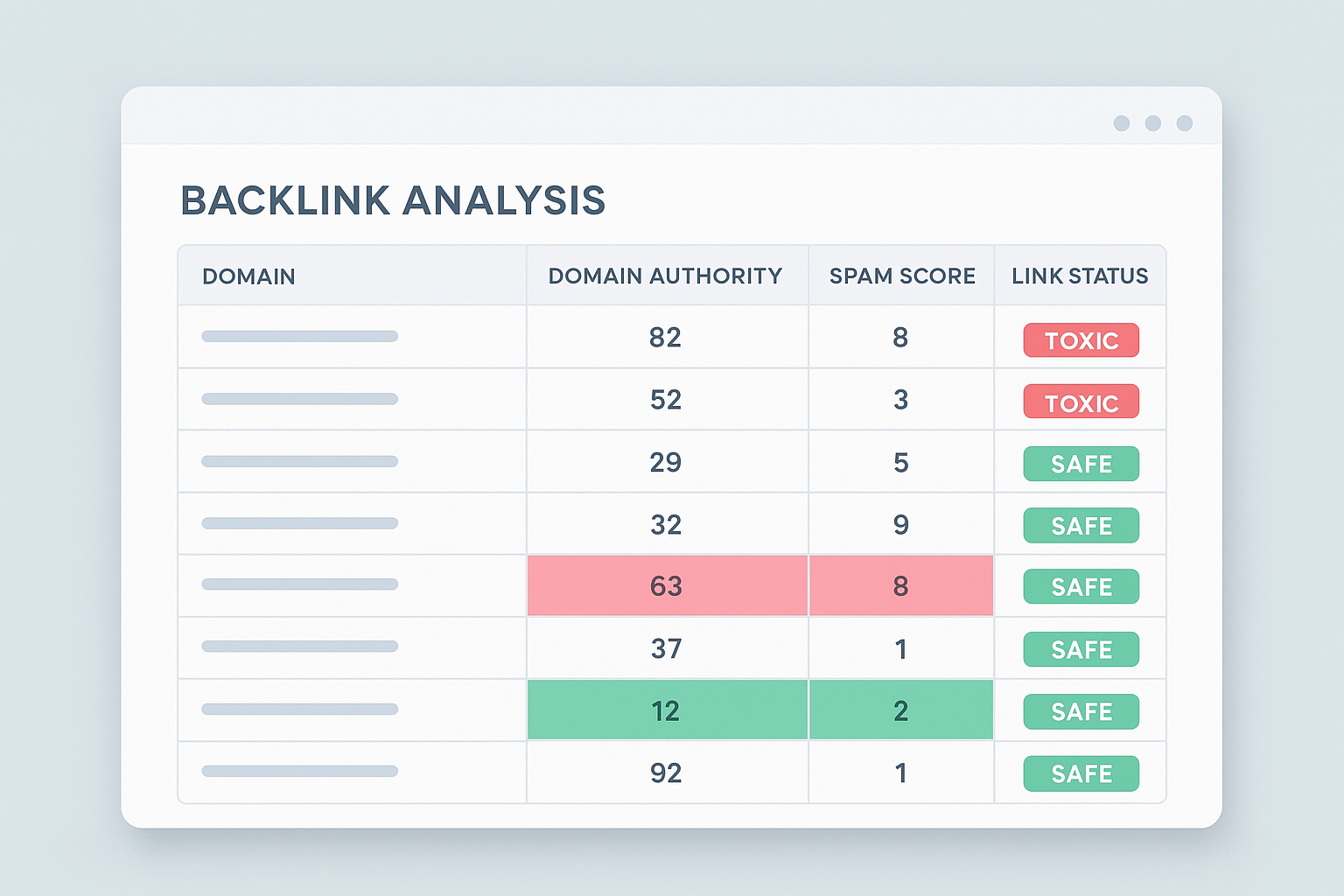
Organizing your backlink data in a spreadsheet with authority and spam metrics makes toxic links much easier to spot. For stepwise troubleshooting of problem links, see our broken links test guide.
Step 4 — Reach Out for Manual Link Removal
For each toxic link you identify, attempt to contact the webmaster of the linking site and request removal. Keep a log of every outreach email, including the date sent and any response received. Google recommends this as the first step before using the Disavow Tool. In practice, many webmasters will not respond, but documenting your attempts demonstrates due diligence.
Step 5 — Submit a Disavow File to Google
Finally, for links that could not be removed manually, compile a plain-text disavow file listing each toxic domain or URL. Submit this file through Google Search Console’s Disavow Links feature. Use the domain: prefix to disavow an entire domain rather than individual URLs where possible. After submission, allow several weeks for Google to process the file before evaluating ranking changes.
Common Mistakes to Avoid During a Link Audit
One of the most frequent errors is disavowing too aggressively. Because good links from reputable sites are valuable, accidentally disavowing high-authority links can damage your rankings further. Therefore, always verify a link’s quality before flagging it as toxic — do not rely solely on automated spam scores.
Another common mistake is auditing only once. In contrast to a one-time cleanup, a recurring schedule — ideally every quarter — ensures that new toxic links are caught before they accumulate. Meanwhile, ignoring anchor text distribution is also a missed opportunity: an unnatural concentration of exact-match keyword anchors can signal manipulation even when the linking domains are otherwise legitimate.
Reading Your Anchor Text Profile
A healthy anchor text profile should look natural and varied. Branded anchors (your company name or domain) typically make up the largest share. Generic anchors such as “click here” or “learn more” are also expected. However, if more than 20 to 30 percent of your anchors are exact-match keyword phrases, that pattern can look manipulative to Google’s algorithms.
During your audit, sort your anchor text data and calculate the percentage breakdown. If you spot over-optimization, prioritize those links for outreach or disavowal. For additional strategic guidance on building a clean, authoritative link profile, Rank Authority offers detailed resources on sustainable link building practices.
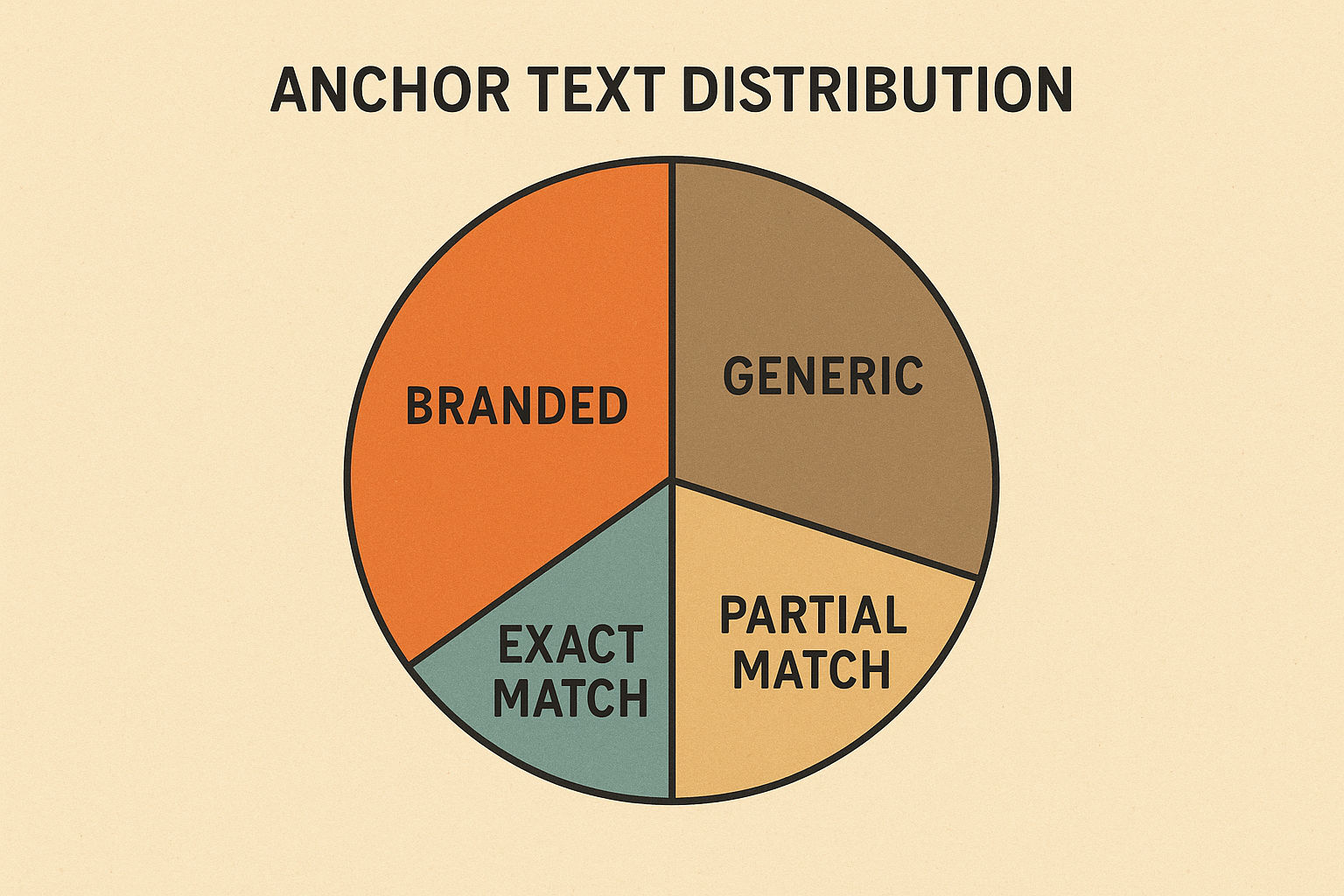
A balanced anchor text distribution is a key indicator of a healthy, natural backlink profile.
What to Do After the Audit Is Complete
Once you have removed or disavowed problematic links, shift your focus toward building high-quality replacements and regularly check your backlink profile. Earning links from authoritative, topically relevant sites signals to Google that your content is trustworthy. In practice, this means investing in original research, guest posting on respected industry publications, and creating genuinely useful resources that others want to cite.
Additionally, set a calendar reminder to revisit your backlink data every three months. Because your link profile changes continuously, regular monitoring prevents small problems from becoming serious ranking threats.
Quick Recap: A free backlink audit involves exporting your link data from Google Search Console, enriching it with authority metrics from Ahrefs or Moz, flagging toxic links, attempting manual removal, and submitting a disavow file for links that remain. Repeat the process quarterly for best results.
Frequently Asked Questions About Backlink Audit Free
What is a backlink audit free tool?
A backlink audit free tool is software that lets you analyze your website’s incoming links at no cost, identifying toxic, spammy, or low-quality links that could harm your rankings. Examples include Google Search Console, Ahrefs Webmaster Tools, and Moz Link Explorer’s limited free plan.
How often should I run a backlink audit?
Most SEO professionals recommend auditing at least once every three to six months. However, if your site experiences a sudden ranking drop or receives a manual penalty notification, you should audit immediately.
Can toxic backlinks really hurt my Google rankings?
Yes. Toxic backlinks can trigger Google manual penalties or contribute to algorithmic ranking drops. Links from spammy, irrelevant, or link-scheme sites send negative quality signals to Google’s crawlers.
What does Google Search Console show in a backlink audit?
Google Search Console shows your top linking domains, most-linked pages, and anchor text distribution. Because this data comes directly from Google’s index, it is the most authoritative free source available for backlink analysis.
What is the Google Disavow Tool and when should I use it?
The Google Disavow Tool lets you ask Google to ignore specific backlinks pointing to your site. You should use it only after attempting manual outreach to remove toxic links first, as Google recommends it strictly as a last resort.
Is Ahrefs free for a backlink audit?
Ahrefs Webmaster Tools offers a limited free tier for verified site owners, including domain rating and referring domain data. Full competitor analysis and deeper reporting require a paid subscription.
What makes a backlink toxic?
A backlink is considered toxic when it originates from a spammy domain, a link farm, a site with no topical relevance, or a site penalized by Google. Over-optimized exact-match anchor text from low-authority sources is also a strong warning sign.
How do I remove bad backlinks from my site?
First, contact the linking site’s webmaster and request removal. If that effort fails, compile the toxic links into a disavow file and submit it via Google Search Console’s Disavow Tool.
What is anchor text diversity and why does it matter?
Anchor text diversity refers to the variety of link text used across your backlink profile. A natural profile includes branded, generic, and keyword anchors. Too many exact-match keyword anchors can appear manipulative to Google’s algorithms.
How long does it take to see results after cleaning up toxic backlinks?
After submitting a disavow file, Google may take several weeks to several months to process the changes. Results vary depending on the severity of the original penalty and the total number of links disavowed.
What is the difference between a backlink audit and a link building audit?
A backlink audit evaluates the quality and toxicity of links already pointing to your site. A link building audit, in contrast, assesses your strategy for acquiring new links and identifies fresh opportunities for growth.
Can I do a backlink audit without any tools?
Technically yes, but it is extremely time-consuming and inevitably incomplete without dedicated tools. At minimum, Google Search Console is free and provides a reliable starting point for any audit.
Conclusion: Start Your Backlink Audit Free Today
Running a backlink audit free is one of the highest-ROI activities in SEO because it protects rankings you have already earned. By combining Google Search Console’s authoritative data with free tiers from Ahrefs or Moz, you can identify and neutralize toxic links without spending anything. The key is consistency — schedule your audits quarterly, act on what you find, and invest the saved resources into earning genuinely valuable links. Your link profile will be healthier, your rankings more stable, and your site better protected against both algorithmic updates and negative SEO attacks. Add an author byline and a last-updated date near the top to strengthen E‑E‑A‑T and user trust.

