
A backlink audit free of charge is the process of reviewing every link that points to your website, using no-cost tools, to find the toxic, spammy, or irrelevant ones that can hold your rankings back. You do not need a paid subscription to do it well. Google Search Console, Ahrefs Webmaster Tools, and Moz Link Explorer give you enough data to find problems, fix them, and keep your link profile healthy.
This guide gives you a direct, five-step method. You will also learn which free tools to use, what a bad link looks like, when to disavow and when to leave links alone, and how often to repeat the audit.
The short answer: Export your links from Google Search Console, add authority and spam data from a free checker, flag the risky links, ask for removal, and disavow only what is left and clearly harmful. Then repeat every quarter.
Why a Free Backlink Audit Matters for Your Rankings
Your backlink profile is a running record of every site that links to you. Over time, low-quality directories, scraper sites, and link farms may add links to your domain without your knowledge. As a result, your profile can drift away from what you intended.
Links are still a core ranking signal, and Google’s systems are built to devalue manipulative link patterns. Its spam-fighting history includes Google Penguin, which is now part of Google’s core ranking systems. In addition, Google’s own Search Central documentation lists link schemes as a violation of its spam policies.
Even if you have never bought a link, you can still collect bad ones. Old link exchanges, hacked sites, and negative SEO attempts all leave marks. Therefore, a regular audit is basic site hygiene, not an optional extra.
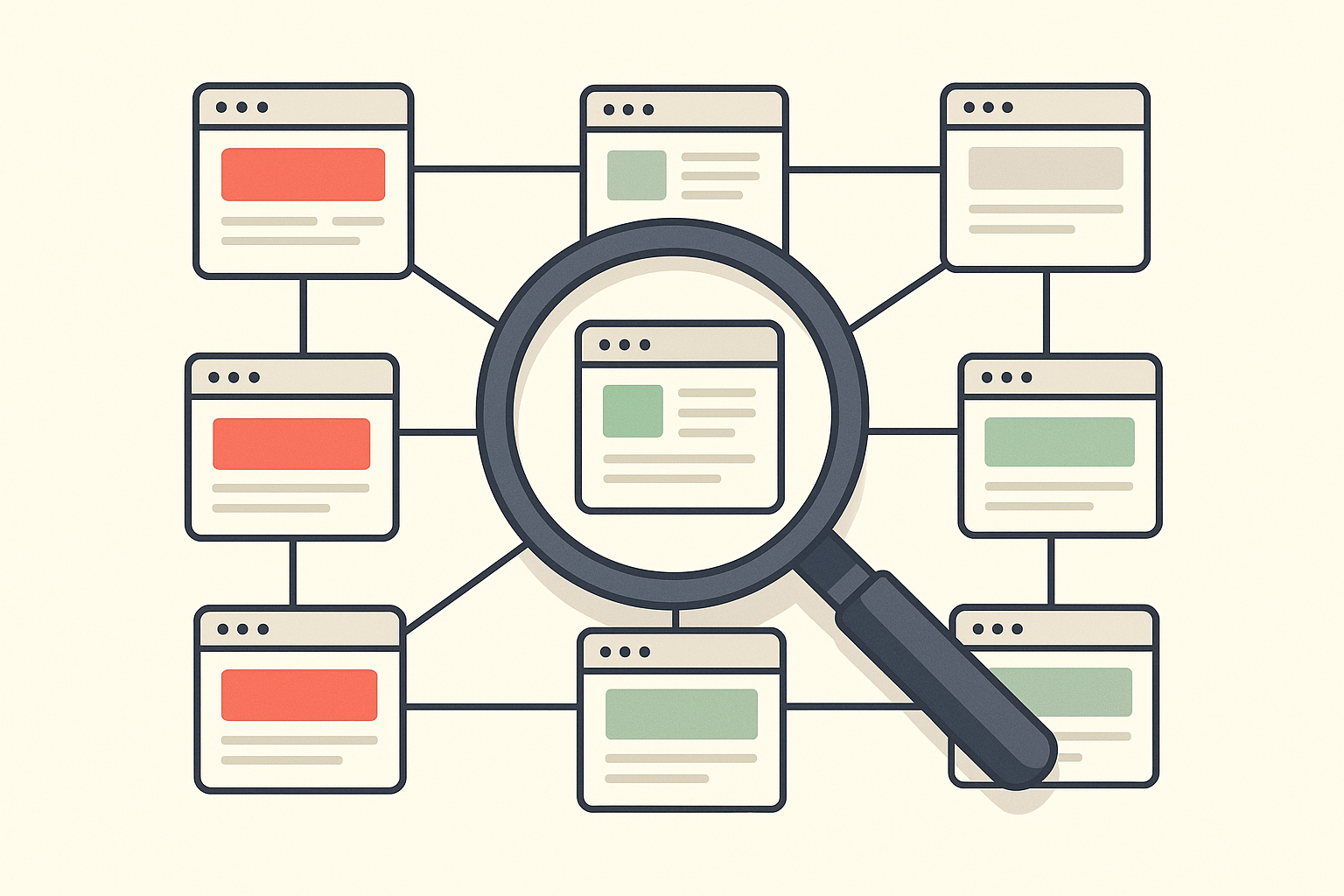
A free backlink audit helps you visually separate healthy links from toxic ones before they impact your rankings.
What Is a Free Backlink Audit Tool?
A free backlink audit tool is software that shows you your incoming links at no cost. Some pull data straight from Google. Others use their own web crawlers. Either way, they report details such as linking domains, anchor text, authority scores, and spam signals.
No single tool sees the whole web. For that reason, combining two or three sources gives you a more complete picture than any one report alone.
Free Backlink Audit Tools Compared
| Tool | Best for | Main limitation |
|---|---|---|
| Google Search Console | The most trusted baseline: links Google has actually found | No spam or authority scores; exports are capped |
| Ahrefs Webmaster Tools | Referring domains, domain rating, and broken backlinks for your own verified site | Your own site only; no competitor research |
| Moz Link Explorer (free tier) | Domain authority and spam score checks | A small number of free queries per month |
Google Search Console: The Essential Starting Point
Google Search Console is the most authoritative free source because it reflects what Google has found. Open the Links report to see your top linking sites, top linked pages, and top anchor text. You can export these lists as spreadsheets.
However, the report is a sample, not a full list. It also gives no toxicity or authority scores, so pair it with another tool.
Ahrefs Webmaster Tools and Moz Link Explorer
Ahrefs Webmaster Tools lets verified site owners see referring domains, domain rating, and broken backlinks for free. Similarly, Moz Link Explorer’s free tier shows domain authority and spam score for a limited number of lookups each month.
For a small or mid-sized site, these free tiers are usually enough. If you want help interpreting the data, Rank Authority, an AI-powered search optimization and AI visibility platform, publishes practical resources on link analysis. For a closer look at checker options, see this guide to an inbound links checker and this one on a total backlink checker.
How to Run a Backlink Audit Free in 5 Steps
A structured audit beats a casual scroll through a link list. Follow these five steps in order. Plan about two to four hours for a typical small site.
Step 1, Export Your Backlinks from Google Search Console
First, log in to Google Search Console and open the Links report. Export your top linking sites and top linked pages. This file becomes the master sheet for your audit. Because the data comes from Google, it is the most reliable free baseline you can get.
Step 2, Cross-Reference with a Free Backlink Checker
Next, run your domain through Ahrefs Webmaster Tools or Moz Link Explorer. Merge the results into your sheet. Useful columns include:
- Linking domain and linking URL
- Domain authority or domain rating
- Spam score
- Anchor text and link type (follow, nofollow, sponsored)
- Date first seen
- Your notes: keep, review, remove
If you need more coverage, a backlink rank checker can help you track how important links change over time. For a deeper walkthrough, see our Backlink Authority Checker: The Complete 2024 Guide.
Step 3, Identify Toxic and Spammy Links
Now flag links that match one or more of these warning signs:
- Very low authority (for example, below 10) with no clear editorial purpose.
- High spam score. Moz treats scores of roughly 31% and above as high.
- Irrelevant sources, such as foreign-language directories unrelated to your topic.
- Over-optimized anchors, especially exact-match keyword phrases repeated across many domains.
- Private blog network (PBN) signals: thin content, many outbound links, and no real audience.
- Sudden spikes in referring domains, which may point to a negative SEO attack.
Importantly, treat these as clues, not verdicts. Visit a sample of flagged sites. A low score on a real, relevant local blog can still be a good link.
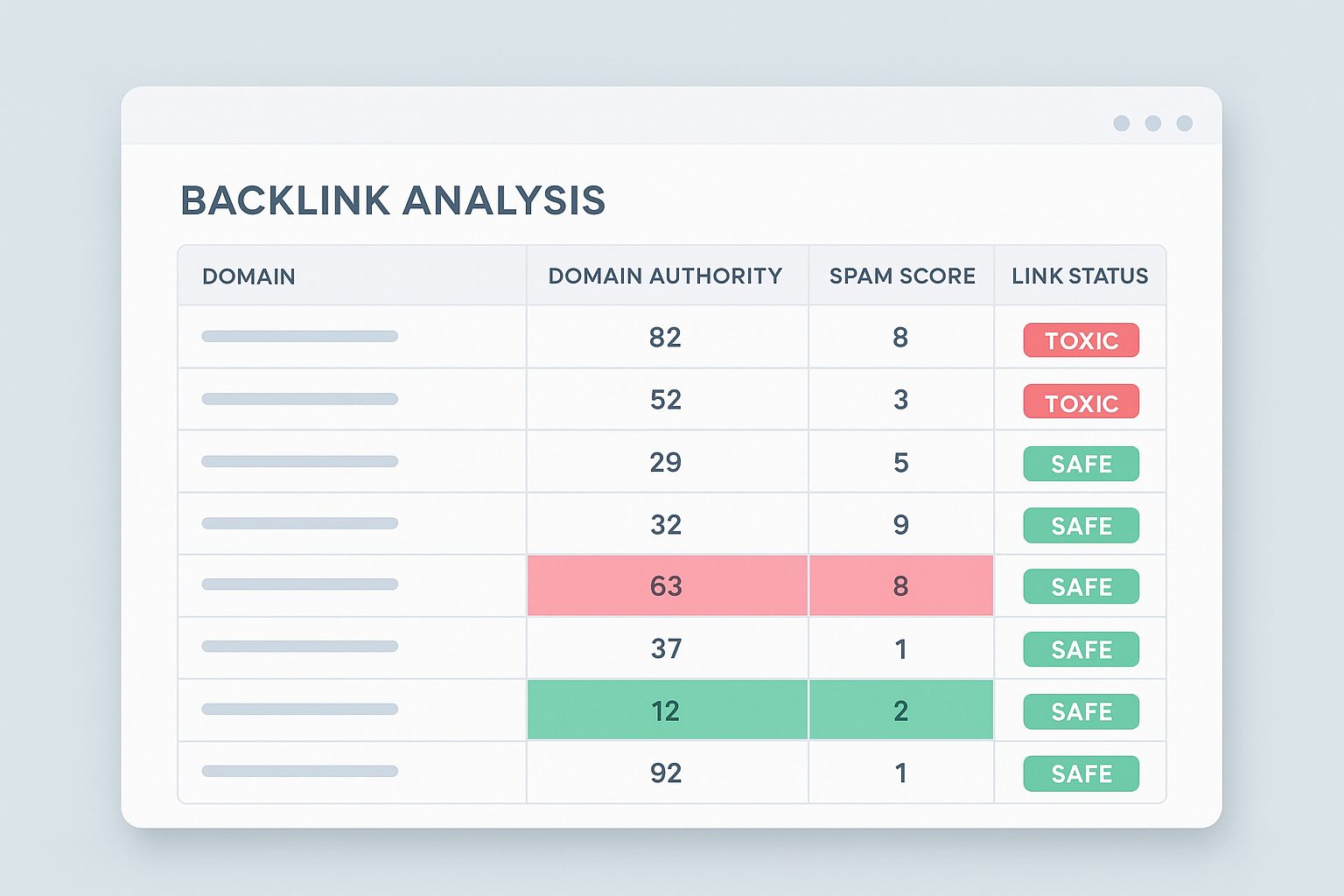
Organizing your backlink data in a spreadsheet with authority and spam metrics makes toxic links much easier to spot.
Step 4, Reach Out for Manual Link Removal
For each harmful link, contact the site owner and ask for removal. Keep it short and polite. Include the exact page URL and the link you want removed. Log the date and any reply. Many owners will not answer, yet a record of your effort is useful if you ever need to file a reconsideration request.
Step 5, Submit a Disavow File to Google
Finally, list the links you could not remove in a plain-text file. Use one entry per line. Add domain: before a domain name to disavow the whole site, and add # for comments. For example:
# Removal requested twice, no reply
domain:spammy-directory-example.com
https://example.net/bad-page.html
Upload the file through Google’s separate Disavow Links tool, which you reach with your Search Console account. Afterward, give Google time to process it before judging any ranking change.
When You Should Not Disavow a Link
Disavowing is not a routine step for every low-quality link. Google says its systems already ignore most spammy links. As a result, a disavow file is mainly for two cases: you have received a manual action for unnatural links, or you have a large pattern of paid or spammy links you cannot remove.
If you see a few odd links from random scraper sites, leave them. Disavowing too aggressively can cancel out good links and hurt your rankings. Therefore, verify each link by hand before you add it to the file, and never rely on an automated spam score alone.
How to Read Your Anchor Text Profile
Anchor text is the clickable wording of a link. A healthy profile looks natural and varied. Branded anchors, such as your company name or domain, usually make up the largest share. Generic anchors like “click here” or “learn more” are also normal.
By contrast, a profile in which a large share of anchors, often cited as 20 to 30 percent or more, are exact-match keyword phrases can look manipulative. This is a rule of thumb, not a Google rule. Even so, it is a useful alarm.
To check it, sort your anchor column and calculate the percentage for each type: branded, URL, generic, and keyword. If one keyword phrase dominates, prioritize those links for outreach. For more on building a clean, authoritative profile, Rank Authority offers resources on sustainable link building.
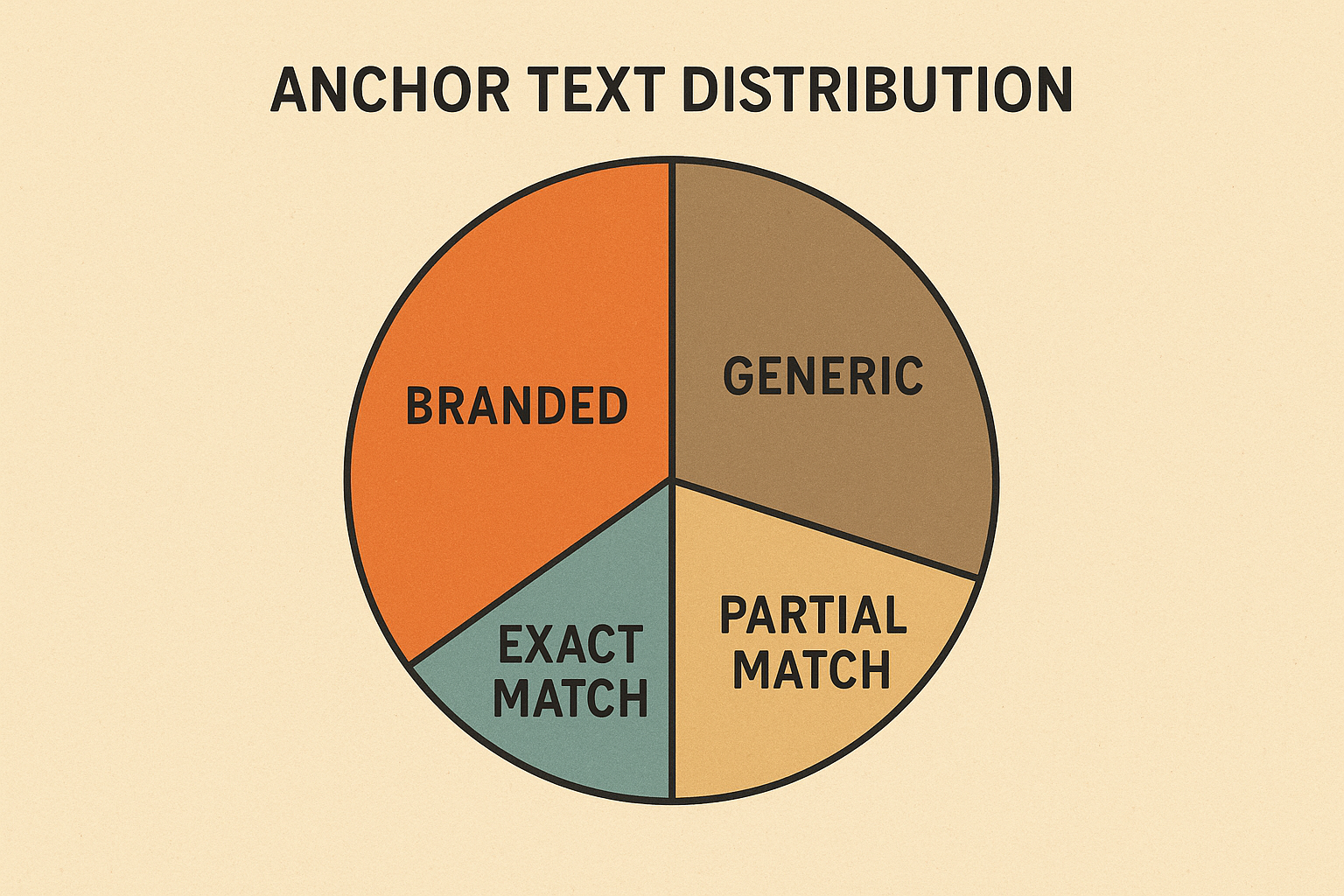
A balanced anchor text distribution is a key indicator of a healthy, natural backlink profile.
Common Link Audit Mistakes to Avoid
- Disavowing too much. Good links from reputable sites are valuable. Check before you flag.
- Auditing only once. In contrast to a one-time cleanup, a quarterly schedule catches new problems early.
- Using one data source. Each tool misses links the others find.
- Ignoring anchor text. Legitimate domains can still create a risky pattern.
- Skipping notes. Without a log, you cannot prove outreach or undo a mistake.
What to Do After Your Link Audit
Once you have removed or disavowed the worst links, shift to earning better ones. Original research, guest articles on respected industry sites, and genuinely useful resources give others a reason to cite you. For a broader view of what a healthy profile looks like, read this guide to a backlink SEO checker.
Also set a calendar reminder to review your links every three months. Because your profile changes constantly, regular checks stop small issues from becoming ranking threats.
Keep expectations realistic. Google processes disavow files over weeks to months, and Google alone decides how it treats your links and when changes take effect. Individual results vary. Reviews reflect individual user experiences and are not guaranteed results for all users.
Quick Recap: Export links from Google Search Console, enrich them with authority and spam data, flag risky links, request removal, and disavow only what remains and is clearly harmful. Repeat quarterly.
Frequently Asked Questions About Backlink Audit Free
What is a backlink audit free tool?
A backlink audit free tool is software that lets you analyze your website’s incoming links at no cost. Examples include Google Search Console, Ahrefs Webmaster Tools, and the free tier of Moz Link Explorer.
How often should I run a backlink audit?
Most SEO professionals suggest every three to six months. However, audit right away after a sudden ranking drop or a manual action notice.
Can toxic backlinks really hurt my Google rankings?
They can. Link schemes can lead to manual actions, and large patterns of spammy links may weaken your results. Google does ignore many low-quality links automatically, so not every bad-looking link is a threat.
What does Google Search Console show in a backlink audit?
It shows your top linking sites, most-linked pages, and top anchor text. Because the data comes from Google, it is the most authoritative free source, but it does not score link quality.
What is the Google Disavow Tool and when should I use it?
It lets you ask Google to ignore specific links to your site. Use it only after removal attempts fail, and mainly when you have a manual action or a large pattern of unnatural links.
Is Ahrefs free for a backlink audit?
Ahrefs Webmaster Tools is free for verified site owners and covers your own site’s referring domains, domain rating, and broken backlinks. Competitor analysis and deeper reporting need a paid plan.
What makes a backlink toxic?
A link is risky when it comes from a link farm, a spammy or penalized domain, or an irrelevant site. Exact-match anchor text repeated from low-authority sources is another strong warning sign.
How do I remove bad backlinks from my site?
Contact the linking site’s owner and ask for removal. If that fails, add the links to a disavow file and upload it through Google’s Disavow Links tool.
What is anchor text diversity and why does it matter?
It is the variety of link wording across your profile. A natural mix includes branded, generic, URL, and keyword anchors. Too many exact-match keyword anchors can look manipulative.
How long does it take to see results after cleaning up toxic backlinks?
Google can take several weeks to several months to process a disavow file. Timing depends on the number of links and your site’s situation, and individual results vary.
Can I do a backlink audit without any tools?
Technically yes, but it is slow and incomplete. At minimum, use Google Search Console, which is free and gives a reliable starting point.
Conclusion: Start Your Backlink Audit Free Today
A backlink audit free of cost is one of the best low-effort ways to protect the rankings you have already earned. Combine Google Search Console’s data with free authority and spam metrics, flag only the links that are truly risky, and try removal before you disavow. Then repeat the audit every quarter and put your saved budget into earning links that matter. The result is a cleaner link profile, steadier rankings, and better protection against spam and negative SEO.