

An automatic backlink checker is a tool that continuously crawls the web to discover, record, and monitor every inbound link pointing to your website — without requiring you to run manual searches each time. Because backlinks remain one of Google’s most important ranking signals, knowing exactly who links to you, and the quality of those links, is essential for any serious SEO strategy. Author: Add author name, role, and concise credentials here; include a visible "Last updated" date. This guide was produced by the Rank Authority editorial team and was last updated on 2026-06-10 to reflect recent tool changes and best practices.
In practice, a weak or unmonitored link profile can quietly drag your rankings down for months before you notice. Therefore, automating the process means you catch problems early and act before they escalate into penalties. Run a quick check with the URL Backlink Checker to see link details for individual pages and triage issues fast.
What Does an Automatic Backlink Checker Actually Do?
At its core, an automatic backlink checker uses web crawlers and large proprietary link databases to scan billions of pages and index every link pointing to your domain. Results are stored in a live dashboard where you can filter by domain authority, anchor text, link type, and toxicity score. See our Total Backlink Checker for a complete example of index coverage and filters.
Additionally, most tools send automated email alerts whenever a significant new link is gained or an existing link disappears. This means you never have to log in manually just to verify your link status — the tool does the watching for you.
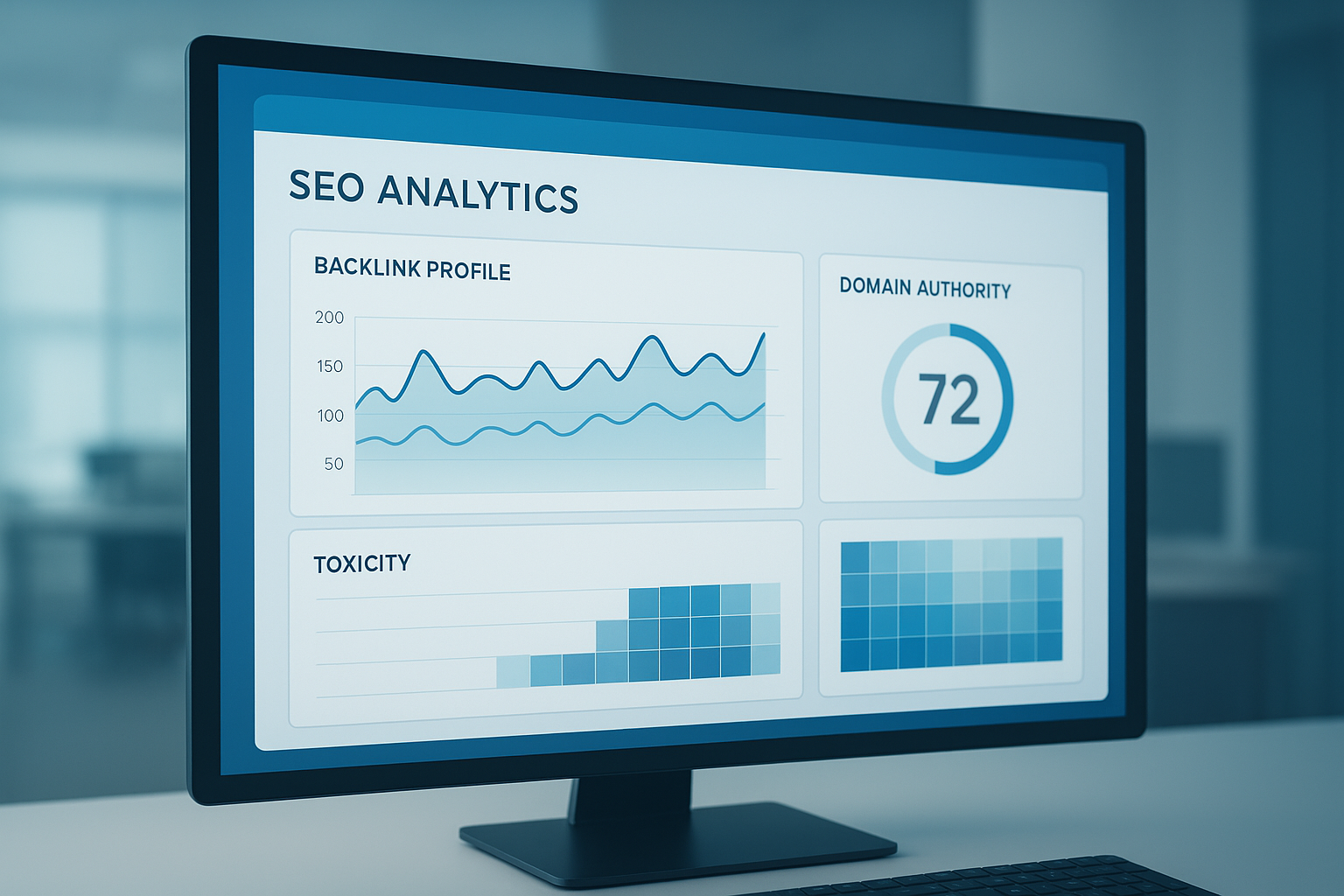
A well-designed automatic backlink checker dashboard gives you a real-time view of your entire link profile at a glance.
Key Metrics Every Backlink Report Should Include
Not all backlink reports are created equal. However, the best tools consistently surface the same core metrics that determine whether your link profile is healthy or at risk.
- Domain Rating / Domain Authority — measures the overall strength of the linking site’s backlink profile on a 0–100 scale.
- Anchor Text Distribution — shows the ratio of branded, generic, and keyword-rich anchors pointing to your site.
- Dofollow vs. Nofollow Ratio — indicates how much link equity is actually being passed to your pages.
- Total Referring Domains — counts unique domains linking to you, which is often more meaningful than raw link count.
- Toxicity / Spam Score — flags links from penalized, irrelevant, or manipulative sources that could harm rankings.
Together, these metrics give you a complete picture of your link health. For example, a site with thousands of backlinks but a high spam score is often in a worse position than one with only a few hundred high-quality links.
Spotting and Removing Toxic Links
Toxic backlinks are low-quality or manipulative inbound links from spammy, irrelevant, or penalized domains. Because Google’s algorithm can interpret these as attempts to game rankings, they may trigger an algorithmic or manual penalty.
When your automatic backlink checker flags a toxic link, the recommended process is straightforward. First, attempt to contact the linking site and request removal. If that fails, export the offending domains and submit them via Google Search Console’s Disavow Tool or follow our fix broken links guide. Finally, recheck your profile after 30 to 60 days to confirm the signals have been processed.
However, use the disavow tool carefully. Disavowing legitimate links by mistake can strip away valuable ranking equity you worked hard to earn.
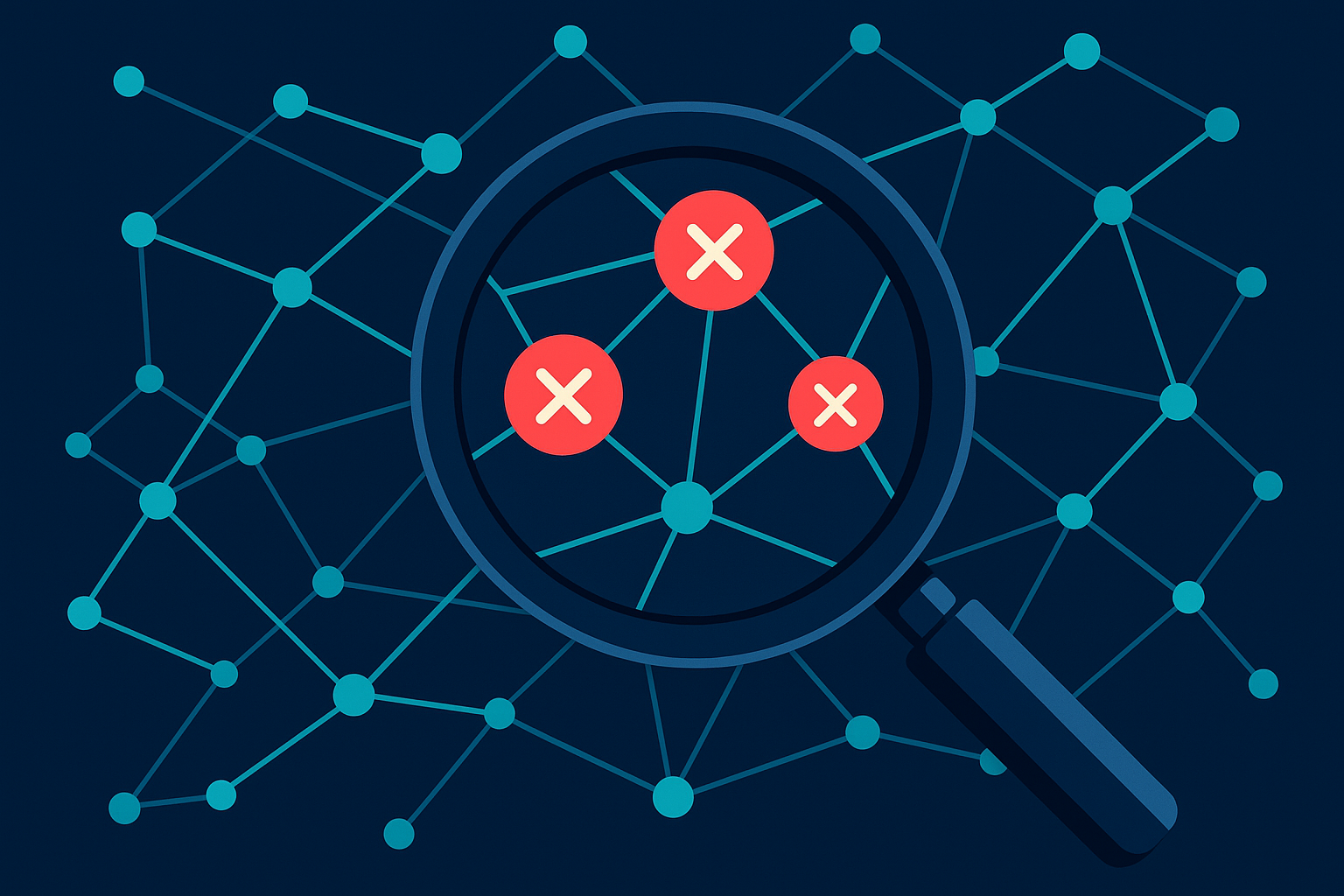
Identifying and removing toxic links is one of the most valuable functions of any backlink monitoring tool.
Using Backlink Data to Research Competitors
One of the most powerful — and often underused — features of these tools is competitor backlink analysis. By entering a rival’s domain, you can see exactly which sites are linking to them, what anchor text they use, and which pages attract the most links. Try our Backlink SEO Checker to compare competitor profiles quickly.
As a result, you can build a targeted outreach list of sites already proven to link within your niche. In contrast to cold prospecting, these are warm leads because the site owners have already demonstrated willingness to link to similar content. Consider using the URL Backlink Checker to audit prospects quickly.
Meanwhile, tracking your competitors’ new link acquisitions over time reveals their active link-building campaigns. This intelligence helps you stay competitive and respond quickly when they gain ground in the SERPs — try the Total Backlink Checker for comprehensive discovery.
Free vs. Paid Tools: What’s the Difference?
Free options like Google Search Console provide a basic Links report showing sites linking to yours. However, the data updates slowly, offers limited filtering, and does not include competitor analysis or toxicity scoring.
Paid platforms such as Ahrefs, Semrush, and Moz Link Explorer maintain massive proprietary link indexes that update far more frequently. Additionally, platforms like RankAuthority offer accessible backlink monitoring with actionable insights suited to growing sites that need professional-grade data without enterprise-level pricing, with tools like our Backlink Rank Checker.
For most site owners, the return on investment from a paid tool quickly justifies the cost. Even a single toxic link caught early — or one high-authority link opportunity uncovered through competitor research — can far outweigh a monthly subscription fee.
How to Choose the Right Tool for Your Needs
When selecting a backlink monitoring tool, consider the size of its link index, how frequently it updates, the quality of its spam detection, and whether it integrates with your existing SEO workflow. Smaller sites may find that a mid-tier plan covers all their needs, while agencies managing multiple domains benefit from bulk analysis and white-label reporting features.
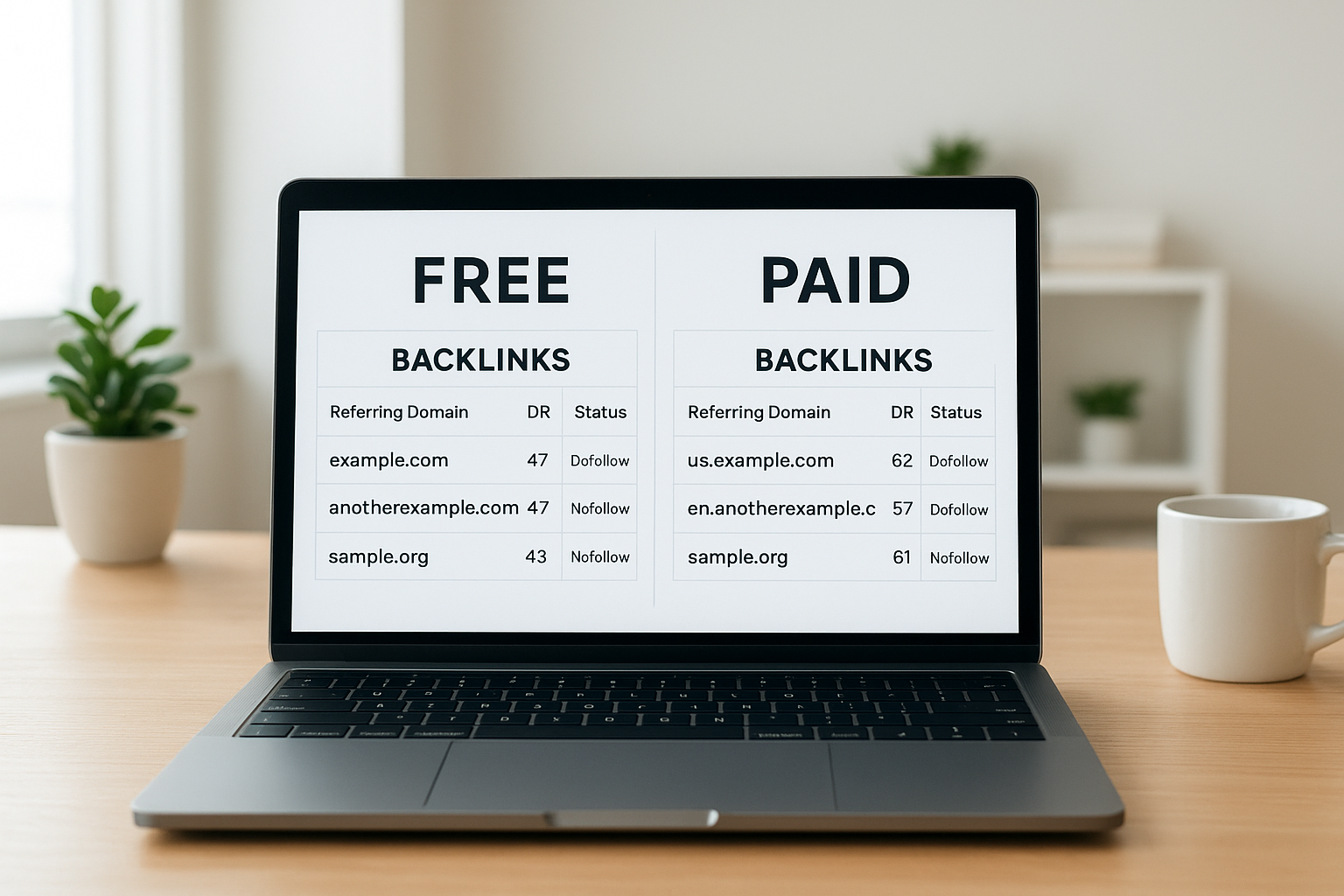
Choosing between free and paid backlink tools depends on the depth of analysis and frequency of updates your SEO strategy requires.
Common Mistakes to Avoid When Monitoring Backlinks
Even experienced SEOs make avoidable errors when working with backlink data. Below are the most frequent pitfalls and how to sidestep them.
- Disavowing too aggressively — flagging legitimate links as toxic removes ranking equity you need. Always verify manually before disavowing.
- Ignoring lost links — a sudden drop in referring domains is as important a signal as gaining toxic ones. Investigate lost links promptly.
- Focusing only on quantity — ten links from authoritative, relevant domains outperform a thousand links from low-quality directories.
- Neglecting anchor text diversity — over-optimizing anchor text with exact-match keywords is a well-known spam signal in Google’s algorithm.
- Checking infrequently — link profiles change daily. Therefore, setting up automated weekly alerts ensures you never miss a critical change.
Building a Sustainable Link Monitoring Workflow
A sustainable workflow combines automated alerts with a regular monthly review. First, configure your tool to send instant notifications for high-priority events such as a large spike in new links or a significant drop in referring domains. Next, schedule a deeper monthly audit to review anchor text distribution, assess newly gained links, and update your disavow file if needed.
Finally, integrate your backlink data with your broader content strategy. Pages that attract the most natural links are your strongest assets — so double down on that content format and topic area to compound your authority over time. Resources like Backlink Profile Checker can help you structure this process from discovery through reporting.
Quick Answer
An automatic backlink checker saves time by continuously scanning your link profile, flagging toxic links, and surfacing competitor link opportunities — all without manual effort. For most websites, setting up weekly automated alerts and conducting a monthly deep audit is the most effective approach to protecting and growing search rankings.
Frequently Asked Questions
What is an automatic backlink checker?
An automatic backlink checker is a tool that continuously crawls the web to discover, record, and monitor all inbound links pointing to your website without requiring manual searches. It updates your link profile in real time or on a scheduled basis, alerting you to new links gained or lost. For step-by-step instructions, see how to check backlinks. This automation saves hours of manual research while keeping your SEO data current.
How does an automatic backlink checker work?
The tool uses web crawlers and third-party link databases to scan billions of pages and index every link pointing to your domain. Results are stored in a dashboard where you can filter by domain authority, anchor text, link type, and toxicity score. Most tools also send automated email or Slack alerts when major changes occur.
Why is monitoring backlinks important for SEO?
Backlinks remain one of Google’s top-three ranking signals, so knowing which sites link to you directly impacts your search visibility. Monitoring also helps you catch toxic or spammy links early before they trigger a Google penalty. Additionally, tracking link growth over time validates whether your content and outreach efforts are working.
What is a toxic backlink?
A toxic backlink is a low-quality or manipulative inbound link from a spammy, irrelevant, or penalized domain that can harm your site’s search rankings. Most automatic backlink checkers assign a spam or toxicity score to flag these links for disavowal. Common sources include link farms, private blog networks, and irrelevant foreign directories.
Can I use a backlink checker for competitor research?
Yes. Most tools let you enter any competitor’s domain to reveal their full backlink profile, including their highest-authority links and top referring domains. This data helps you identify link-building opportunities you may have missed. In contrast to cold outreach, these are warm prospects already proven to link within your niche.
Is Google Search Console a free automatic backlink checker?
Google Search Console provides a free Links report that shows sites linking to yours, but it does not update in real time and offers limited filtering compared to dedicated tools. For deeper analysis, a paid tool like Ahrefs or Semrush is recommended. However, Search Console is still a useful free starting point for small sites; see our check backlink profile guide.
How often should I check my backlink profile?
For most websites, a weekly automated check is sufficient to catch new toxic links or significant drops in referring domains. High-traffic or e-commerce sites benefit from daily monitoring alerts. Meanwhile, a thorough manual review once a month keeps your overall strategy on track.
What metrics should I look for in a backlink report?
Key metrics include Domain Rating or Domain Authority of the linking site, anchor text distribution, follow vs. nofollow ratio, total referring domains, and toxicity or spam score. Together these metrics paint a complete picture of your link health. Prioritize referring domain count over raw link count for a more accurate assessment.
What is the difference between dofollow and nofollow backlinks?
A dofollow link passes link equity (PageRank) to your site and directly influences rankings, while a nofollow link includes a rel=”nofollow” attribute that instructs search engines not to pass ranking credit. Both appear in your backlink report, but dofollow links carry more SEO weight. A natural link profile typically contains a healthy mix of both types.
How do I disavow toxic links found by a backlink checker?
Export the list of toxic links from your automatic backlink checker, compile the domains into a plain-text disavow file, and submit it through Google Search Console’s Disavow Tool. Only disavow links you cannot get removed manually, as improper disavowal can harm good links. Recheck your profile 30 to 60 days later to confirm the signals were processed.
What is anchor text and why does it matter?
Anchor text is the clickable, visible text of a hyperlink that tells search engines what the linked page is about. A healthy backlink profile contains a natural mix of branded, generic, and keyword-rich anchors. Over-optimizing with exact-match keyword anchors can trigger spam signals in Google’s algorithm, so diversity is essential.
Which automatic backlink checker tools are most accurate?
Ahrefs and Semrush are widely considered the most comprehensive due to their large proprietary link indexes updated frequently. Moz Link Explorer and RankAuthority also provide reliable data with user-friendly dashboards suited to different budgets. Accuracy largely depends on the size and freshness of the tool’s underlying link database.
Can a backlink checker help me recover from a Google penalty?
Yes. After receiving a manual or algorithmic penalty, an automatic backlink checker helps you identify the low-quality links responsible. Once identified, you can request removal or disavow them to begin the recovery process. However, recovery timelines vary and may take several weeks or months after submitting your disavow file.
Start Protecting Your Rankings Today
Using an automatic backlink checker is no longer optional for sites serious about search performance. As a result of continuous monitoring, you gain the early-warning system needed to neutralize toxic links, capitalize on competitor gaps, and build a link profile that sustains long-term rankings growth. This guide was produced by the RankAuthority editorial team to provide practical, actionable monitoring advice.
Whether you are just starting out or managing an established domain, the combination of automated alerts and regular manual audits gives you full control over one of SEO’s most powerful ranking factors. Set up your first automated link report today and start making data-driven decisions with confidence. Add an author byline and a visible "Last updated" date near the top, and include a short author bio with credentials to boost E‑E‑A‑T.

