
Checking broken links on a website is the process of scanning every hyperlink across your pages to identify URLs that return errors, lead to missing content, or fail to load entirely. These dead links silently damage your search rankings, frustrate visitors, and signal poor site quality to search engines. Therefore, making broken link audits a regular part of your maintenance routine is not optional — it is essential.
In practice, a single broken link on a high-traffic page can cost you both traffic and credibility. However, many site owners only discover these problems after rankings have already dropped. This guide walks you through exactly why broken links matter, which tools work best, and how to fix every type of dead link efficiently.
Why Broken Links Damage Your Website’s Performance
A broken link, also called a dead link, is any hyperlink that no longer resolves to a live, accessible page. According to Wikipedia’s article on link rot, the degradation of hyperlinks over time is a widespread and well-documented internet problem. As a result, even well-maintained websites accumulate broken links through deleted pages, restructured URLs, or external sources going offline.
From an SEO perspective, broken links waste crawl budget — the limited number of pages a search engine bot will visit in a given period. Additionally, they interrupt the flow of link equity, meaning ranking power cannot transfer through a dead URL. Both effects combine to suppress your pages in search results over time.
For users, landing on a 404 error page is a dead end. Most visitors will simply leave rather than navigate back, which increases your bounce rate and reduces session quality signals that Google uses as indirect ranking factors.
Regularly checking broken links on a website helps prevent silent SEO damage before it compounds.
The Most Common Causes of Broken Links
Understanding why links break helps you prevent future problems. The most frequent causes include page deletions, URL restructuring during a site migration, and external websites removing or renaming their content. Additionally, simple typographical errors when adding links manually create instant dead ends.
Site migrations are particularly high-risk moments. For example, switching from HTTP to HTTPS, changing your domain, or moving to a new CMS platform can invalidate hundreds of links simultaneously if redirects are not properly configured. Meanwhile, external links decay naturally over months and years as the web evolves.
Best Tools for Finding Dead Links
Several excellent tools make the process of identifying broken links straightforward, regardless of your technical skill level. Each option below suits a different use case and budget.
Google Search Console
Google Search Console is free and reports 404 errors that Google’s own crawler has encountered on your site. Navigate to Coverage or Pages and filter for “Not found” errors. Because it reflects Google’s real crawl data, it is the most authoritative source for SEO-critical broken links.
Screaming Frog SEO Spider
Screaming Frog crawls your entire website and lists every URL with its HTTP status code. The free version handles up to 500 URLs, while the paid version covers unlimited pages. Filter by response code 4xx or 5xx to isolate all broken links instantly.
Ahrefs Site Audit
Ahrefs Site Audit provides a comprehensive broken link report that also shows which pages link to the broken URL, making prioritization much easier. It is particularly useful for large websites with thousands of pages. Additionally, it monitors external links pointing to your site that may have broken.
For a broader SEO strategy that incorporates link health, RankAuthority offers expert guidance on technical audits and link management as part of a complete site optimization approach.
Step-by-Step Process to Audit and Fix Broken Links
Following a structured process ensures you catch every broken link and resolve it efficiently. Below are six clear steps to complete a full broken link audit.
Select a tool based on your site size. For small sites, Google Search Console or Screaming Frog’s free tier works well. For larger sites, invest in Ahrefs or a similar platform.
Initiate a crawl of your entire domain so the tool can map every internal and external link. Allow the crawl to complete fully before reviewing results.
Export or filter the crawl report to show only URLs returning error status codes. These are your confirmed broken links.
Fix broken links on your highest-traffic pages and pages with the most backlinks first. This approach maximizes SEO recovery quickly.
Update internal links to point to live pages, implement 301 redirects for moved content, or remove links that have no suitable replacement. For external broken links, replace them with a credible alternative source.
Run a second crawl after completing your fixes. Confirm that all previously broken URLs now return a 200 OK status before closing the audit.
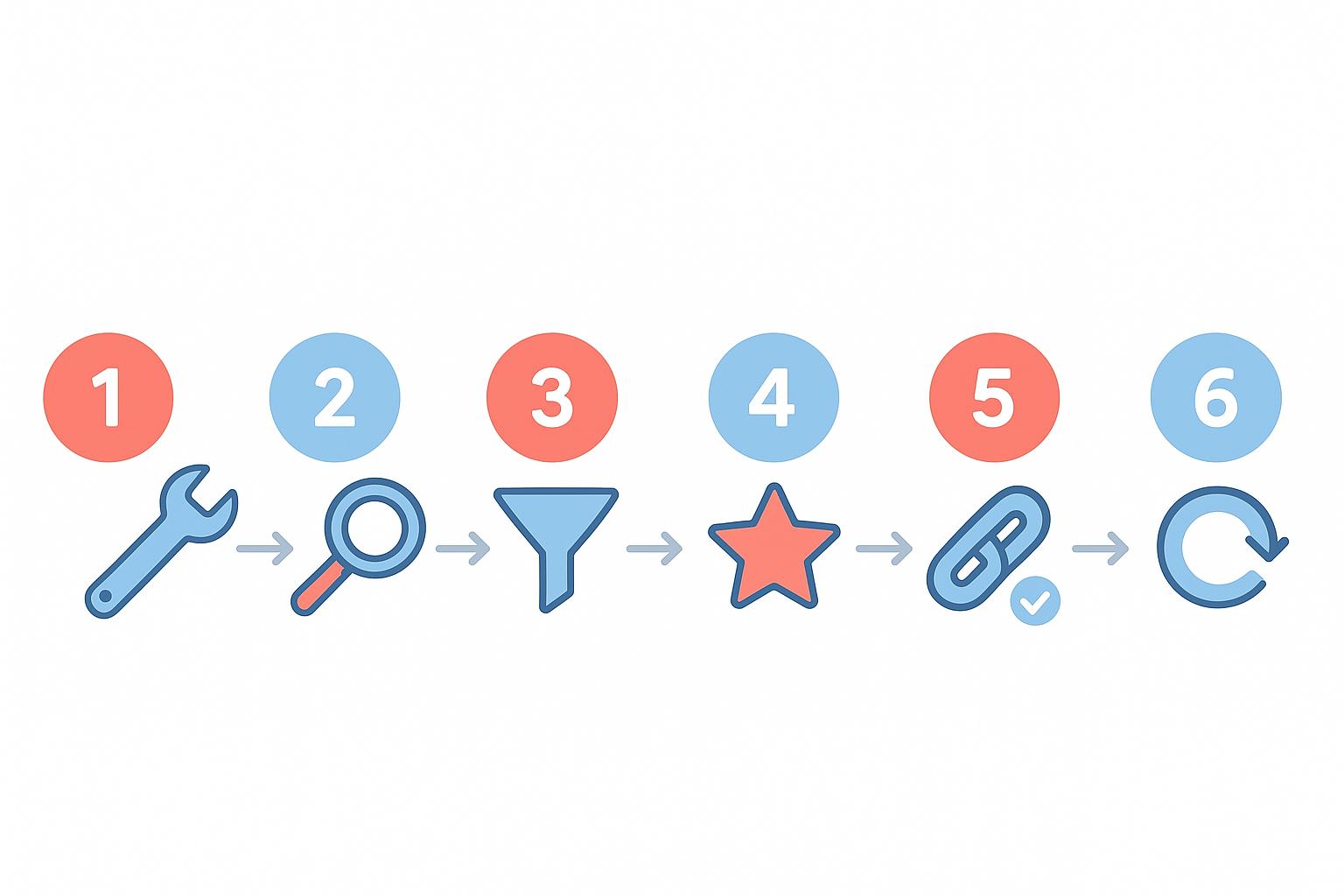
A six-step broken link audit process ensures no dead links are missed during your website review.
Internal vs. External Broken Links: Different Risks, Different Fixes
Internal broken links occur when a page on your own site links to another page on your site that no longer exists. These are entirely within your control and should be treated as the highest priority. In contrast, external broken links point outward to third-party pages that have gone offline or moved.
Although you cannot control external sites, you are still responsible for the links you publish. Outbound links to dead pages make your content look outdated and reduce reader trust. Therefore, replace dead external links with updated, credible sources whenever possible.
Additionally, if other websites link to broken pages on your site — known as broken backlinks — you are losing valuable inbound link equity. Setting up 301 redirects from those broken URLs to relevant live pages recovers that equity and restores the benefit of those backlinks.
How Often Should You Audit for Broken Links?
The right audit frequency depends on how often your site changes. For most websites, a monthly audit is a reasonable baseline. However, large e-commerce sites or content-heavy blogs that publish frequently should run weekly scans because new broken links can appear with every content update or product change.
After any major site event — such as a migration, redesign, or CMS upgrade — run an immediate audit. These events are the most common triggers for mass link breakage. Setting up automated monitoring through tools like Ahrefs or RankAuthority’s ongoing SEO services ensures you receive alerts before broken links accumulate into a serious problem.
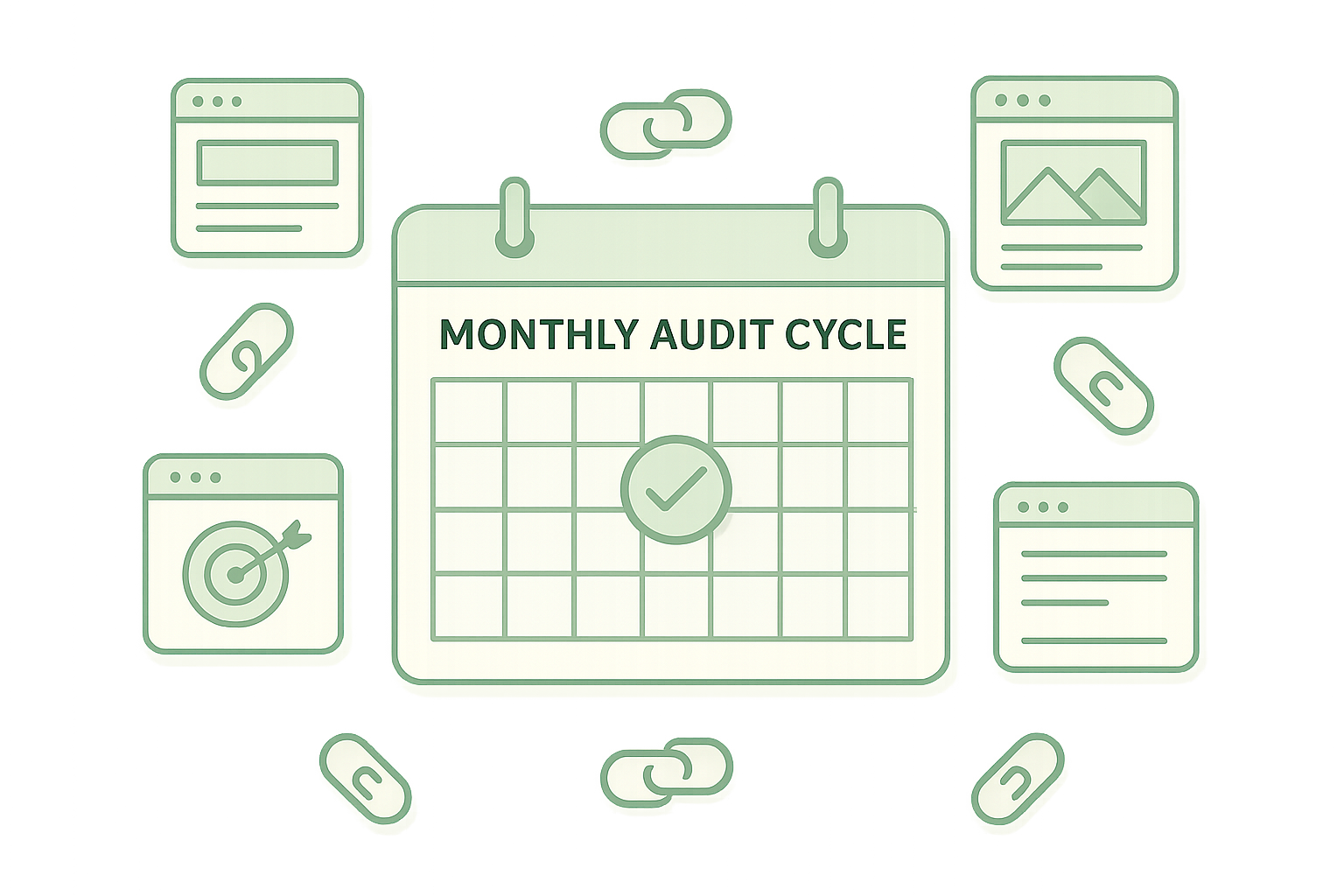
Scheduling regular audits prevents broken links from building up unnoticed over time.
Common Mistakes to Avoid When Fixing Broken Links
Even experienced webmasters make avoidable errors during broken link fixes. First, many people apply temporary 302 redirects instead of permanent 301 redirects, which means search engines do not transfer link equity to the new destination. Always use 301 redirects for permanently moved pages.
Second, some site owners fix broken links but never re-crawl to verify the fix worked. A misconfigured redirect or a typo in the updated URL can leave a link broken even after you believe it is resolved. Therefore, always verify with a follow-up crawl.
Finally, avoid creating redirect chains — situations where URL A redirects to URL B, which redirects to URL C. Each additional hop slows page load speed and dilutes link equity. Instead, redirect directly from the broken URL to the final live destination.
Frequently Asked Questions About Checking Broken Links on a Website
What does checking broken links on a website mean?
Checking broken links on a website means scanning all hyperlinks to identify any that return errors such as 404 Not Found, 410 Gone, or timeout responses. These dead links harm user experience and SEO rankings, so finding and fixing them is a core website maintenance task.
How often should I check my website for broken links?
Most SEO professionals recommend checking for broken links at least once a month. High-traffic or frequently updated websites should run audits weekly to catch new broken links quickly.
Do broken links hurt SEO?
Yes, broken links negatively affect SEO by wasting crawl budget, blocking link equity flow, and increasing bounce rates. Search engines like Google view excessive broken links as a sign of poor site quality.
What is the best free tool for finding broken links?
Google Search Console is the best free tool for finding broken links because it reports crawl errors directly from Google’s perspective. Screaming Frog SEO Spider also offers a free version that crawls up to 500 URLs.
What HTTP status code indicates a broken link?
A 404 Not Found status code is the most common indicator of a broken link. Other relevant codes include 410 Gone, 500 Internal Server Error, and 503 Service Unavailable.
What is the difference between an internal and external broken link?
An internal broken link points to a missing page within your own website, while an external broken link points to a page on another website that no longer exists. Both types hurt user experience, but internal broken links are more directly within your control to fix.
How do I fix a broken link on my website?
To fix a broken link, either update the URL to point to the correct live page, redirect the broken URL using a 301 redirect, or remove the link entirely if no suitable replacement exists. For external broken links, replace them with a working alternative source.
Can broken links affect my website’s user experience?
Yes, broken links frustrate visitors by leading them to dead-end error pages instead of useful content. This increases bounce rates and reduces the likelihood that users will trust or return to your site.
Does Screaming Frog find broken links?
Yes, Screaming Frog SEO Spider crawls your entire website and flags all URLs returning error status codes, including 404s and server errors. It is one of the most thorough desktop tools available for broken link audits.
What is link equity and why does it matter for broken links?
Link equity, sometimes called link juice, is the SEO value passed from one page to another through hyperlinks. When a link is broken, that equity is lost rather than transferred, which can reduce the ranking power of pages that depend on those links.
Are broken external links my responsibility to fix?
You cannot control whether an external website keeps its pages live, but you are responsible for updating or removing outbound links from your site that lead to dead pages. Regularly auditing outbound links keeps your content credible and useful.
What is a 301 redirect and when should I use it for broken links?
A 301 redirect is a permanent server instruction that sends visitors and search engines from an old URL to a new one. Use it when a page has moved or been renamed so that existing links and bookmarks continue to work correctly.
Final Thoughts: Make Checking Broken Links a Habit
Checking broken links on a website is one of the highest-return maintenance tasks you can perform for both SEO and user experience. By using the right tools, following a structured six-step audit process, and scheduling regular checks, you ensure that every link on your site leads somewhere useful.
In summary, do not wait for Google to flag crawl errors or for users to report dead ends. Build broken link audits into your monthly workflow, fix issues promptly using proper 301 redirects, and verify every fix with a follow-up crawl. Your rankings and your readers will benefit immediately.

