
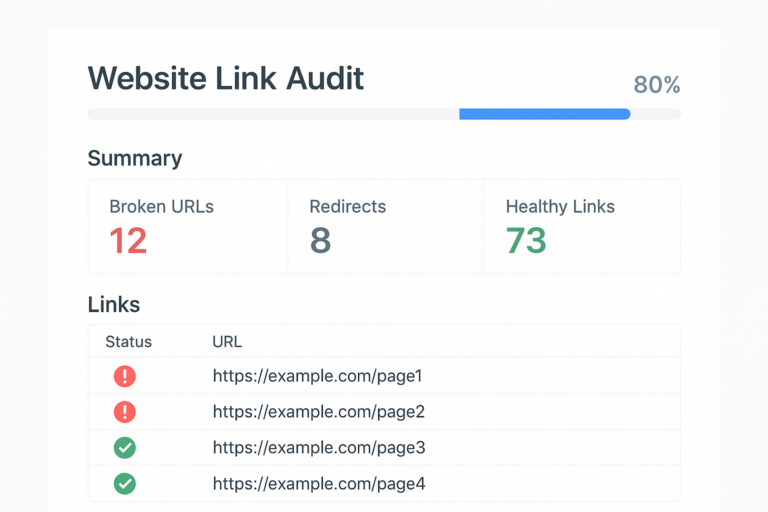
A dead links finder is a tool that automatically crawls your website and identifies URLs returning error responses — most often a 404 Not Found — so you can fix them before they damage your search rankings or frustrate your visitors. Even a small number of broken links can quietly erode both user trust and crawl efficiency over time.
Most site owners discover broken links only after a user complains or a ranking drops. However, by that point, the damage is already done. Fortunately, using the right dead links finder regularly puts you in control of your site’s health.
What Is a Dead Links Finder and Why Does It Matter?
A dead links finder is a specialized crawler or audit tool that requests every URL on your site — and every URL your pages link to — then records the HTTP status code returned by each one. Links that return a 4xx or 5xx status code are flagged as broken or dead. According to Wikipedia’s overview of HTTP 404, a 404 response means the server cannot find the requested resource, which is the most common form of a dead link.
Because search engines like Google crawl your pages regularly, they will encounter these same errors. As a result, broken links waste your crawl budget and prevent link equity from flowing to the pages that need it most.
How Broken Links Harm Your SEO
The SEO consequences of dead links are broader than most people realize. First, when Googlebot follows a broken internal link, it hits a dead end and cannot continue crawling that branch of your site. Therefore, pages buried behind broken links may never get indexed.
Additionally, broken external links signal to users — and indirectly to search engines — that your content is outdated or poorly maintained. High bounce rates caused by 404 errors can worsen your engagement signals. In contrast, a site with clean, working links demonstrates quality and reliability.
Meanwhile, if other websites link to pages on your domain that no longer exist, those valuable backlinks deliver zero equity. Setting up 301 redirects from deleted pages recovers that lost authority and routes it to relevant live pages. For a deeper walkthrough, see our Checking Domain Authority: The Complete Guide (2025).
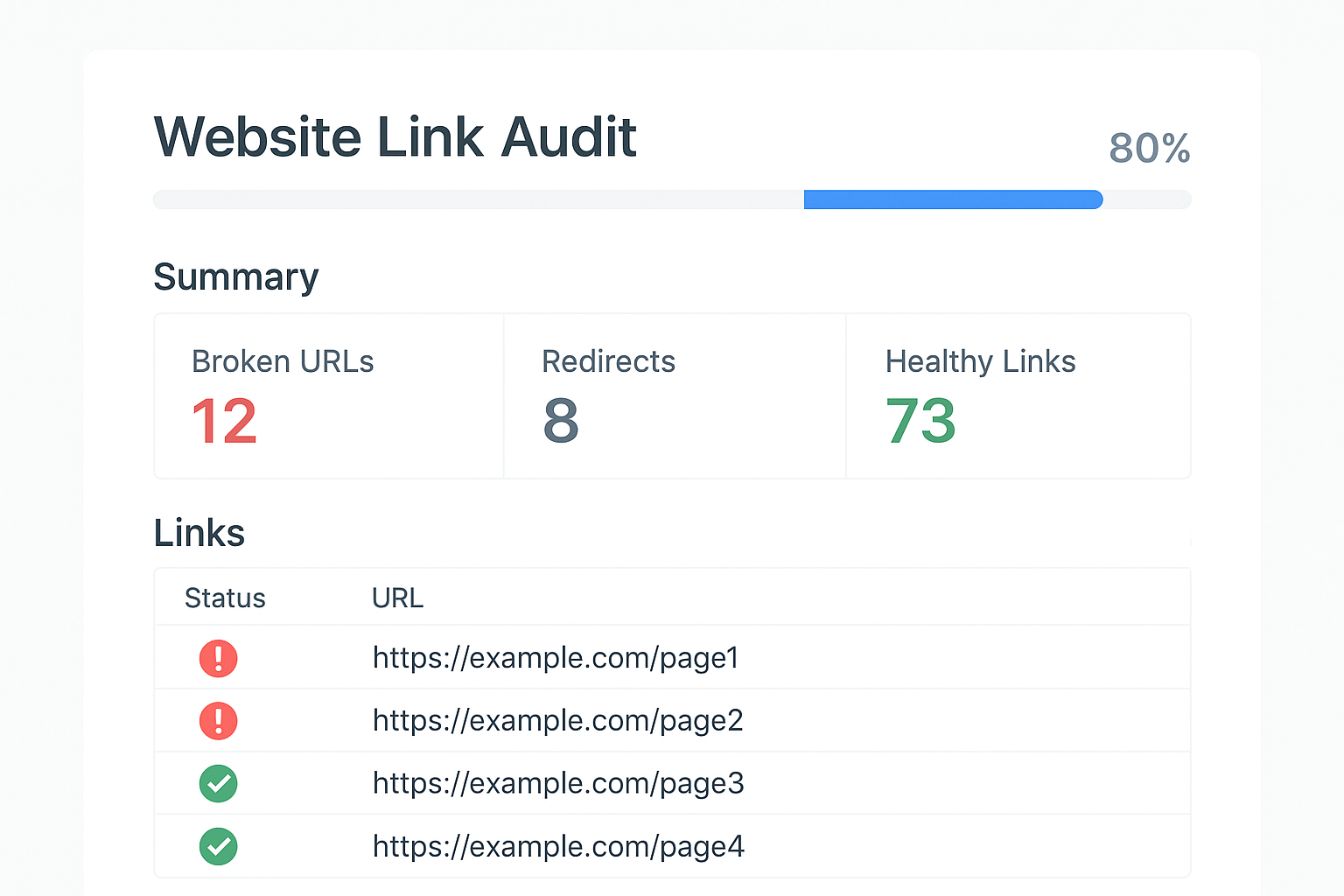
A dead links finder dashboard gives you an instant visual summary of broken URLs across your entire site.
How to Find and Fix Dead Links Step by Step
Following a structured process ensures you catch every broken link and resolve it correctly. Here is a reliable six-step workflow:
1 Choose a dead links finder tool. Select a crawler such as Screaming Frog, Ahrefs Site Audit, or RankAuthority that can scan your full domain for broken internal and external URLs.
2 Run a full site crawl. Enter your root domain and allow the tool to follow every link it discovers. For large sites, schedule the crawl during off-peak hours to minimize server load.
3 Filter by error status codes. Isolate all 4xx and 5xx responses in the crawl report. This step separates dead links from the rest of your URL inventory.
4 Prioritize internal dead links first. Internal broken links directly disrupt your crawl paths and link equity flow, so address these before turning to external links.
5 Apply 301 redirects or update anchor URLs. For each dead link, either update the href to a valid destination or implement a server-side 301 redirect from the broken URL to the most relevant live page.
6 Re-crawl and verify all fixes. Finally, run the dead links finder again to confirm every previously broken URL now returns a 200 OK response.
Choosing the Right Tool for Your Needs
The market offers several strong options, each with different strengths. For example, Screaming Frog SEO Spider is a desktop crawler that handles up to 500 URLs for free and provides granular filtering by status code. It is ideal for small to mid-sized sites where a quick manual audit is sufficient.
Google Search Console is another valuable resource because it reports crawl errors directly from Googlebot’s perspective. However, it only surfaces errors the bot has already encountered, so it may miss broken links on rarely crawled pages.
For larger sites or agencies managing multiple domains, Ahrefs Site Audit and RankAuthority offer cloud-based crawling with scheduled scans, historical comparisons, and automated alerts when new broken links appear. These platforms are particularly useful because they combine dead link detection with broader SEO health scoring.
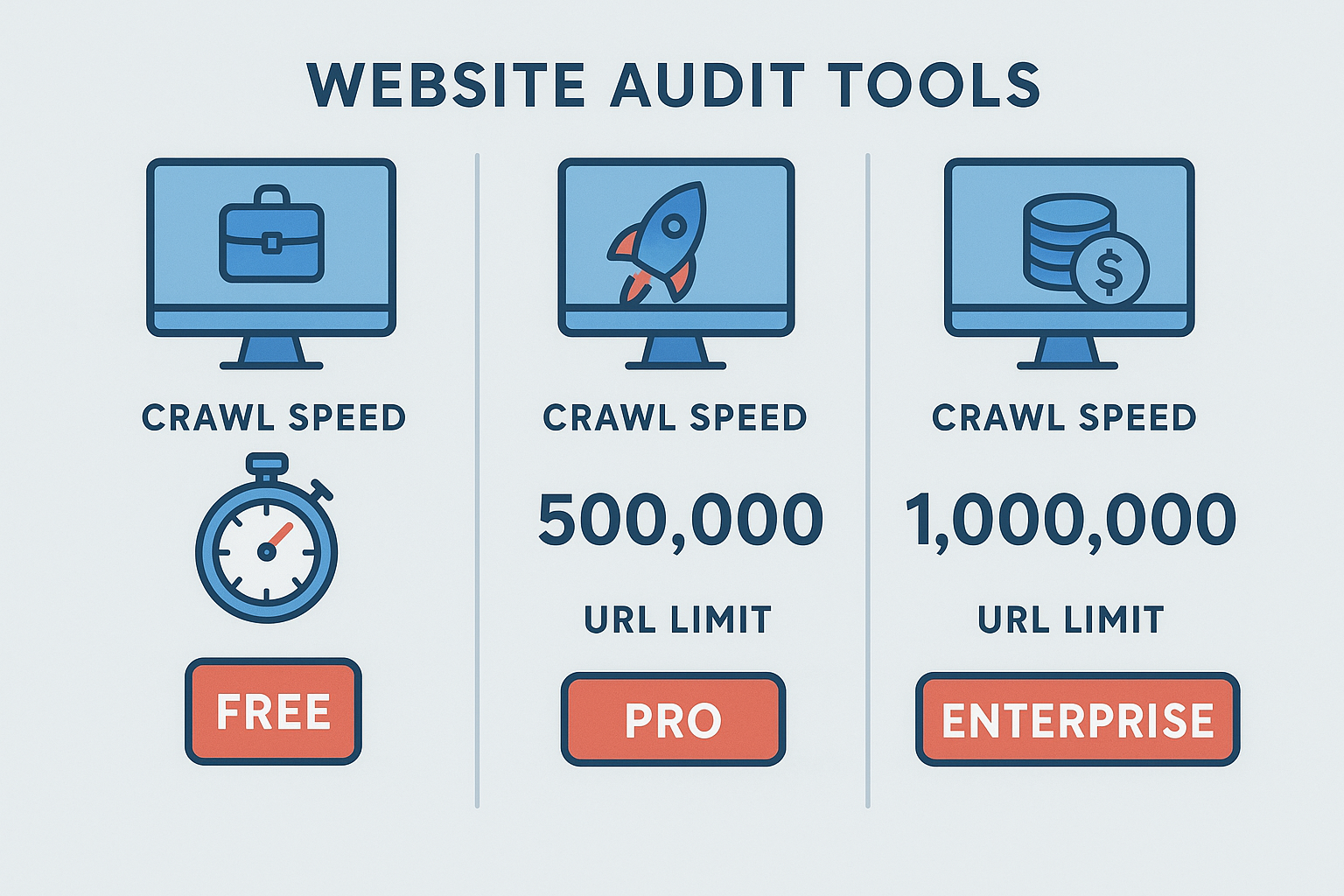
Comparing crawl tools helps you select the best dead links finder for your site’s size and budget.
Common Mistakes When Auditing Broken Links
Even experienced SEOs make avoidable errors during link audits. One of the most common mistakes is fixing only internal links and ignoring external ones. While internal dead links are more urgent, outbound links pointing to broken third-party pages still harm your credibility and user experience.
Another frequent error is using a chain of redirects rather than pointing directly to the final destination. Each redirect hop adds latency and dilutes link equity, so always redirect to the canonical live URL in a single step.
Additionally, many site owners run a dead link audit once and then forget about it. Because content changes constantly — both on your site and on external domains you link to — broken links reappear regularly. Therefore, scheduling recurring scans is essential for maintaining a clean link profile over the long term.
Internal vs. External Dead Links: Key Differences
Internal dead links occur when a page on your own domain links to another page that has been deleted, moved, or renamed without a redirect. These are the highest priority to fix because they directly break your site’s crawl architecture and disrupt the flow of PageRank between your own pages.
External dead links, in contrast, point outward to third-party URLs that have gone offline or changed. You cannot control external sites, but you can update or remove the outbound links on your own pages. In practice, replacing a dead external link with a link to an authoritative, live alternative actually improves your content’s value.
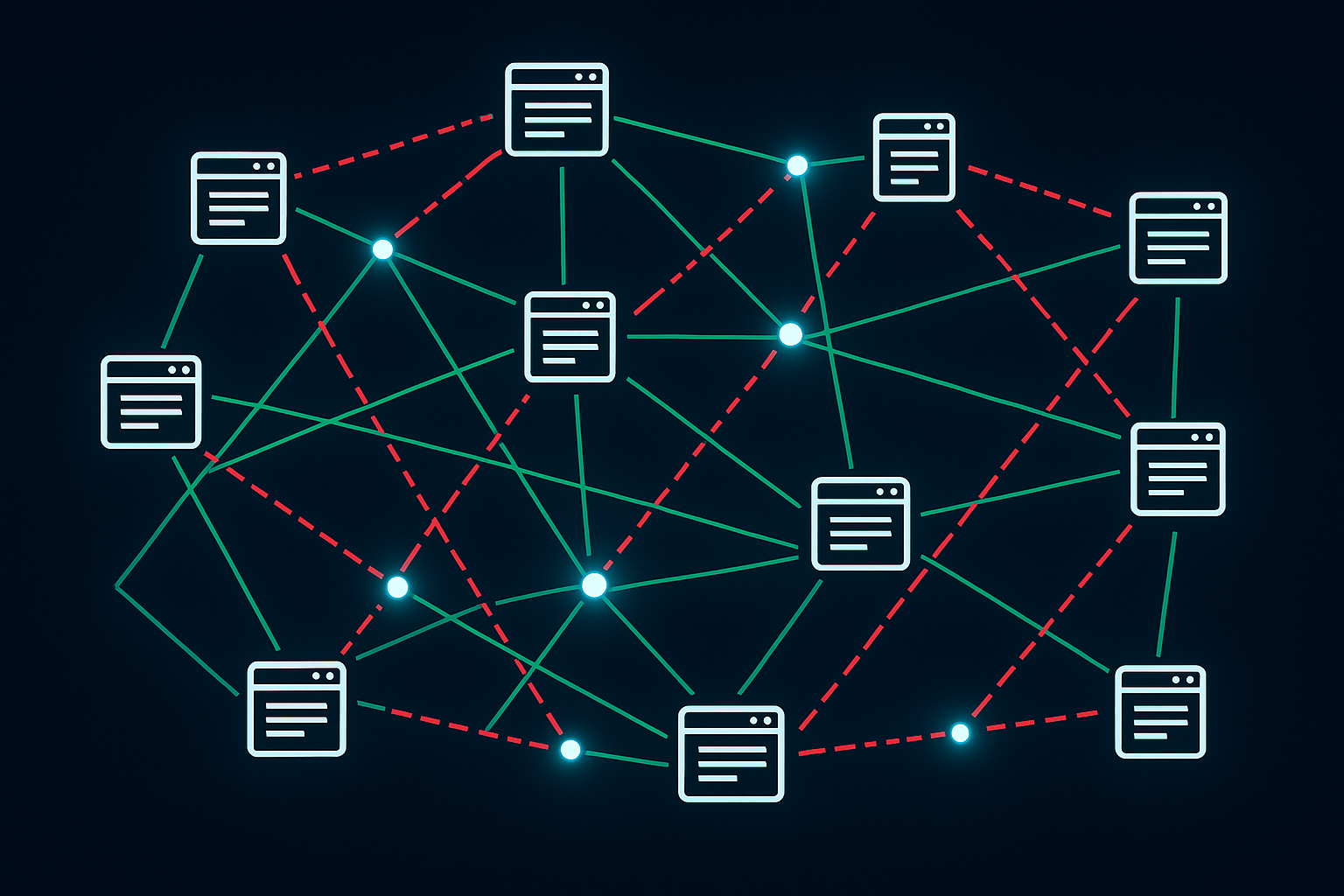
Understanding the difference between internal and external dead links helps you prioritize your fix strategy effectively.
How Often Should You Run a Dead Link Audit?
The right audit frequency depends on how often your content changes. For small blogs with infrequent updates, a monthly scan is generally sufficient. However, e-commerce sites, news publishers, and large content platforms should consider weekly automated scans because product pages, articles, and category URLs change constantly.
In addition to scheduled audits, trigger an immediate scan whenever you perform a major site migration, restructure your URL architecture, or delete a large batch of pages. These events are the most common sources of sudden dead link spikes.
Conclusion: Make a Dead Links Finder Part of Your SEO Routine
A dead links finder is not a one-time fix — it is an ongoing maintenance tool that protects your crawl budget, preserves link equity, and keeps visitors moving smoothly through your site. By running regular audits, prioritizing internal broken links, and applying clean 301 redirects, you give your site the best possible foundation for sustained search performance.
Start with a free tool like Screaming Frog or Google Search Console, then scale up to a platform like RankAuthority as your site grows. The sooner you build this habit, the fewer broken links will accumulate — and the stronger your SEO will be as a result.
Frequently Asked Questions
What is a dead links finder?
A dead links finder is a tool that crawls your website and identifies URLs that return errors — most commonly 404 Not Found responses. It helps webmasters quickly locate and fix broken internal and external links before they damage SEO or user experience.
How do dead links affect SEO?
Dead links waste crawl budget, break the flow of link equity, and signal poor site quality to search engines. Over time, a high volume of broken links can cause rankings to drop as Googlebot encounters repeated dead ends.
What HTTP status code indicates a dead link?
The most common status code for a dead link is 404 Not Found, meaning the server cannot locate the requested page. Other problematic codes include 410 Gone, 500 Internal Server Error, and timeout responses.
How often should I run a dead links finder on my website?
For most websites, running a dead links finder monthly is sufficient. However, large sites with frequent content updates or heavy external linking should consider weekly scans to catch broken URLs quickly.
What is the difference between internal and external dead links?
Internal dead links point to pages within your own domain that no longer exist, while external dead links point to third-party URLs that have been removed or changed. Both harm user experience, but internal dead links also directly disrupt your site’s crawlability and link equity flow.
Can I use Google Search Console as a dead links finder?
Yes, Google Search Console reports crawl errors including 404 pages under the Coverage report. However, it only shows errors Googlebot has encountered, so it may not catch every broken link — especially on rarely crawled pages.
What are the best free dead links finder tools?
Popular free options include Screaming Frog SEO Spider (up to 500 URLs), Google Search Console’s Coverage report, and W3C Link Checker. For deeper audits, paid tools like Ahrefs or RankAuthority provide more comprehensive crawl data.
How do I fix a dead link once I find it?
You can fix a dead link by updating the anchor URL to a valid destination, setting up a 301 redirect from the broken URL to the correct page, or removing the link entirely if no suitable replacement exists.
Does fixing dead links improve website rankings?
Fixing dead links can improve rankings indirectly by restoring proper crawl paths, preserving link equity, and improving user experience metrics. Sites with clean link profiles tend to perform better in search results over time.
What is crawl budget and why does it matter for dead links?
Crawl budget is the number of pages Googlebot will crawl on your site within a given period. Dead links waste crawl budget because the crawler spends resources requesting URLs that return errors instead of indexing valuable content.
Can dead links on external sites affect my rankings?
If external sites link to pages on your domain that no longer exist, those backlinks deliver no SEO value. Setting up 301 redirects from deleted pages to relevant alternatives can recover the lost link equity from those external sources.
How long does a dead links finder scan take?
Scan time depends on the size of the website and the crawl speed setting of the tool. Small sites of a few hundred pages may complete in minutes, while large sites with thousands of URLs can take several hours.

