
How to Search Backlinks — the process of looking up every external website that links to a domain or specific page — is one of the highest-leverage activities in SEO. Because backlinks remain a top-three Google ranking signal, understanding who links to you, why they link, and whether those links help or hurt your site directly determines your competitive position in search results.
This guide covers everything: the best free and paid tools to search backlinks, a step-by-step audit process, every metric that actually matters, how to find competitor backlinks and exploit gaps, and how to turn raw link data into measurable ranking gains. Whether you manage a single site or a portfolio of domains, these methods apply immediately — no prior experience required. Last updated: 2026-07-02. Author: RankAuthority editorial team.
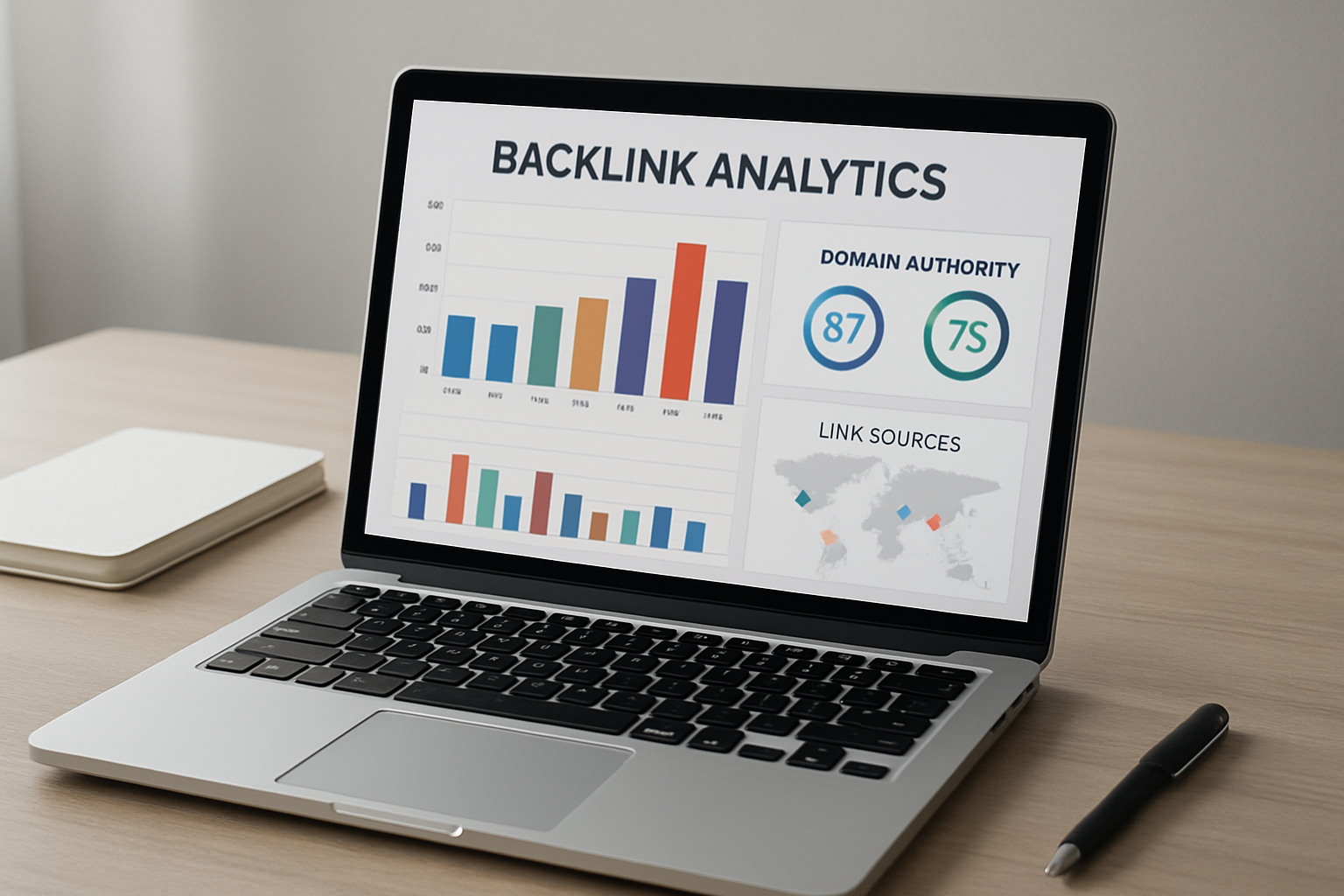
A well-structured backlink dashboard makes it easy to search backlinks and interpret link quality at a glance.
Why Searching Backlinks Is Non-Negotiable for SEO
Google’s PageRank algorithm was built on a single premise: links from other websites are votes of confidence. The more authoritative and relevant the linking site, the more ranking power that vote carries. Decades later, this principle still holds — backlinks are consistently identified as a top-three ranking factor by every major SEO study.
But the equation has two sides. Low-quality, spammy, or manipulative links can actively suppress your rankings or trigger a Google manual penalty. This is why searching backlinks regularly — not just once — is essential maintenance for any site serious about organic growth.
There are four distinct reasons to search backlinks:
- Monitor your own link profile — Track who is linking to you, how their authority affects your rankings, and whether new links are appearing naturally or artificially.
- Identify and neutralize toxic links — Catch harmful links early before they erode your rankings or result in a penalty.
- Reverse-engineer competitor authority — Discover exactly which sites are fueling your competitors’ rankings so you can target the same sources.
- Find actionable link-building opportunities — Identify prospect sites through gap analysis, broken link hunting, and unlinked brand mention searches.
The Best Tools to Search Backlinks (Free and Paid)
No single tool has a perfect backlink index. Each crawls the web differently, updates at different frequencies, and surfaces different data. Experienced SEOs use two or three tools in combination to cross-reference results and avoid blind spots.
Free Tools to Search Backlinks
Google Search Console — The most reliable free tool to search backlinks for your own site. It pulls data directly from Google’s crawl index, showing verified linking domains, their linked pages, and the anchor text used. Limitation: it only works for properties you own and verify; you cannot search a competitor’s backlinks here. For a quick external scan, try our Backlink Profile Checker.
Bing Webmaster Tools — A free alternative that often surfaces linking domains that Google Search Console misses. Useful as a secondary verification layer, especially for sites with international audiences.
Ahrefs Free Backlink Checker — Shows the top 100 backlinks and referring domains for any URL at no cost. Limited compared to the paid version, but genuinely useful for quick competitive snapshots before committing to a paid plan. Try our Backlink Checker for a fast site-level view.
Paid Tools to Search Backlinks
Ahrefs Site Explorer — The industry benchmark for backlink research. Its index contains over 35 trillion known links, updated continuously. Strengths include historical link data, link velocity charts, referring domain growth graphs, broken backlink detection, and the most comprehensive anchor text analysis available. Best for: power users who need deep competitive intelligence. For a strategic walkthrough, see our SEO Backlinks Analysis.
Semrush Backlink Analytics — A complete suite combining backlink auditing with keyword research in a single platform. Its Authority Score and Toxicity Score features make it particularly strong for identifying harmful links and prioritizing removal. Best for: teams that want all-in-one SEO management with backlink data integrated.
Moz Link Explorer — Offers Domain Authority (DA) scores and Page Authority (PA) scores that are widely recognized as proxy metrics for link quality. The interface is beginner-friendly, and the Spam Score filter helps surface suspicious links quickly. Best for: agencies and clients who want clear, shareable authority metrics.
Majestic SEO — Specializes exclusively in link data with its proprietary Trust Flow and Citation Flow metrics. Trust Flow measures how trustworthy a link source is based on proximity to known authoritative sites, making it one of the best signals for evaluating link quality at scale. Best for: agencies running large-scale link audits.
Pro tip: Use Google Search Console for verified first-party data on your own site, then layer Ahrefs or Semrush for competitor research and bulk opportunity discovery. Cross-referencing two tools reduces the risk of acting on incomplete data. Try our backlink profile checker to speed audits.
How to Search Backlinks: Step-by-Step Process
Following a repeatable process ensures you extract maximum value from every backlink search. Below are the seven core steps that professional SEOs use when auditing any domain’s link profile.
Choose the Right Tool for Your Goal
Start by matching the tool to your objective. If you are auditing your own domain, open Google Search Console and navigate to Links → Top linking sites. If you are researching a competitor or any external domain, use Ahrefs Site Explorer, Semrush Backlink Analytics, or Moz Link Explorer. Using the wrong tool for the wrong task wastes time and produces incomplete data.
Enter the Target Domain or Specific URL
Paste the full root domain (e.g., example.com) to get a complete picture of all backlinks pointing to the entire site. Alternatively, enter a specific page URL to see which pieces of content attract the most links — invaluable for content gap analysis. Most tools offer a mode selector: “Exact URL,” “Prefix,” “Domain,” and “Root Domain” — choose carefully, as each returns different data sets. See our Backlink SEO Checker for a guided checklist and automated reports.
Analyze Referring Domains and Total Backlinks
The first metrics to review are referring domains (unique sites linking to you) and total backlinks (total individual link occurrences). A healthy profile has a high ratio of referring domains to total links — meaning many different sites each link to you once or twice. A low ratio (e.g., 50 domains but 5,000 links) often signals footer spam, sitewide links, or a link scheme that search engines may penalize. See the Analysis Backlink Checker for measurement best practices.
Evaluate Link Quality Metrics
For each referring domain, check its Domain Rating (Ahrefs), Domain Authority (Moz), or Authority Score (Semrush). Also examine Trust Flow (Majestic) if available. High scores from topically relevant domains are the gold standard. Sort by DR or DA descending to identify your most valuable link sources and reverse-engineer what type of content earned them.
Audit Anchor Text Distribution
Open the anchor text report and review the breakdown across categories: branded anchors (your site or company name), naked URLs (the bare web address), generic anchors (“click here,” “learn more”), and keyword-rich anchors (containing your target keywords). A natural profile has the majority of links in branded and generic categories. If exact-match keyword anchors make up more than 10–15% of your profile, that over-optimization is a risk factor for algorithmic filtering or manual review.
Identify and Flag Toxic or Spammy Backlinks
Filter results by spam score (Moz), toxicity score (Semrush), or manually spot-check low-DR domains. Red flags include: links from foreign-language spam directories with no topical relevance, links from hacked or compromised sites, sitewide footer links from unrelated domains, links using exact-match commercial anchor text from very low-authority sites, and sudden spikes in link velocity (many new links appearing in a short window). Flag these for removal outreach or disavow.
Search Competitor Backlinks and Run a Link Gap Analysis
Enter your top three to five competitors’ domains into the same tool. Export their referring domain lists and compare them against yours using the Link Intersect (Ahrefs) or Backlink Gap (Semrush) feature. Sites that link to two or more competitors but not to you are your highest-priority outreach targets — they have already demonstrated interest in your topic and are likely open to linking to quality content in the same space. Use this find and fix link profile walkthrough to operationalize outreach.

Comparing competitor backlinks side by side is one of the fastest ways to uncover high-value link-building opportunities.
Every Backlink Metric That Actually Matters
When you search backlinks, raw volume tells you almost nothing useful. A single link from a DR 85 industry publication is worth more than 500 links from spam directories. See our SEO backlinks analysis guide.
Referring Domains
The total count of unique websites pointing to your domain. This is arguably the single most important metric in backlink analysis. Studies by Ahrefs and Moz consistently show that referring domain count correlates more strongly with first-page rankings than any other link metric. Growth in referring domains over time is the clearest signal of a healthy, growing link profile.
Domain Rating / Domain Authority / Trust Flow
Each tool uses a proprietary score to estimate the ranking power of a linking domain. Ahrefs uses Domain Rating (DR, 0–100), Moz uses Domain Authority (DA, 0–100), Semrush uses Authority Score, and Majestic uses Trust Flow and Citation Flow. None of these are Google metrics, but they are useful proxies for prioritizing which links are worth pursuing and which are risky. A link from DR 70+ is generally considered high value; anything below DR 20 warrants scrutiny.
Anchor Text Distribution
The clickable text of a link tells search engines what your page is about. A natural profile typically looks like this: 40–50% branded anchors, 20–30% naked URLs or generic phrases, 15–25% topical (partial match) anchors, and no more than 10–15% exact-match keyword anchors. Deviating significantly from this distribution — particularly toward exact-match over-optimization — is one of the most common triggers for Google’s Penguin algorithm.
Dofollow vs. Nofollow Ratio
Dofollow links pass PageRank (link equity) and directly influence rankings. Nofollow links carry the rel=”nofollow” attribute and traditionally do not pass equity, though Google announced in 2019 that it treats nofollow as a hint rather than a directive. A healthy link profile contains both types — a profile made up of 100% dofollow links looks unnatural and manipulative. Nofollow links from high-authority sources (major news sites, Wikipedia) still build brand visibility and drive referral traffic.
Link Velocity
The rate at which new backlinks are being acquired over time. A steady, gradual increase in referring domains signals organic growth. A sudden spike — especially if not connected to a content launch, press mention, or campaign — is a red flag that may attract algorithmic scrutiny. Monitor your link velocity chart monthly and investigate any anomalies.
Topical Relevance
A link from a DR 60 site in your exact niche is generally more valuable than a link from a DR 80 site that covers completely unrelated topics. Google’s algorithms have grown increasingly sophisticated at evaluating whether a link comes from a contextually relevant source. When searching backlinks, always note the topic category of the linking domain — not just its authority score.
Lost and New Backlinks
Most tools include a “new” and “lost” backlinks view. Lost links — particularly from high-authority domains — can explain sudden ranking drops. Investigate whether lost links resulted from the source page being deleted, your content being replaced, or a competitor outranking you for the same resource. Reclaiming high-value lost links through outreach is often faster than building new ones from scratch.
How to Search Backlinks for Competitor Research
Searching competitor backlinks is arguably more valuable than auditing your own, because it transforms raw link data into an actionable outreach prospect list. Here is the exact process professionals use.
Step 1: Identify Your True Search Competitors
Your SEO competitors are not necessarily your business competitors — they are the sites ranking above you for your target keywords. Search your primary keyword in Google, note the top ten organic results, and add them all to a spreadsheet. These are the sites whose backlink profiles you need to study most carefully; see How to Analyze Competitors in Search Visibility for a full process.
Step 2: Run a Link Gap Analysis
Use Ahrefs’ Link Intersect tool or Semrush’s Backlink Gap tool to compare your domain against three to five competitors simultaneously. The tool identifies domains that link to your competitors but not to you — these are your highest-priority outreach targets. Filter results by DR 40+ to focus on prospects worth pursuing. See our backlinks audit checklist for reproducible steps.
Step 3: Analyze the Best-Linked Pages
Within each competitor’s Site Explorer profile, open the “Best by links” or “Top pages” report. This shows which of their pages have earned the most backlinks. Study the content format, depth, data sources, and structure of those pages. Then create a substantially improved version — what the SEO industry calls the skyscraper technique — and use it as your outreach asset. For a deeper walkthrough, see How to Check Backlinks SEO.
Step 4: Find Broken Backlink Opportunities
Filter a competitor’s backlink report to show only links pointing to 404 (broken) pages. These represent sites that intended to link to a resource that no longer exists. Reach out to those linking sites, inform them the link is broken, and offer your relevant content as a replacement. This tactic has among the highest conversion rates of any link-building outreach because you are solving a real problem for the webmaster.
Step 5: Find Unlinked Brand Mentions
Use a content explorer tool or Google’s site search operator to find pages that mention your brand name but do not link to your site. Reach out to the authors and ask them to convert the mention into a link — this is one of the easiest backlinks to earn because the site owner already has a positive enough impression of your brand to mention it.
How to Handle Toxic Backlinks After You Find Them
Finding toxic links is only half the job. Taking the right action — in the right order — is what actually protects your rankings. Here is the correct sequence.
- Document all toxic links — Export flagged links to a spreadsheet. Record the source URL, the page being linked to, the anchor text, the DR/DA of the source, and the specific reason for the toxicity flag.
- Attempt manual removal first — Find the contact information for each linking site (typically in the site footer, contact page, or WHOIS record) and send a professional removal request. Keep this concise — one to two sentences explaining which URL you want the link removed from.
- Wait 2–4 weeks for responses — Give webmasters reasonable time to respond. Track replies and link removals in your spreadsheet. Many sites will not respond, which is expected.
- Build a disavow file for persistent toxic links — For links that were not removed after outreach, create a .txt disavow file formatted per Google’s specifications: one URL or domain per line, using “domain:example.com” to disavow an entire domain.
- Submit via Google Search Console — Upload the disavow file through Google Search Console’s Disavow Tool. Use caution — only disavow links you are highly confident are harmful. Incorrectly disavowing high-quality links can directly suppress rankings.
Warning: Google’s official guidance is that most sites do not need to use the Disavow Tool. Only use it if you have received a manual action for unnatural links, or if you have strong evidence that specific links are causing ranking suppression. Over-disavowing is a real and common mistake with serious consequences.
Common Mistakes When You Search Backlinks
Even experienced SEOs make these errors. Avoiding them will save time, protect rankings, and make your backlink analysis more accurate.
- Judging by volume alone — 10,000 backlinks from spam directories is far worse than 200 backlinks from authoritative, relevant domains. Always weight quantity against quality.
- Over-disavowing good links — One of the most destructive mistakes in SEO. Before disavowing any link, verify it is genuinely harmful. When in doubt, leave it alone.
- Doing a one-time audit and forgetting it — The web is dynamic. New spammy links appear constantly, and high-value links get deleted. Set a calendar reminder to search backlinks at minimum once per month.
- Ignoring lost backlinks — A sudden drop in referring domains explains many unexplained ranking decreases. Always check your “lost backlinks” report when rankings decline.
- Using only one tool — Every backlink tool has coverage gaps. Relying on a single data source gives you an incomplete view of your true link profile. Cross-reference at least two tools for any major decision.
- Comparing raw backlink counts to competitors without context — A competitor with fewer backlinks but higher topical relevance and better domain authority distribution will almost always outrank a site with more but lower-quality links.
- Neglecting internal link structure while chasing external links — Backlinks bring authority into your domain, but internal links distribute that authority to your most important pages. Both need to be managed together.
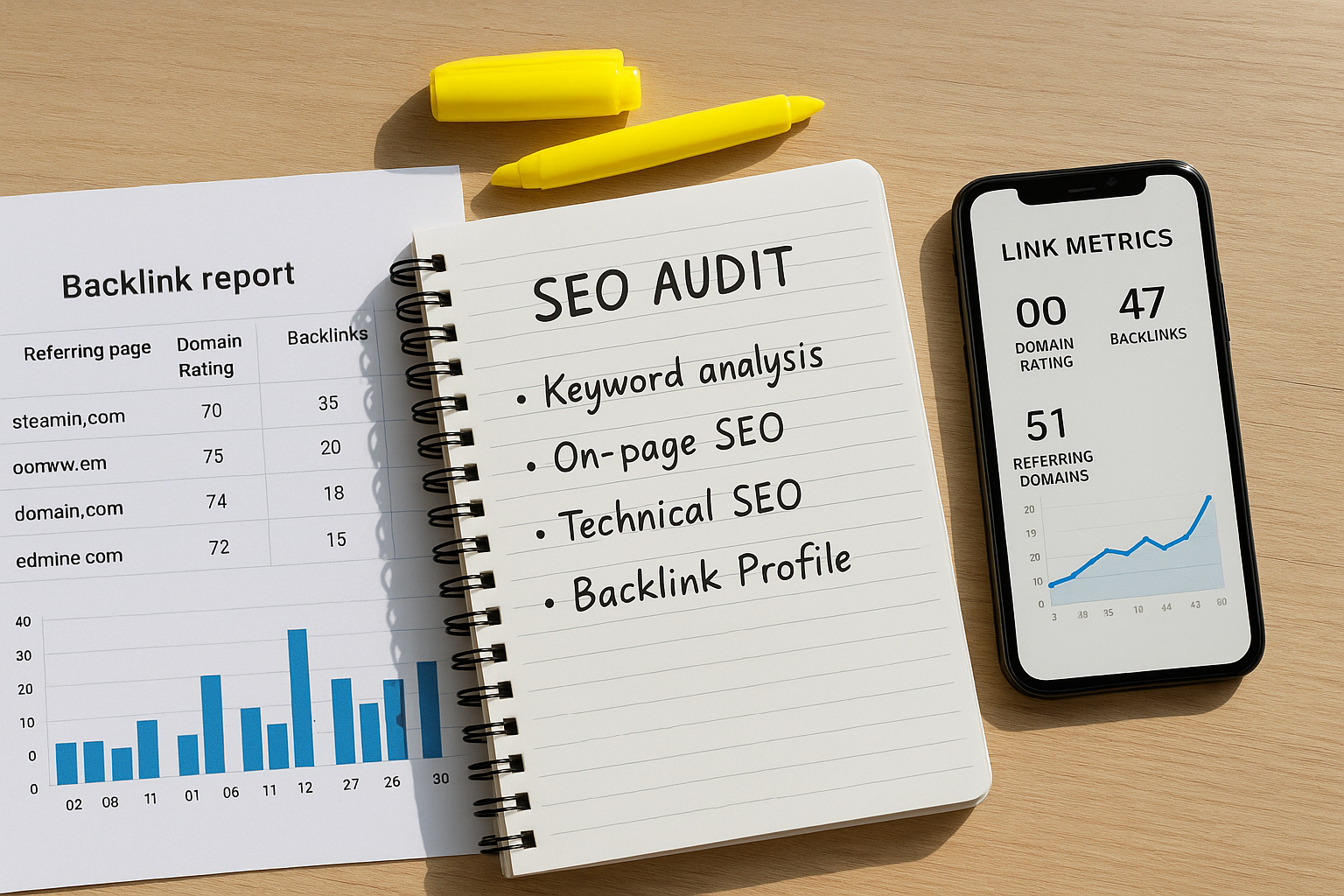
A structured audit process helps you prioritize which backlinks to keep, remove, or pursue.
Turning Backlink Data Into Real Ranking Gains
Data without a clear action plan produces nothing. Once you have completed your backlink search and analysis, these are the highest-ROI activities to pursue — ranked by typical impact:
1. Reclaim Lost High-Authority Links
If a DR 60+ domain previously linked to you and the link has since disappeared (source page deleted, URL changed, or content updated), reaching out to reclaim it is often the easiest win in link building. The site already considered you link-worthy — you just need to surface the right replacement resource or ask them to restore the link. Use our backlink checker guide to locate lost links quickly.
2. Pursue Link Gap Prospects Identified in Competitor Research
Domains already linking to multiple competitors in your space are proven link prospects. Craft personalized outreach that references what your content offers that the competitor’s does not — more depth, more recent data, a unique methodology, or a free tool. Conversion rates on gap-based outreach consistently outperform cold prospecting.
3. Create Link-Earning Content Assets
Certain content formats earn backlinks at significantly higher rates than others. Based on consistent patterns in large-scale backlink studies, the top link-earning formats are:
- Original research and industry data — Stats and studies are cited by other content creators constantly. A single original study can earn hundreds of referring domains over its lifetime.
- Comprehensive definitive guides — Long-form, thoroughly researched guides on core industry topics become the default reference resource in their niche.
- Free tools and calculators — Interactive tools earn links passively as users share and reference them. A well-built free tool routinely outperforms blog content in long-term link acquisition.
- Infographics and visual data — Embed codes and shareable visuals drive links from sites that want to illustrate a point without creating their own graphics.
- Expert roundups and interviews — Contributors share and link to content they are featured in, multiplying distribution with minimal additional outreach.
4. Execute Broken Link Building at Scale
Use Ahrefs’ Site Explorer to find competitor pages returning 404 errors that still have active backlinks. Export the linking domains, identify which of those sites are relevant and authoritative, and reach out with a replacement resource. Because you are solving an existing problem (a broken link), conversion rates for this tactic routinely exceed 10% — far above cold outreach averages of 1–3%. Learn practical audit steps in our Check Backlink Profile article.
5. Build a Monthly Backlink Search Routine
The compounding effect of consistent backlink monitoring and action is significant. SEOs who search backlinks monthly — checking new links earned, investigating lost links, monitoring competitor movements, and executing fresh outreach — consistently outperform those who run annual or ad-hoc audits. Set a repeating monthly task and treat it as non-negotiable maintenance, not optional research.
For strategic guidance on building and maintaining a high-authority link profile, RankAuthority provides in-depth frameworks tailored to different site types, industries, and competitive levels. Learn how to find and fix your link profile with practical, stepwise tactics.
How to Search Backlinks in Google Search Console (Full Walkthrough)
For anyone new to backlink analysis, here is a complete walkthrough of the most accessible starting point — Google Search Console’s Links report. For a deeper walkthrough, see our SEO: The Complete Guide to Search Engine Optimization.
- Log in to Google Search Console at search.google.com/search-console and select the property (domain) you want to analyze.
- Click “Links” in the left sidebar. This opens the Links report, which contains both external links (backlinks) and internal links data.
- Under “External Links,” review “Top linking sites.” This shows which domains link to your site most frequently. Click “More” to see the full list.
- Review “Top linked pages” to see which of your pages have earned the most backlinks — useful for identifying your strongest content assets.
- Check “Top linking text” to see the anchor text distribution of incoming links. Look for any over-representation of exact-match keyword anchors.
- Export all data using the download button in the top-right of each section. Save as a spreadsheet for monthly comparison tracking.
Limitation to note: Google Search Console does not show every backlink Google has indexed — it shows a representative sample. For a complete picture, supplement this data with at least one third-party tool.
Conclusion: Build a Backlink Search Habit That Compounds
The ability to search backlinks effectively — and act on what you find — is what separates reactive site owners from proactive SEO strategists. By choosing the right combination of tools, evaluating every relevant metric, running thorough competitor gap analysis, handling toxic links correctly, and creating content that earns links naturally, you build an authoritative link profile that is genuinely difficult for competitors to replicate quickly.
Start today: open Google Search Console for a first-party baseline on your own domain, layer in Ahrefs or Semrush for competitive intelligence, and commit to a monthly review cycle. Over six to twelve months, this discipline compounds into measurable first-page ranking gains across the keywords that matter most to your business. For a practical audit checklist, see our Backlinks SEO Check.
Frequently Asked Questions About Search Backlinks
What does it mean to search backlinks?
To search backlinks means to look up all external websites that link to a specific domain or page. This process reveals who is linking to you, the quality and authority of those links, anchor text used, and how the overall profile influences your search engine rankings.
Why is it important to search backlinks regularly?
Regular backlink searches help you monitor link profile health, catch toxic or spammy links before they harm your rankings, identify newly lost high-value links that may explain ranking drops, and surface new link-building opportunities. Monthly monitoring is the professional standard.
What is the best free tool to search backlinks?
Google Search Console is the best free tool to search backlinks for your own domain. It shows verified linking domains pulled directly from Google’s crawl index, making it the most accurate free source available. For external domains, the free version of Ahrefs’ Backlink Checker shows the top 100 backlinks at no cost.
How do I search backlinks for a competitor’s website?
Use a third-party tool — Ahrefs Site Explorer, Semrush Backlink Analytics, or Moz Link Explorer — and enter the competitor’s domain. These tools maintain independent crawl indexes and reveal linking domains, anchor text, authority scores, and link history for any publicly accessible site.
What metrics should I look at when I search backlinks?
Key metrics include: number of referring domains, Domain Rating or Domain Authority of linking sites, anchor text distribution, dofollow vs. nofollow ratio, link velocity (rate of acquisition over time), topical relevance of the linking site, and spam or toxicity scores. Together these metrics give a complete picture of your link profile’s strength and risk level.
How often should I search my backlinks?
Most SEO professionals search backlinks at least once per month. If you are actively running a link-building campaign or have recently received a spike in backlinks, weekly monitoring is advisable. Set up automated alerts in Ahrefs or Semrush to be notified immediately when significant new links are detected.
What are toxic backlinks and how do I find them?
Toxic backlinks originate from low-quality, spammy, or irrelevant websites and can trigger Google algorithmic filtering or manual penalties. Find them by searching backlinks with Semrush (Toxicity Score), Moz (Spam Score), or by manually reviewing low-DR domains in Ahrefs. Red flags include foreign spam directories, hacked sites, link farms, and sitewide footer links from unrelated domains.
Can searching backlinks help me build new links?
Yes — and it is one of the most effective prospecting methods available. When you search backlinks for competitors, you can identify sites that link to multiple rivals but not to you (link gap analysis), find broken pages with active backlinks (broken link building), and discover unlinked brand mentions. All three tactics are driven by backlink search data.
What is the difference between dofollow and nofollow backlinks?
Dofollow backlinks pass PageRank (link equity) to the destination page and directly influence search rankings. Nofollow backlinks include a rel=”nofollow” attribute that traditionally signals Google not to pass equity — though since 2019 Google treats nofollow as a hint rather than a hard directive. Both contribute to a natural-looking profile; a 100% dofollow link profile appears manipulative.
How many backlinks do I need to rank on the first page?
There is no fixed number. The requirement depends on your niche, the keyword’s competitiveness, and the quality of your existing link profile relative to ranking competitors. A handful of highly authoritative, topically relevant backlinks will outperform hundreds of low-quality links. Focus on referring domain diversity and link quality, not raw volume.
Does anchor text matter when I search backlinks?
Anchor text matters significantly. It tells search engines what your page is about and contributes to keyword relevance signals. A natural profile includes a mix of branded, generic, naked URL, and partial-match keyword anchors. Over-optimized exact-match anchor text — especially from low-authority sources — is a known trigger for Google’s Penguin algorithm and can cause ranking suppression.
What should I do after I search backlinks and find bad links?
Follow this sequence: document all toxic links, send manual removal requests to the linking sites, wait two to four weeks, then submit a disavow file via Google Search Console for any links that were not removed. Only disavow links you are confident are harmful — incorrectly disavowing legitimate links directly hurts your rankings.
What is link velocity and why does it matter when searching backlinks?
Link velocity is the rate at which a domain acquires new backlinks over time. A steady, gradual increase signals natural, organic link growth. A sudden spike — particularly one not tied to a content launch or PR event — can attract algorithmic scrutiny. Monitoring velocity in your backlink search routine helps you catch unnatural patterns before they become a ranking problem.
What is a link gap analysis and how do I run one?
A link gap analysis compares your backlink profile against multiple competitors to identify domains that link to them but not to you. Run one using Ahrefs’ Link Intersect tool or Semrush’s Backlink Gap tool — enter your domain and three to five competitors, then filter the results by Domain Rating 40+ to focus on the most valuable prospects. These are your highest-priority outreach targets.

