

To view traffic for a website is to access and interpret data that reveals how many people visit a site, where they come from, and what they do once they arrive. Whether you manage your own site or want to analyze a competitor’s performance, understanding traffic data is one of the most powerful moves you can make in digital marketing. In fact, according to Statista, global digital advertising spending exceeded $600 billion in 2023 — and nearly every dollar spent depends on traffic data to measure results.
This guide walks you through the best tools, step-by-step methods, and expert tips for reading website traffic data like a pro. Furthermore, you will learn how to use those insights to grow your rankings and outpace the competition.
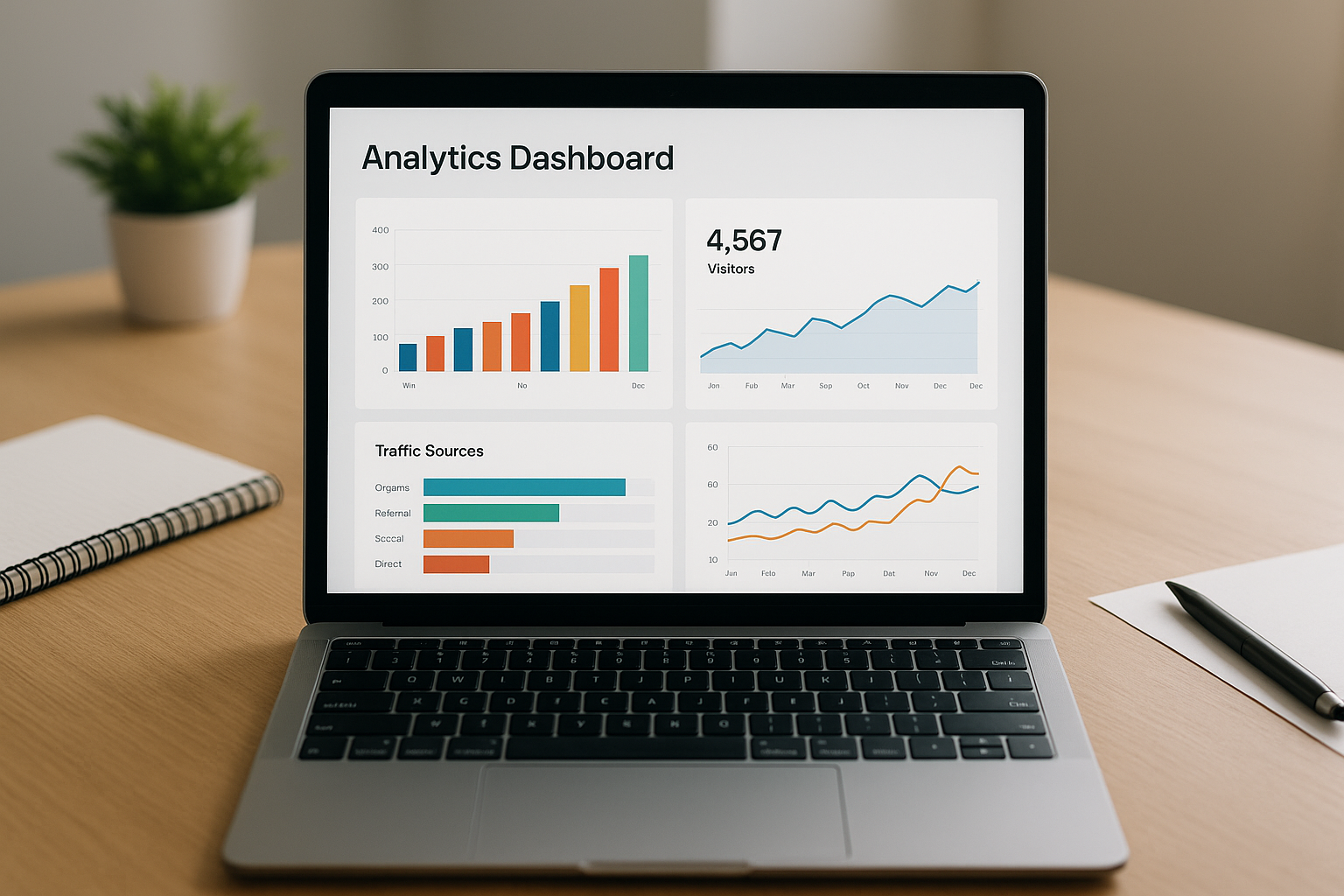
A well-configured analytics dashboard makes it easy to view traffic for a website at a glance.
What Does It Mean to View Traffic for a Website?
Viewing website traffic means accessing measurable data about how users interact with a site. Specifically, this includes the total number of visitors, the pages they browse, the time they spend, and the channels that brought them there. These metrics are collectively called web analytics — the practice of measuring, collecting, and analyzing website data to understand and optimize usage.
There are two main scenarios. First, you may want to view traffic for your own website to measure performance and guide decisions. Second, you may want to estimate traffic for a competitor’s site to benchmark your standing. Both scenarios require different tools, which we will cover in detail below.
Top Tools to Check Website Visitor Data
Fortunately, a wide range of tools exists to help you monitor visitor data accurately. Below are the most trusted options used by marketers and SEO professionals worldwide.
Google Analytics 4 (GA4)
Google Analytics 4 is the industry standard for viewing your own website traffic. It is completely free and provides detailed reports on sessions, users, bounce rate, traffic sources, and goal completions. GA4 also uses machine learning to surface predictive insights, making it valuable for both beginners and advanced users.
Google Search Console
Google Search Console focuses specifically on organic search performance. It shows which queries bring visitors to your pages, how often your site appears in search results (impressions), and how many users click through. Therefore, it is an essential complement to GA4 for any SEO-focused strategy.
Semrush and Ahrefs
Both Semrush and Ahrefs are premium platforms that let you estimate traffic for any website — including competitors. They pull data from keyword rankings, backlink profiles, and click-through models to generate traffic estimates. Additionally, they surface keyword gaps and content opportunities you might otherwise miss.
SimilarWeb
SimilarWeb specializes in competitive intelligence. It estimates total monthly visits, traffic channel breakdown, audience demographics, and top referring sites for virtually any domain. As a result, it is especially useful for benchmarking your site against industry rivals. For a deeper comparison of traffic lookup tools, see our guide on website traffic lookup tools, tips, and tricks.
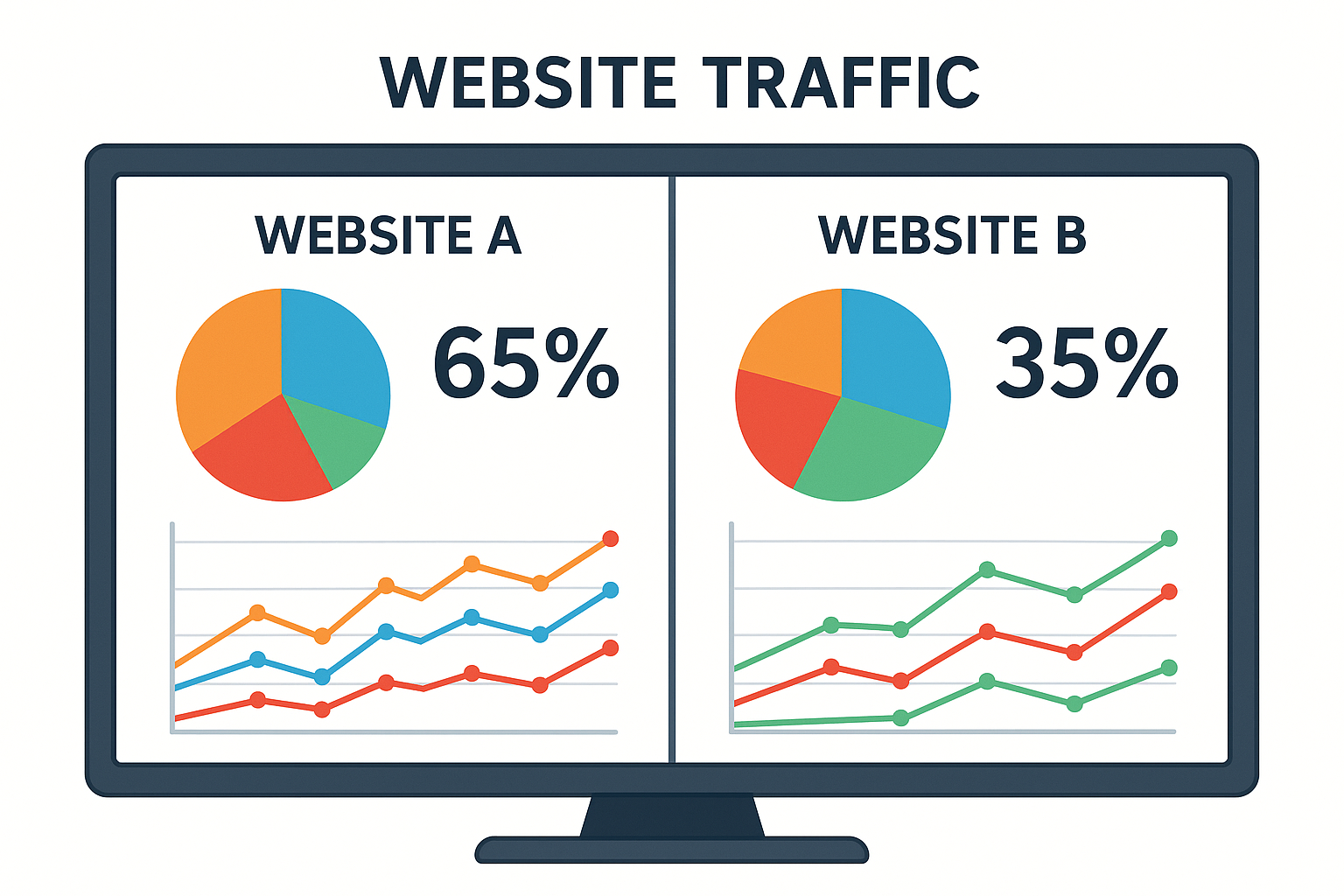
Comparing competitor traffic data helps identify gaps and opportunities in your own SEO strategy.
How to View Traffic for a Website: Step-by-Step
Setting up traffic monitoring does not have to be complicated. Follow these five steps to start tracking your website visitors accurately.
- Create a Google Analytics 4 Account: Visit analytics.google.com, sign in with your Google account, and click “Start measuring.” Follow the prompts to create a GA4 property linked to your website domain.
- Install the Tracking Code: Copy the GA4 measurement ID and embed the tracking snippet on every page of your site. Alternatively, use Google Tag Manager for a cleaner, no-code deployment.
- Verify Data Collection: Open the GA4 Realtime report and visit your site from a separate browser. Confirm that your session appears in the report within seconds to ensure tracking is working correctly.
- Connect Google Search Console: Inside GA4 product settings, link your Search Console property. This unlocks keyword-level organic traffic data directly in your Analytics dashboard for richer SEO insight.
- Analyze Traffic Sources and Key Metrics: Navigate to the Reports section and review Acquisition, Engagement, and Retention panels. Focus on organic, direct, referral, and social traffic channels to understand which sources drive the most value.
For a more comprehensive walkthrough, our resource on how to check web traffic of a website covers every major platform in detail.
Key Traffic Metrics You Should Monitor Regularly
Not all traffic metrics carry equal weight. Consequently, focusing on the right numbers saves time and produces better decisions. Here are the metrics that matter most.
- Sessions: The total number of visits to your site within a given time frame.
- Unique Visitors: The count of individual users, regardless of how many times they visit.
- Traffic Sources: The channels driving visitors — organic search, paid ads, social media, referrals, or direct.
- Bounce Rate: The percentage of visitors who leave after viewing only one page. A high bounce rate often signals a mismatch between content and user intent.
- Average Session Duration: How long visitors spend on your site, indicating content engagement quality.
- Conversion Rate: The share of visitors who complete a desired action, such as signing up or making a purchase.
Why Organic Traffic Matters Most for Long-Term Growth
Organic traffic — visitors who find your site through unpaid search results — is the most sustainable and cost-effective traffic source available. Unlike paid ads, organic traffic does not stop the moment your budget runs out. Moreover, it tends to attract users with high intent who are actively searching for what you offer.
According to BrightEdge research, organic search drives 53% of all website traffic on average. That figure underscores why investing in SEO is not optional — it is essential. For tips on diagnosing drops in organic visits, read our article on 6 reasons your website traffic slowed down.
How AI Search Is Changing Traffic Patterns
The rise of AI-powered search engines is reshaping how traffic flows across the web. Search features like Google’s AI Overviews and answer-engine responses are intercepting clicks before users ever reach a website. As a result, sites that are not optimized for AI-driven search environments risk losing visibility even if their traditional SEO is strong.
Platforms like rankauthority.com address this challenge directly. Through automated Generative Engine Optimization (GEO) and Answer Engine Optimization (AEO), the platform helps businesses maintain and grow their traffic share as search technology evolves. The 1-Click AI AutoPilot feature handles the technical complexity so site owners can focus on their business.

AI-driven search is transforming how traffic reaches websites, making next-generation optimization essential.
How to Track Traffic for Websites You Do Not Own
Competitive analysis is a core part of any growth strategy. Fortunately, several tools let you estimate traffic for any public website. Here is how to approach it effectively.
Start with SimilarWeb for a broad traffic overview, including monthly visits and channel distribution. Then use Semrush or Ahrefs to drill into the specific keywords driving that traffic. Finally, cross-reference findings with Google Trends to validate whether traffic spikes are seasonal or structural. This three-tool approach gives you a well-rounded picture of any competitor’s online performance.
For more techniques on competitive traffic analysis, explore our detailed guide on how to check web traffic using tools, tips, and techniques.
Common Mistakes When Monitoring Website Traffic
Even experienced marketers make avoidable errors when reviewing traffic data. In particular, these three mistakes are most common.
- Ignoring traffic quality: High visitor counts mean little if users bounce immediately. Always pair volume metrics with engagement data.
- Relying on a single tool: No single platform captures the full picture. Use GA4 and Search Console together for your own site, and supplement with third-party tools for competitive research.
- Failing to filter internal traffic: Visits from your own team inflate session counts and distort behavior data. Set up IP exclusion filters in GA4 to keep your data clean.
Additionally, many site owners overlook the impact of page speed on traffic retention. Slow-loading pages increase bounce rates significantly, which in turn signals poor quality to search engines. For practical advice on tracking and improving traffic performance, see our article on how to check website hits and track traffic like a pro.
Frequently Asked Questions
What does it mean to view traffic for a website?
To view traffic for a website means to analyze data showing how many visitors arrive, where they come from, and how they behave on-site. This data helps owners make informed decisions about content, marketing, and SEO strategy.
What is the best free tool to view website traffic?
Google Analytics 4 is widely considered the best free tool for viewing your own website traffic. It provides detailed data on sessions, users, bounce rate, traffic sources, and conversions at no cost.
Can I view traffic for a website I don’t own?
Yes, tools like SimilarWeb, Semrush, and Ahrefs provide estimated traffic data for any public website. However, these are approximations based on panel data and algorithms, not exact figures from the site’s own analytics.
How accurate are third-party website traffic estimators?
Third-party tools provide approximations rather than precise numbers. Accuracy improves for larger sites with more traffic. For smaller sites, estimates may vary significantly from actual analytics data.
What traffic metrics should I focus on?
The most important metrics include total sessions, unique visitors, traffic sources, bounce rate, average session duration, and conversion rate. Together, these metrics paint a complete picture of site performance.
How often should I check my website traffic?
Most site owners benefit from weekly traffic reviews, with a deeper monthly analysis. Daily checks are useful during campaigns or after major content updates to catch issues quickly.
What is organic traffic and why does it matter?
Organic traffic refers to visitors who arrive via unpaid search engine results. It matters because it reflects your SEO effectiveness and tends to bring highly relevant, cost-efficient visitors compared to paid channels.
How do I set up Google Analytics to view my website traffic?
Create a Google Analytics 4 account, add your website as a property, and install the tracking code or use Google Tag Manager. Once set up, data begins flowing within 24 to 48 hours.
What is the difference between sessions and pageviews?
A session is a single visit to your website, during which a user may view multiple pages. Pageviews count every individual page load, so one session can include several pageviews.
Can viewing competitor traffic improve my SEO strategy?
Absolutely. Analyzing competitor traffic reveals which keywords and content types drive their visitors. You can use these insights to identify content gaps and opportunities to outrank them in search results.
Why did my website traffic suddenly drop?
Traffic drops can result from Google algorithm updates, technical issues like broken pages, lost backlinks, or seasonal trends. Running a site audit and checking Google Search Console for manual actions helps diagnose the cause.
Is Google Search Console different from Google Analytics for traffic data?
Yes. Google Search Console focuses on search performance data such as impressions, clicks, and keyword rankings. Google Analytics tracks on-site behavior like sessions, bounce rate, and conversions. Using both together gives a complete view.
Conclusion
Knowing how to view traffic for a website is no longer a nice-to-have skill — it is a fundamental requirement for anyone serious about growing their online presence. From setting up Google Analytics 4 and connecting Search Console to using competitive tools like Semrush and SimilarWeb, the right combination of platforms gives you a complete, actionable picture of your audience. Moreover, as AI-powered search continues to reshape how users discover content, staying ahead requires not just monitoring traffic but actively optimizing for the next generation of search engines. Start with the steps and tools outlined here, track your metrics consistently, and use those insights to make smarter decisions every week.

