

When you crawl websites — a process where automated software systematically browses every accessible page of a site, following links and collecting data — you unlock one of the most powerful diagnostics in SEO. Whether you’re auditing your own domain or researching competitor structure, understanding how to crawl websites correctly is a foundational technical skill.
Quick Answer: To crawl websites means to use an automated program that visits pages, reads their content, and follows internal links — replicating what search engine bots do. SEO professionals use this process to identify broken links, duplicate content, missing metadata, and crawl budget waste across an entire site.
What Does It Mean to Crawl Websites?
A web crawler (also called a spider or bot) is an automated program that navigates the web by starting at a seed URL, reading the page’s content, extracting all hyperlinks, and then visiting each of those linked pages in turn. This recursive process continues until the crawler has visited every reachable page within the defined scope — or until it hits a limit you set.
Search engines like Google use their own crawlers (Googlebot) to discover and index content across the entire web. According to Wikipedia’s entry on web crawlers, these programs are a fundamental component of search engine infrastructure, responsible for keeping search indexes current and comprehensive.
For SEO professionals, the ability to crawl websites with dedicated tools means you can see your site exactly as Googlebot sees it — exposing technical problems invisible to the naked eye.

A web crawler follows links between pages much like a visitor would — but at machine speed and scale, making it ideal to crawl websites for SEO audits.
Why SEO Professionals Crawl Websites
Running a site crawl is the fastest way to get a complete picture of a website’s technical health. Here are the most critical reasons to make crawling a regular part of your workflow:
- Detect broken links (404 errors): Crawlers instantly surface every internal and external link returning an error, helping you fix broken user journeys and preserve link equity.
- Find duplicate content: Identical or near-identical pages dilute ranking signals. A crawl reveals duplicate titles, descriptions, and body content across your domain.
- Audit metadata: Missing or overlong title tags, absent meta descriptions, and duplicate H1s are all flagged in a single crawl report.
- Map redirect chains: Multiple hops in a redirect sequence waste crawl budget and dilute PageRank. Crawlers trace every redirect path.
- Analyze site architecture: See how many clicks it takes to reach any page from the homepage, identifying orphan pages and deep content buried from crawlers.
- Optimize crawl budget: Identify pages blocked by robots.txt, noindex tags, or canonicals that may be confusing Googlebot and wasting your crawl allocation.
The Best Tools to Crawl Websites in 2025
Choosing the right tool depends on your site size, budget, and the depth of analysis you need. Below are the leading options trusted by SEO professionals worldwide.
🕷️ Screaming Frog SEO Spider
The industry standard desktop crawler. Free for up to 500 URLs; the paid version handles millions of pages. Exports to Google Sheets, integrates with Google Analytics, and provides granular data on every element of your pages.
📊 Sitebulb
A powerful visual crawler that presents data in intuitive charts and prioritized hints. Excellent for client reporting and understanding site architecture at a glance. Available as desktop or cloud-based.
🔍 Ahrefs Site Audit
A cloud-based crawler integrated into the full Ahrefs suite. Schedules automatic recrawls, scores your overall site health, and connects crawl data directly to backlink and keyword data for a complete SEO picture.
🛠️ Google Search Console
While not a traditional crawler, Google Search Console’s Coverage and URL Inspection reports show exactly how Googlebot has crawled and indexed your site — invaluable for diagnosing indexing issues directly from the source.

Modern tools make it straightforward to crawl websites and turn raw data into actionable SEO improvements.
How to Crawl Websites: Step-by-Step
Follow this proven process to run a thorough site crawl and extract maximum value from your results.
Choose a Web Crawling Tool
Match the tool to your needs. For a small site under 500 pages, Screaming Frog’s free tier is sufficient. For enterprise-level audits or automated scheduling, consider Ahrefs Site Audit or Sitebulb Cloud.
Enter the Target URL
Input the root domain (e.g., https://example.com) to crawl the entire site, or a specific subfolder to audit a section. Always use the canonical version of your domain — with or without www, HTTP or HTTPS — consistently.
Configure Crawl Settings
Set your crawl depth (how many link levels from the homepage), crawl speed (requests per second — be respectful of server load), and user agent (simulate Googlebot for the most realistic results). Exclude any URL patterns you don’t need, such as admin pages or print versions.
Run the Crawl and Collect Data
Start the crawl and let the tool work. Crawl time varies from seconds (small sites) to hours (large e-commerce sites with tens of thousands of pages). Avoid interrupting mid-crawl to ensure complete data.
Analyze Results and Fix Issues
Sort issues by severity. Prioritize 4xx errors, redirect chains, missing title tags, and pages blocked from indexing. Export your data to a spreadsheet and build a prioritized fix list, assigning owners and deadlines for each issue.
Understanding Crawl Budget
Crawl budget is one of the most misunderstood concepts in technical SEO. It refers to the number of pages Googlebot will crawl on your site within a set period. For small sites (under a few thousand pages), crawl budget is rarely a concern. For large sites — e-commerce platforms, news publishers, or any site with millions of URLs — it becomes critical.
Wasted crawl budget occurs when Googlebot spends time on low-value pages: infinite scroll parameters, session ID URLs, faceted navigation combinations, or thin content pages. By running a crawl and identifying these URL patterns, you can block them via robots.txt or noindex tags, freeing Googlebot to focus on your revenue-generating content.
💡 Pro Tip: After crawling your site, compare the list of crawled URLs against your Google Search Console Coverage report. Pages that are crawled but not indexed — or indexed but not crawled recently — reveal critical signals about how Google values your content.
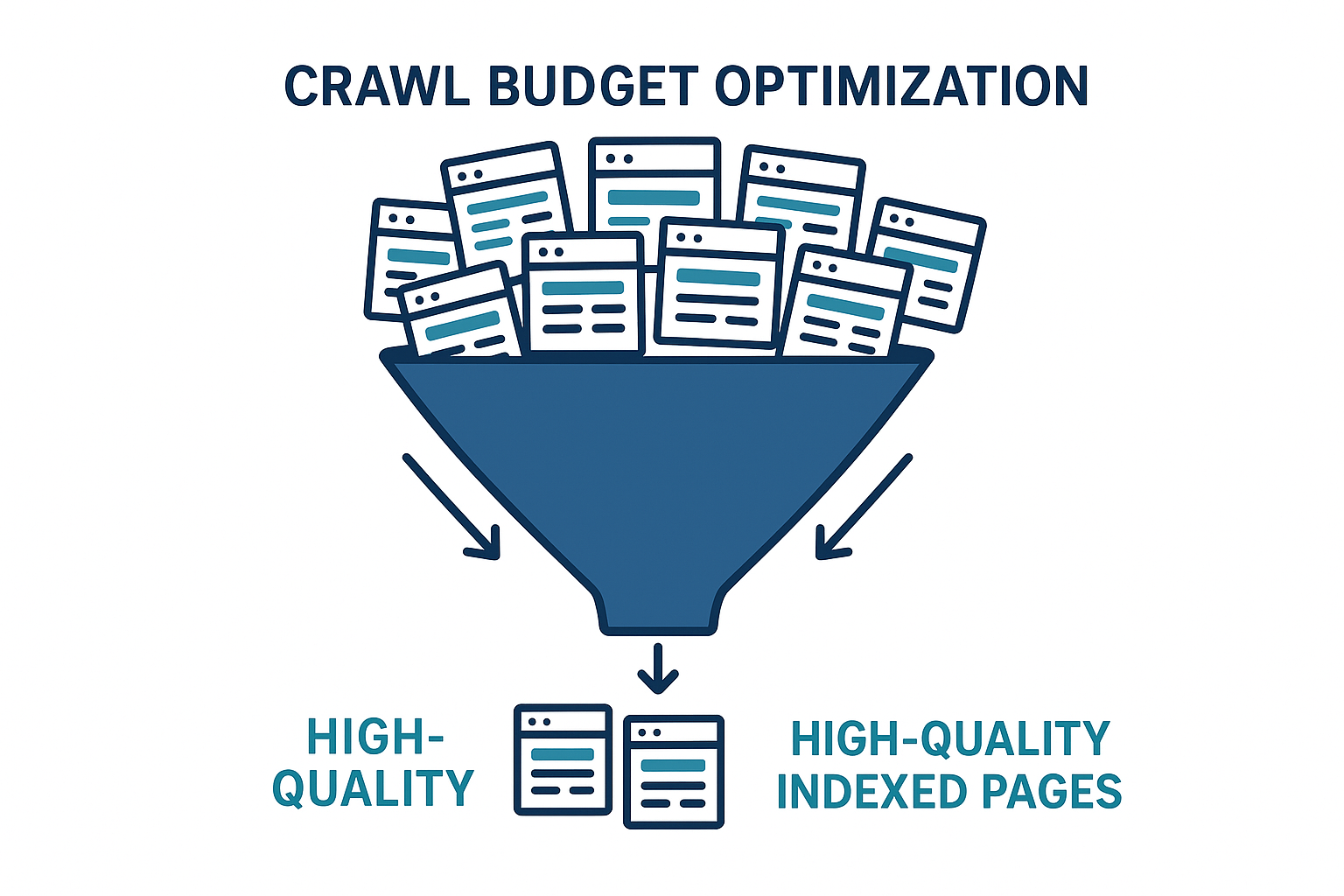
Crawl budget optimization ensures that when search engines crawl websites, they prioritize your most valuable pages.
Legal and Ethical Considerations
Crawling your own websites is always permissible and encouraged. When crawling third-party sites, however, you must respect several boundaries:
- Respect robots.txt: The robots.txt file is a site’s formal instruction to crawlers. Always check and honor it.
- Review terms of service: Many sites explicitly prohibit automated scraping in their ToS. Violating these can result in IP bans or legal action.
- Limit request rate: Hammering a server with thousands of rapid requests can constitute a denial-of-service attack. Keep your crawl speed low and polite.
- Use crawl data responsibly: Data collected from crawling should be used for analysis, not republished or used to scrape proprietary content.
Frequently Asked Questions
How often should I crawl websites I manage?
For active sites publishing new content regularly, a monthly crawl is the minimum. After major site migrations, redesigns, or CMS updates, crawl immediately to catch any newly introduced issues. Large e-commerce sites benefit from weekly automated crawls.
Can I crawl websites for free?
Yes. Screaming Frog’s free version crawls up to 500 URLs at no cost. For larger sites, paid plans start from around $259/year. Open-source options like Scrapy also exist for developers comfortable with Python.
What is the difference between crawling and indexing?
Crawling is the act of discovering and reading pages. Indexing is the decision to store and rank those pages in a search engine’s database. A page can be crawled but not indexed (e.g., if it has a noindex tag), and a page can be indexed without being recently crawled (using cached data).
Is it legal to crawl websites I don’t own?
It depends on the site’s robots.txt, terms of service, and local laws. For competitive SEO research using tools like Ahrefs or Semrush, the crawling is done by the tool provider within their own legal framework. Direct crawling of third-party sites requires careful legal review.
Conclusion: Make Crawling a Core SEO Habit
The ability to crawl websites systematically is one of the highest-leverage skills in technical SEO. A single crawl can surface dozens of issues — broken links, redirect chains, duplicate content, orphan pages — that silently erode your rankings every day. By running regular crawls and acting on the data, you ensure your site is always in the best possible shape for both users and search engines.
For deeper guidance on technical SEO strategy, site audits, and crawl optimization, Rank Authority provides expert resources and actionable frameworks to help you rank with confidence.
For a deeper walkthrough, see our Historical Page Data and AMP: SEO.
Start with a free crawl of your own domain today — the data will surprise you.

